Install Xfce Terminal Install XFCE 4 10 Desktop In Ubuntu 13 04 12 10 12 04 Linux Mint And Install Xfce On Windows Forum Casio Linux Oui Mais Lequel Par Legolas Plan te Casio Install Xfce Desktop On Ubuntu 18 04 Bionic Beaver Linux LinuxConfig Testing xfce test Xfce Wiki Web Feb 8 2023 nbsp 0183 32 Download Most distributions ship with Xfce in their own packaging format but if you want a newer version or you want to build Xfce from scratch you can find the
Web Jan 18 2024 nbsp 0183 32 1 Open Terminal 2 Update Package List 3 Install XFCE Package 4 Additional Packages Optional 5 Log Out or Restart 6 Choose XFCE on Login 7 Web Terminal emulates the xterm application developed by the X Consortium In turn the xterm application emulates the DEC VT102 terminal and also supports the DEC VT220 escape
Testing xfce test Xfce Wiki Multiplexing The XFCE Terminal Emulator Install XFCE Desktop On Debian 9 Stretch Xfce s Apps Update For May 2022 New Releases Of Xfce Terminal Panel Xfce Terminal 1 0 Stable Release Is Out Full Of Improvements Install XFCE Desktop Environment On Ubuntu Linux Mint Technology How To Install Xfce In Ubuntu It s All About Linux How To Install Xfce GUI In CentOS 7 Linux Xfce Terminal 1 0 0 Is A Feature Packed Major Upgrade After A Year
Install Xfce Terminal
 Install Xfce Terminal
http://3.bp.blogspot.com/-UIhD9nIfLT4/UdhRDZO9NgI/AAAAAAAADzo/UYlT5Rs3n0s/s1000/xfce-1.jpg
Web Dec 24 2020 nbsp 0183 32 Open terminal from your system application launcher When it opens run command to add the PPA for sudo prompts and hit Enter to continue 2 For XUbuntu and Linux Mint Xfce Edition install available
Pre-crafted templates use a time-saving option for producing a diverse series of files and files. These pre-designed formats and designs can be used for different personal and expert jobs, including resumes, invites, leaflets, newsletters, reports, presentations, and more, improving the content production procedure.
Install Xfce Terminal

Xfce Terminal Modern Terminal Emulator LinuxLinks
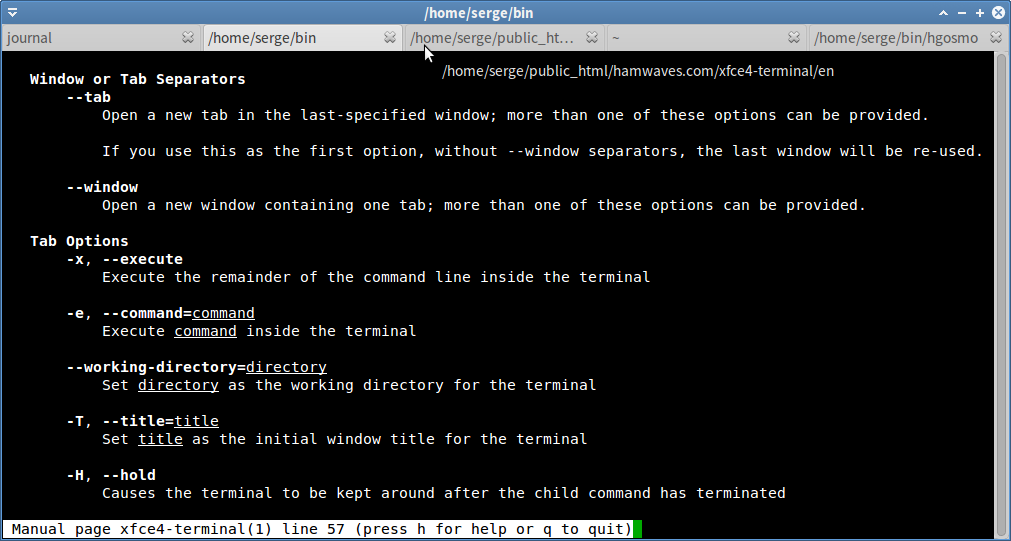
Multiplexing The XFCE Terminal Emulator
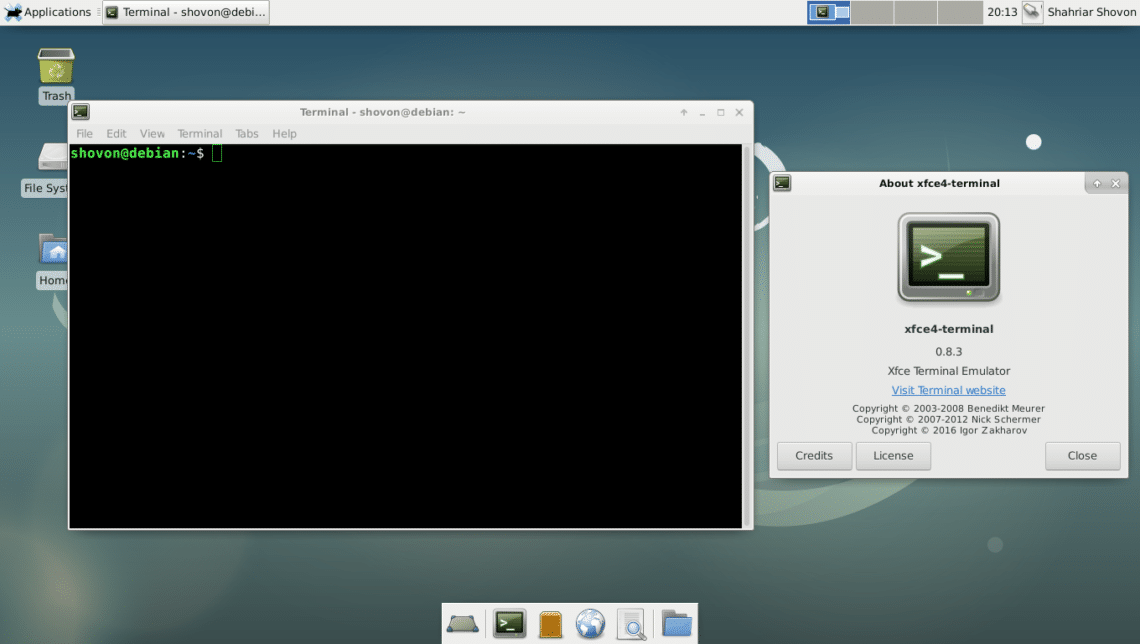
Install XFCE Desktop On Debian 9 Stretch

Xfce s Apps Update For May 2022 New Releases Of Xfce Terminal Panel

Install XFCE Desktop Environment On Ubuntu Linux Mint Technology

How To Install Xfce In Ubuntu It s All About Linux

Web Feb 8 2021 nbsp 0183 32 Introduction to Terminal What is a terminal emulator and what makes the Xfce terminal emulator special Getting Started Working for the first time with the Xfce

Web Mar 28 2012 nbsp 0183 32 xfce can be installed from the terminal by default using the following command sudo apt get install xfce4 And to install the goodies extra programs
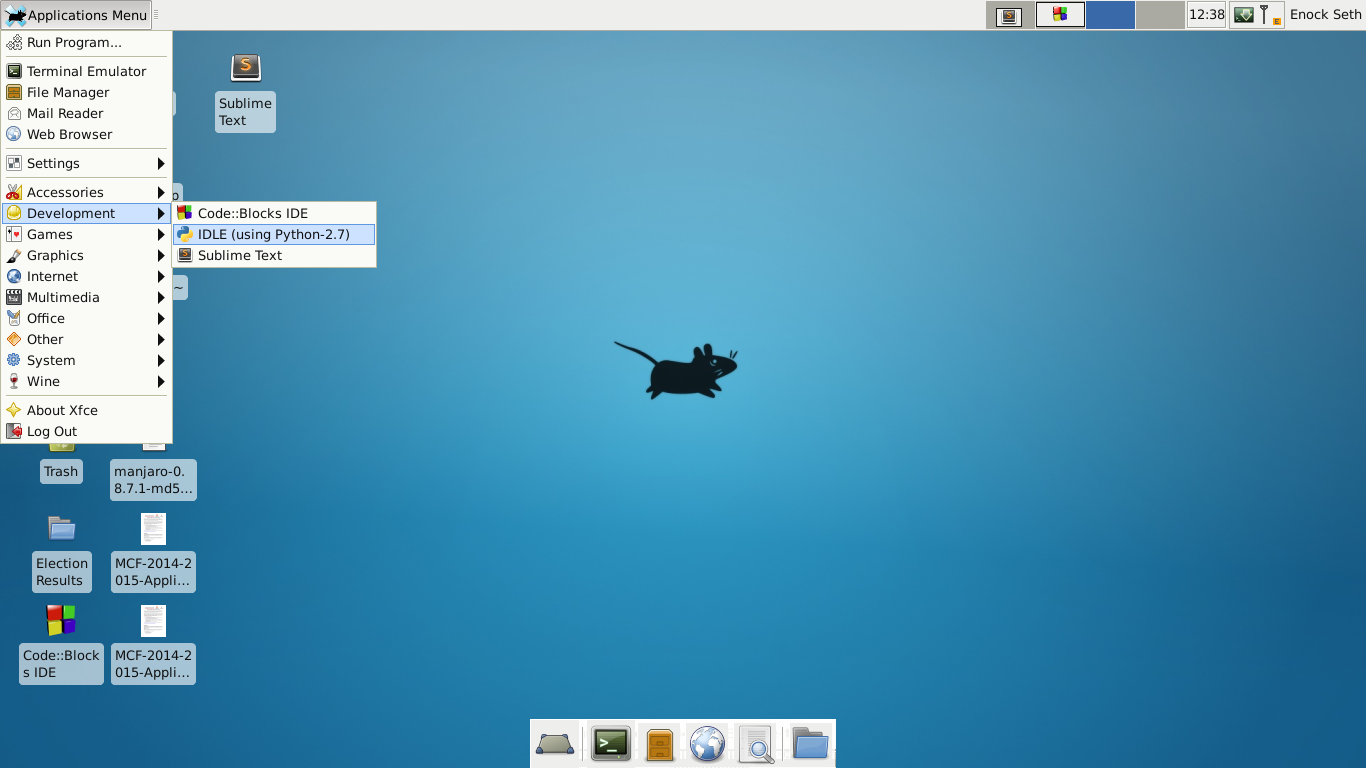
Web Apr 15 2023 nbsp 0183 32 There are two ways you can use Xfce desktop on Ubuntu Either you just install the Xfce desktop xfce4 package or you install the Xubuntu desktop xubuntu

Web The easiest way to start Xfce Terminal is to use the applications menu of your desktop for Xfce point your mouse cursor to the desktop press the right mouse button and
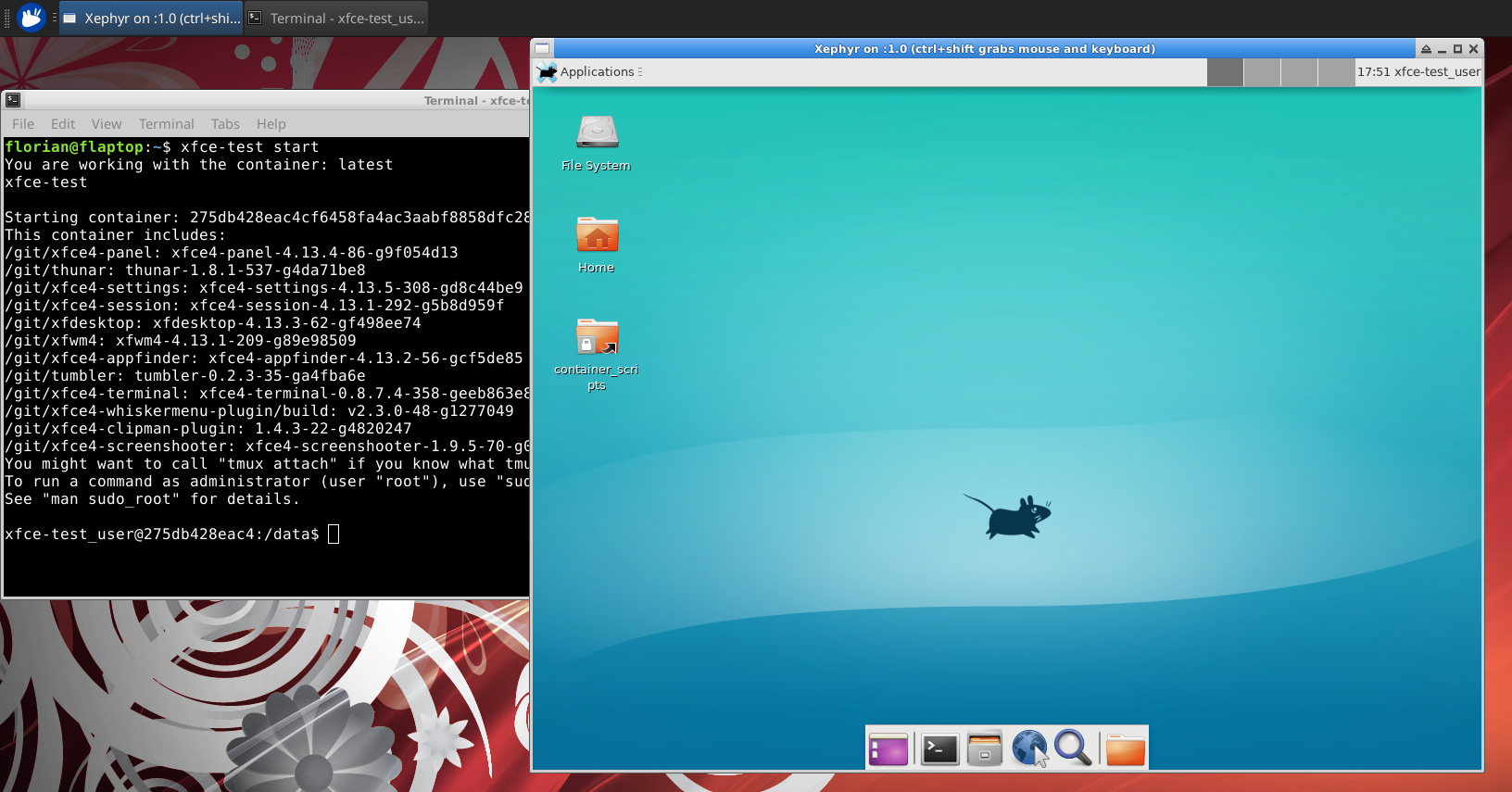
Web Installation The Xfce project officially only releases source code for the desktop environment However binary packages may have been contributed by other people for your OS or distribution Here some links
Web Feb 15 2021 nbsp 0183 32 To start the installation of XFCE on your OpenSUSE Linux desktop open up a terminal window To open up a terminal window press Ctrl Alt T on the Web Dec 31 2023 nbsp 0183 32 Ubuntu offers two different ways to install the XFCE on Ubuntu 22 04 i e apt and the tasksel The tasksel contains the set of tasks including XFCE to install that
Web Mar 9 2016 nbsp 0183 32 1 Add a comment 1 Answer Sorted by 5 Two commands required xwmconfig to select your window manager startx to start x Perform both of these