Install Xfce Debian Minimal How To Install Debian 11 Minimal Server FOSS Linux How To Install Xfce GUI In CentOS 7 Linux Xfce Debian Conky By Elavdeveloper On DeviantArt How To Install XFCE On Ubuntu Server RaspberryTips How To Install Xfce In Ubuntu It s All About Linux Download the installation file again To install Chrome again use the new file If the installation still isn t working use an offline installer Computers with multiple user accounts Computers
pip install conda install anaconda prompt pip install conda install 1 098 To fix most issues with your search engine pop ups or Chrome updates uninstall and reinstall Chrome On your iPhone or iPad learn how to make Chrome your default browser Learn how
How To Install Xfce In Ubuntu It s All About Linux Como He Personalizando Mi Debian 10 Con Xfce 4 12 How To Install XFCE Desktop In Debian 11 R00t4bl3 XFCE Qu Es Y C mo Se Instala Sobre DEBIAN 10 Y MX Linux 19 Desde GitHub Coonrad Debian Xfce4 Minimal Install Debian Minimal Xfce How To Install Xfce Desktop On Debian 7 Wheezy BinaryTides Debian Minimal Install Guide Step By Step Debian XFCE4 Xubuntuzado Debian Xfce
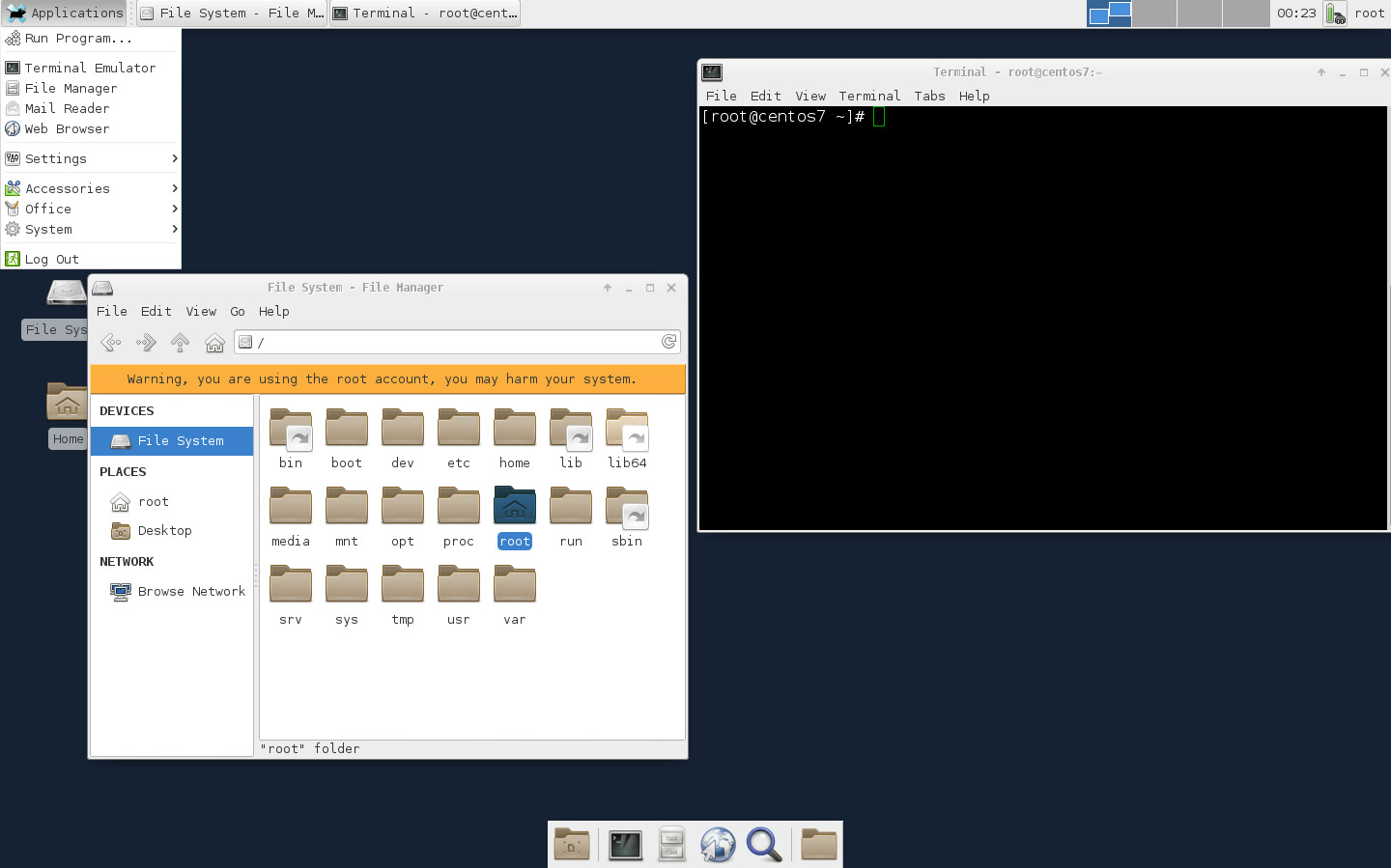
Install Xfce Debian Minimal
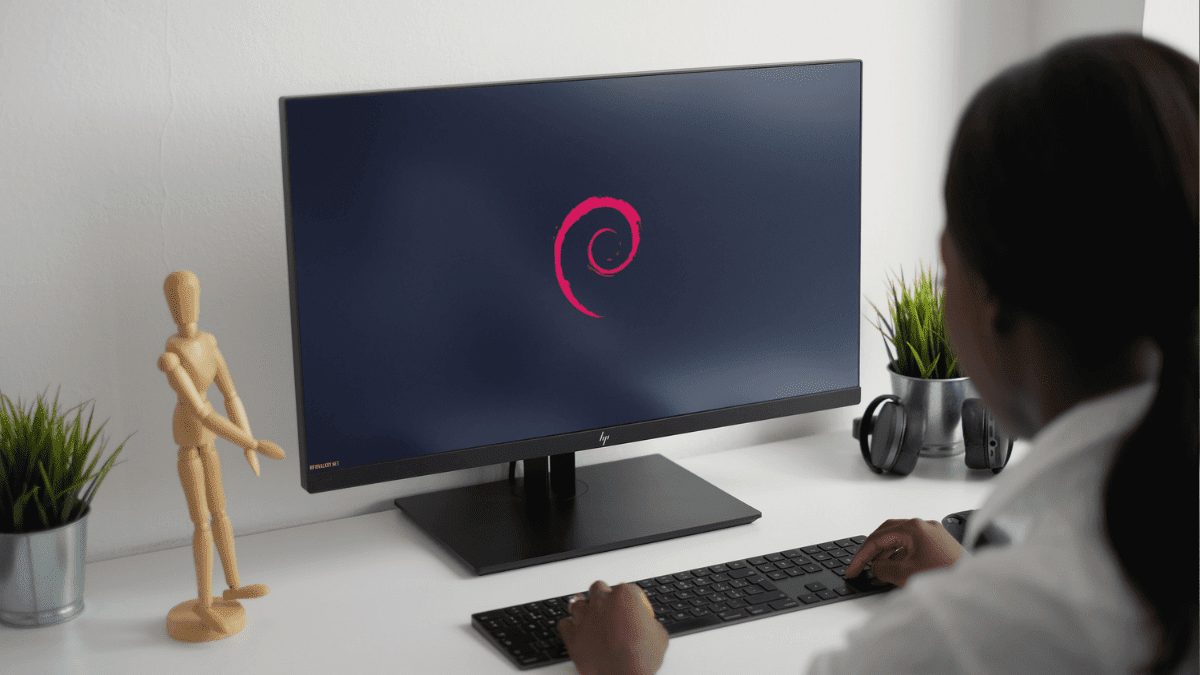 Install Xfce Debian Minimal
https://www.fosslinux.com/wp-content/uploads/2022/01/Install-Debian-minimal-server.png
Download the YouTube app for a richer viewing experience on your smartphone
Pre-crafted templates provide a time-saving option for developing a varied variety of documents and files. These pre-designed formats and designs can be utilized for numerous personal and expert jobs, including resumes, invites, leaflets, newsletters, reports, presentations, and more, enhancing the content development procedure.
Install Xfce Debian Minimal
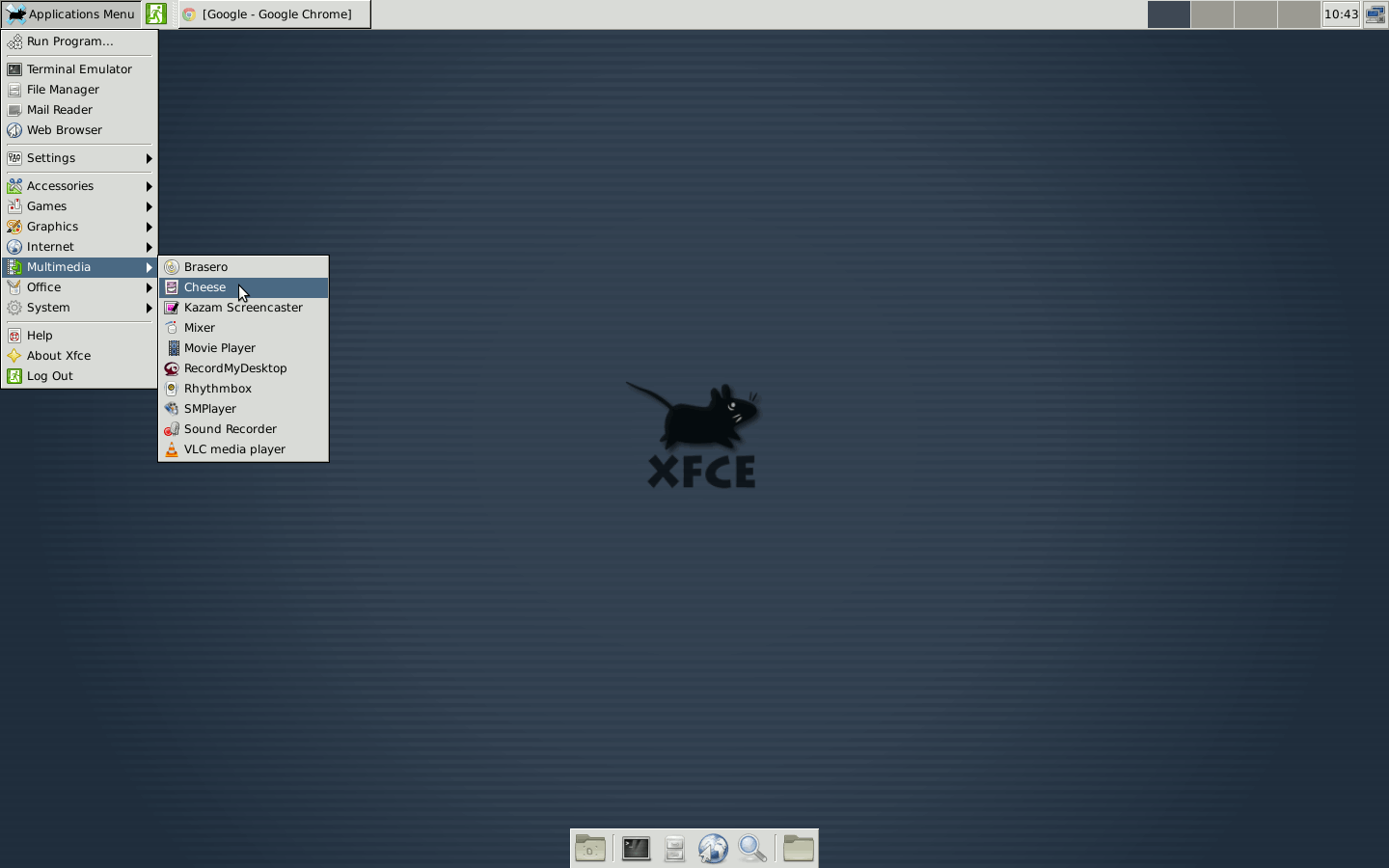
How To Install XFCE On Ubuntu 12 04 SUDOBITS Blog

Como He Personalizando Mi Debian 10 Con Xfce 4 12

How To Install XFCE Desktop In Debian 11 R00t4bl3

XFCE Qu Es Y C mo Se Instala Sobre DEBIAN 10 Y MX Linux 19 Desde
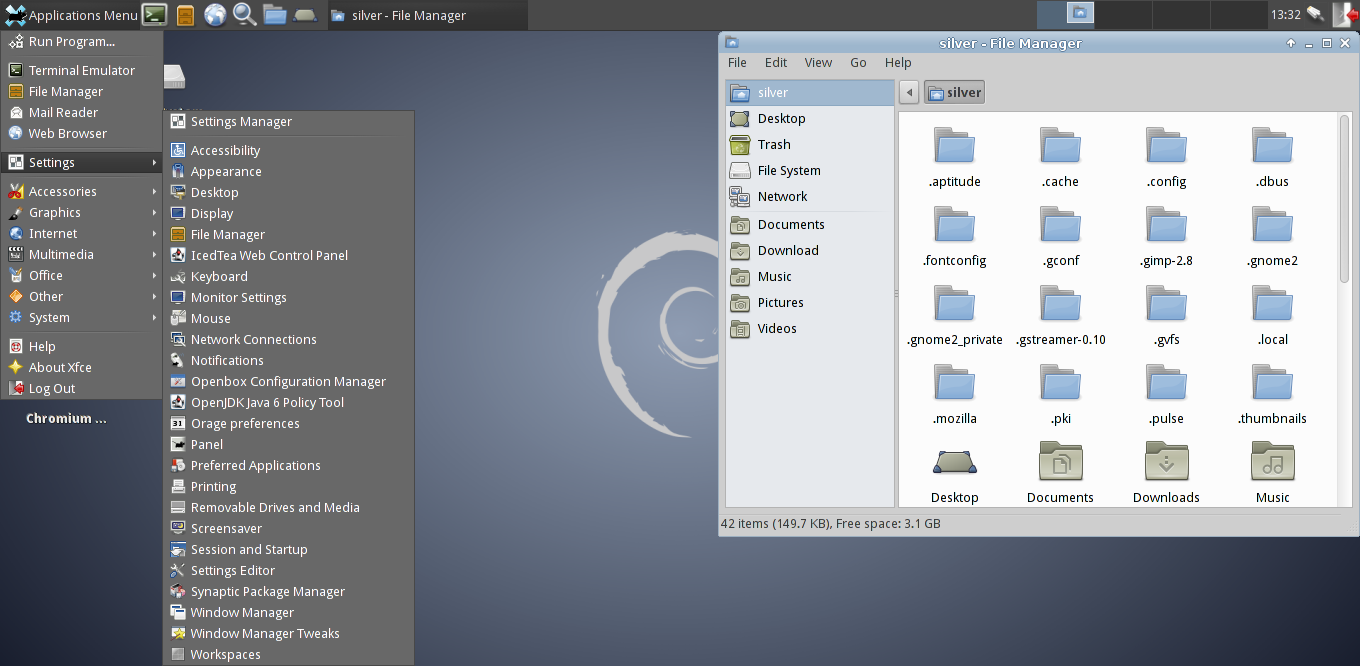
How To Install Xfce Desktop On Debian 7 Wheezy BinaryTides
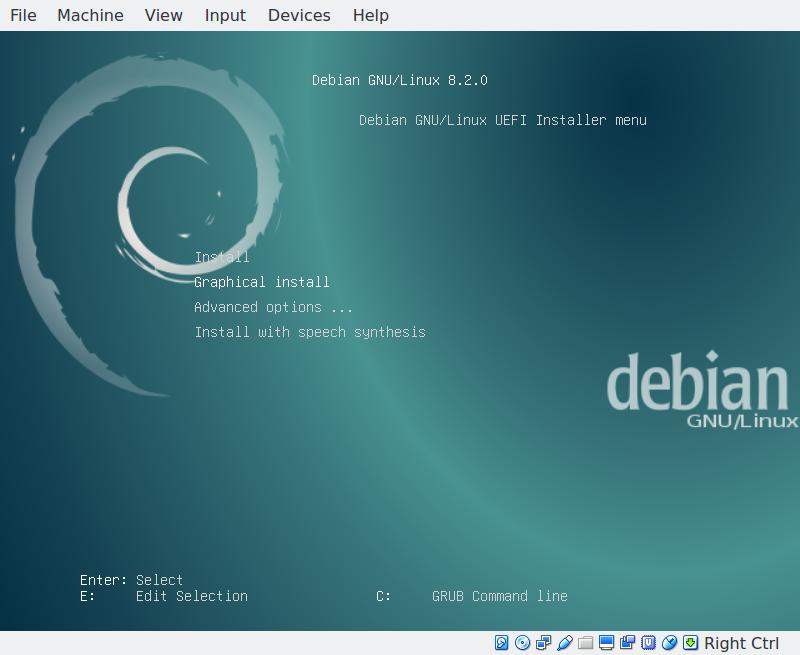
Debian Minimal Install Guide Step By Step
You can download and install the Chrome web browser at no charge and use it to browse the web
Official Google Chrome Help Center where you can find tips and tutorials on using Google Chrome and other answers to frequently asked questions

When you install Drive for desktop on your computer it creates a drive in My Computer or a location in Finder named Google Drive All of your Drive files appear here

You can download and install the Chrome web browser at no charge and use it to browse the web

Install and set up Drive for desktop Install amp set up Drive for desktop for Windows Important Before you start check that your operating system is compatible with Drive for desktop Tip If
[desc-11] [desc-12]
[desc-13]