Install Wsl Kali Win-KeX | Kali Linux Documentation Win-KeX | Kali Linux Documentation Win-KeX | Kali Linux Documentation Kali Linux On Windows 10 Official - WSL - Installation & Configuration - YouTube Linux on Windows: WSL with Desktop Environment via RDP - DEV Community 👩💻👨💻 This guidepost will show you how to install the Windows Subsystem for Linux WSL2 on Windows 10 with the Kali Linux At present WSL has two version WSL1 and WSL2 Read this full article at Trend Oceans Prev How to use Red Hat Insights to maintain your Linux systems
Getting Started As with other Linux distros you can now download Kali Linux from the Windows Store If this is your first time using WSL be sure to enable the optional Windows feature before getting the Kali Linux app by following these installation instructions Once you have Kali Linux installed go ahead and launch the application In this video you will discover how to install and set up Kali Linux in windows 11 with GUI and using WSL2 Enjoy the Video Timestamps 00 00 Intro 00 2
Linux on Windows: WSL with Desktop Environment via RDP - DEV Community 👩💻👨💻 Kali Linux unter Windows (WSL2) im Grafikmodus | kofler.info How to install Kali Linux with GUI on WSL Windows 10 -H2S Media How To Install Kali Linux On Windows 10 WSL 2 Kali Linux Desktop on Windows Subsystem for Linux Kali Linux gets a GUI desktop in Windows Subsystem for Linux How to install WSL2 (Windows Subsystem for Linux 2) on Windows 10 - Pureinfotech Hands-On with WSL: Installing Kali Linux -- Virtualization Review How to Install Windows Subsystem for Linux in Windows 11 | Tom's Hardware
Install Wsl Kali
 Install Wsl Kali
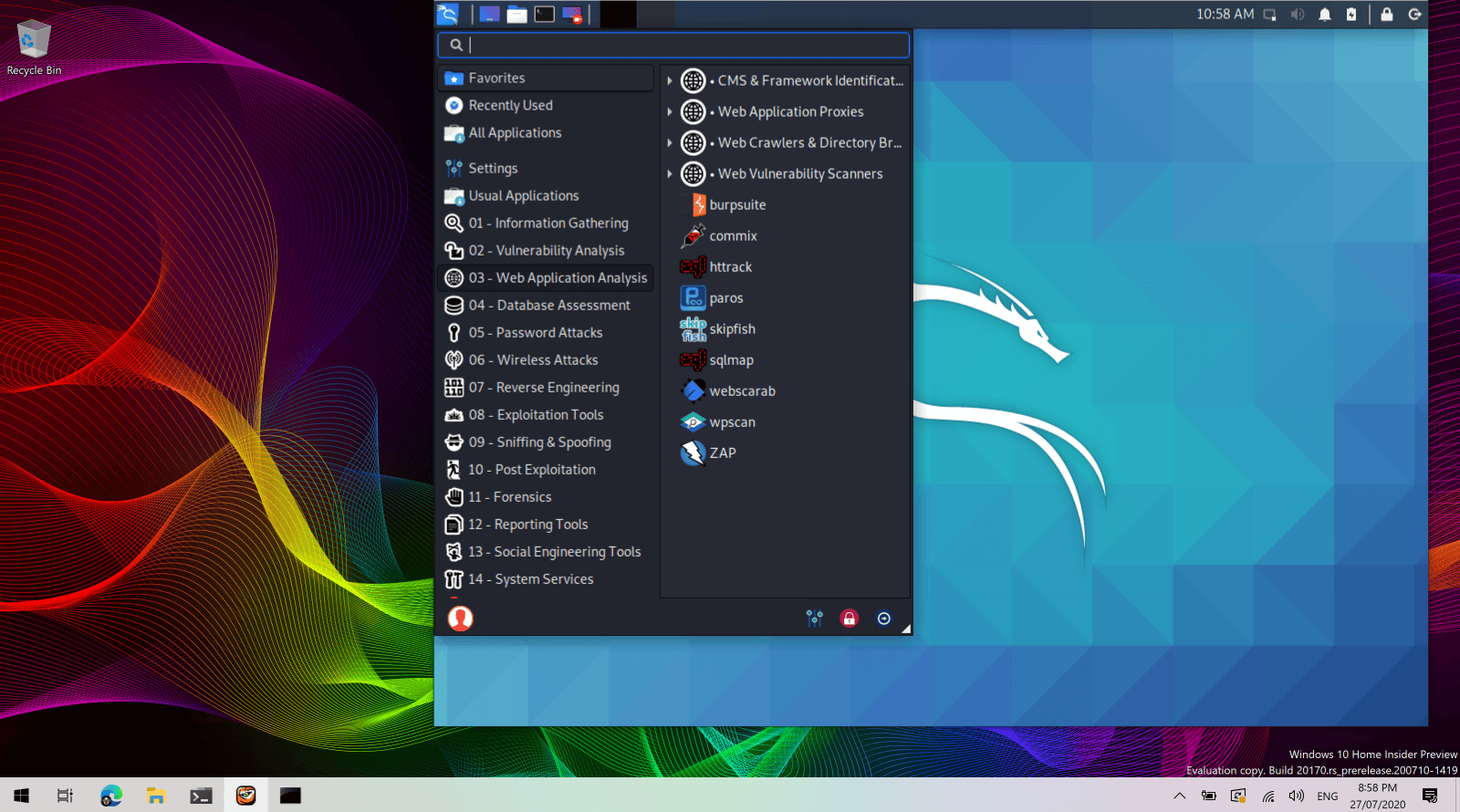
https://www.kali.org/docs/wsl/win-kex/win-kex-thelot.png
Shop the NetworkChuck store Install Kali Linux on Windows 10 in under 5 minutes full tutorial using WSL 2 Windows Subsystem for Linux 2 Support NetworkChuck https bit ly join n
Templates are pre-designed files or files that can be utilized for various functions. They can save effort and time by supplying a ready-made format and layout for creating various kinds of material. Templates can be utilized for individual or expert projects, such as resumes, invitations, leaflets, newsletters, reports, discussions, and more.
Install Wsl Kali
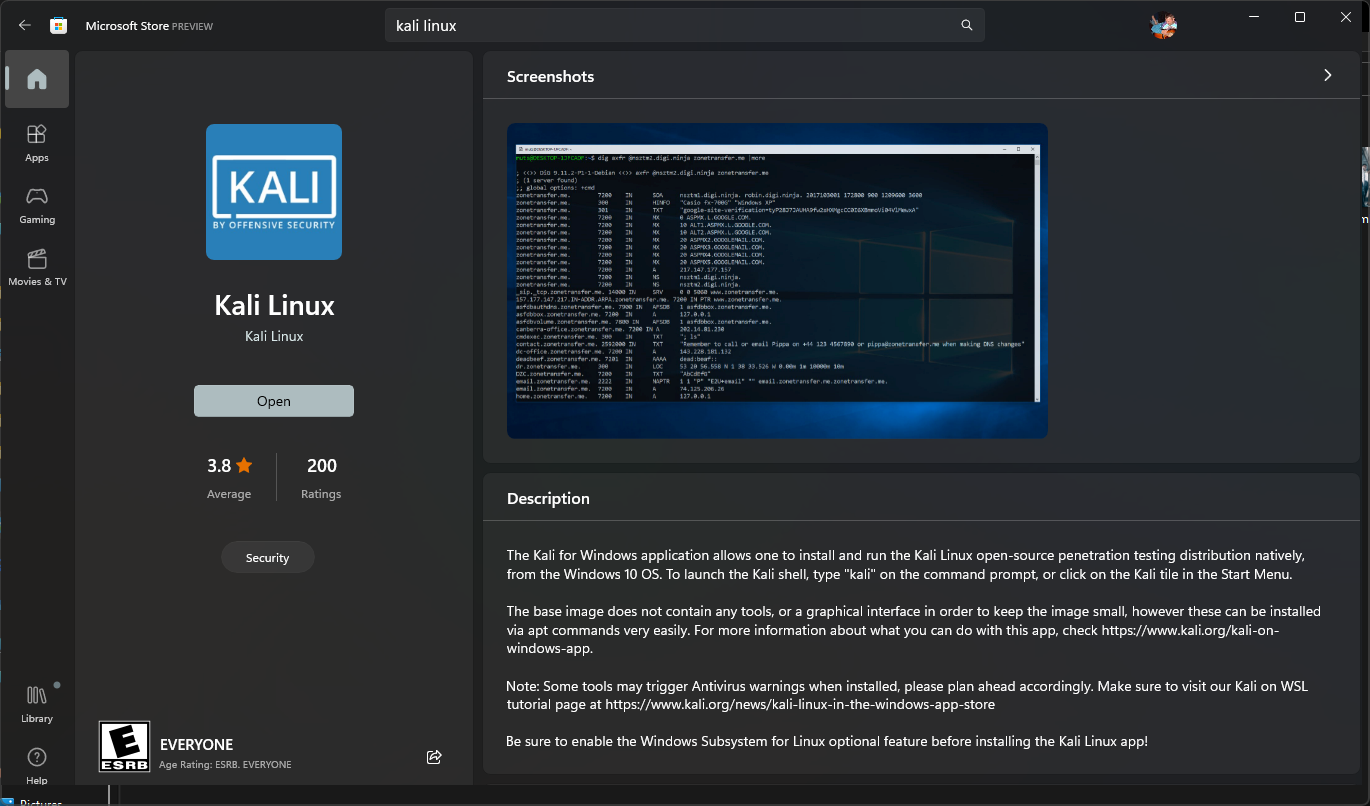
Kali Linux Desktop on Windows Subsystem for Linux

Kali Linux unter Windows (WSL2) im Grafikmodus | kofler.info
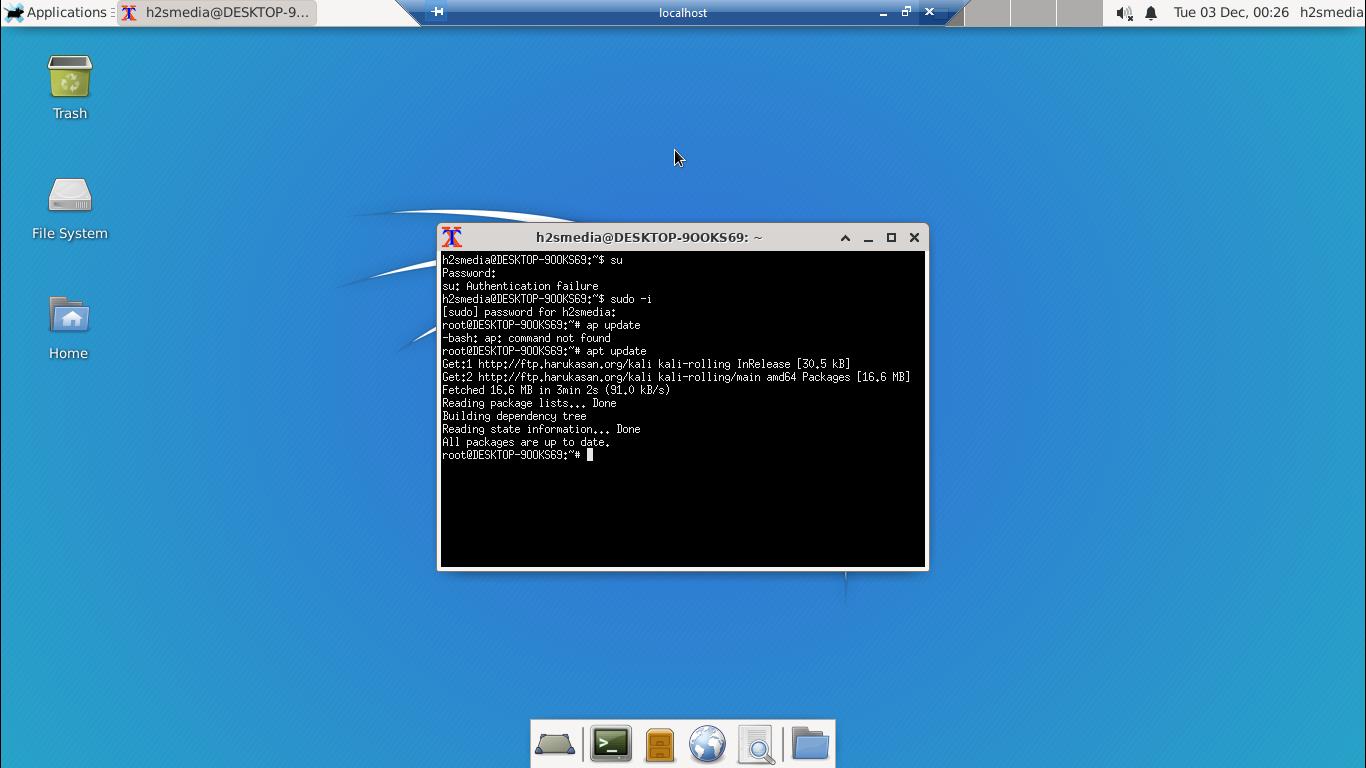
How to install Kali Linux with GUI on WSL Windows 10 -H2S Media

How To Install Kali Linux On Windows 10 WSL 2
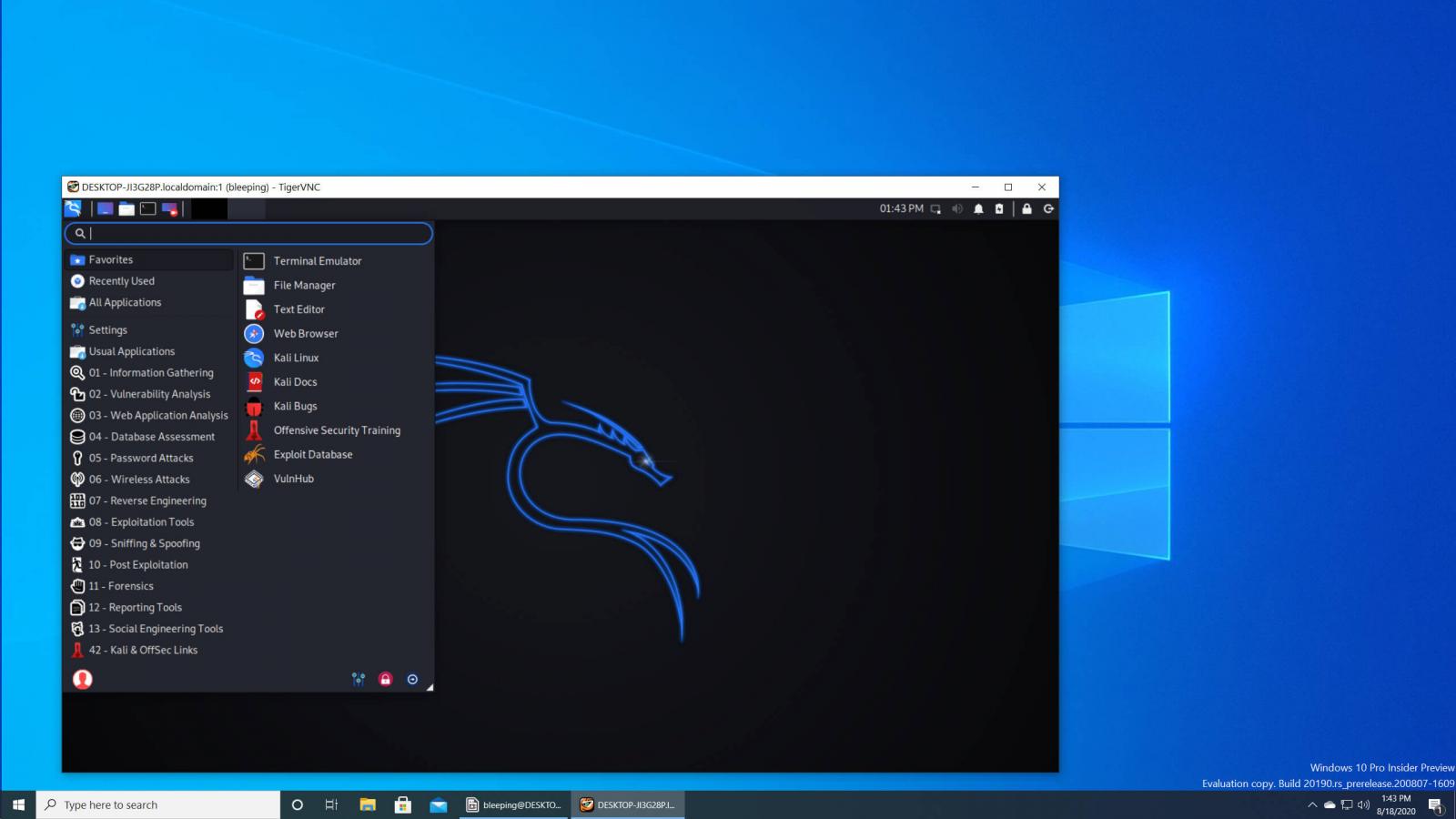
Kali Linux gets a GUI desktop in Windows Subsystem for Linux

How to install WSL2 (Windows Subsystem for Linux 2) on Windows 10 - Pureinfotech

Open PowerShell or Windows Command Prompt in administrator mode by right clicking and selecting Run as administrator enter the wsl install command then restart your machine PowerShell wsl install This command will enable the features necessary to run WSL and install the Ubuntu distribution of Linux
To install Kali Linux on Windows 10 Using PowerShell WSL open the PowerShell as an administrator and execute the provided command wsl install distribution kali linux

How to Install Kali Linux on Windows 11 using WSL Published on August 30 2023 by James Kiarie In this post we will show you how to install Kali Linux on Windows 11 using WSL A while back running a virtual machine was the only way of running another operating system such as Linux inside Windows

To install Kali Linux in Windows you should be running either Windows 10 or Windows 11 Please read our article on how to set up WSL 2 and install Linux distributions in Windows for a quick overview of the requirements and initial setup Install Kali on Windows 11 and Some Windows 10 Machines

How to use Kali Linux in Windows with WSL 2 Read Courses The Windows Subsystem for Linux lets developers run a GNU Linux environment including most command line tools etc direct on Windows unmodified without the overhead of an ordinary virtual machine or dual boot system Uses of WSL
Once WSL is installed install Kali Linux from the Microsoft Store but do not launch it yet After installing Kali Linux launch it and follow the initial setup prompts to create a new user and To install Kali GNU Linux Rolling for Windows Subsystem for Linux Install run the following command from the command line or from PowerShell Install wsl kalilinux win chocolatey name wsl kalilinux version 2018 3 source INTERNAL REPO URL state present See docs at https
Step 1 Check the Latest Version of Windows Step 2 Enable WSL2 on Windows Step 3 Set WSL version to WSL2 Install and Run Kali Linux on WSL2 Troubleshooting Wrap up What is WSL2 on Windows 10 11 Before jumping to the installation part first understand What is the WSL