Install Wsl 2 For Docker Installing Docker Desktop for Windows and WSL 2 Erste Schritte mit Docker-Containern auf WSL | Microsoft Learn Run Linux Containers with Docker Desktop and WSL 2 - Thomas Maurer Erste Schritte mit Docker-Containern auf WSL | Microsoft Learn Using Docker in Windows for Linux Subsystem (WSL) 2 May 21 2024 nbsp 0183 32 In this section I ll walk you through the steps to install a program on Windows 11 Whether you re downloading from the Microsoft Store or using an executable exe file these
Jun 1 2025 nbsp 0183 32 Learn how to successfully install software games and utilities on your computer with our detailed guidelines tailored for different operating systems and devices Aug 26 2024 nbsp 0183 32 This tutorial will take you through the necessary steps to download and install software on a Windows 10 machine Whether you re installing a new web browser a game or
Using Docker in Windows for Linux Subsystem (WSL) 2 Installing Docker Desktop for Windows and WSL 2 Run Docker container on Subsystem for Linux 2 (WSL 2) – 4sysops Linux Development in Windows 10 with Docker and WSL 2 | End Point Dev Erste Schritte mit Docker-Containern auf WSL | Microsoft Learn Docker Desktop - "WSL 2 is not Installed" prompt when trying to enable WSL 2 based engine · Issue #6612 · docker/for-win · GitHub Run Linux Containers with Docker Desktop and WSL 2 - Thomas Maurer How to install Docker on Windows 10 using PowerShell with WSL 2 support Docker Desktop on WSL2: The Problem with Mixing File Systems | by Manfred Lange | Level Up Coding
Install Wsl 2 For Docker
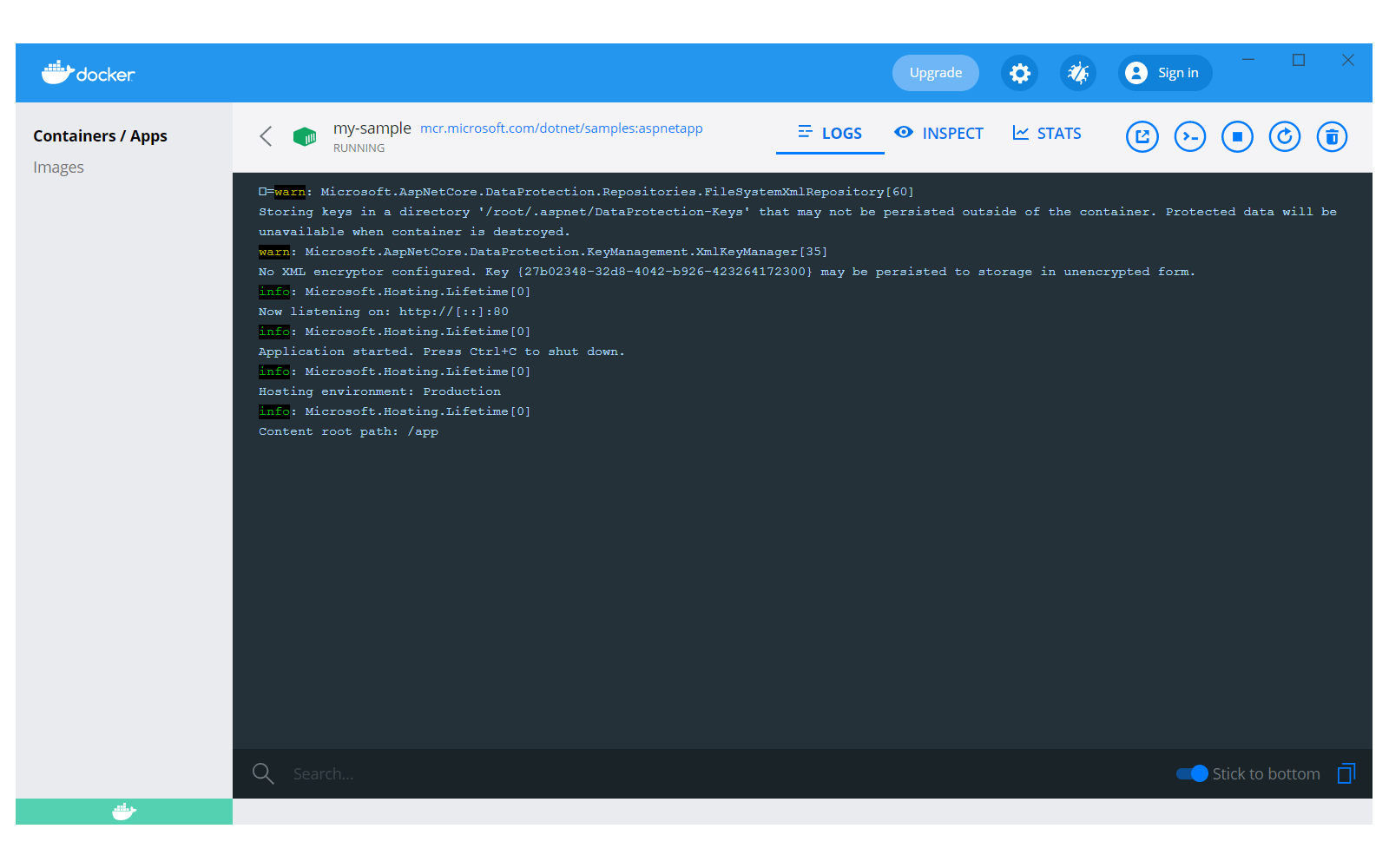 Install Wsl 2 For Docker
https://andrewlock.net/content/images/2021/docker_desktop_banner.png
Dec 18 2024 nbsp 0183 32 Do you want to install Google Chrome to use as your default web browser Luckily Google Chrome is available to download for Windows Mac OS Linux Android and iOS
Templates are pre-designed files or files that can be used for various purposes. They can save time and effort by providing a ready-made format and layout for producing various type of material. Templates can be used for individual or professional tasks, such as resumes, invites, flyers, newsletters, reports, presentations, and more.
Install Wsl 2 For Docker
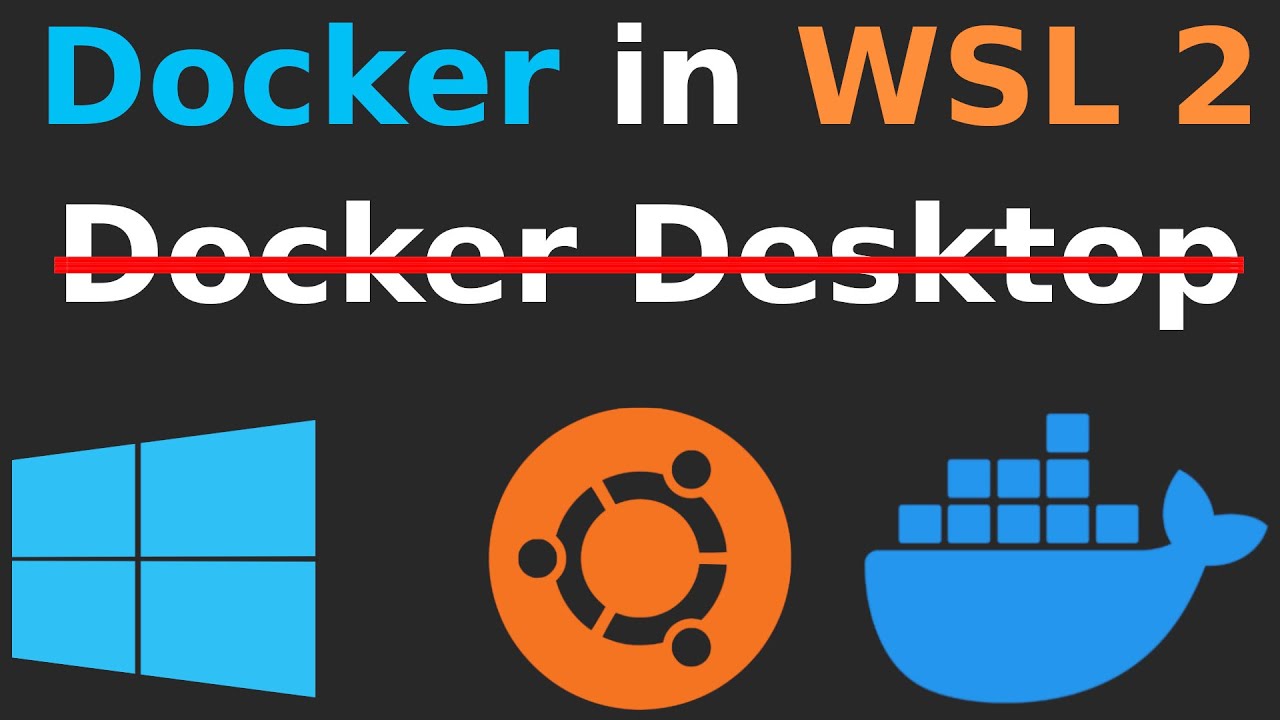
Install Docker in WSL 2 without Docker Desktop — Nick Janetakis
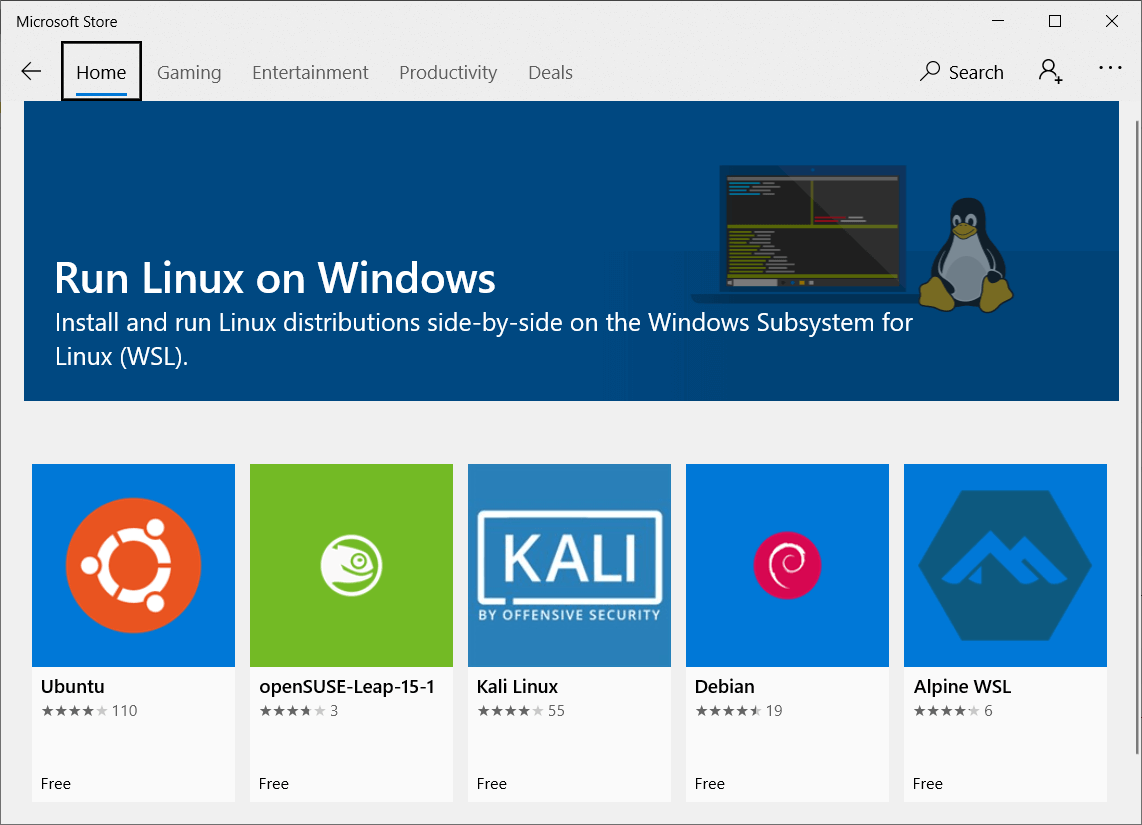
Installing Docker Desktop for Windows and WSL 2

Run Docker container on Subsystem for Linux 2 (WSL 2) – 4sysops
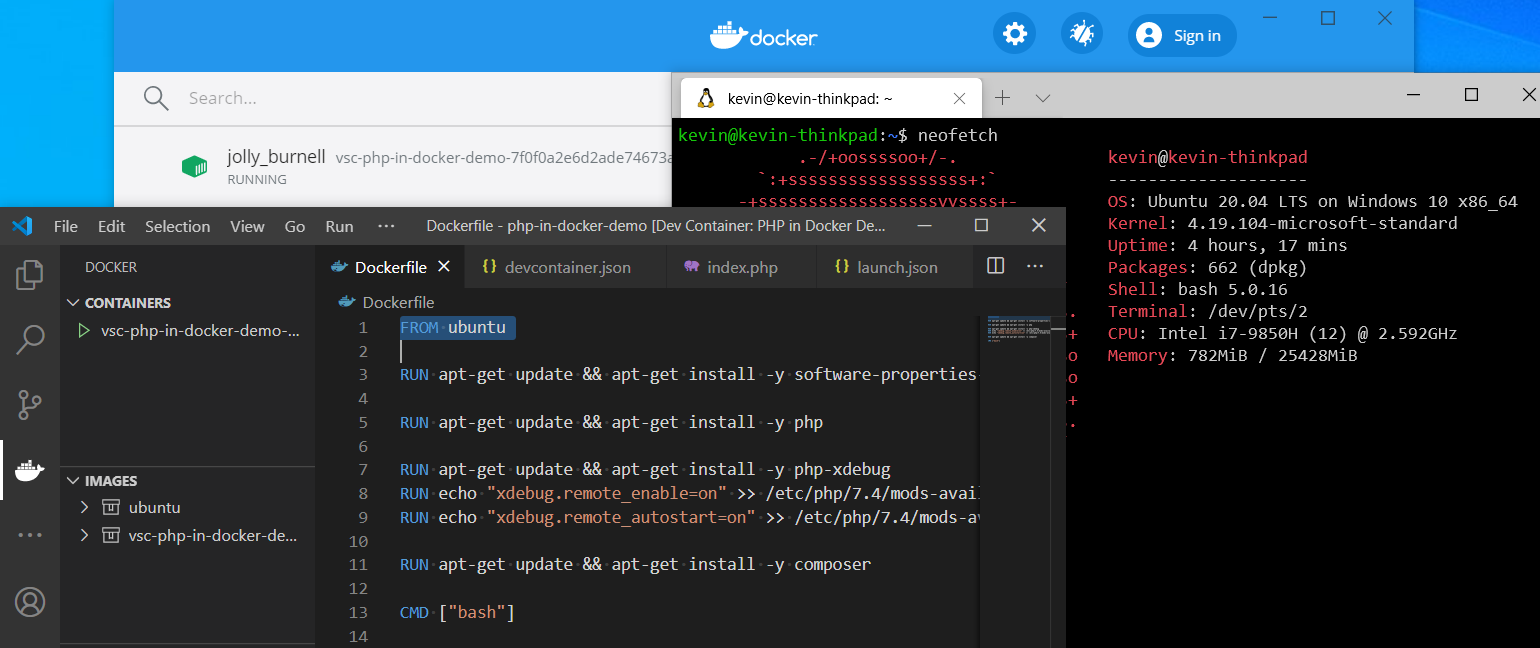
Linux Development in Windows 10 with Docker and WSL 2 | End Point Dev
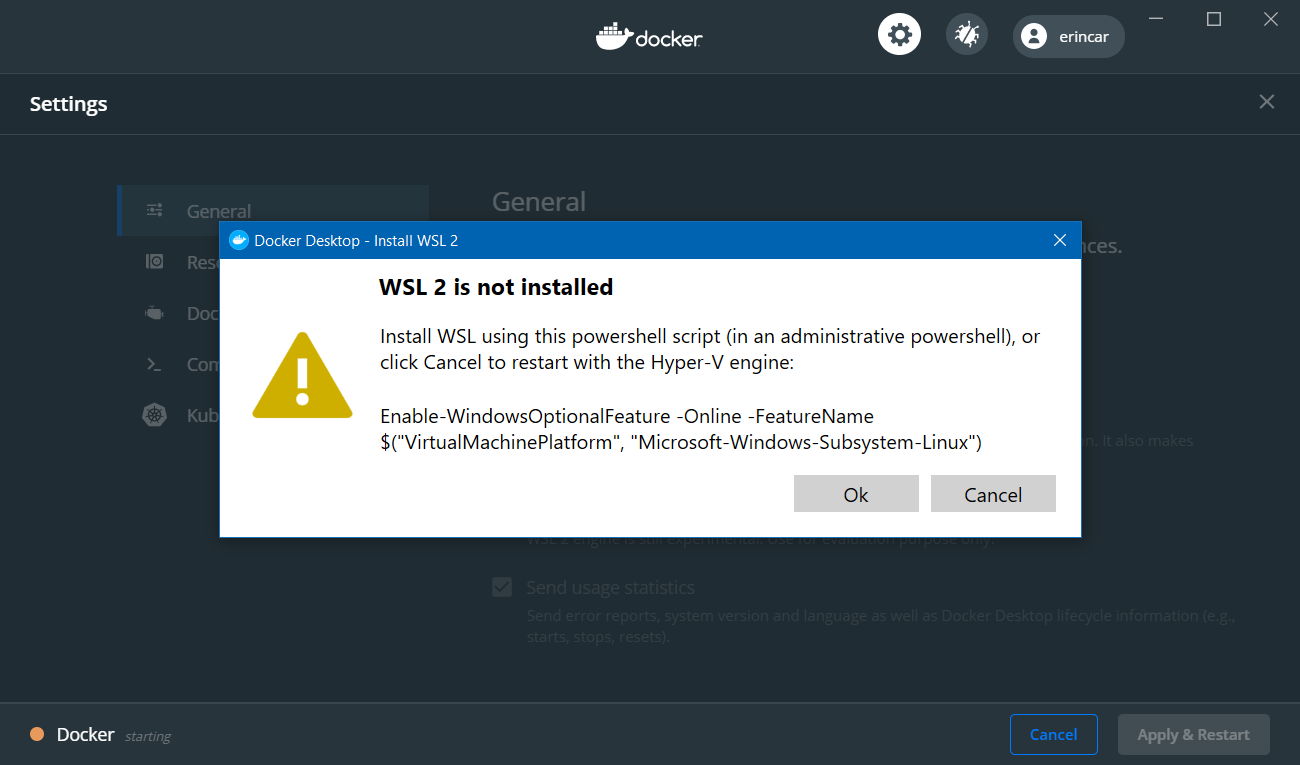
Docker Desktop - "WSL 2 is not Installed" prompt when trying to enable WSL 2 based engine · Issue #6612 · docker/for-win · GitHub
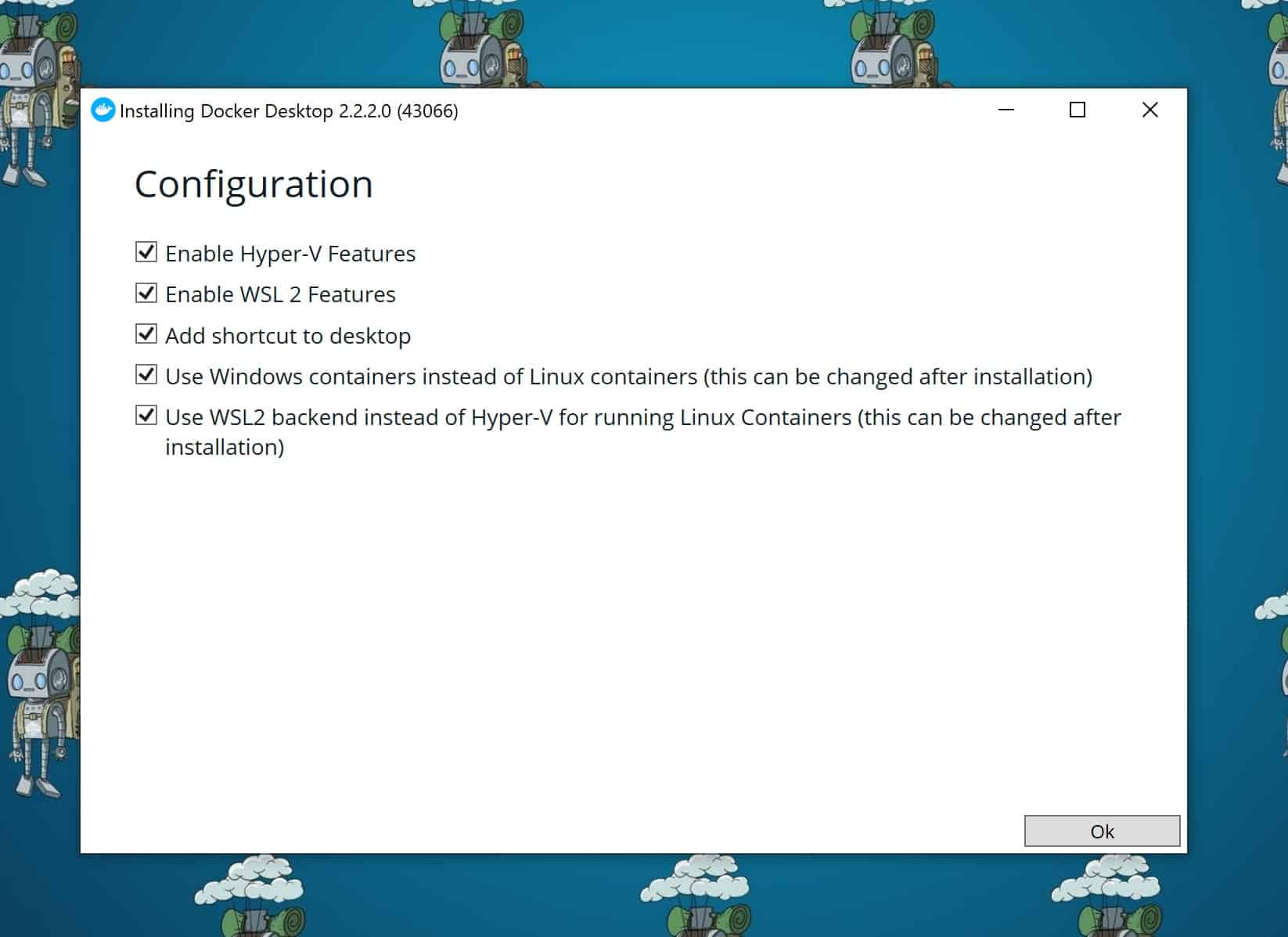
Run Linux Containers with Docker Desktop and WSL 2 - Thomas Maurer

In order to install Chrome and receive adequate support you must meet the system requirements Learn more about using Chrome on your device

Feb 14 2019 nbsp 0183 32 The easiest fastest way to update or install software Ninite downloads and installs programs automatically in the background

Learn how to check for the latest Windows Updates and install them to keep your device running smoothly and securely

Installation media such as a USB flash drive can be used to install a new copy of Windows perform a clean installation of Windows or reinstall Windows To create installation media go
Aug 1 2024 nbsp 0183 32 To install an app on your smartphone or tablet use the Google Play Store Android or App Store iPhone iPad If you have a Chromebook you can install apps using the Play
[desc-11] [desc-12]
[desc-13]