Install Wsl 1 Install WSL On Windows 10 21H1 Learn Azure OpenAI M365 Terraform Install WSL 2 On Windows 10 Thomas Maurer Installing WSL 2 Onto Windows 10 Isn t A Hassle Anymore Windows Central How To Install WSL 2 On Windows 10 11 And Server 2022 Linux On Windows Totally How To Install WSL 1 And WSL 2 Web Oct 25 2017 nbsp 0183 32 2 1 0 Pre release Enable DNS tunneling by default Skip installing the MSIX for the current user when running as SYSTEM solves 10906 Only run distro init logic when started from mini init solves 10883 Create an execution context for MSI package installation via wslinstaller
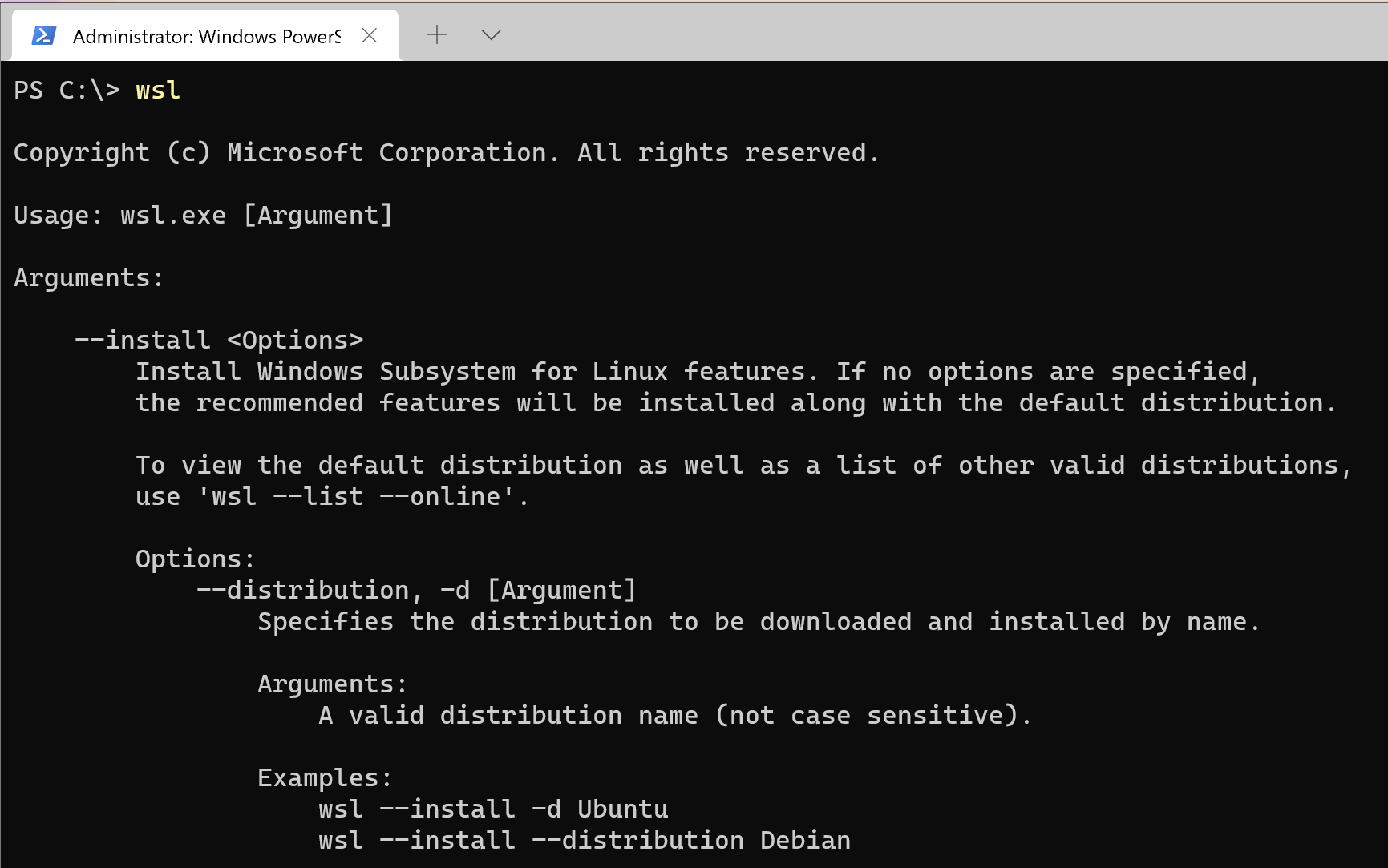
Web Jul 30 2021 nbsp 0183 32 To install a distribution other than or in addition to the Ubuntu default use this command wsl install d lt DistroName gt Replace lt DistroName gt with the name of a Linux distribution found in the previous list command Web Launch the Windows PowerShell console with an elevated privilege and run the following command Enable WindowsOptionalFeature Online FeatureName Microsoft Windows Subsystem Linux All NoRestart Enable the WSL feature using PowerShell The manual method Many people still prefer using WSL 1
Linux On Windows Totally How To Install WSL 1 And WSL 2 Setup WSL On Windows Part 1 Blog By Huzaifa Arif WSL Microsoft Learn WSL Git Linux On Windows Totally How To Install WSL 1 And WSL 2 By Do You Want To Run Linux On Windows 10 Use WSL Here s How Windows How To Install WSL 2 On Windows 10 On ARM Thomas Maurer How To Install Ubuntu Linux As WSL In Windows 10 WSL Ubuntu Install MSconfig ru
Install Wsl 1
 Install Wsl 1
https://www.ntweekly.com/wp-content/uploads/2021/08/image-9.png
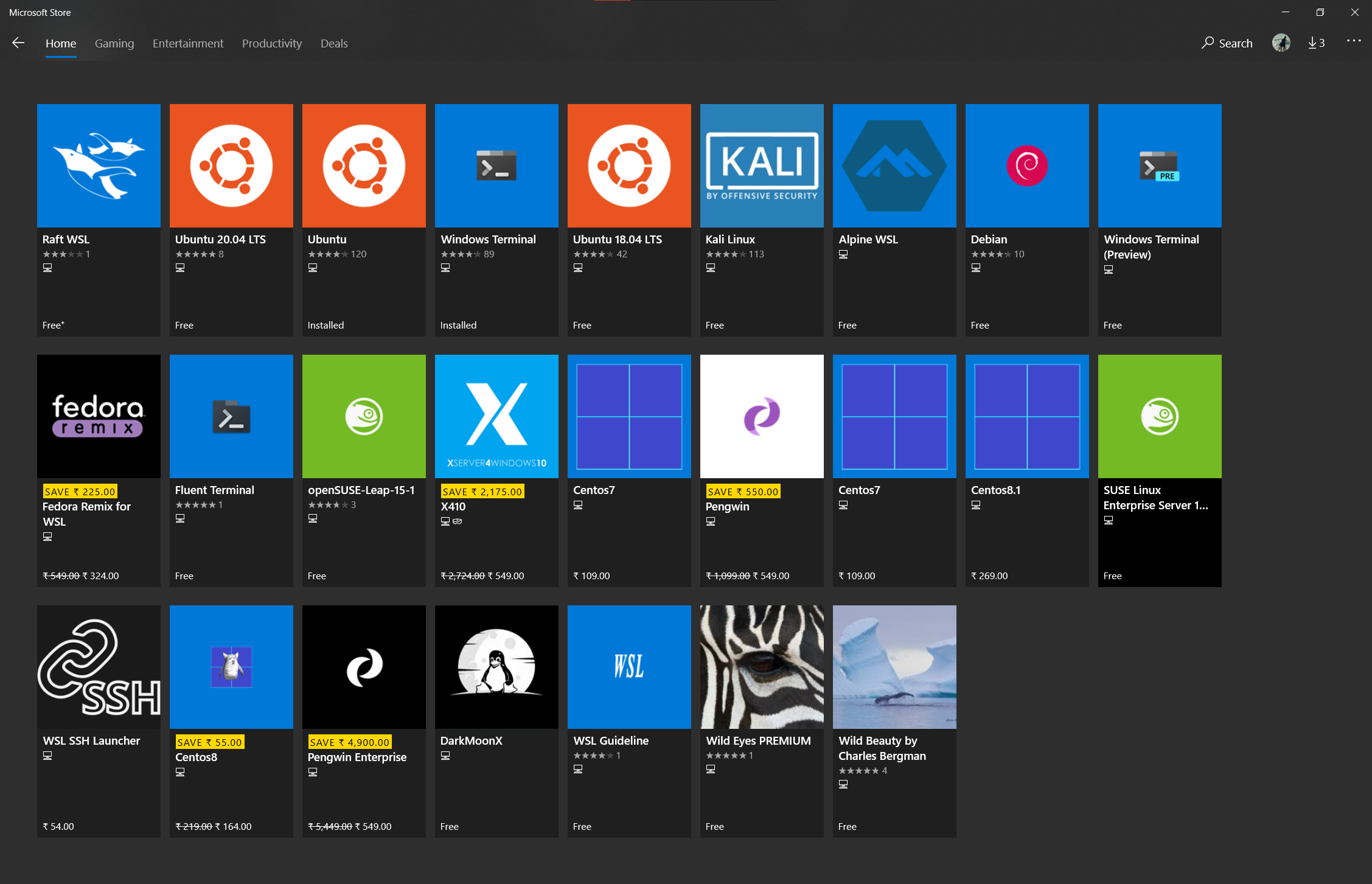
Web Install a complete Ubuntu terminal environment in minutes on Windows with Windows Subsystem for Linux WSL Access the Linux terminal on Windows develop cross platform applications and manage IT infrastructure without leaving Windows Download from the Microsoft Store
Pre-crafted templates offer a time-saving service for creating a varied range of files and files. These pre-designed formats and layouts can be used for different individual and professional tasks, including resumes, invitations, leaflets, newsletters, reports, presentations, and more, simplifying the content development process.
Install Wsl 1
WSL install Will Now Install Linux Distros Allows Picking Any Of
Setup WSL On Windows Part 1 Blog By Huzaifa Arif
WSL Microsoft Learn

WSL Git
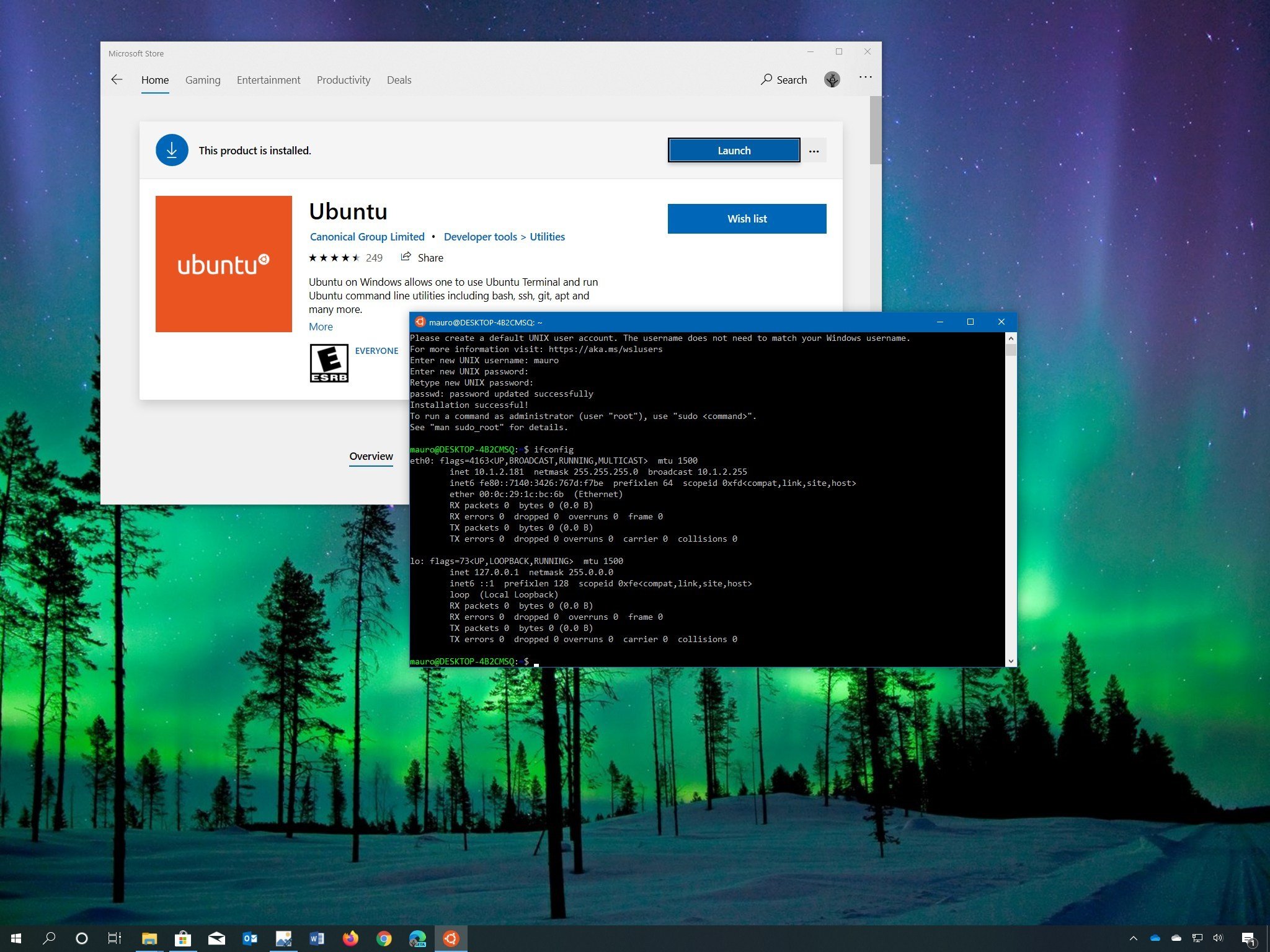
Do You Want To Run Linux On Windows 10 Use WSL Here s How Windows
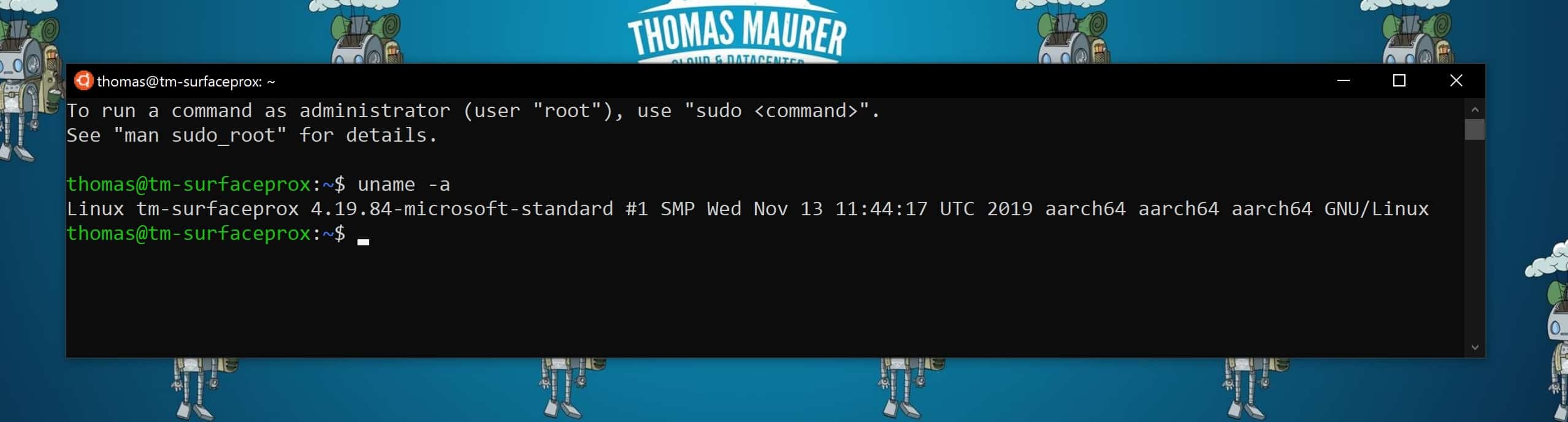
How To Install WSL 2 On Windows 10 On ARM Thomas Maurer

Web Nov 20 2023 nbsp 0183 32 Manual installation steps for older versions of WSL Step 1 Enable the Windows Subsystem for Linux You must first enable the quot Windows Subsystem for Linux quot optional Step 2 Check requirements for running WSL 2 To update to WSL 2 you must be running Windows 10 For x64 systems Step 3

Web Replace lt code gt lt Distribution Name gt lt code gt with the name of the distribution you would like to install lt li gt n lt li gt To see a list of available Linux distributions available for download through the online store enter lt code gt wsl list online lt code gt or lt code gt wsl l o lt code gt lt li gt n lt li gt To install additional Linux distributions after the initial in
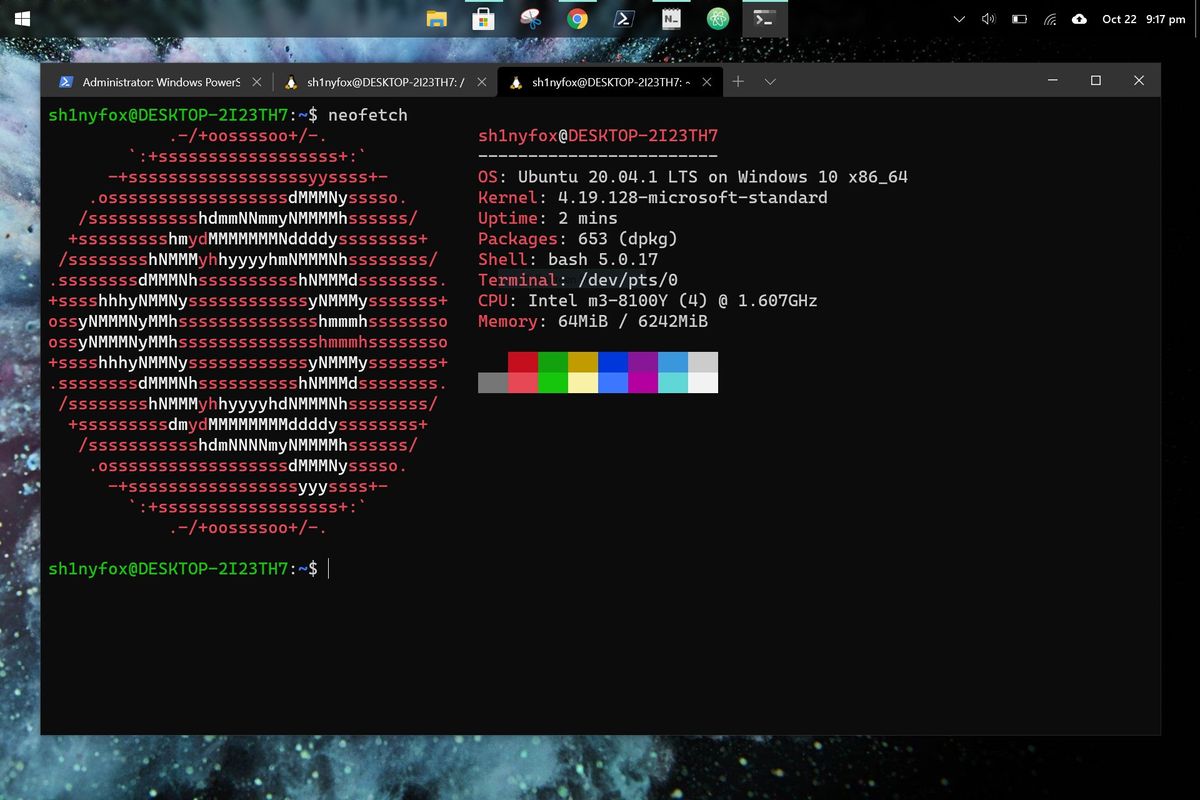
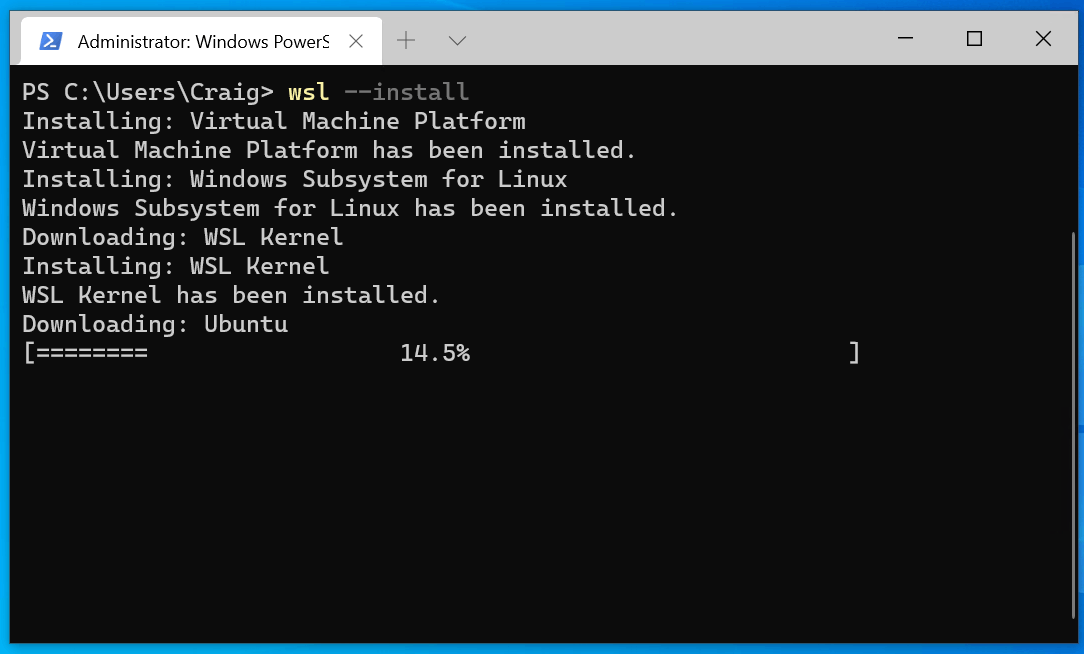
Web Nov 20 2023 nbsp 0183 32 The install command performs the following actions Enables the optional WSL and Virtual Machine Platform components Downloads and installs the latest Linux kernel Sets WSL 2 as the default Downloads and installs the Ubuntu Linux distribution reboot may be required You will need to restart your machine during this installation
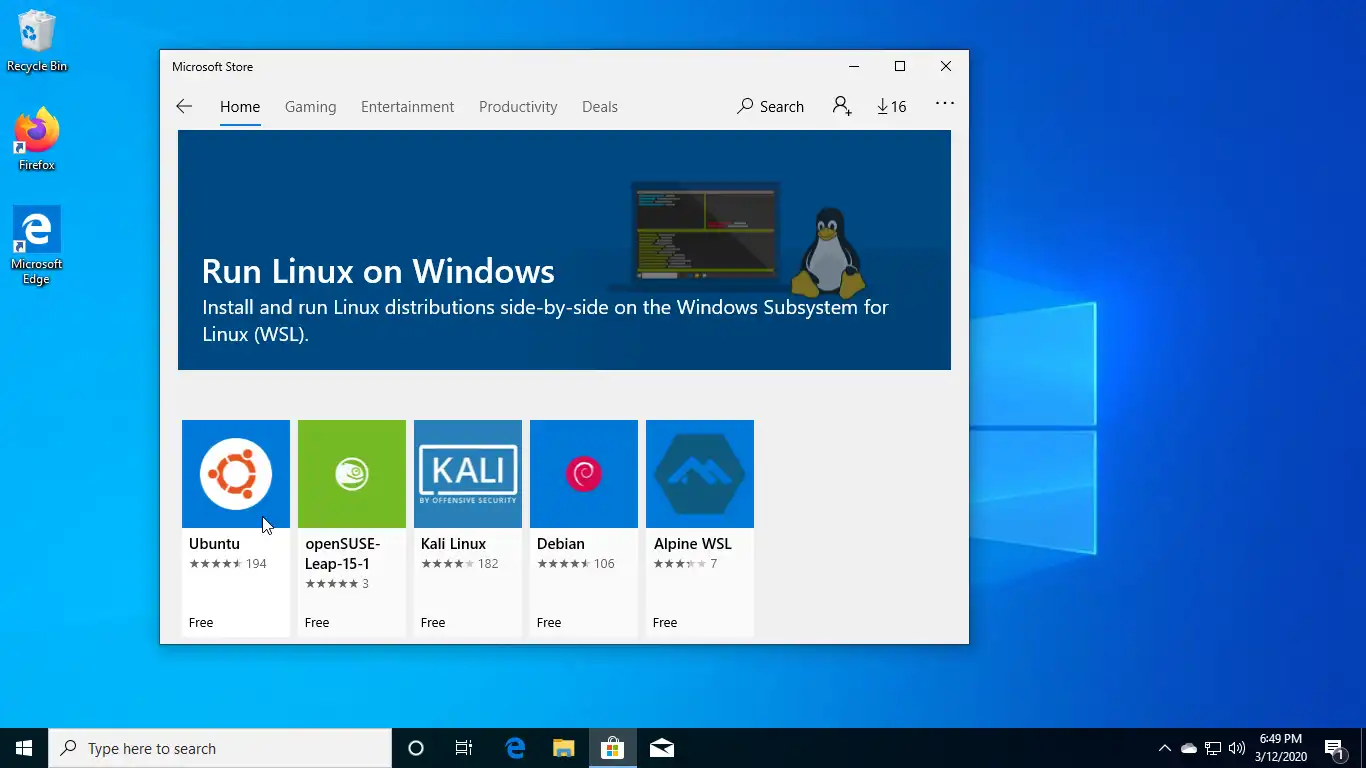
Web Apr 20 2020 nbsp 0183 32 1 Requirements for WSL Currently WSL 1 and WSL 2 are only supported on both Windows 10 64 bit and Windows Server 2019 We need to run Windows Build 16215 or later to install WSL

Web Dec 6 2023 nbsp 0183 32 To install the Windows Subsystem for Linux WSL on Windows 11 run Terminal as administrator then enter quot wsl install quot into the window Run quot wsl install d Distro quot replacing quot Distro quot with the name of a Linux distro to install a specific distribution instead of Ubuntu
[desc-11] [desc-12]
[desc-13]