Install Windows 10 Mac External Hard Drive How To View Mac External Drives On Windows 10 Jaderas Install Windows On External Hard Drive Mac Os X What To Do If External Hard Drive Is Read Only On A Mac Guide How To Fix WD External Hard Drive Not Showing Up On Mac HOT Opencl Install For Mac Method 1 Create a Portable Windows USB Drive with OS2Go The easy one goes first EaseUS OS2Go is a portable option and allows you to take your Windows 10 wherever you go In this case the system will be stored and installed on a USB drive It will by default use the accessories attached to the host system
After installing Windows on that drive or internally you have to shutdown your mac and press cmd opt while starting up to access the boot menu and select the external drive i e Windows You will then only run Windows and can t switch back to macOS unless you shutdown Windows and restart into macOS With BootCamp you are running Windows Install Windows on the external drive using WinToUSB Step 23 Mount the Windows 10 ISO by clicking Virtual Machine in the menu bar and selecting CD DVD SATA Choose Disk or Disc Image
HOT Opencl Install For Mac Mac Does Not Detect An External Hard Drive Or USB Flash Drive What To How To Install Windows 10 On External Hard Drive Full Guide Top 5 Best External Hard Drives For Mac External Drive For Mac Air Passlbirthday 5 Ways How To Backup Your Mac To An External Hard Drive External Hard Drive For Apple Mac Safasmart How To Install Windows 10 On USB External Drive Mac Guide 2019 Buy WD My Book For Mac External Hard Drive Online In Pakistan Tejar pk
Install Windows 10 Mac External Hard Drive
 Install Windows 10 Mac External Hard Drive
https://images-na.ssl-images-amazon.com/images/I/71o8%2BN7w8rL._AC_SL1500_.jpg
We will now prepare the external drive and put a basic installation of Window s10 on it Click the Wrench Icon to start VM Settings Click USB Bluetooth Check your external drive here called Boot Camp Click OK Right click the Windows Icon Select Disk Management
Templates are pre-designed files or files that can be utilized for different purposes. They can conserve effort and time by offering a ready-made format and design for developing various type of material. Templates can be used for individual or expert jobs, such as resumes, invites, leaflets, newsletters, reports, presentations, and more.
Install Windows 10 Mac External Hard Drive

Blue Screen After Connecting To Additional Monitors When Using External
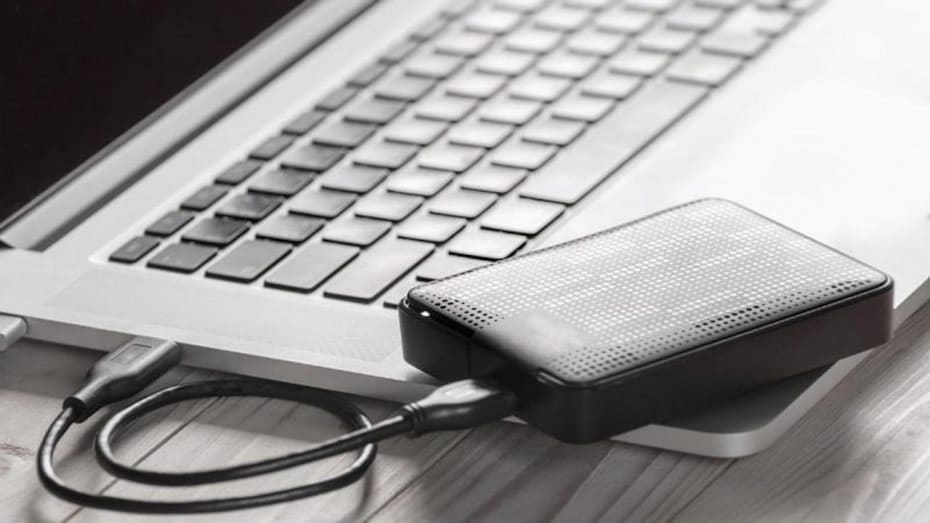
Mac Does Not Detect An External Hard Drive Or USB Flash Drive What To
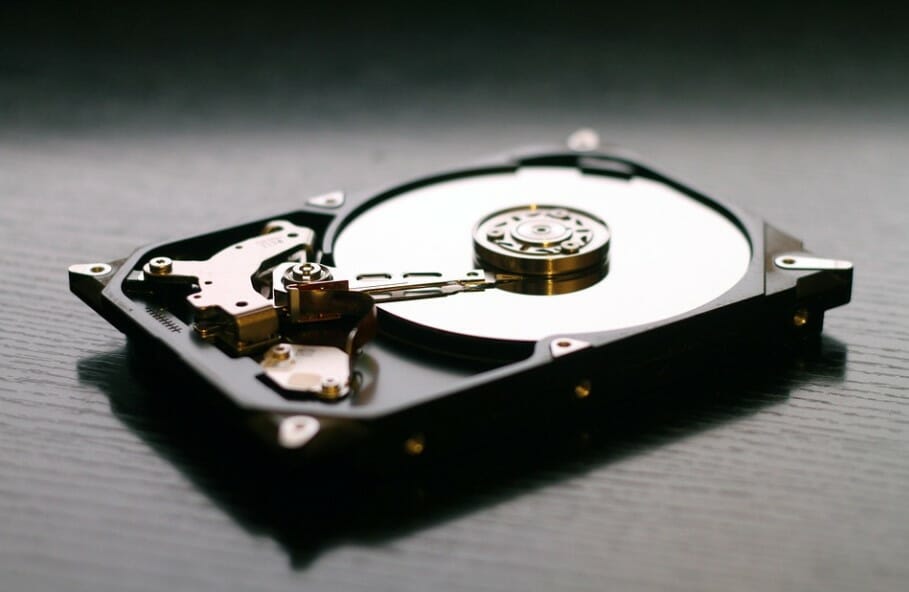
How To Install Windows 10 On External Hard Drive Full Guide

Top 5 Best External Hard Drives For Mac

5 Ways How To Backup Your Mac To An External Hard Drive
External Hard Drive For Apple Mac Safasmart

Open Boot Camp Assistant which is in the Utilities folder of your Applications folder Follow the onscreen instructions If you re asked to insert a USB drive plug your USB flash drive into your Mac Boot Camp Assistant will use it to create a bootable USB drive for Windows installation

9 min read Jul 2 2020 2 Windows 10 on a MacBook Credit Anthony Boyd Hello I guess this is my last resort Unfortunately I can t get SASM to work natively on macOS Catalina for my

1 Connect the External Hard Drive Plug in your external hard drive to one of the USB ports on your Mac Make sure it is securely connected 2 Format the External Hard Drive Open the Disk Utility application on your Mac You can find it by going to Applications Utilities Disk Utility
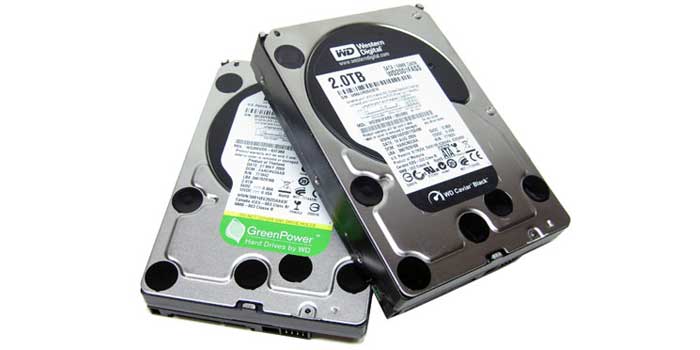
Bootable external drive We re using a USB 3 0 drive but a Thunderbolt drive should work as well Boot Camp Windows Support Software VirtualBox virtualization app available for free A licensed copy of Windows 10 ISO or an install DVD Wired keyboard and mouse

How to install Windows 10 Boot Camp on a Mac External Drive the EASY way 2020 edition YouTube 0 00 23 29 How to install Windows on an external drive for
UPDATED TUTORIAL 2020 https youtu be 3IhW722IMwEtHow to install Windows 10 via a Windows To Go external drive on Mac Subscribe http bit ly 9to5YT Step 1 Preparation of the External Drive Plug the external drive into your mac and select the Disk utility app You will see your drive listed on the side panel Select your drive and select Erase and a list of options will pop up Select Format Mac OS journaled Scheme GUID Partition Map Rename the drive say Bootcamp Select Erase
Free Download For Windows 11 10 8 7 Step 1 Install EaseUS OS2Go on your Windows computer it will display your system drive s used space Plug in a USB drive that is larger than the system drive used space Choose the target USB drive and click Next to continue Step 2