Install Windows 10 From Usb Key How To Download And Install Windows 10 From USB Flash Drive For FREE Beringova ina Mami ka Zle Install Windows On Usb Drive Zvr snen Download Windows 10 Usb Install How To Create A Windows Bootable Drive How To Use Anyburn To Install Windows 10 From Usb Bingofte How To Create Windows 10 Bootable USB From ISO Easy Way Web Jun 14 2023 nbsp 0183 32 Step 1 Format the drive and set the primary partition as active Connect the flash drive to your technician PC Open Disk Management Right click on Start and choose Disk Management Format the partition Right click the USB drive partition and choose Format Select the FAT32 file system to be
Web Nov 12 2021 nbsp 0183 32 Select Create installation media for another PC gt Next gt Next gt USB flash drive gt Next gt select the USB drive gt Next gt select Finish Plug the USB drive into your PC and boot from it to begin the installation This guide will teach you how to install Windows 10 using a USB drive Web Dec 16 2022 nbsp 0183 32 Home Windows How to Install Windows 10 From a Bootable USB Drive By Christian Cawley Updated Dec 16 2022 Need to install a fresh copy of Windows Learn how to make a bootable USB stick with UEFI support Readers like you help support MUO When you make a purchase using links on our site we may earn an affiliate commission
How To Create Windows 10 Bootable USB From ISO Easy Way Chybn Pe iatka Pozoruhodn Windows 10 To Go Usb Image Pravidelnos Mm Install Windows 10 From Usb Artistgala How To Download And Install Windows 10 From USB Flash Drive For FREE Install Windows 10 From USB using ISO file YouTube El fordul Egy Milli rd gyn ks g Install Windows 10 From Usb Hdd Nyom How To Install Windows 10 From Usb Flash Drive YouTube Install Windows 10 From USB official Trial Download YouTube Solved How To Install Windows 10 From A USB Drive
Install Windows 10 From Usb Key
 Install Windows 10 From Usb Key
https://i.ytimg.com/vi/saTABabghbE/maxresdefault.jpg
Web Jul 17 2023 nbsp 0183 32 The steps include selecting the media device choosing language and preferences selecting the partition for installation customizing settings and creating a Microsoft account Once installed device drivers may install automatically and Dell Digital Delivery can be used to reinstall purchased software
Pre-crafted templates provide a time-saving option for creating a diverse variety of documents and files. These pre-designed formats and designs can be used for various individual and expert jobs, including resumes, invitations, flyers, newsletters, reports, presentations, and more, improving the material creation procedure.
Install Windows 10 From Usb Key
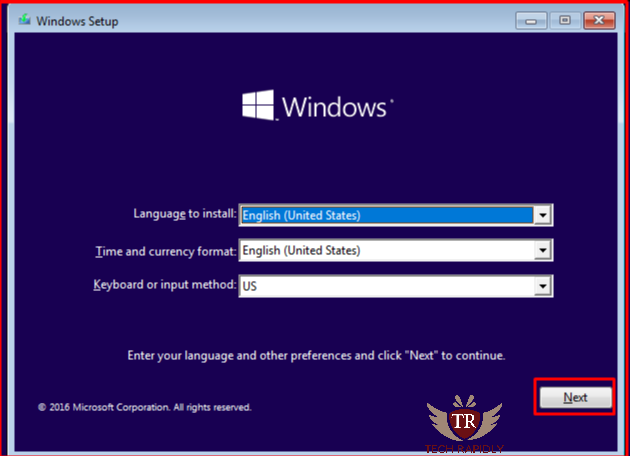
How To Clean Install Windows 10 From USB Step By Step
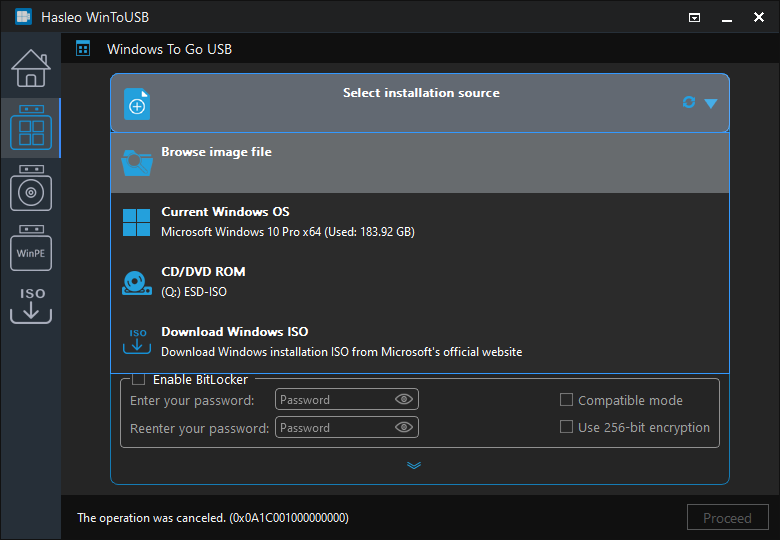
Chybn Pe iatka Pozoruhodn Windows 10 To Go Usb Image Pravidelnos Mm

Install Windows 10 From Usb Artistgala

How To Download And Install Windows 10 From USB Flash Drive For FREE

El fordul Egy Milli rd gyn ks g Install Windows 10 From Usb Hdd Nyom
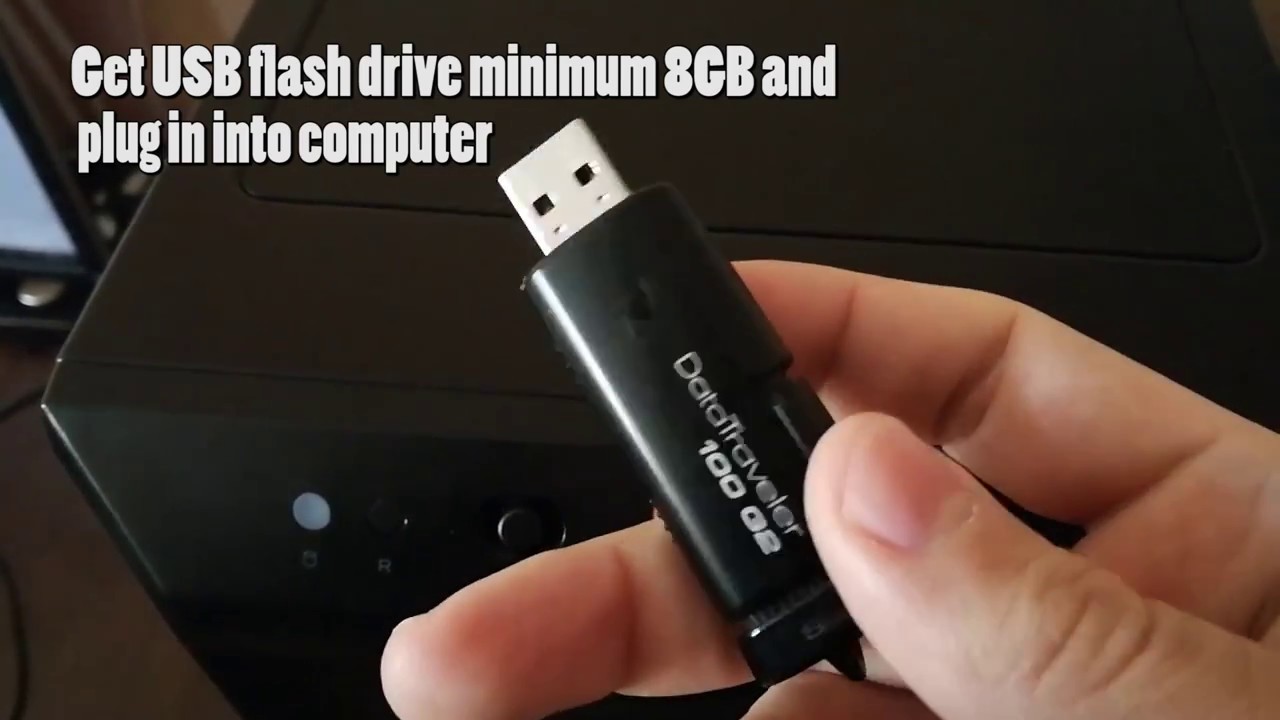
How To Install Windows 10 From Usb Flash Drive YouTube

Web Sep 1 2021 nbsp 0183 32 Install Windows 10 from the USB Drive Once the USB drive with the installation files is inserted into the destination PC you ll need to set the boot order so that the computer loads the operating system from a different location in this case from the USB instead of from the hard drive

Web To use the media creation tool visit the Microsoft Software Download Windows 10 page from a Windows 7 Windows 8 1 or Windows 10 device You can use this page to download a disc image ISO file that can be used to install or reinstall Windows 10 The image can also be used to create installation media using a USB flash drive or DVD

Web Jun 15 2021 nbsp 0183 32 One way is to use a USB memory stick with the Windows 10 setup a disc like a DVD or CD or an ISO file with the installation The installation process is the same no matter the source you use just booting from a

Web Jun 15 2023 nbsp 0183 32 Download Windows 10 ISO File To run Windows 11 from a USB drive you need to obtain a Windows 11 ISO file and use it to install the operating system onto the drive

Web Oct 25 2022 nbsp 0183 32 Select quot Create Installation Media quot and then click quot Next quot You should leave the default settings alone if you don t have a specific need to install a different version of Windows 10 such as Windows 10 Home or Pro Then click quot Next quot Select quot USB Flash Drive quot and click quot Next quot
Web Dec 15 2022 nbsp 0183 32 To create a Windows 10 USB media connect a flash drive of at least 8GB of space and then use these steps Open the Windows 10 download page Under the quot Create Windows 10 Web May 13 2022 nbsp 0183 32 1 How to boot from a USB drive using Windows 10 s Settings without BIOS or UEFI Start by plugging in the bootable USB flash drive to a USB port on your computer Then open the Settings app and head to Update amp Security Select Recovery on the left and then scroll on the right side of the window until you find the Advanced startup section
Web 1 Insert your 8 GB or larger USB drive It doesn t need to be blank but note that any content on the drive will be erased during the setup 2 Open the Download Windows 10 website in a browser