Install Vs Code Plugin How To Install GitHub Copilot On VSCode GeeksforGeeks VS Code Plugin Cloud DevSecOps Workshop With Bridgecrew Install VS Code Coding Blog Community Installation How To Configure VS Code For Java In 2022 HackerNoon An Ultimate Figma To Code Converter Plugin By DhiWise Visual Studio Code extension The Snyk Visual Studio Code plugin scans and provides analysis of your code including open source dependencies and infrastructure as code configurations Download the plugin at any time free of charge and use it with any Snyk account Scan your code early in the development lifecycle to help you pass security
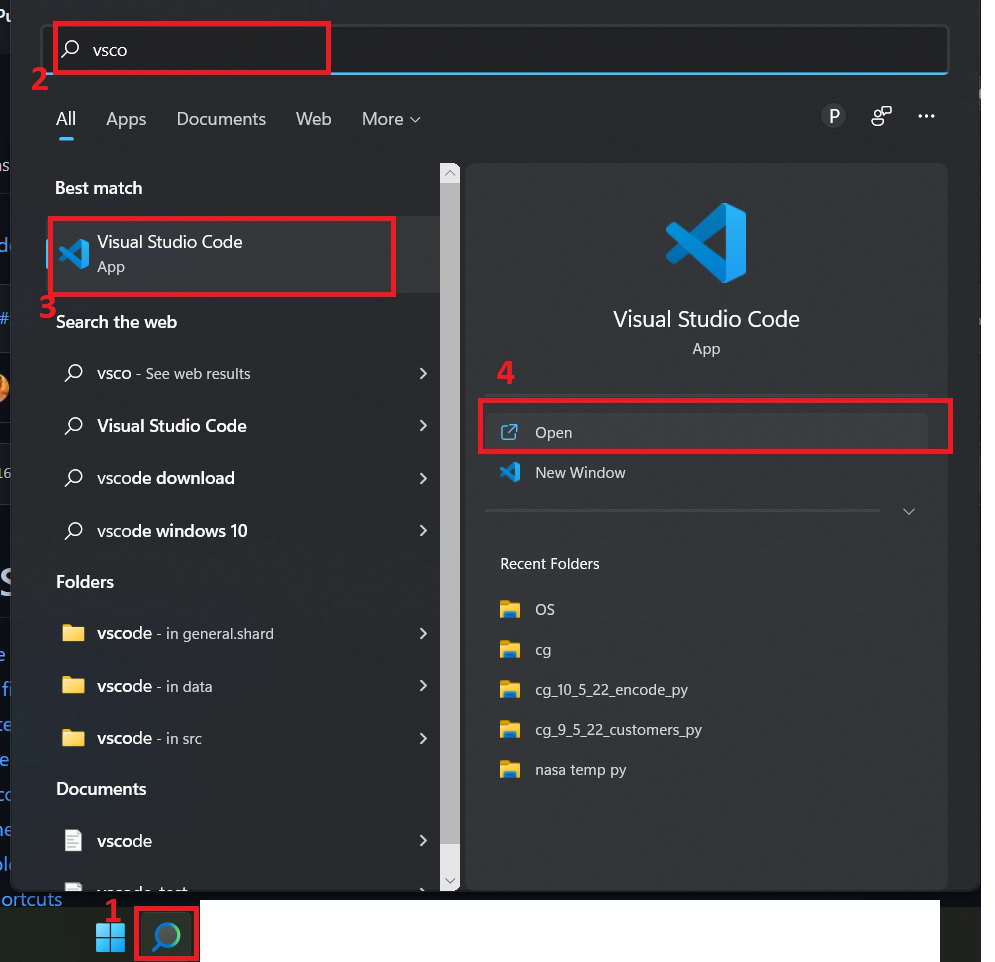
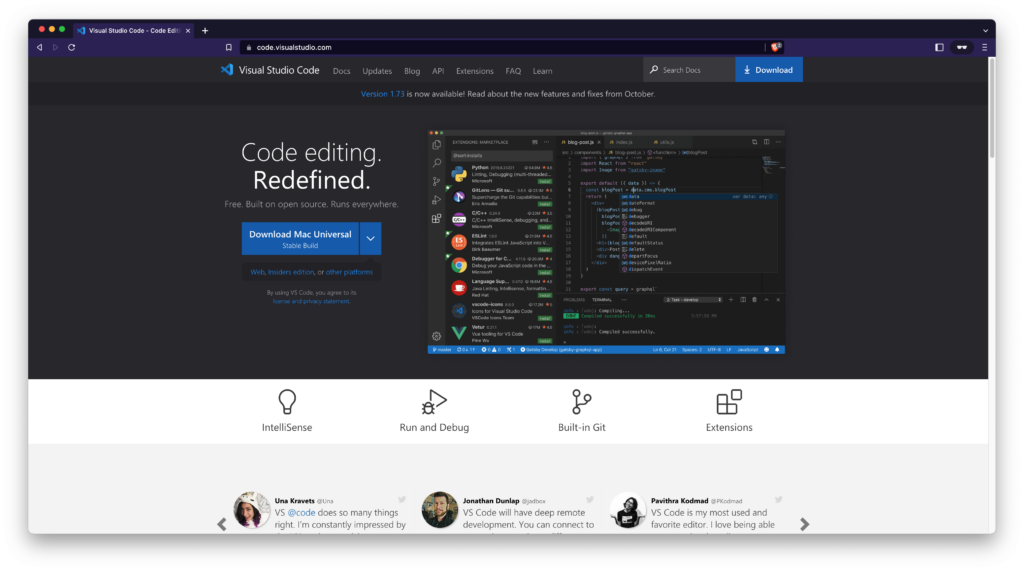
To install Visual Studio Code visit https code visualstudio and click the big green Download button After the download finishes open the installer and follow the steps to complete the installation The minimum Visual Studio Code version required for the Salesforce Extension Pack is 1 82 Note We recommend that you use Salesforce Install Cloud Code Install the Google Cloud Code extension from the Visual Studio Code Marketplace Alternatively open the Extensions view in VS Code Click Extensions or press Ctrl Cmd Shift X Search for Google Cloud Code Click Install If prompted restart VS Code After the extension has successfully installed the Cloud Code icon
An Ultimate Figma To Code Converter Plugin By DhiWise Install VS Code Simple Dev Input Sequence In Code Plugins UE Marketplace VS Code Plugin Code Cover YouTube Fourgle CODE Keyboard INSTALLING VS CODE YouTube 518344 1920x1080 Programming Wallpaper JPG 237 KB Mocah HD Wallpapers Microsoft Ph t H nh VS Code Phi n B n h ng Nh C Th Ch y Ho n To n
Install Vs Code Plugin
 Install Vs Code Plugin
https://media.geeksforgeeks.org/wp-content/uploads/20220518214458/Untitled.jpg
Install the Visual Studio Code Extensions cli tool npm install g vscode vsce Clone the source code repository to your local machine In your shell change directory to the repository Install dependencies as needed for example using npm install Run the following vsce package
Templates are pre-designed documents or files that can be used for different functions. They can save effort and time by supplying a ready-made format and design for producing different kinds of material. Templates can be used for individual or professional jobs, such as resumes, invitations, flyers, newsletters, reports, discussions, and more.
Install Vs Code Plugin
Code FA App Code FA VS Code v1 1 0
Install VS Code Simple Dev

Input Sequence In Code Plugins UE Marketplace

VS Code Plugin Code Cover YouTube

CODE Keyboard
INSTALLING VS CODE YouTube

To handle these two cases easier 1 Install the same VSCode version on the online access to internet computer as the offline no access to internet target computer 2 From within the VSCode install the desired extension It will install the right version and all the dependencies 3 Find the folder where extensions are installed

To install extensions from within Visual Studio From Extensions Manage Extensions find the extension you want to install If you know the name or part of the name of the extension you can search in the Search window Select Download After download completes you ll see a notification at the bottom of the Manage Extensions dialog box

Increased efficiency VS Code plugins can save time and effort by automating repetitive tasks like formatting generating boilerplate code and debugging Improved accessibility Visual Code plugins can make the editor more accessible providing text to speech screen readers and high contrast themes

To run the active Python file click the Run Python File in Terminal play button in the top right side of the editor You can also run individual lines or a selection of code with the Python Run Selection Line in Python Terminal command Shift Enter If there isn t a selection the line with your cursor will be run in the Python Terminal

Here s how to install an extension via the VS Code Marketplace Click on the Extensions button in the Activity Bar It s located on the side of VS Code s client Alternatively you can
Visual Studio Code Installation and setup Follow the Set up an editor instructions to install the Dart and Flutter extensions also called plugins Updating the extension Updates to the extensions are shipped on a regular basis By default VS Code automatically updates extensions when updates are available To install updates yourself Publish your extensions in the Visual Studio Marketplace With customer downloads in the millions the Visual Studio Marketplace is the best place to share and find amazing Visual Studio extensions Starting with this release of VisualStudio Extensibility you can now publish your extensions in the Visual Studio Marketplace
Visual Studio Code supports many features for JavaScript and Node js development The features that ship with the downloaded product are the core features debugging IntelliSense code navigation etc In addition to these core features you can install a large number of quality extensions to add features to VS Code for JavaScript development