Install Visual Studio Code On Amazon Linux 2 How To Install Visual Studio Code On Ubuntu 20 04 Linuxize How To Install Visual Studio Code On Debian 11 Debian 10 ITzGeek How To Visual Studio Code On Manjaro Linux LinuxCapable Visual Studio Code Ubuntu Download Horgl How To Install Java On Amazon Linux 2 Systran Box Web AWS Toolkit for Visual Studio Code Install the Toolkit Read the User Guide The AWS Toolkit for Visual Studio Code is an open source plug in for the Visual Studio Code that makes it easier to create debug and deploy applications on Amazon Web Services
Web Aug 17 2022 nbsp 0183 32 Walkthrough To start using Visual Studio on Amazon EC2 you will need to complete the following steps Subscribe to a Visual Studio product in the AWS Marketplace Configure AWS License Manager Launch an Amazon EC2 instance with a user based subscription Connect to the instance with user credentials managed by AWS Managed Web The AWS Toolkit for Visual Studio Code makes your AWS services and resources available directly from your VS Code integrated development environment IDE To get you started the following topics describe how to set up install and configure the AWS Toolkit for Visual Studio Code
How To Install Java On Amazon Linux 2 Systran Box C mo Instalar Docker En Amazon Linux 2 MuyLinux How To Install Visual Studio Code On Ubuntu 20 04 Linuxize How To Install Visual Studio Code On Centos7 Rhel7 Benisnous c mo How To Install Visual Studio Code On Linux Mint Install Microsoft SQL Server 2019 On Amazon Linux 2 Thetodaypost Setting Up Google Authenticator MFA On Amazon Linux 2 How To Install Visual Studio Code On Linux Mint Install Visual Studio Code Opensuse Tumbleweed Riset
Install Visual Studio Code On Amazon Linux 2
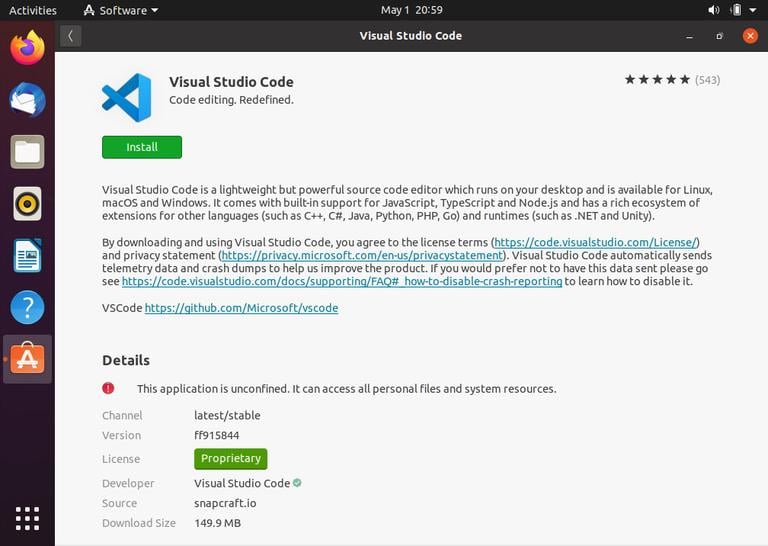 Install Visual Studio Code On Amazon Linux 2
https://linuxize.com/post/how-to-install-visual-studio-code-on-ubuntu-20-04/virtual-studio-code-snap_huea3bbc4b9cf962251c1c654acfbb9a00_132443_768x0_resize_q75_lanczos.jpg
Web Nov 23 2022 nbsp 0183 32 Run the Amazon Linux 2 distribution via the Windows Subsystem for Linux 2 and leverage the Visual Studio Code Remote WSL extension AWS Toolkit for Visual Studio Code and the AWS SAM CLI to provide a frictionless development experience
Templates are pre-designed documents or files that can be used for different functions. They can conserve effort and time by supplying a ready-made format and design for creating various type of content. Templates can be utilized for individual or expert tasks, such as resumes, invitations, flyers, newsletters, reports, discussions, and more.
Install Visual Studio Code On Amazon Linux 2

How To Install Visual Studio Code On Fedora Linux LinuxCapable

C mo Instalar Docker En Amazon Linux 2 MuyLinux
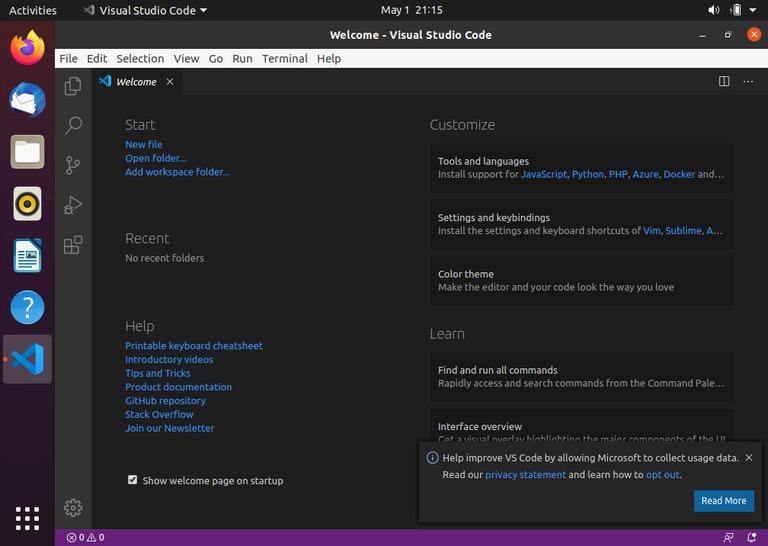
How To Install Visual Studio Code On Ubuntu 20 04 Linuxize
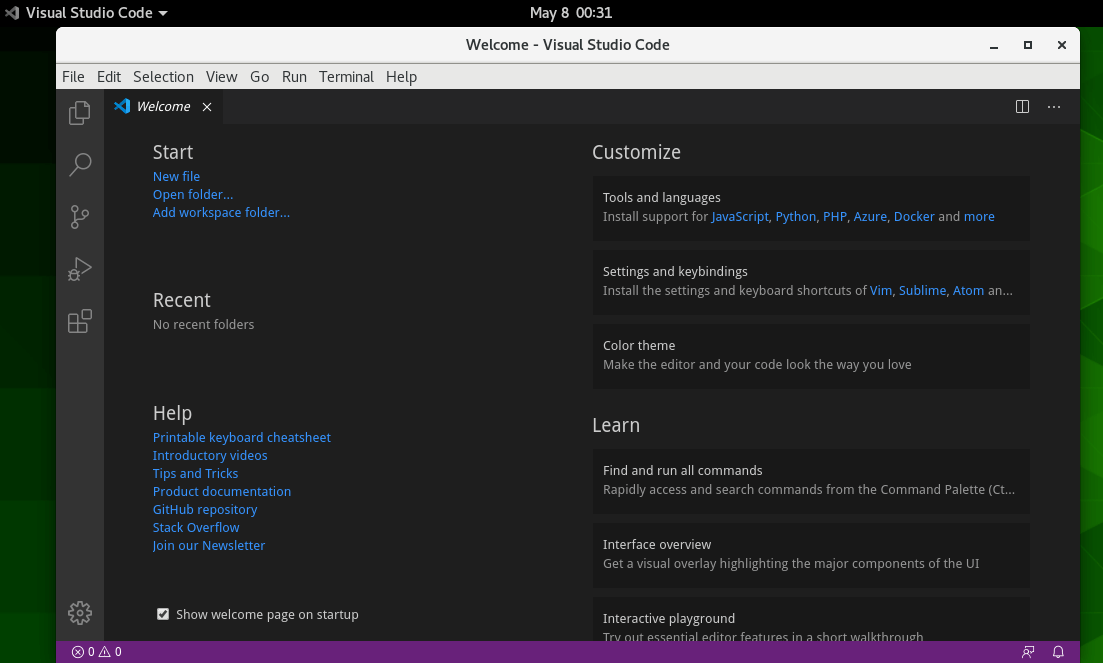
How To Install Visual Studio Code On Centos7 Rhel7 Benisnous c mo

Install Microsoft SQL Server 2019 On Amazon Linux 2 Thetodaypost
Setting Up Google Authenticator MFA On Amazon Linux 2
Web Apr 21 2021 nbsp 0183 32 Install Visual Studio Code Install the Remote Development extension pack for VS Code Install Docker Desktop Ensure Hyper V has been enabled Recommended Install the Windows Terminal to make switching between different terminals easier Download and Register Amazon Linux 2 WSL Distribution

Web VS Code requires a Windows macOS or Linux operating system The AWS Toolkit for Visual Studio Code requires you to work from VS Code version 1 42 0 or a later version For additional information about VS Code or to download the latest version of VS Code see the VS Code downloads website

Web Mar 3 2021 nbsp 0183 32 The most preferred method of installing Visual Code Studio on Debian based systems is by enabling the VS code repository and installing the Visual Studio Code package using the apt package manager sudo apt update Once updated proceed and install dependencies required by executing
Web Apr 13 2020 nbsp 0183 32 Maintain a modular dev environment Reap the benefits of developing in a production environment Prerequisites Install Visual Studio Code Install an OpenSSH Client Windows 10

Web Mar 13 2022 nbsp 0183 32 The following will show you how to create and connect to a virtual machine VM on AWS using the Visual Studio Code Remote SSH extension You ll be able to run Telescope in development on a remote machine with VS Code just like if the source code was local This documentation is based on Remote development over SSH
Web Visual Studio Code is free and available on your favorite platform Linux macOS and Windows Download Visual Studio Code to experience a redefined code editor optimized for building and debugging modern web and cloud applications Web Aug 14 2016 nbsp 0183 32 Viewed 3k times 1 I have installed Visual Studio Code on Ubuntu server on AWS I downloaded the deb file and followed the instructions to set up as per the following link https code visualstudio docs setup linux The set up was successful iAd some trouble with libraries but was able to resolve them
Web May 2 2015 nbsp 0183 32 Download Visual Studio Code for Linux Make a new folder and extract VSCode linux x64 zip inside that folder Double click on Code to run Visual Studio Code Tip If you want to run VSCode from the terminal create the following link substituting path to vscode Code with the absolute path to the Code executable