Install Ubuntu Without Usb Windows 11 How Can I Install Ubuntu Without CD And USB Ubuntu Forumming How To Install Linux Without A Screen Systran Box How To Install Ubuntu 20 04 Step By Step Beginner s Guide How To Install Ubuntu From Hard Disk Without USB Or DVD How To Install Ubuntu Without USB Como instalar o Chrome Importante antes de baixar confira se o Chrome 233 compat 237 vel com seu sistema operacional e outros requisitos do sistema
You can download and install the Chrome web browser at no charge and use it to browse the web When you install Drive for desktop on your computer it creates a drive in My Computer or a location in Finder named Google Drive All of your Drive files appear here Any new files or folders you create in Drive or Drive for desktop sync and appear on all your devices Click Drive for desktop click your name Open Google Drive
How To Install Ubuntu Without USB How To Install The Gd Library On Ubuntu Coub Tem Como Instalar Linux Sem Pendrive Linux Diolinux Plus Come Installare Ubuntu Senza USB Altro How To Install The Gd Library On Ubuntu Marireidm Coub Install Ubuntu Without USB Pendrive And DVD Install Ubuntu Without CD How To Install Ubuntu On Virtualbox Windows 10 Snobrand Ubuntu Burn Iso Image To Usb Stick Duolasopa How To Install Ubuntu Without USB
Install Ubuntu Without Usb Windows 11
 Install Ubuntu Without Usb Windows 11
https://i.stack.imgur.com/BZuHf.jpg
Install and set up Drive for desktop Install amp set up Drive for desktop for Windows Important Before you start check that your operating system is compatible with Drive for desktop Tip If you use a work or school account you might not be able to use Drive for desktop or your organization might have to install it for you
Templates are pre-designed files or files that can be utilized for various purposes. They can conserve effort and time by providing a ready-made format and layout for developing various kinds of material. Templates can be utilized for individual or professional projects, such as resumes, invitations, leaflets, newsletters, reports, discussions, and more.
Install Ubuntu Without Usb Windows 11

How Do I Completely Reinstall Ubuntu From Terminal Android Consejos

How To Install The Gd Library On Ubuntu Coub

Tem Como Instalar Linux Sem Pendrive Linux Diolinux Plus

Come Installare Ubuntu Senza USB Altro
Install Ubuntu Without USB Pendrive And DVD Install Ubuntu Without CD
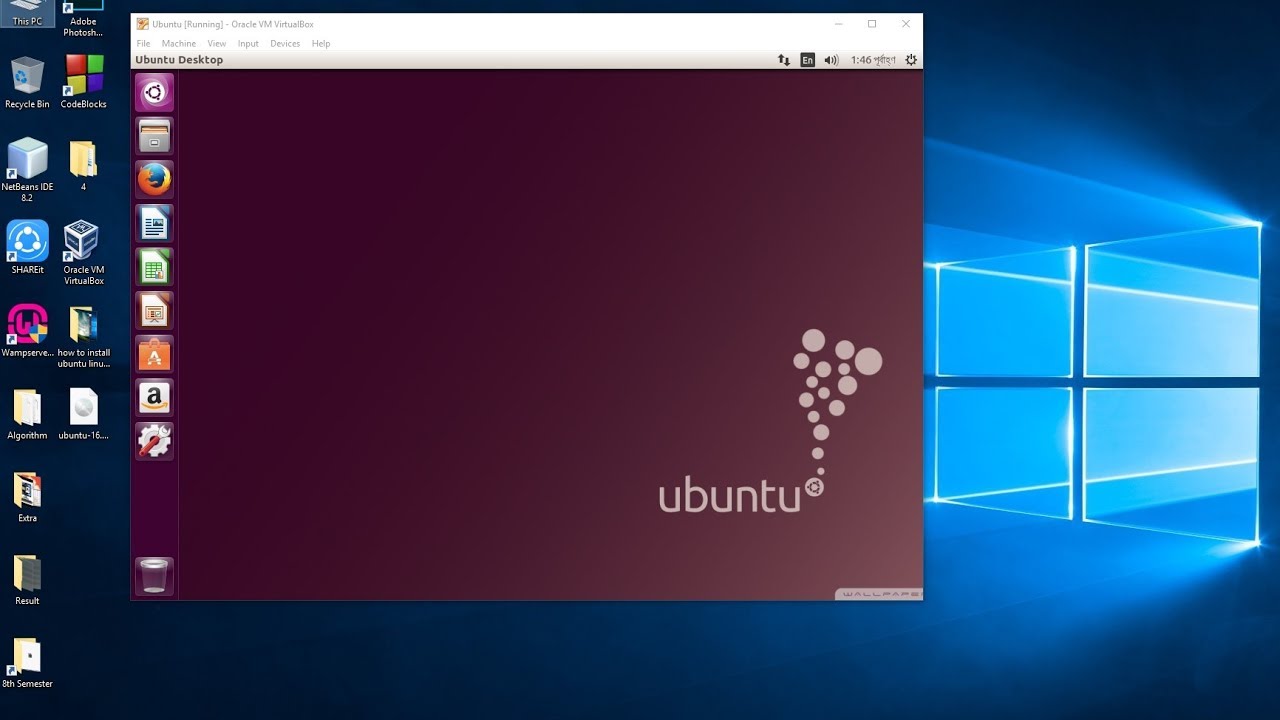
How To Install Ubuntu On Virtualbox Windows 10 Snobrand

Puedes descargar e instalar el navegador web Chrome sin coste econ 243 mico y usarlo para navegar por la Web C 243 mo instalar Chrome Importante Antes de descargarlo puedes comprobar

Installer Chrome Important Avant de t 233 l 233 charger Chrome vous pouvez v 233 rifier s il est compatible avec votre syst 232 me d exploitation et les autres configurations syst 232 me requises
Official Google Chrome Help Center where you can find tips and tutorials on using Google Chrome and other answers to frequently asked questions
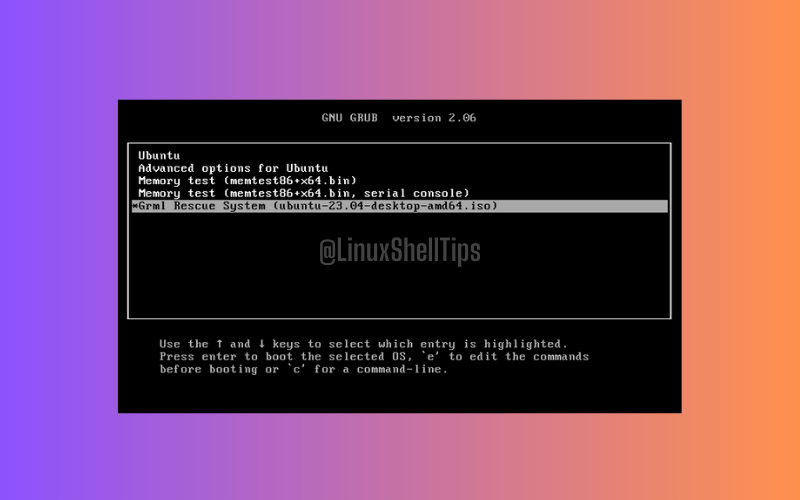
On your iPhone or iPad open App Store In the search bar enter Chrome Tap Get To install follow the on screen instructions If prompted enter your Apple ID password To start browsing tap Open To open Chrome from your Home screen tap Chrome
On your device go to the Apps section Tap Google Play Store The app will open and you can search and browse for content to download
[desc-11] [desc-12]
[desc-13]