Install Tensorflow Conda Mac M1 How To Install A Specific Version Of TensorFlow With Conda Reason town Mac M1 Mac conda Mac M1 tensorflow Python TensorFlow 2 5 Mac M1 Installing Problem Compatibility With Install TensorFlow Keras GPU On Apple M1 M2 Mac With Conda Towards Data Science 6 min read Feb 24 2023 3 Photo by Ales Nesetril on Unsplash I switched jobs one year ago and I found myself with a brand new M1 MacBook Pro to work with I had to install everything a data scientist needs which was a real pain To make things worse it turns out that I didn t set it up properly and it was chaos
Tensorflow is very tricky to install on an M1 mac Here s how I got it working Install Python version for TensorFlow TensorFlow needs Python 3 6 a 3 9 so install it with pyenv pyenv install 3 8 13 pyenv global 3 8 13 to set it as the main global version Install Miniforge for a Conda environment with pyenv pyenv install list to get Install TensorFlow on Mac M1 M2 with GPU support Dennis Ganzaroli Follow Published in MLearning ai 5 min read Sep 2 2022 13 Install TensorFlow in a few steps on Mac M1 M2
Install TensorFlow Keras GPU On Apple M1 M2 Mac With Conda How To Easily Install TensorFlow Through Pip And Conda M1 Docker Tensorflow 2022 Apple M1 Mac M1 Tensorflow Apple Silicon Mac M1 TensorFlow 2 6 GPU tensorflow metal Apple Silicon Mac M1 TensorFlow JupyterLab VSCode Apple Silicon Mac M1 TensorFlow JupyterLab VSCode A Beginner s Guide To Use Anaconda To Install TensorFlow On Win 10 Install Tensorflow Metal On Intel Macbook Pro With AMD GPU
Install Tensorflow Conda Mac M1
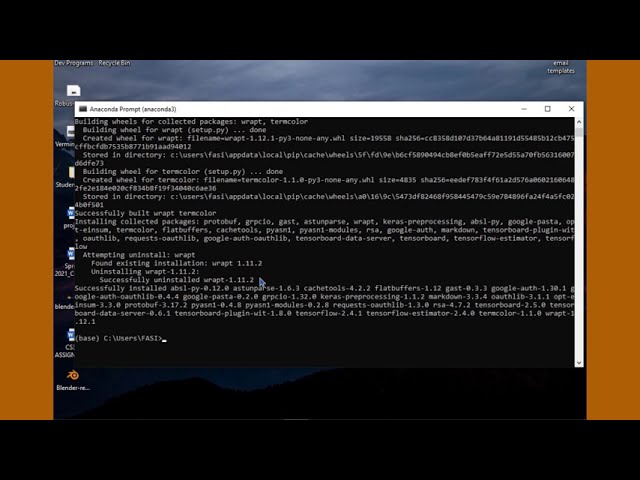 Install Tensorflow Conda Mac M1
https://i4.ytimg.com/vi/OjLGgiaBbNs/sddefault.jpg
3 Create conda environment with Python3 8 Tensorflow not available for Python3 9 now 25th Jan 2021 conda create name tf env python 3 8 4 Activate the created virtual environment tf env conda activate tf env 5 Download tensorflow macos 1alpha1 tar gz from Apple github tensorflow macos Check in assets
Pre-crafted templates use a time-saving service for developing a diverse range of documents and files. These pre-designed formats and layouts can be used for different personal and expert jobs, including resumes, invitations, leaflets, newsletters, reports, presentations, and more, simplifying the material development process.
Install Tensorflow Conda Mac M1

R Tensorflow On An M1 Mac Without Crashing I m A Chordata Urochordata

How To Easily Install TensorFlow Through Pip And Conda

M1 Docker Tensorflow
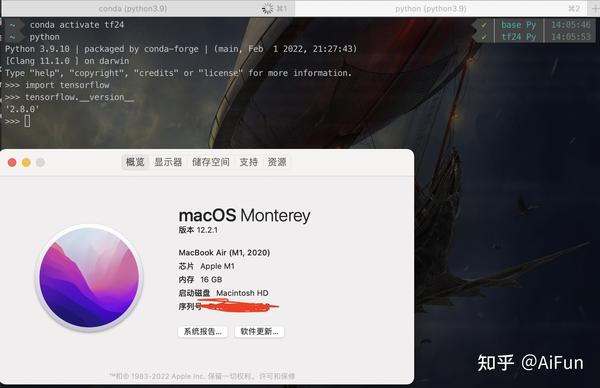
2022 Apple M1 Mac M1 Tensorflow
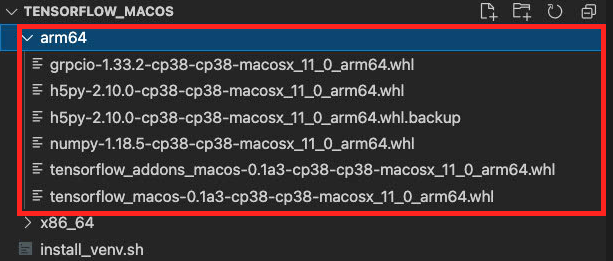
Apple Silicon Mac M1 TensorFlow JupyterLab VSCode
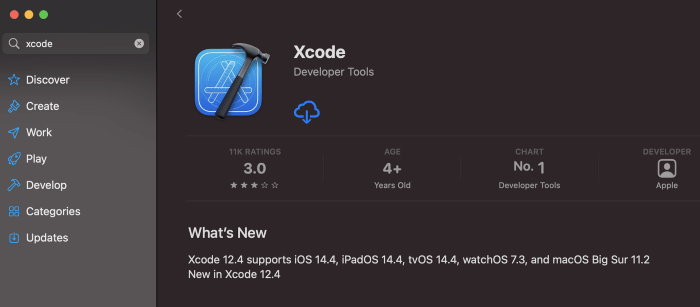
Apple Silicon Mac M1 TensorFlow JupyterLab VSCode
You can install them with the following command xcode select install And finally you ll need Anaconda As of now Miniforge runs natively on the M1 chip so that s the distribution you ll use You ll want to download the ARM64 version the one marked on the following image Image 1 Miniforge download page image by author

Download and install Homebrew from https brew sh Follow the steps it prompts you to go through after installation Download Miniforge3 Conda installer for macOS arm64 chips M1 M1 Pro M1 Max M1 Ultra M2 Install Miniforge3 into home directory

Step 1 Install Xcode Command Line Tools This is essential in some guides except I managed to do it although somehow I got away with not having to do this You can do this easily from the

Installing TensorFlow on the M1 Mac Utilize Apple s ML Compute framework for Deep Learning Projects Wei Meng Lee Follow Published in Towards Data Science 5 min read May 26 2021 23 Photo by Karthikeya GS on Unsplash If you are a Mac user you probably have one of the latest machines running Apple Silicon

According to the official guideline we should use at least python version 3 9 0 Don t forget to activate it conda create name tensorflow silicon python 3 9 conda activate tensorflow silicon Then install the tensorflow macos base along with the tensorflow metal plugin conda install c apple tensorflow deps
Setup Tensorflow Environment on M1 Mac Dec 19 2021 blog howto mac macos python apple tensorflow ml maschine learning Since Apple s M1 chip is a really good choice for maschine learning at home but the setup of a Tensorflow environment isn t exactly straight forward I thought it would make sense to simplify it a little bit and write a short guide on how to do it There are a few tutorials online on how to install TensorFlow on a Mac with an Apple ARM M1 chip instead of an Intel one but I had to piece about 6 of them together to make it work for my setup This resulted in a publicly downloadable apple tensorflow 20220828 yml file for conda environment creation which you can simply install by conda env create file apple tensorflow 20220828 yml
1 Answer Sorted by 1 this is maybe due to the fact that TensorFlow is not yet compatible with the Apple M1 chip