Install Spotify Linux How To Install Spotify Player On Linux System TREND OCEANS How To Install Spotify On Linux Mint 21 20 LinuxCapable How To Download And Install Spotify On A Chromebook LaptrinhX News Installation Of Spotify Client On Ubuntu 14 04 LTS Linux Linux How To Install Spotify On Ubuntu Linux Mint Web May 4 2020 nbsp 0183 32 Install the Spotify application by using the snap command sudo snap install spotify Use the Activity menu to search and launch Spotify Alternatively start Spotify from the command line spotify Install Spotify from the official Spotify repository Import Spotify signing key and add the official Spotify repository
Web Jun 5 2023 nbsp 0183 32 Installing spotify application on Linux The procedure to install spotify on Linux is as follows Install snapd on Linux Turn on snapd service in Linux Find the Spotify snap run snap find spotify Install the spotify music app on Linux sudo snap install spotify Run the app spotify amp Let us see all steps and examples in details to get Web Nov 14 2021 nbsp 0183 32 First launch the terminal app Then run the following commands to add the GPG key and configure the PPA for Spotify on your system curl sS https download spotify debian pubkey 5E3C45D7B312C643 gpg sudo apt key add echo quot deb http repository spotify stable non free quot sudo tee
How To Install Spotify On Ubuntu Linux Mint How To Install Spotify On Linux Mint 21 TechViewLeo How To Install Spotify On Linux Fedora Ubuntu Debian OMG Linux Spotify Linux My Road Installer Spotify Sous Linux Mint Elementary OS Le Blog De Cba Spotify Fonctionne Sur Linux Avec Wine Galipe How To Install Spotify On The Main Linux Distributions Graphix Gaming How To Install Spotify On Ubuntu Linux Mint Instalar Spotify En Ubuntu Trusty Tahr Atareao Con Linux
Install Spotify Linux
 Install Spotify Linux
https://trendoceans.com/wp-content/uploads/2022/07/Install-Spotify-on-Linux.webp
Web Mar 28 2022 nbsp 0183 32 Installing Spotify Application on Ubuntu amp Debian Step 1 Add Spotify Repo Key The first step in installing Spotify from its official repository is importing the Spotify public key with which its packages are signed into our system So open a terminal and import the Spotify signing key using the curl command
Templates are pre-designed files or files that can be used for various purposes. They can save effort and time by supplying a ready-made format and layout for creating different sort of content. Templates can be used for individual or professional jobs, such as resumes, invites, leaflets, newsletters, reports, discussions, and more.
Install Spotify Linux
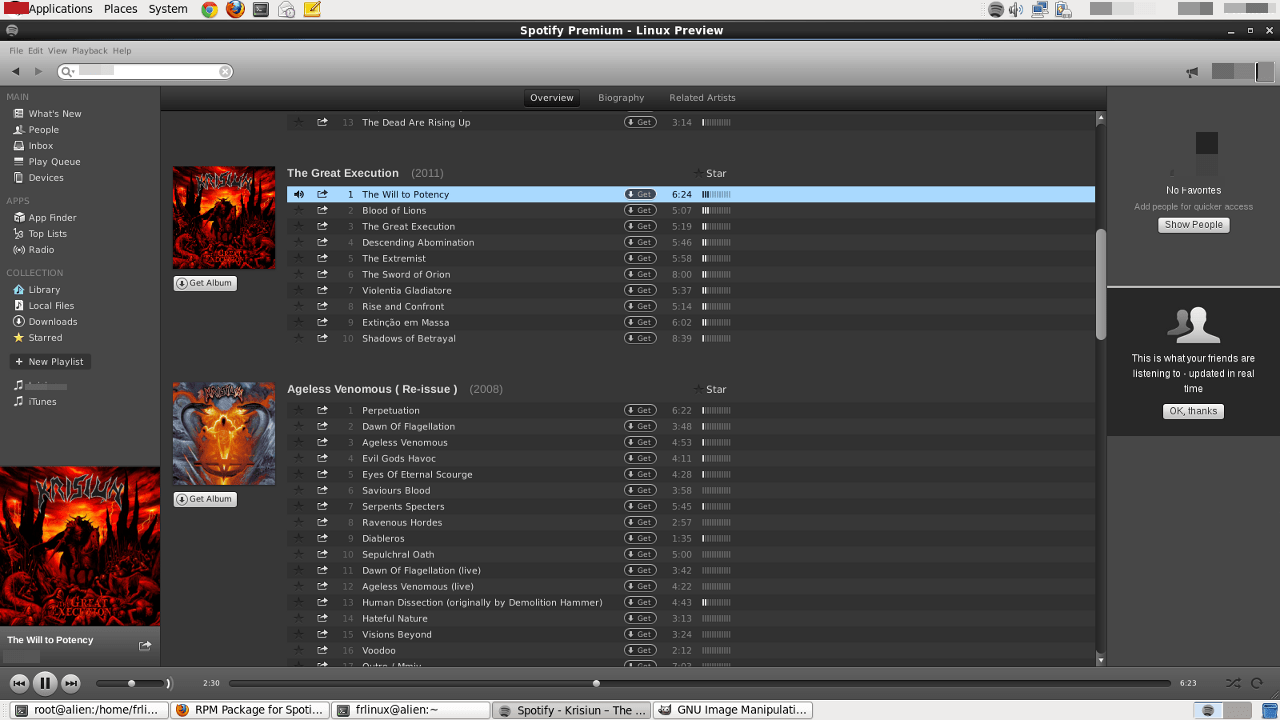
How To Install Spotify In Linux

How To Install Spotify On Linux Mint 21 TechViewLeo

How To Install Spotify On Linux Fedora Ubuntu Debian OMG Linux
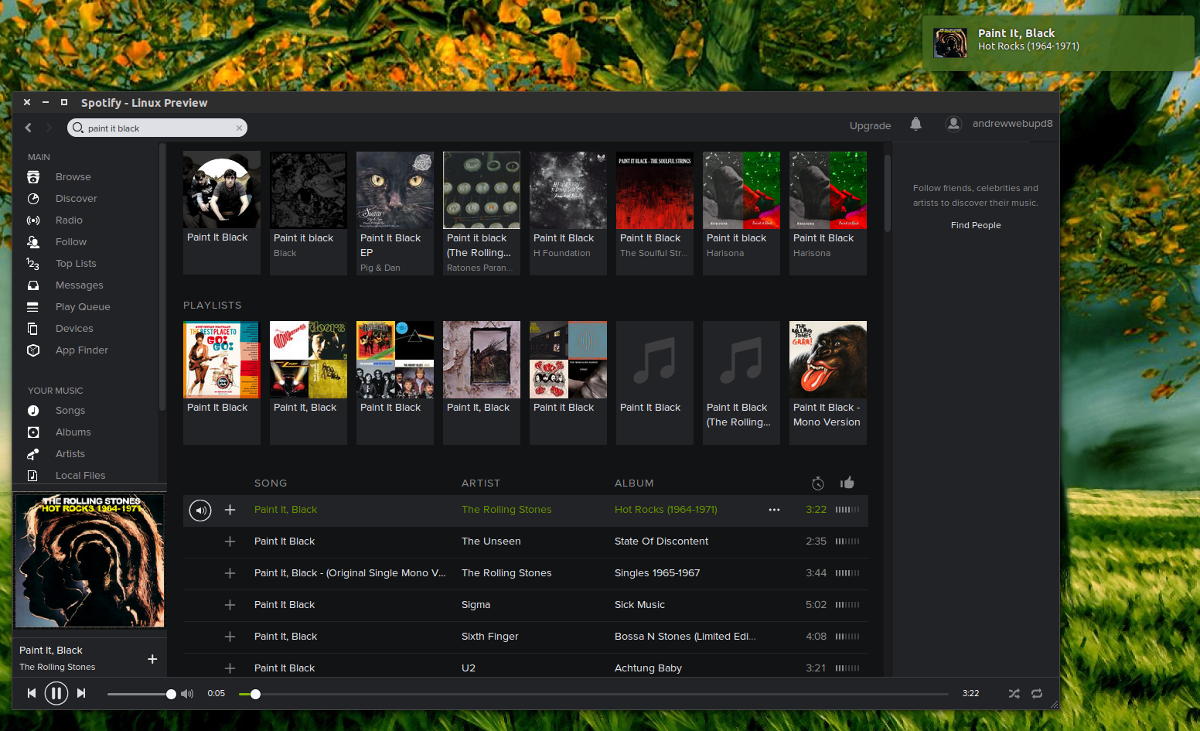
Spotify Linux My Road
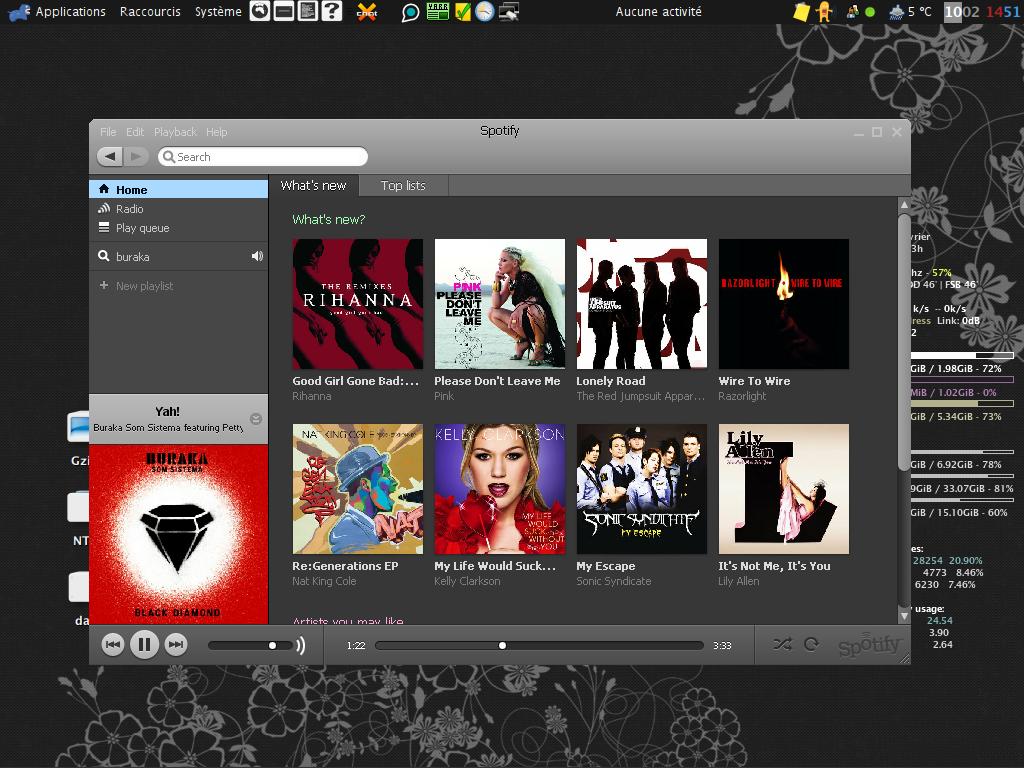
Spotify Fonctionne Sur Linux Avec Wine Galipe

How To Install Spotify On The Main Linux Distributions Graphix Gaming
Web Jun 10 2020 nbsp 0183 32 2 min read Spotify is a digital music streaming service that gives you instant access to millions of songs from old classics to the latest hits This guide shows two ways of installing Spotify on Ubuntu 20 04 Spotify can be installed as a snap package via the Snapcraft store or as a deb package from the Spotify repositories

Web May 13 2014 nbsp 0183 32 Method 1 Install Spotify in Ubuntu using Snap Package Spotify has a Snap package which means now Spotify can be easily installed directly from the Software Center Spotify in Ubuntu Software Center If your system doesn t have Snap install it using the command below sudo apt get install snapd

Web Mar 9 2023 nbsp 0183 32 Run the following command sudo apt update amp amp sudo apt upgrade Install Initial Packages For Spotify Installation Install the necessary dependencies required for installing Spotify using the APT method with the following command sudo apt install curl libcanberra gtk module software properties common apt transport https

Web Jan 10 2022 nbsp 0183 32 Prefer the terminal You can install Spotify on Ubuntu 18 04 and up from the command line too if you run sudo snap install spotify Both methods get you the same app The app will automatically update in the background when new versions are available Method 2 Use the Spotify Linux Repository

Web Apr 28 2023 nbsp 0183 32 Most Linux distributions support Flatpak or at the least make Flatpak easy to install Therefore if you have Flatpak and the Flathub remote setup you can install Spotify from Flathub this is the recommended way to install Spotify on Fedora and Linux Mint I should mention that the Spotify Flatpak build isn t official
Web Oct 20 2023 nbsp 0183 32 The recommended installation method for Spotify on Debian is through its official repository This approach makes it easy to keep the package up to date First install the necessary dependencies to add the Spotify repository to your system Web Jan 16 2019 nbsp 0183 32 Place the following line inside deb http repository spotify stable non free Now simply update Apt and install the Spotify client sudo apt update sudo apt install spotify client Alternatively Ubuntu users can install Spotify via Snap Also read 6 Web Apps to Supercharge Your Spotify Experience
Web Feb 23 2024 nbsp 0183 32 Install spotify on your Linux distribution Choose your Linux distribution to get detailed installation instructions If yours is not shown get more details on the installing snapd documentation Arch Linux CentOS Debian elementary OS Fedora KDE Neon Kubuntu Manjaro Pop OS