Install Rsat Windows 10 Active Directory Users And Computers Powershell RSAT Tools per PowerShell installieren und installierte RSAT Tools abfragen - Windows FAQ How to Install the Remote Server Administration Tools in Windows 10 | Petri IT Knowledgebase Install RSAT for Windows 10 Version 1809, 1903 and Later Windows 10 20H2 Install Remote Server Administration Tool (RSAT) Feature SOLVED: How To Install Active Directory Users and Computers on a Member Server | Up & Running Technologies, Tech How To's 28 maalisk 2019 nbsp 0183 32 Windows 10 Post The Remote Server Administration Tools RSAT package familiar server tools like Active Directory Users and Computers ADUC and Server
10 elok 2021 nbsp 0183 32 With PowerShell Install RSAT for Active Directory in Windows 10 with Manage Optional Features To enable Active Directory with this method Type Optional 20 elok 2019 nbsp 0183 32 To import the PowerShell Active Directory module you must first install it On Windows 10 post 1809 use the Add WindowsCapability cmdlet This enables the
SOLVED: How To Install Active Directory Users and Computers on a Member Server | Up & Running Technologies, Tech How To's How to Install Active Directory Users and Computers in Windows 10 [Tutorial] - YouTube How to install the PowerShell Active Directory module – 4sysops Windows 10 20H2 Install Remote Server Administration Tool (RSAT) Feature How to install Remote Server Administration Tools (RSAT) on Windows 10 Version 1709, Windows 10 Version 1803, Windows 8 and Windows 8.1 | Hammer Software How to install Active Directory Users and Computers (ADUC) How to install the PowerShell Active Directory module – 4sysops install active directory users and computers windows 10 | Easy Steps-2022 - YouTube Active Directory Users and Computers (ADUC): Installation and Uses
Install Rsat Windows 10 Active Directory Users And Computers Powershell
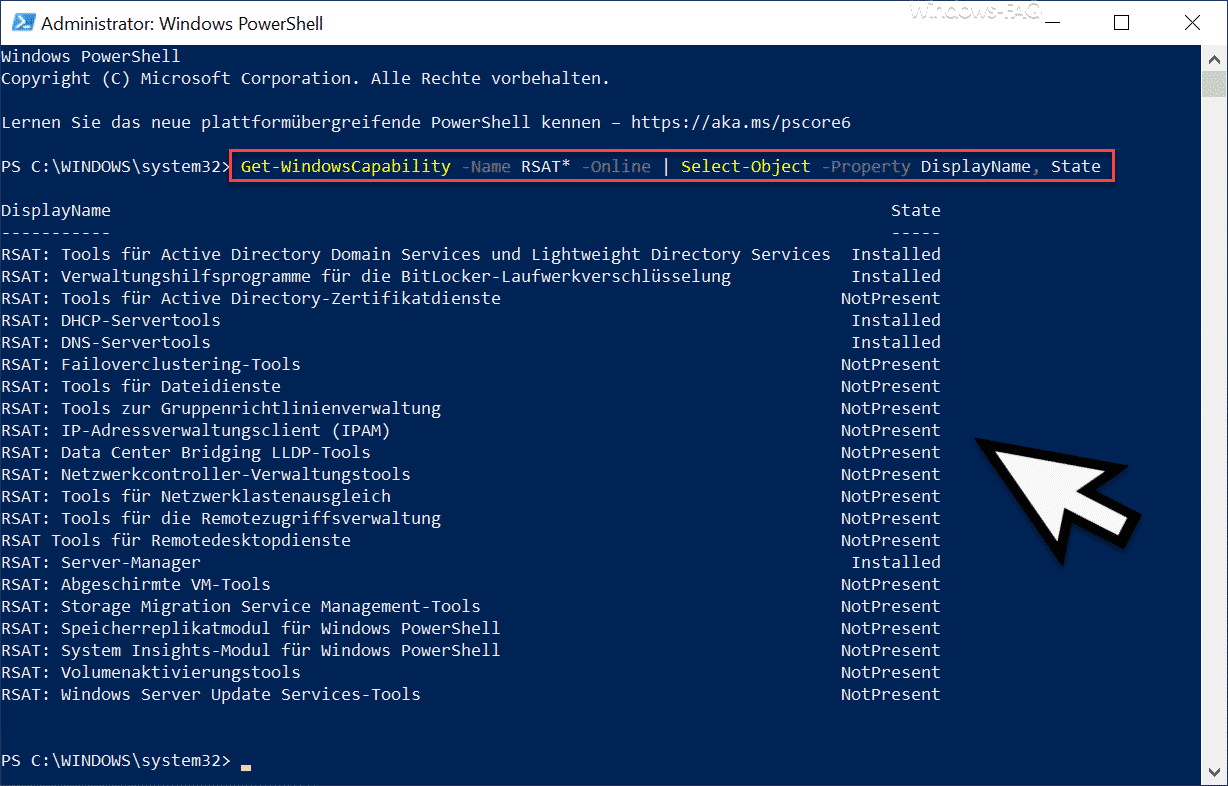 Install Rsat Windows 10 Active Directory Users And Computers Powershell
https://www.windows-faq.de/wp-content/uploads/2019/12/Auflistung-der-RSAT-Tools-per-PowerShell.png
3 helmik 2023 nbsp 0183 32 You can install ADUC on both Windows Server hosts and Windows 10 and 11 computers The ADUC MMC snap in is a part of the Microsoft Remote Server Administration
Pre-crafted templates offer a time-saving service for producing a varied variety of files and files. These pre-designed formats and layouts can be utilized for different personal and expert projects, consisting of resumes, invites, leaflets, newsletters, reports, presentations, and more, streamlining the material development process.
Install Rsat Windows 10 Active Directory Users And Computers Powershell
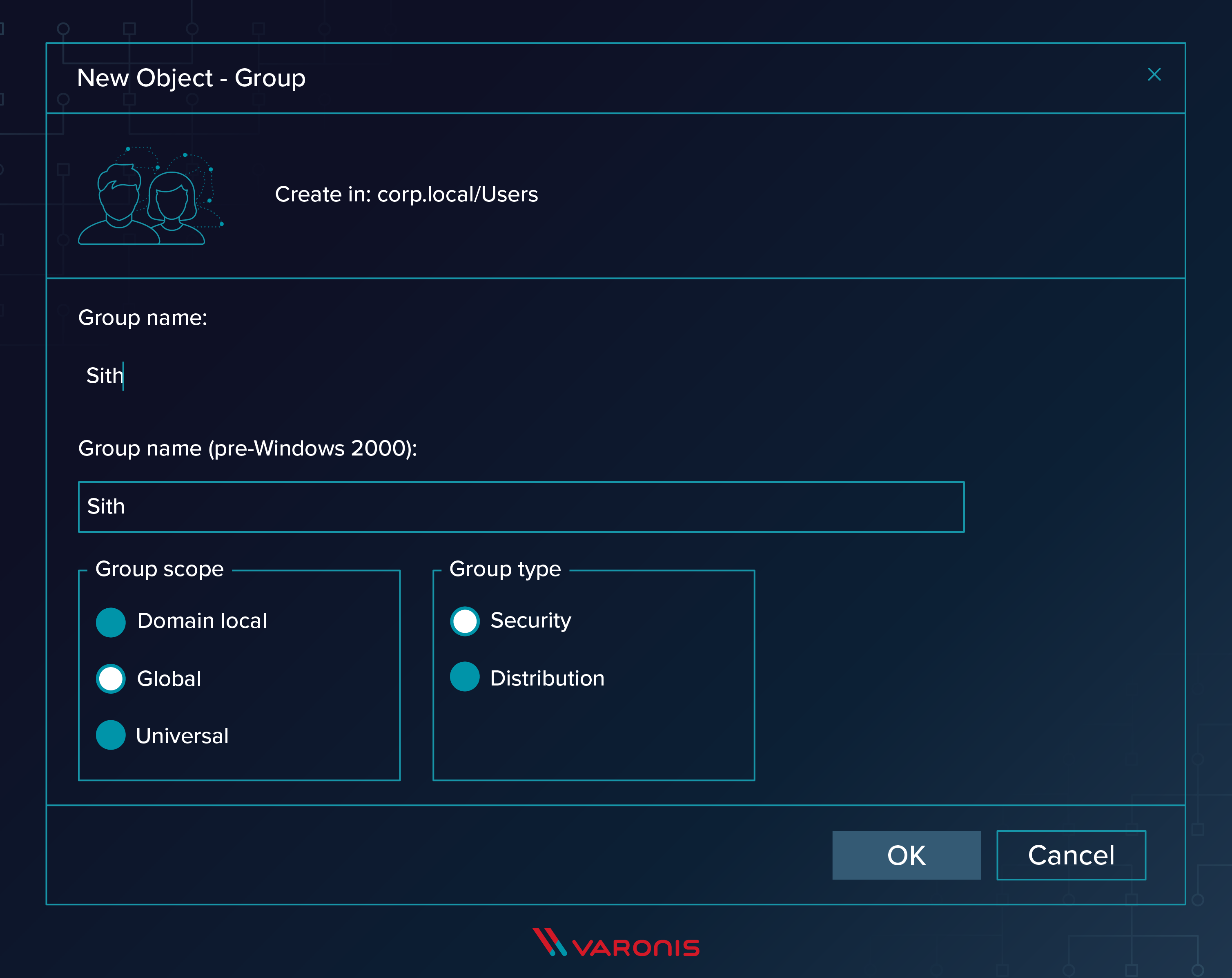
Active-Directory-Benutzer und -Computer (Active Directory Users and Computers, ADUC): Installation und Verwendung

How to Install Active Directory Users and Computers in Windows 10 [Tutorial] - YouTube

How to install the PowerShell Active Directory module – 4sysops

Windows 10 20H2 Install Remote Server Administration Tool (RSAT) Feature
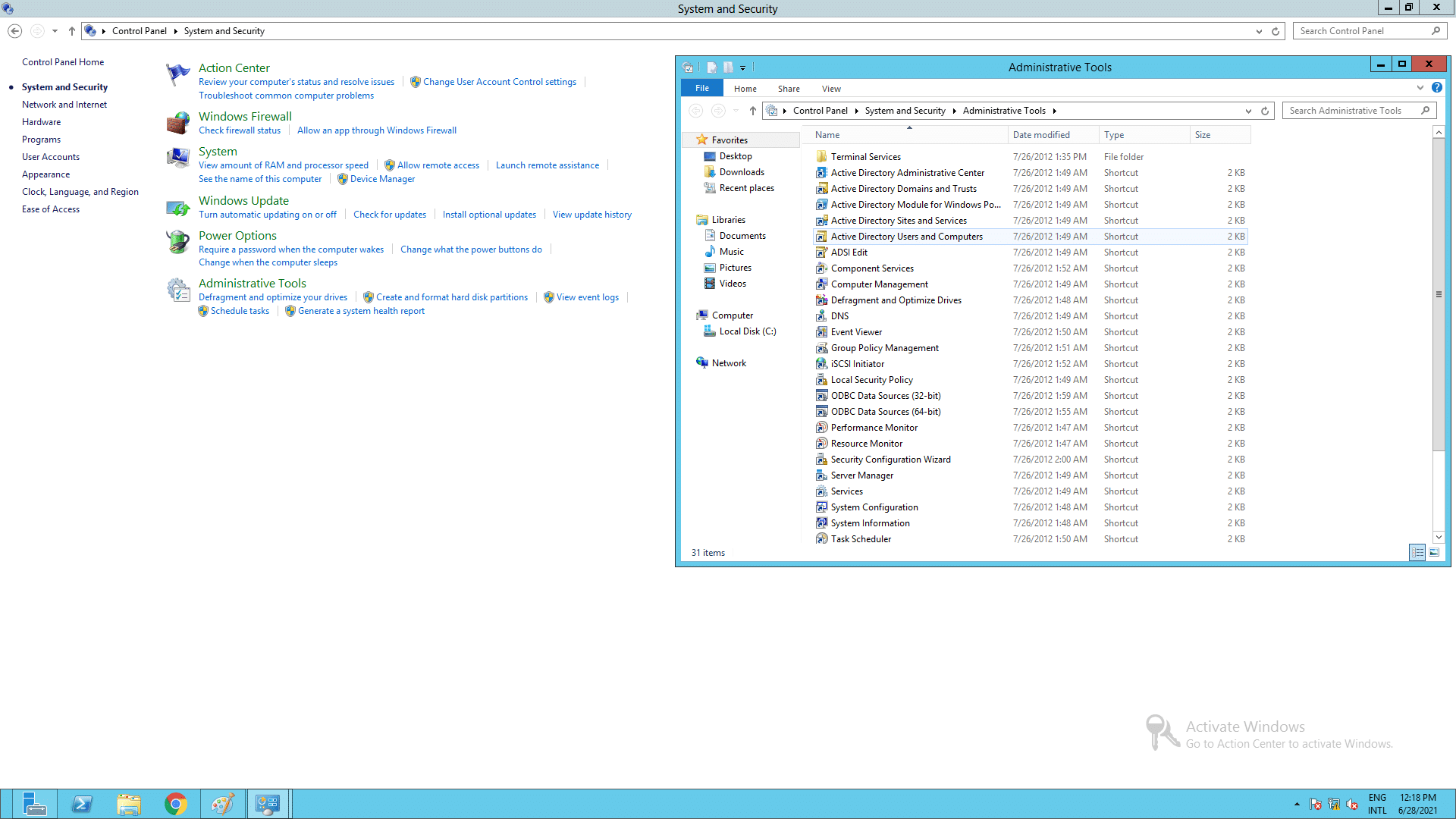
How to install Active Directory Users and Computers (ADUC)

How to install the PowerShell Active Directory module – 4sysops

3 marrask 2023 nbsp 0183 32 In this guide I ll show you how to install the RSAT tools on Windows 10 Windows 11 and Windows Server I ll also show you how to install RSAT using
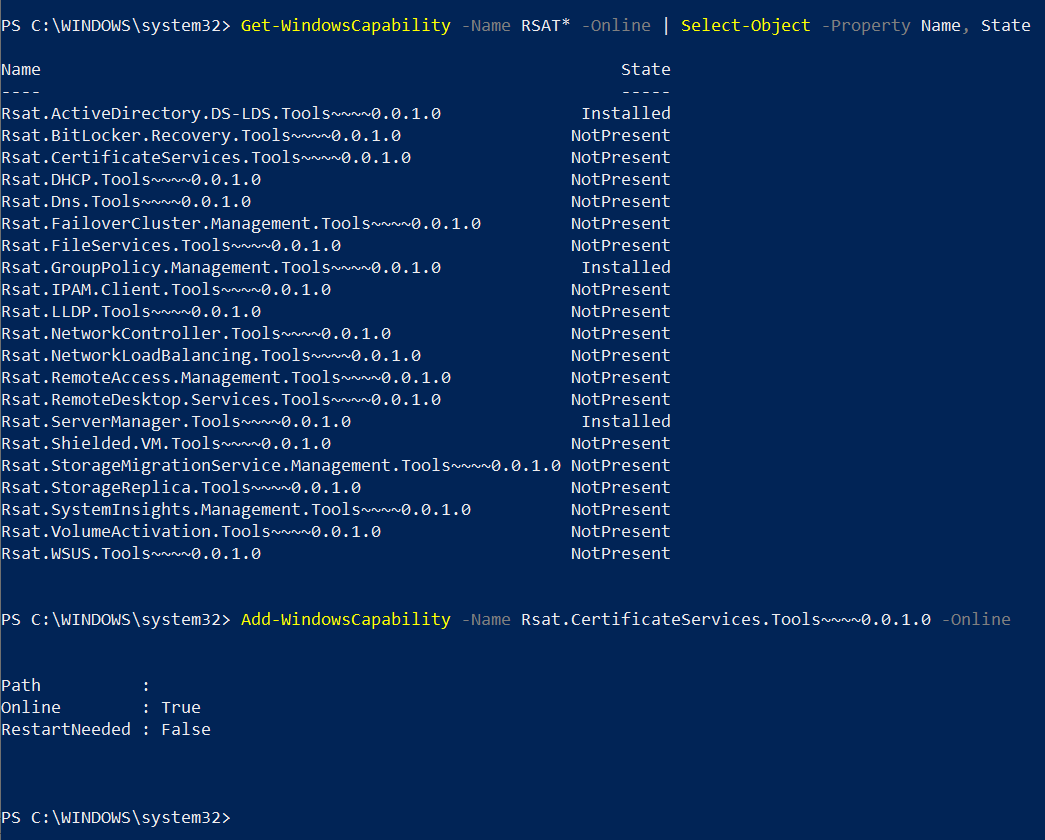
12 elok 2022 nbsp 0183 32 To install Active Directory Users and Computers on Windows 10 and Windows 11 open the Settings app and go into Apps From there add the RSAT Active

RSAT for Windows 10 IMPORTANT Starting with Windows 10 October 2018 Update RSAT is included as a set of quot Features on Demand quot in Windows 10 itself See quot Install Instructions quot

5 maalisk 2024 nbsp 0183 32 RSAT enables IT administrators to remotely manage roles and features in Windows Server from a computer that is running Windows 10 and Windows 7 Service Pack

Download and install WS2016 RSAT package as outlined below When installing on Windows 10 April 2018 Update 1803 or earlier for managing Windows Server 2016 or previous
3 marrask 2021 nbsp 0183 32 In the PowerShell console use the Install WindowsFeature cmdlet to install the Active Directory PowerShell module Specify the feature Name RSAT AD 6 p 228 iv 228 228 sitten nbsp 0183 32 Installing Active Directory Users and Computers in Windows 11 10 via PowerShell Installing Active Directory PowerShell Module Installing ADUC in Windows
19 syysk 2023 nbsp 0183 32 Install PowerShell Active Directory Module on Windows 10 or 11 Using the Optional Features in Windows Settings Using the Add WindowsCapability Cmdlet DISM