Install Realvnc Viewer Ubuntu Command Line Ubuntu 20 04 VNC VNC Server Licensing Failed To Read Configuration RealVNC Help Center How To Enable Screen Sharing Between Ubuntu And RealVNC Joeplaa Wiki How To Enable Screen Sharing Between Ubuntu And RealVNC Joeplaa Wiki How To Manually Install A Deb Package Using Command Line In Ubuntu Web May 18 2023 nbsp 0183 32 Installing at the command line Installing at the command line or via SSH may be quicker and more convenient providing defaults are acceptable To do this run the following command as a user with administrative privileges installer pkg lt vnc app gt pkg
Web May 11 2020 nbsp 0183 32 Step 1 Installing the Desktop Environment and VNC Server After connecting to your server with SSH update your list of packages sudo apt update Then install Xfce along with the xfce4 goodies package which contains a few enhancements for the desktop environment sudo apt install xfce4 xfce4 goodies Web Oct 18 2023 nbsp 0183 32 Download the RealVNC Connect setup app Click the Download for Linux button Extract the installer in your Downloads folder using your system s file manager and run it by double clicking the RealVNC Connect installer application icon Click the Accept and Install button and follow the on screen instructions
How To Manually Install A Deb Package Using Command Line In Ubuntu How To Install VNC Server On Ubuntu And Control Your Linux Machine Ubuntu Command Line 10 Basic Ubuntu Shell Commands You Should Know Simple Ubuntu Command How To Update Ubuntu In The Command Line Ubuntu Command Line Script Disk Operations User Linux Advance How To Update Ubuntu from The Command Line YouTube How To Use Apt Get To Install Programs In Ubuntu From The Command Line Ubuntu 12 04 LTS Desktop Environment VNC Server Server World
Install Realvnc Viewer Ubuntu Command Line
 Install Realvnc Viewer Ubuntu Command Line
https://ko.linux-console.net/common-images/how-to-install-and-configure-vnc-on-ubuntu-20-04/vnc_putty_topbar_arrow.png
Web Mar 26 2021 nbsp 0183 32 We ve shown you how to install and configure a VNC server up and running on Ubuntu 20 04 To configure your VNC server to start a display for more than one user create the initial configuration and set up
Templates are pre-designed files or files that can be used for different functions. They can conserve effort and time by supplying a ready-made format and layout for creating various sort of material. Templates can be used for individual or expert tasks, such as resumes, invitations, flyers, newsletters, reports, presentations, and more.
Install Realvnc Viewer Ubuntu Command Line
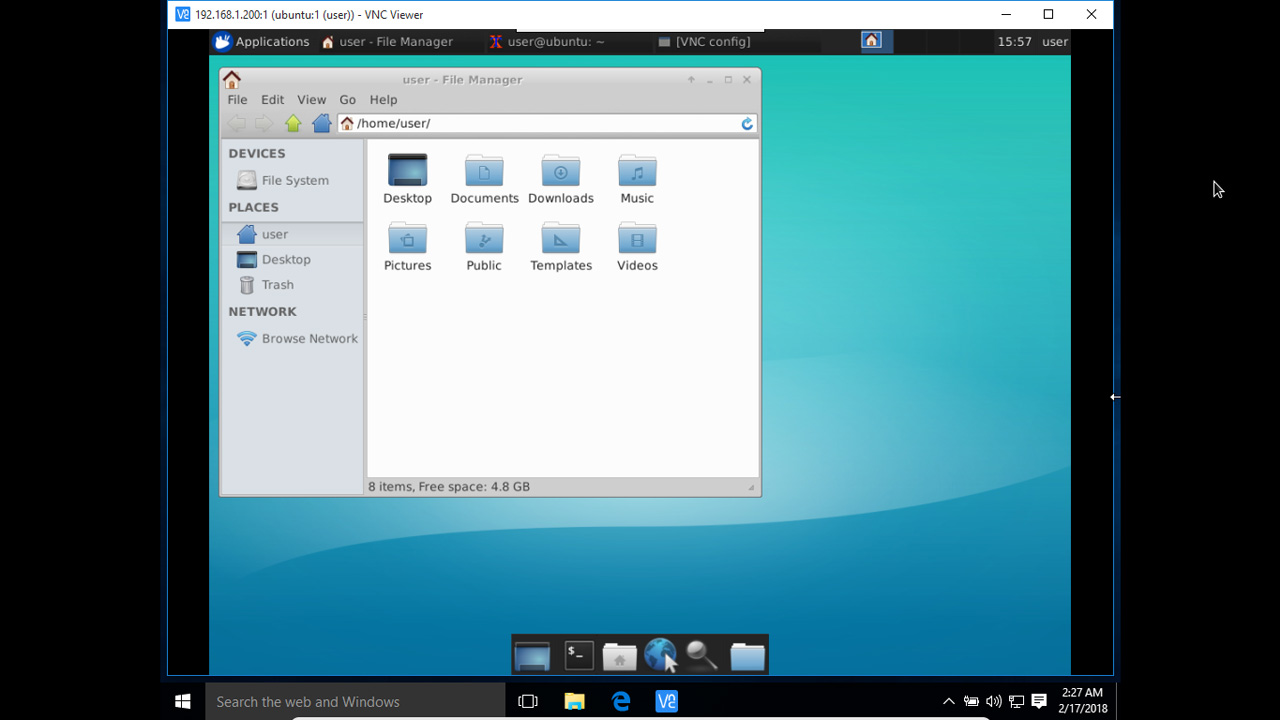
How To Install VNC Server On Ubuntu
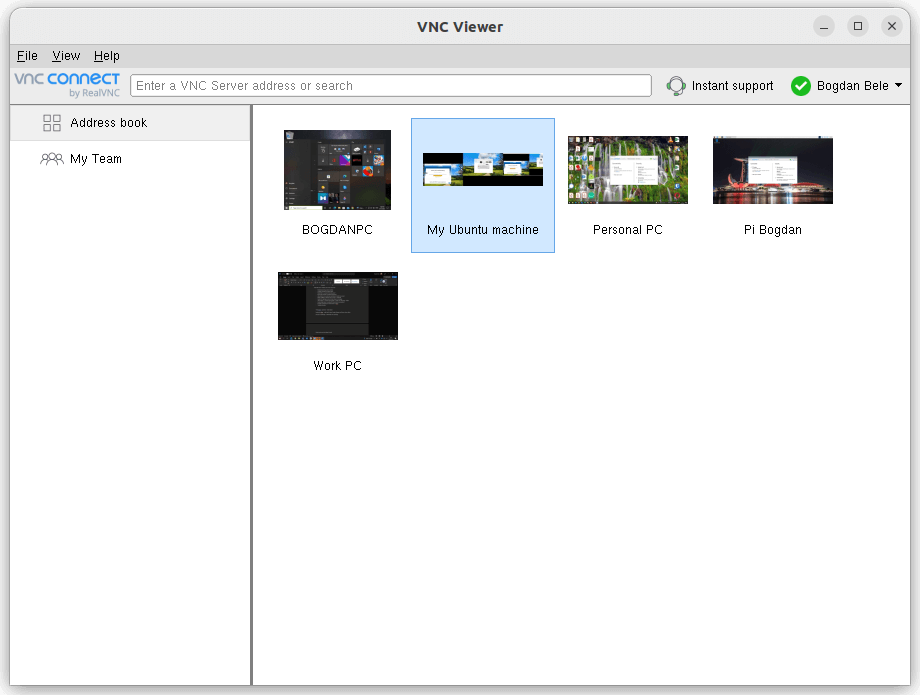
How To Install VNC Server On Ubuntu And Control Your Linux Machine

Ubuntu Command Line 10 Basic Ubuntu Shell Commands You Should Know
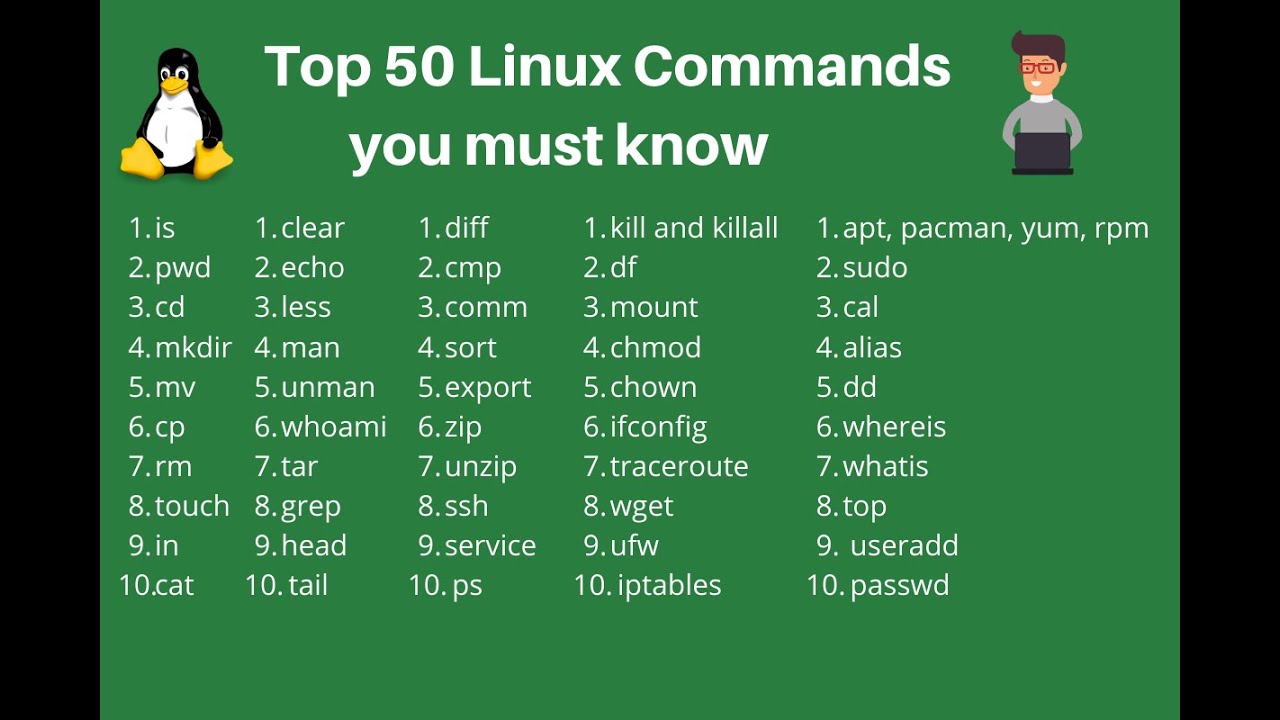
Simple Ubuntu Command
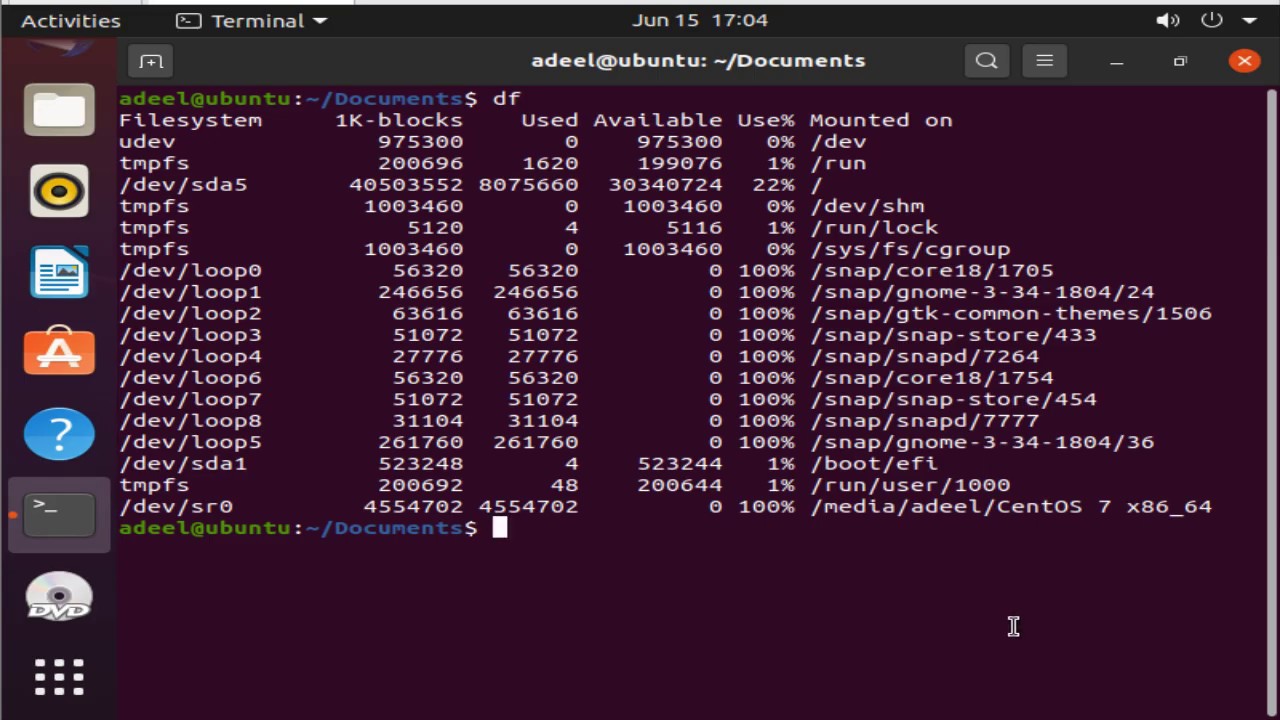
Ubuntu Command Line Script Disk Operations User Linux Advance
How To Update Ubuntu from The Command Line YouTube

Web Apr 29 2022 nbsp 0183 32 Install RealVNC Client on Ubuntu The RealVNC viewer client will be used RealVNC viewer client can be downloaded from the official RealVNC downloads website RealVNC viewer client can be downloaded and installed on Windows macOS Raspberry Pi Android Linux Solaris and HP UX from this page
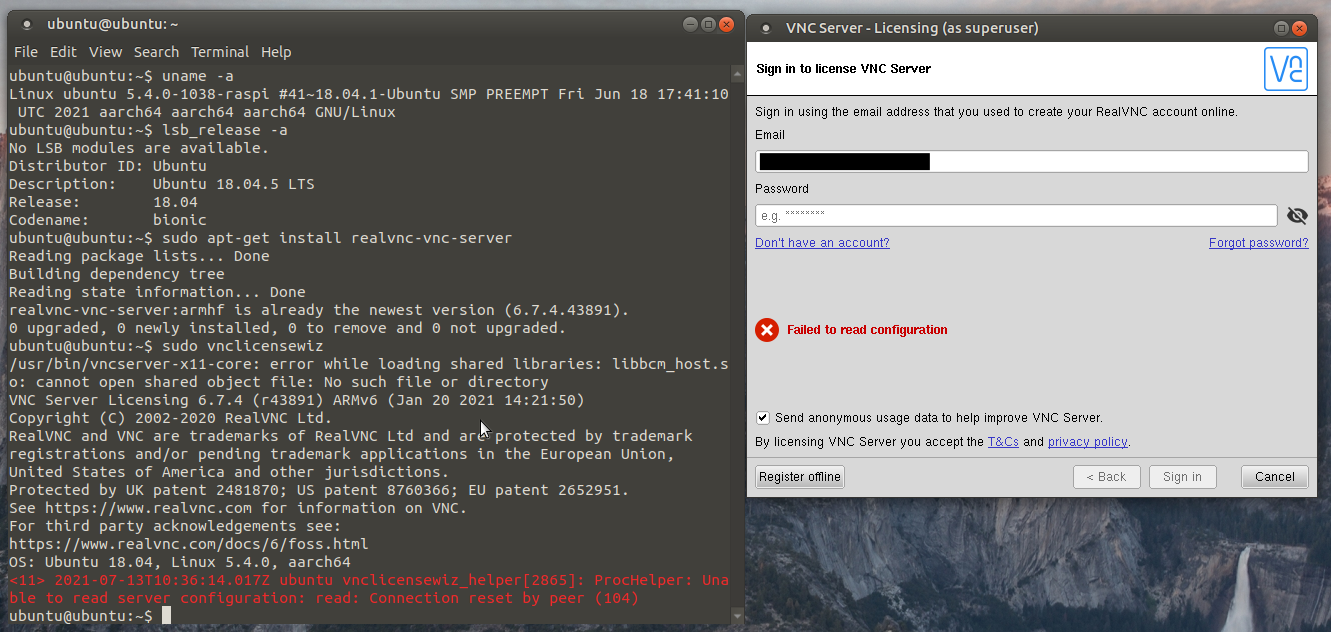
Web Jul 4 2023 nbsp 0183 32 Open a command line terminal and navigate to the directory where you downloaded the DEB file cd Downloads Then install the local DEB file with the apt package manager sudo apt install VNC Viewer 7 5 1 Linux x64 deb Installing RealVNC Viewer via DEB file on a Debian based system
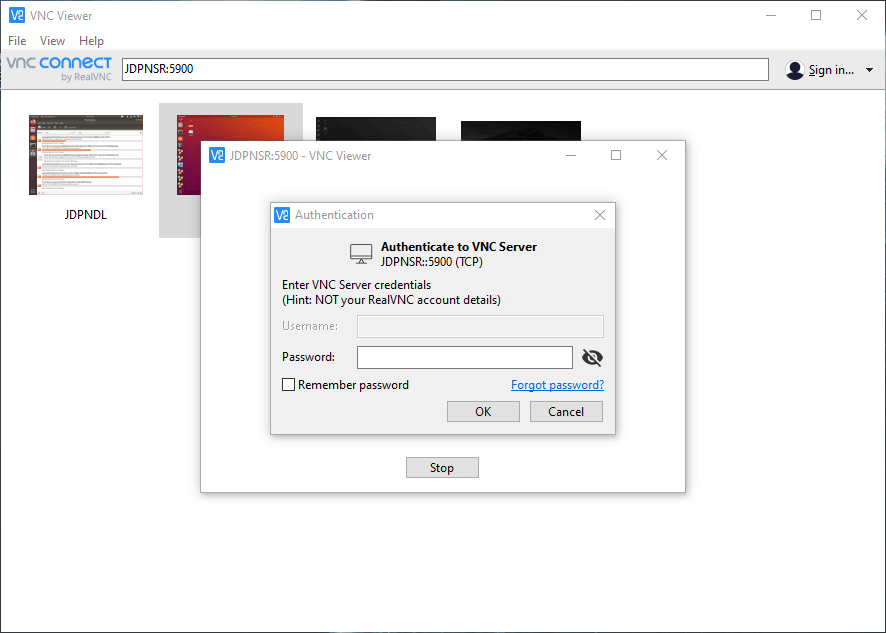
Web May 8 2020 nbsp 0183 32 It makes managing files software and settings on a remote server easier for users who are not yet comfortable with the command line In this guide you ll set up a VNC server with TightVNC on an Ubuntu 20 04 server and connect to it
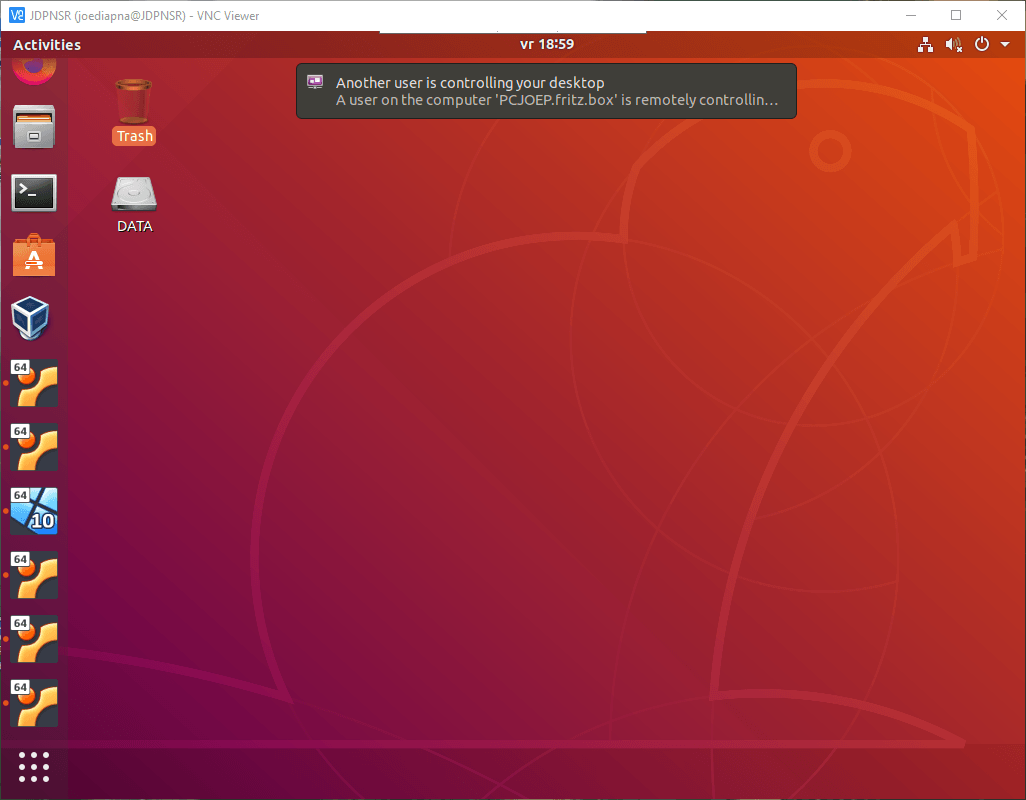
Web Oct 21 2022 nbsp 0183 32 How to install VNC Server on Ubuntu RealVNC Server needs to be installed on the machine you want to control Double check the supported Linux platforms and then open a browser on your Ubuntu machine to download the combined installer If you don t already have a VNC account you will need to create one at this point You can
Web Download RealVNC 174 Viewer to the device you want to control from For the best experience install RealVNC Viewer and RealVNC Server together using the RealVNC Connect Setup app Desktop Mobile Windows macOS Linux Raspberry Pi
Web Tegan Updated June 13 2023 00 27 You can perform all the operations required to download and install VNC Connect on a target computer and license configure and start VNC Server ready for connections at the command line Web Aug 4 2023 nbsp 0183 32 You can launch a RealVNC Viewer connection at the command line by providing the the path to the connection file you want to use as part of the config argument For example on Windows quot C Program Files VNC Viewer vncviewer exe quot quot C Users username Desktop myconnection vnc quot At start up login
Web Apr 19 2022 nbsp 0183 32 xvnc4viewer RealVNC viewer is a simplistic client recommended for Xubuntu users xvnc4viewer is available in the Universe repository click here to install xvnc4viewer xtightvncviewer TightVNC viewer is a simplistic client recommended for use with tightvncserver or other VNC server