Install Qt5 Creator Ubuntu Ubuntu Ubuntu20 04 Qt5 Getting Started With Qt5 Creator Designer YouTube How To Install Qt Creator In Ubuntu Leadingpna 4B Ubuntu Qt5 4b qt Love CSDN 4B Ubuntu Qt5 4b qt Love CSDN The following steps will help you to install Qt Creator on Ubuntu 20 04 Step 1 Update system packages Open the command line application Terminal by pressing Ctrl Alt t Update the system repositories packages list using the following apt update command sudo apt update Step 2 Installing build essential tools
Published on 20 05 2023 To create GUI applications on Ubuntu install QtCreator an open source cross platform IDE for developing GUI applications on embedded and mobile devices QtCreator offers autocompletion syntax highlighting and other useful features Follow this tutorial to install QtCreator on your Ubuntu computer 2 Download and run the Qt installer If you have previously installed Qt Creator you must first uninstall that one before re installing the latest To uninstall find the Qt Maintenance Tool application and run it On the first panel select Uninstall only to proceed with uninstall Now continue below to download and install the latest Qt
4B Ubuntu Qt5 4b qt Love CSDN 4B Ubuntu Qt5 qt Love CSDN 4B Ubuntu Qt5 4b qt Love CSDN Hello Raspberry Pi Install Qt5 Qt Creator For Raspberry Pi 2 Raspbian Ubuntu 20 04 Qt Creator Ubuntu 20 04 Qt Creator ubuntu qt4 qt5 ubuntu qt5 CSDN QT5 Ubuntu20 04 CSDN ubuntu qt5 Ubuntu 20 04 Qt Creator
Install Qt5 Creator Ubuntu
Install Qt5 Creator Ubuntu
https://inews.gtimg.com/newsapp_bt/0/13375525490/1000
Qt Widgets provides a library of UI elements which allow you to create classic desktop style user interfaces Qt Quick is a library providing types and functionalities for building modern fluid animated UIs For a more thorough walkthrough of the different aspects of developing applications with Qt 5 see the QML Book It focuses on Qt Quick
Templates are pre-designed documents or files that can be utilized for various purposes. They can conserve time and effort by supplying a ready-made format and design for developing different sort of content. Templates can be utilized for personal or professional projects, such as resumes, invitations, flyers, newsletters, reports, presentations, and more.
Install Qt5 Creator Ubuntu

QT No Suitable Kits Can Be Found
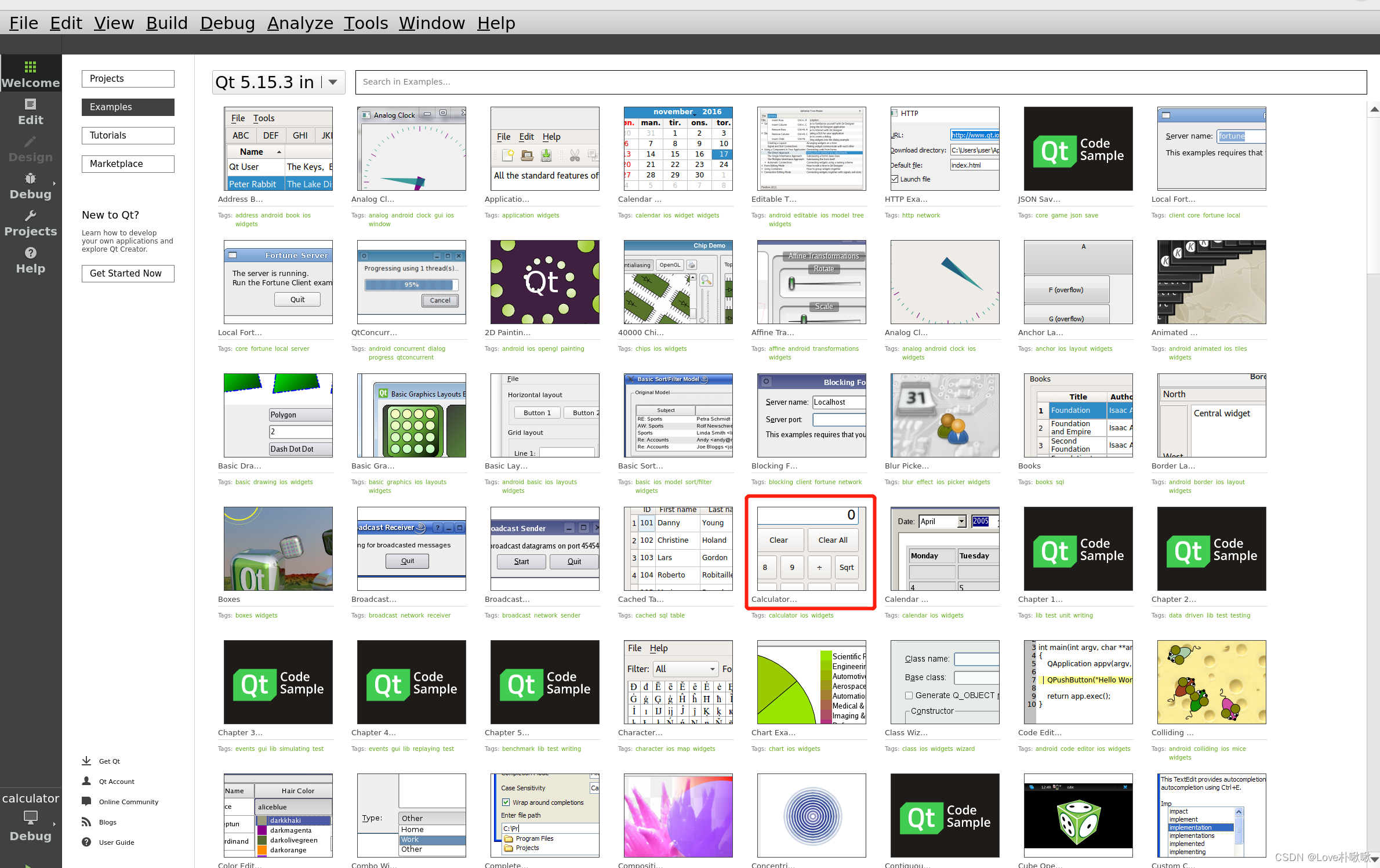
4B Ubuntu Qt5 qt Love CSDN
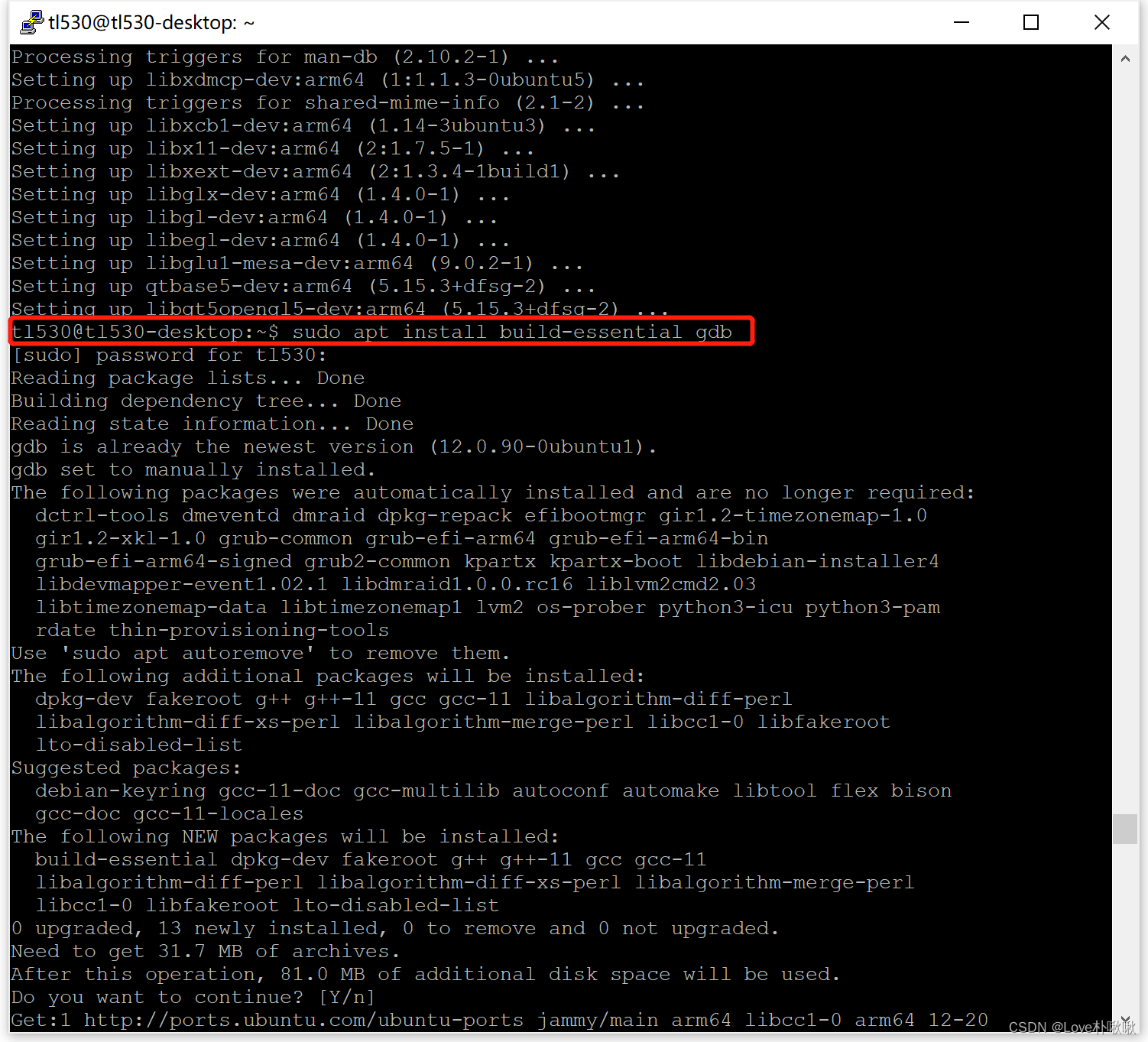
4B Ubuntu Qt5 4b qt Love CSDN

Hello Raspberry Pi Install Qt5 Qt Creator For Raspberry Pi 2 Raspbian
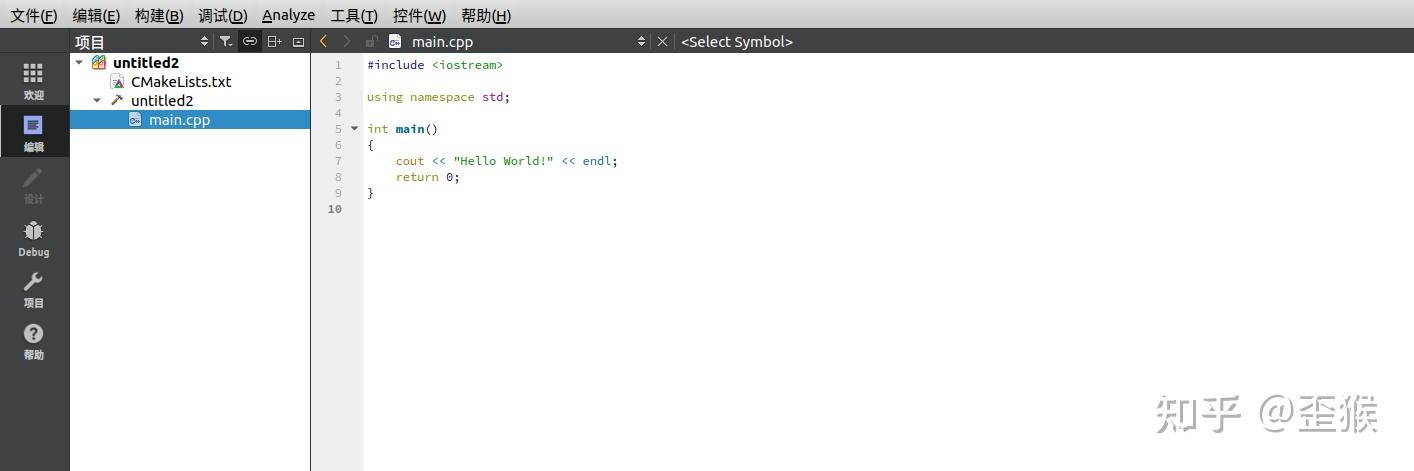
Ubuntu 20 04 Qt Creator

ubuntu qt4 qt5 ubuntu qt5 CSDN
This article explains how to install the Qt5 development packages and the Qt Creator IDE on Debian Ubuntu Fedora and openSUSE Background With the Qt5 programming library for C you can develop graphical user interface GUI application on Linux

Basically there are two ways to install QTCreator on Ubuntu 20 04 18 04
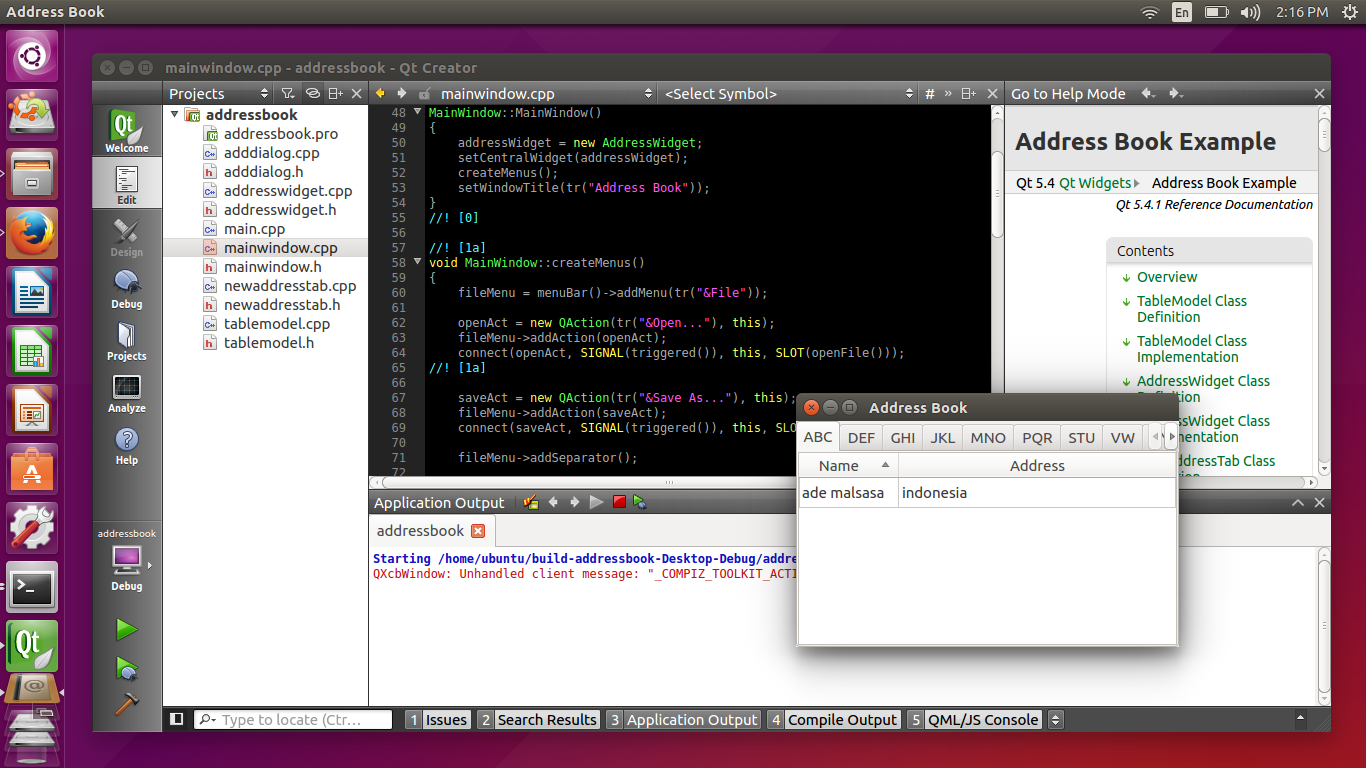
Use the following commands to install the basic requirements for building Qt applications Debian Ubuntu apt get sudo apt get install build essential libgl1 mesa dev Fedora RHEL CentOS yum sudo yum groupinstall C Development Tools and Libraries sudo yum install mesa libGL devel openSUSE zypper sudo zypper install t pattern devel basis
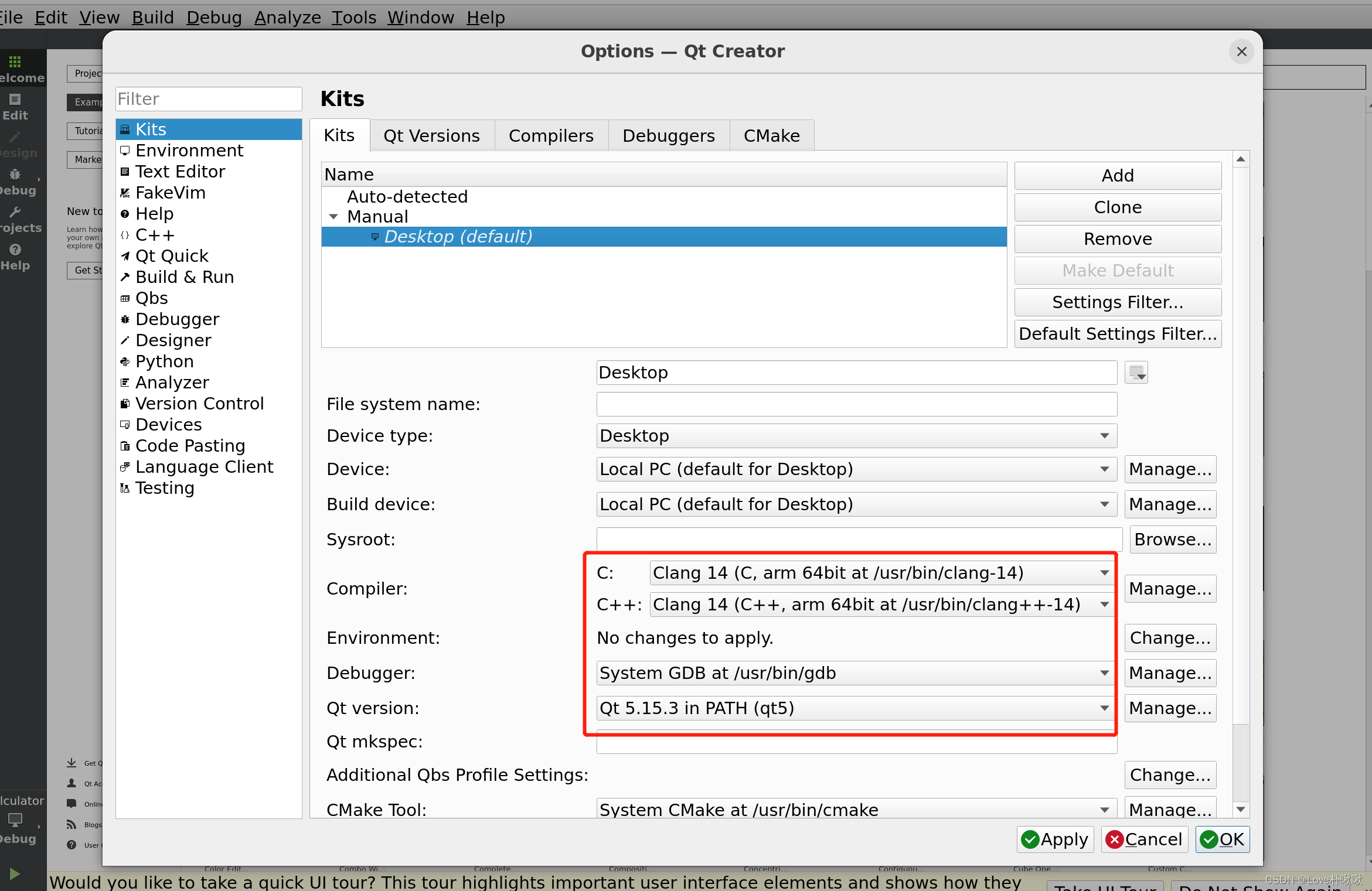
You can download Qt Online Installer via Qt Account as follows Select Downloads Download Qt Online Installer for your host Linux macOS or Windows See Get and Install Qt with Qt Online Installer for more information about how to use Qt Online Installer
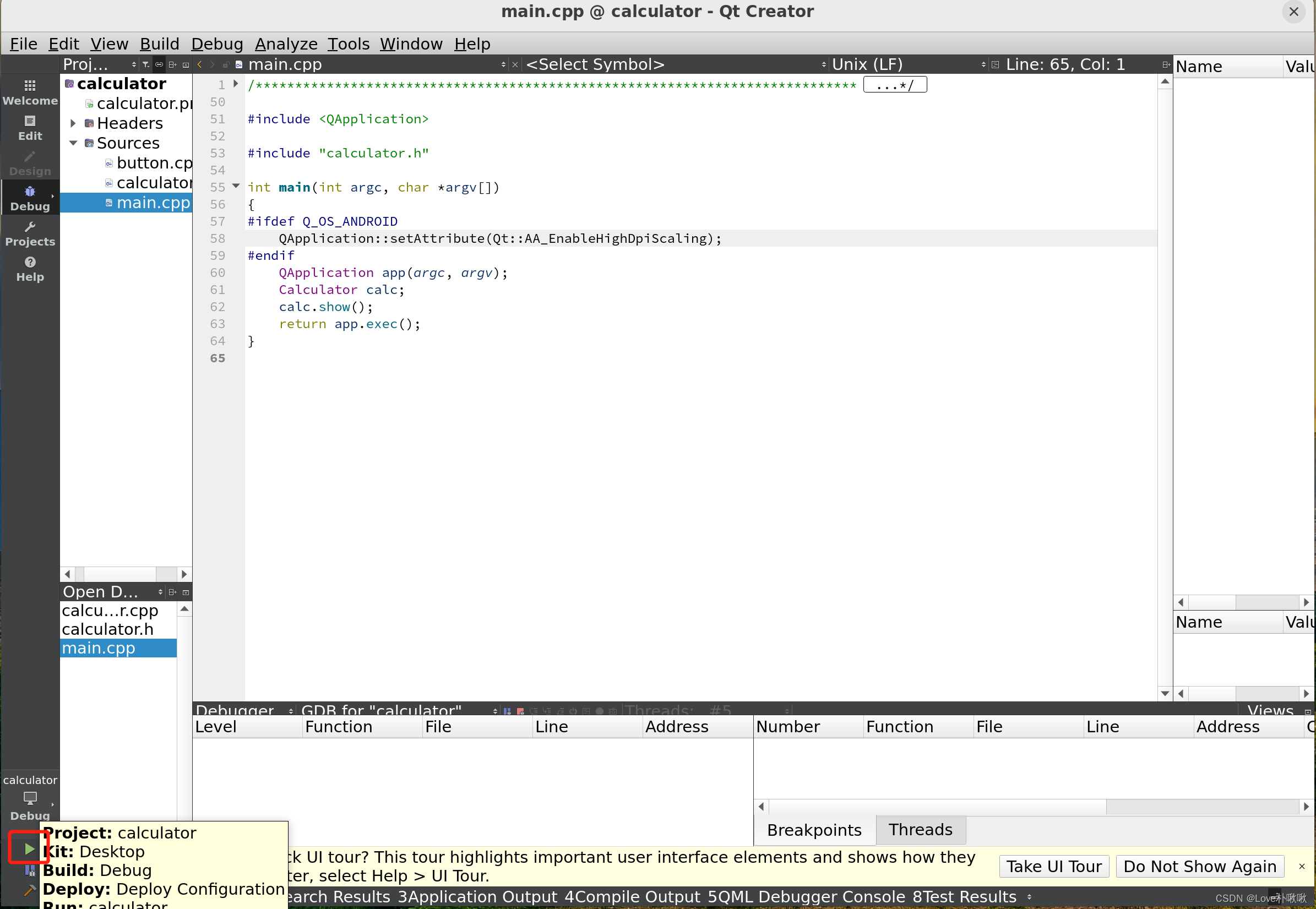
1 Answer Sorted by 47 qt5 default package is missed in ubuntu 21 04 repository so you should just install all base packages by yourself by running command below sudo apt get install qtbase5 dev qtchooser qt5 qmake qtbase5 dev tools Share Improve this answer Follow answered May 6 2021 at 9 20 Farshid616 1 444 1 14 26
To build Qt Creator on Ubuntu 22 04 follow the steps Contents 1 1 Install build tools 2 2 Install all the Ubuntu Qt 6 SDK packages 3 3 Install LLVM Clang dependencies 4 4 Install Qt Creator dependencies 5 5 Get Qt Creator source code 6 6 Build Qt Creator 1 Install build tools sudo apt install build essential cmake ninja build git 2 Specifically it is present in the official repository of Ubuntu 22 04 So open a terminal from the main menu and update the system sudo apt update sudo apt upgrade Then you can install QT Creator with the following command sudo apt install qtcreator Install QT Creator on Ubuntu 22 04 When the installation is finished you will be able
Last update 11 23 2021 Installation guide for Qt Creator on Ubuntu 18 04 with compiler documentation and examples Lulu s blog Philippe Lucidarme