Install Qt Mac Brew C mo Instalar Python 3 En Mac Tutorial De Actualizaci n De La Install Pip Mac Brew Qt Mac Os X Tab Navigation Not Working Karmaholden Brew Install Opencv Not Working Sunmokasin Install Qt Creator On Mac Web Oct 6 2016 nbsp 0183 32 How to install Qt on MacOS X Sierra and add qmake on terminal Ask Question Asked 7 years ago Modified 4 years 4 months ago Viewed 13k times 9 I want to install Qt on my Mac and use the qmake through terminal to compile code I downloaded the open source Qt Creator from Qt site but I cannot set it up Anyone with similar
Web Sep 28 2023 nbsp 0183 32 Install Qt Creator on macOS 1 Prerequisite macOS system software update Ensure your macOS operating system is up to date Select menu gt quot System Preferences quot gt quot Software Update quot and check whether any system updates are available If so first install these updates and only then proceed with the rest of this installation guide Web Using CMake Make sure to use the qt add executable wrapper command which provides additional logic such as linking Qt plugins in static Qt builds To build for Apple platforms you need to set cmake minimum required to 3 21 1 or newer cmake minimum required VERSION 3 21 1 Go into the directory that contains the
Install Qt Creator On Mac Mac Brew Install Docker Vividpor Install Python On Mac Brew Or Webside Gerasend Mac Install Docker Brew Blinkhrom Dying Light 2 Fitgirl Loptefish Macos Brew Update Qt Mac Install Gaschef Qt Mac Os Version Trackvast Qt Change For Mac Ilidaonestop
Install Qt Mac Brew
 Install Qt Mac Brew
https://www.freecodecamp.org/espanol/news/content/images/size/w2000/2022/03/606ba4e1d5756f080ba94d0c.jpg
Web You can download Qt Online Installer via Qt Account as follows Select Downloads Download Qt Online Installer for your host Linux macOS or Windows See Get and Install Qt with Qt Online Installer for more information about how to
Pre-crafted templates offer a time-saving option for creating a diverse variety of documents and files. These pre-designed formats and designs can be utilized for numerous individual and professional projects, including resumes, invitations, leaflets, newsletters, reports, presentations, and more, improving the material development process.
Install Qt Mac Brew

Install Mysql On Mac Brew Vs Hopdeswitch

Mac Brew Install Docker Vividpor

Install Python On Mac Brew Or Webside Gerasend
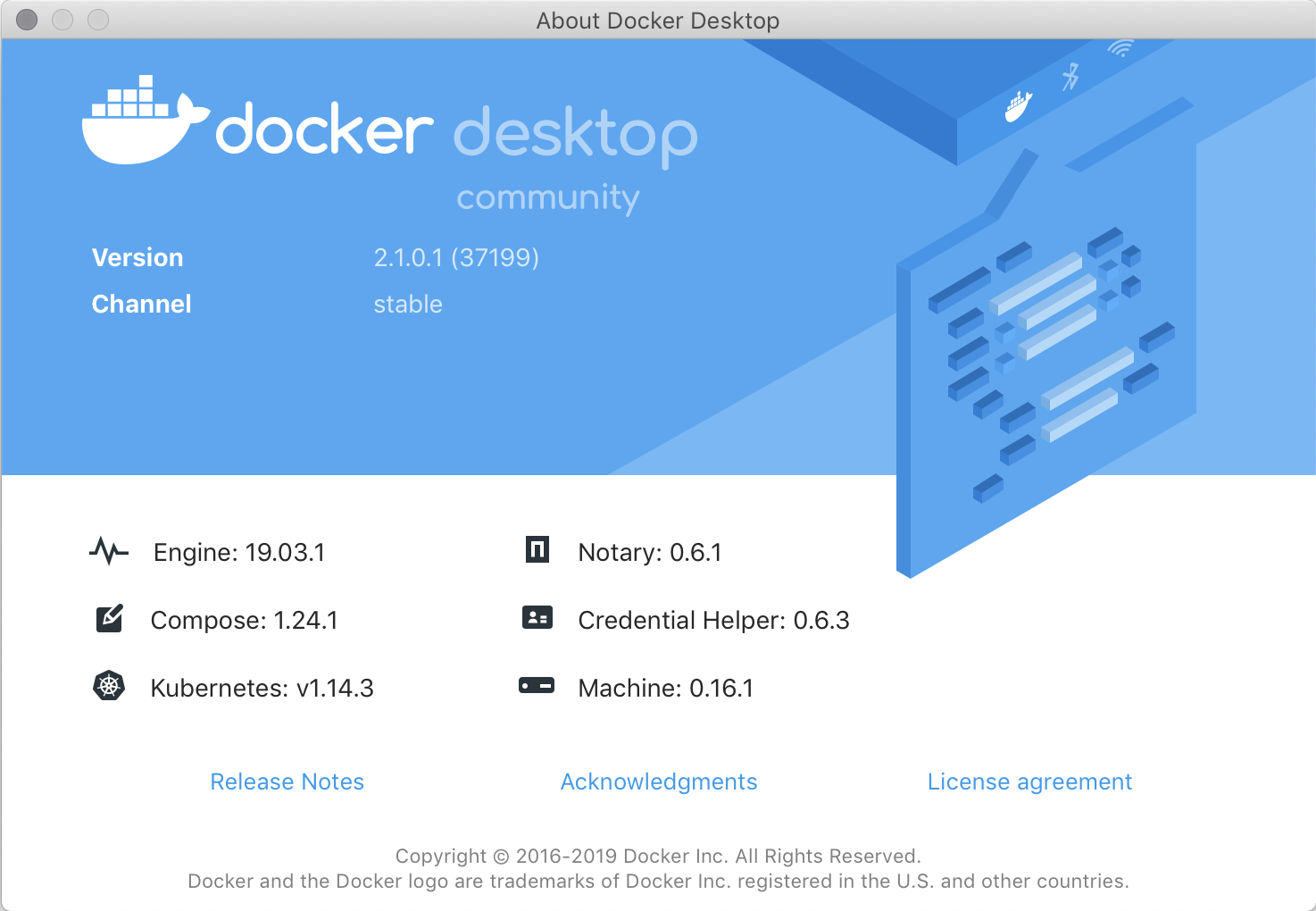
Mac Install Docker Brew Blinkhrom
Macos Brew Update
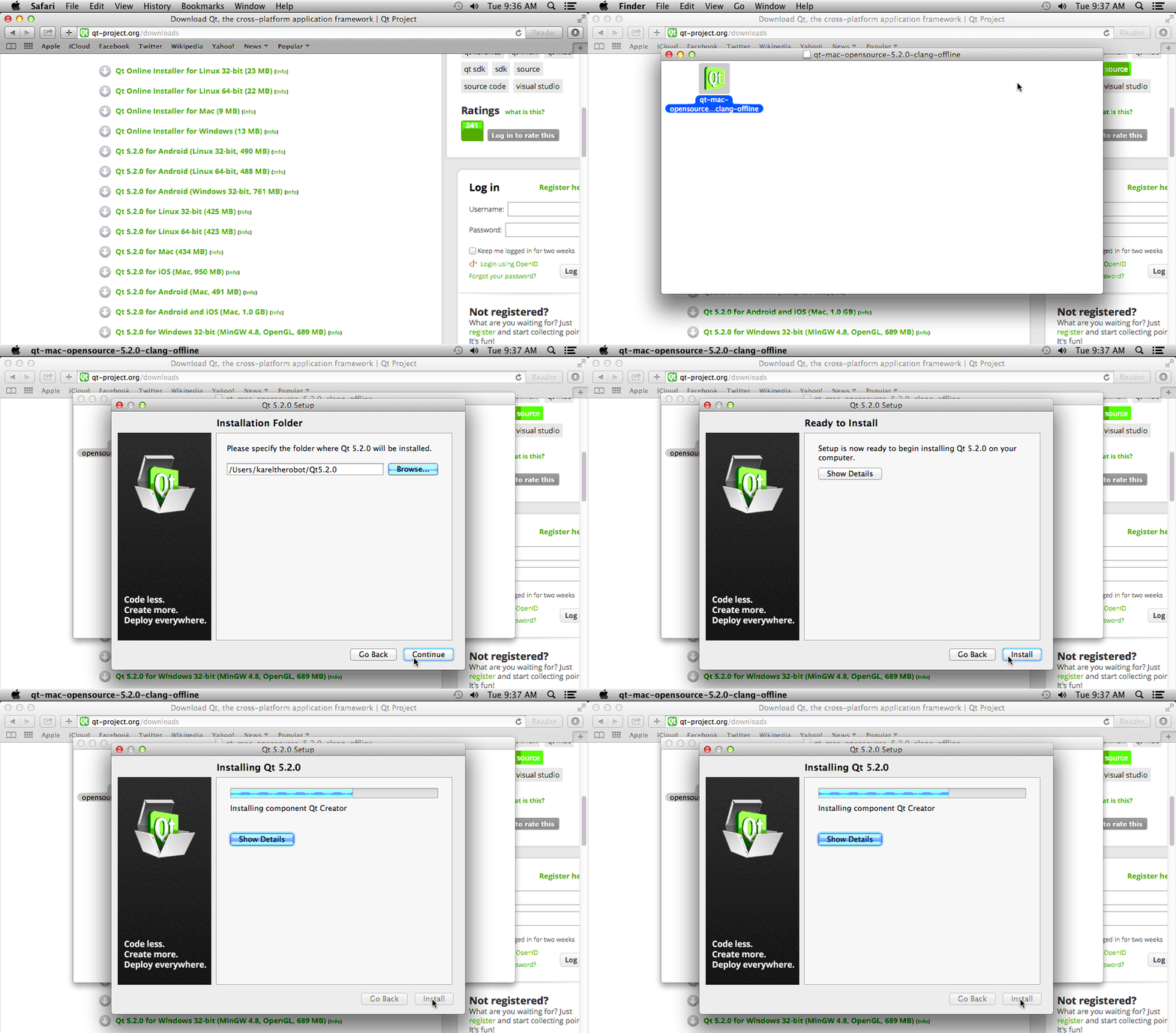
Qt Mac Install Gaschef

Web Feb 10 2020 nbsp 0183 32 I looked online for a solution and was able to install it by omitting the brew tap pin cartr qt4 command brew tap cartr qt4 brew install qt 4 I then tried to create a sample qt program in the CLion IDE and checked the version I was using and it said I was using qt5 from the python anaconda distribution

Web To download and install Qt for macOS follow the instructions on the Getting Started with Qt page To build Qt from source see Qt for macOS Building from Source Supported Versions

Web If this is unacceptable you should uninstall You can add Homebrew s Qt to QtCreator s quot Qt Versions quot in Preferences gt Qt Versions gt Link with Qt pressing quot Choose quot and selecting as the Qt installation path HOMEBREW PREFIX opt qt 5 Analytics Installs 30
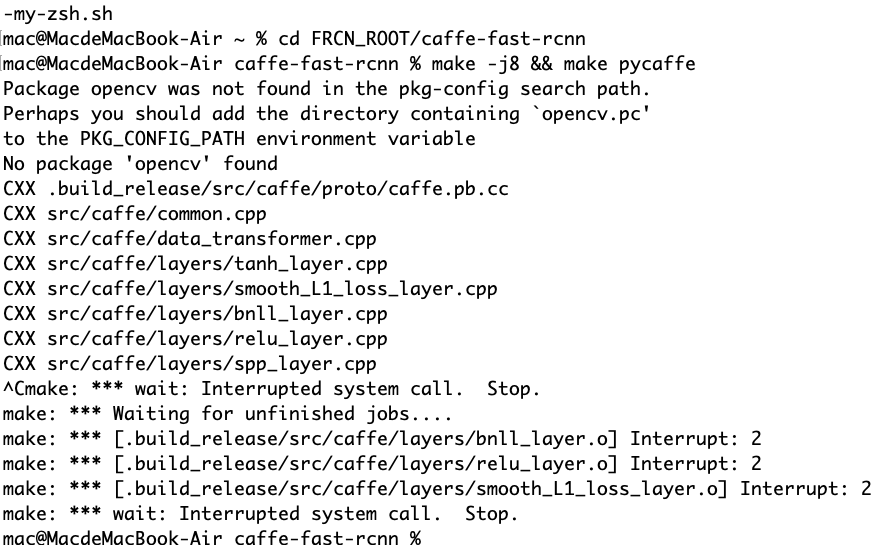
Web Oct 20 2016 nbsp 0183 32 So to install Qt 5 6 1 1 with Homebrew you can do this curl O https raw githubusercontent Homebrew homebrew core fdfc724dd532345f5c6cdf47dc43e99654e6a5fd Formula qt5 rb brew install qt5 rb Share

Web Apr 22 2021 nbsp 0183 32 Viewed 2k times 0 brew install qt 5 9 7 Updating Homebrew To restore the stashed changes to usr local Homebrew Library Taps homebrew homebrew core run cd usr local Homebrew Library Taps homebrew homebrew core amp amp git stash pop gt Auto updated Homebrew
Web pressing quot Choose quot and selecting as the Qt installation path the location of your brew prefix i e opt homebrew on Apple Silicon or usr local on Intel As mentioned elsewhere thanks you may find G helpful in selecting the full path here Web Jun 12 2022 nbsp 0183 32 Copy and paste the following command brew install qt Done You can now use qt
Web Name Qt Creator IDE for application development https www qt io developers api cask qt creator json JSON API Cask code on GitHub Current version 11 0 3 Requires macOS gt 10 12 Analytics