Install Qt Creator Linux Ubuntu CS106B Install Qt Creator On Mac Install Qt Creator On Linux Ubuntu 16 04 Course Preview BENISNOUS How To Install Qt Creator In Ubuntu Leadingpna How To Install Qt Creator In Ubuntu Vetpowerful How To Install Qt 5 9 1 Qt Creator 4 3 1 Included On Ubuntu 17 04 Web Result Jun 2 2022 nbsp 0183 32 Debian Ubuntu Linux Mint Unmute 215 sudo apt get install build essential libgl1 mesa dev Fedora RHEL CentOS sudo yum groupinstall C Development Tools and Libraries sudo yum install mesa libGL devel openSUSE sudo zypper install t pattern devel basis Download the Qt installer
Web Result Feb 28 2022 nbsp 0183 32 The qt creator IDE is available in the default Ubuntu apt repository Therefore use the following command to install the Qt creator on Ubuntu 20 04 system sudo apt install qtcreator If you want to use Qt 5 as the default version on your Ubuntu system run the following command to install Qt 5 sudo apt Web Result Sep 8 2020 nbsp 0183 32 Just follow the instruction and then you will have to choose what to install 1 Install QTCreator on Ubuntu using the online installer After configuring other small things like the installation location you can start the download process 2 Installing QTCreator Finally launch it Conclusion QT is a great graphic
How To Install Qt 5 9 1 Qt Creator 4 3 1 Included On Ubuntu 17 04 Techno46 LinuxLive USB Creator Adds Support To Ubuntu 11 10 Qt Creator Install Slotfas Install Qt Creator 5 3 1 On Ubuntu YouTube How Install Qt Creator For Ubuntu 1604 Qt Creator Download Ubuntu Installation Guide Qt Creator For Windows Sebastian Han OpenGuru Weblog Install Qt Creator Without Qt Account Como Instalar O Qt Creator No Linux CodePre Setup Qt Creator On Trisquel 8 GNU Linux
Install Qt Creator Linux Ubuntu
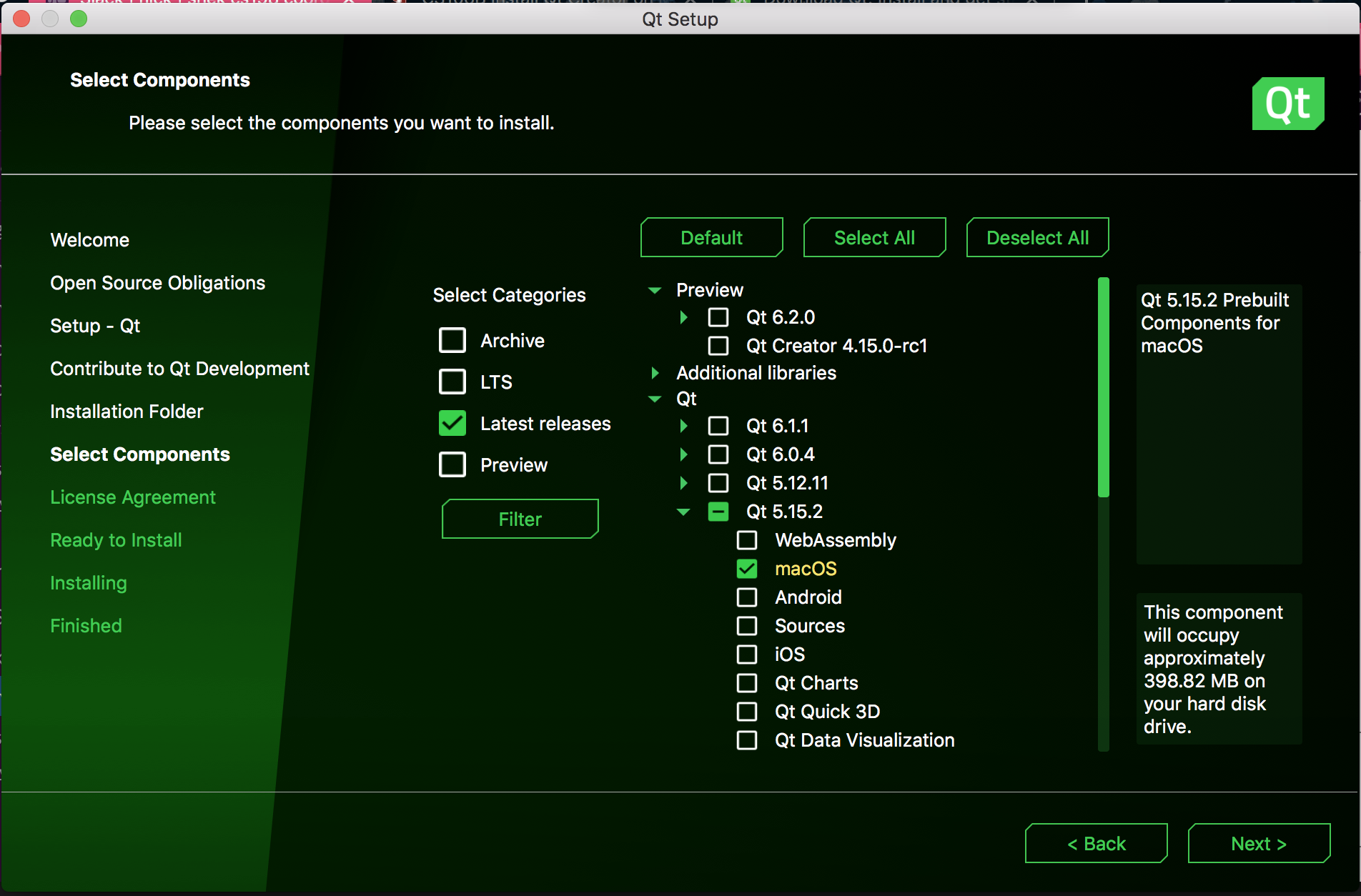 Install Qt Creator Linux Ubuntu
https://web.stanford.edu/class/archive/cs/cs106b/cs106b.1218/qt/img/install-macos.png
Web Result Using Qt Online Installer You can download Qt Online Installer via Qt Account as follows Select Downloads Download Qt Online Installer for your host Linux macOS or Windows See Get and Install Qt with Qt Online Installer for more information about how to use Qt Online Installer
Templates are pre-designed documents or files that can be utilized for numerous purposes. They can save time and effort by providing a ready-made format and design for creating various type of content. Templates can be used for individual or professional jobs, such as resumes, invites, flyers, newsletters, reports, discussions, and more.
Install Qt Creator Linux Ubuntu
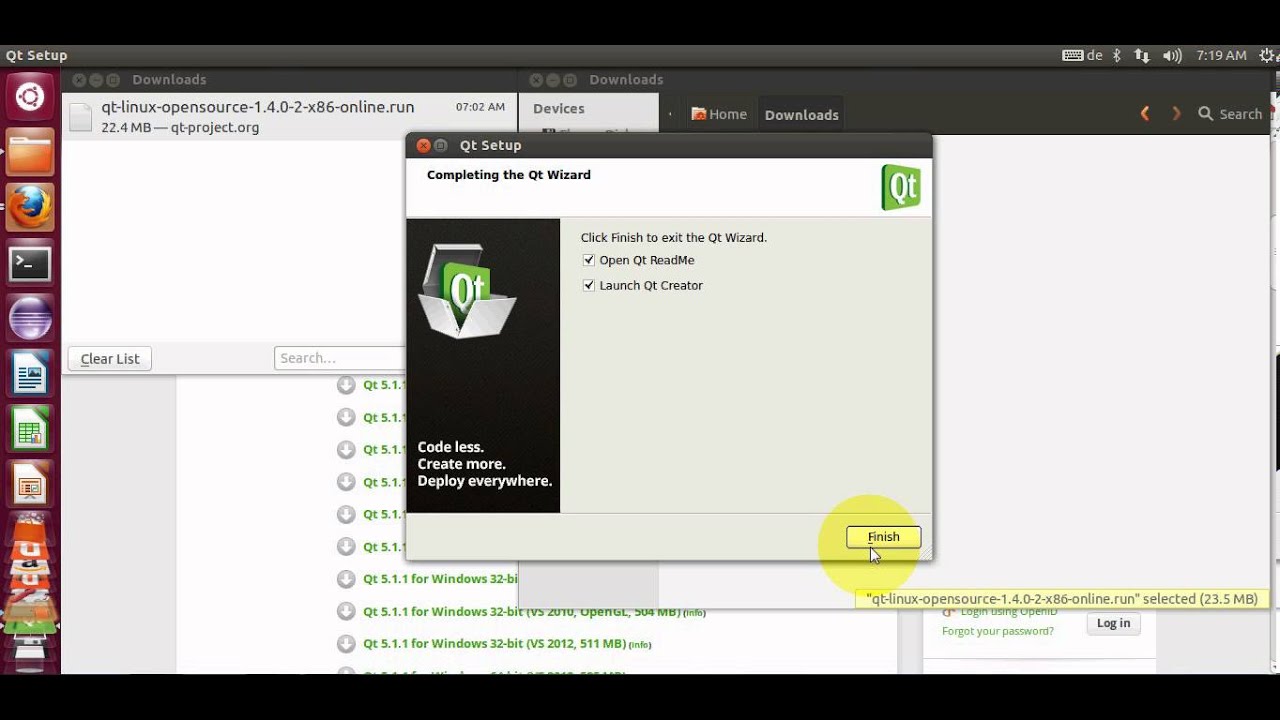
How To Install Qt Creator And SDK On Linux Ubuntu YouTube

Techno46 LinuxLive USB Creator Adds Support To Ubuntu 11 10

Qt Creator Install Slotfas

Install Qt Creator 5 3 1 On Ubuntu YouTube
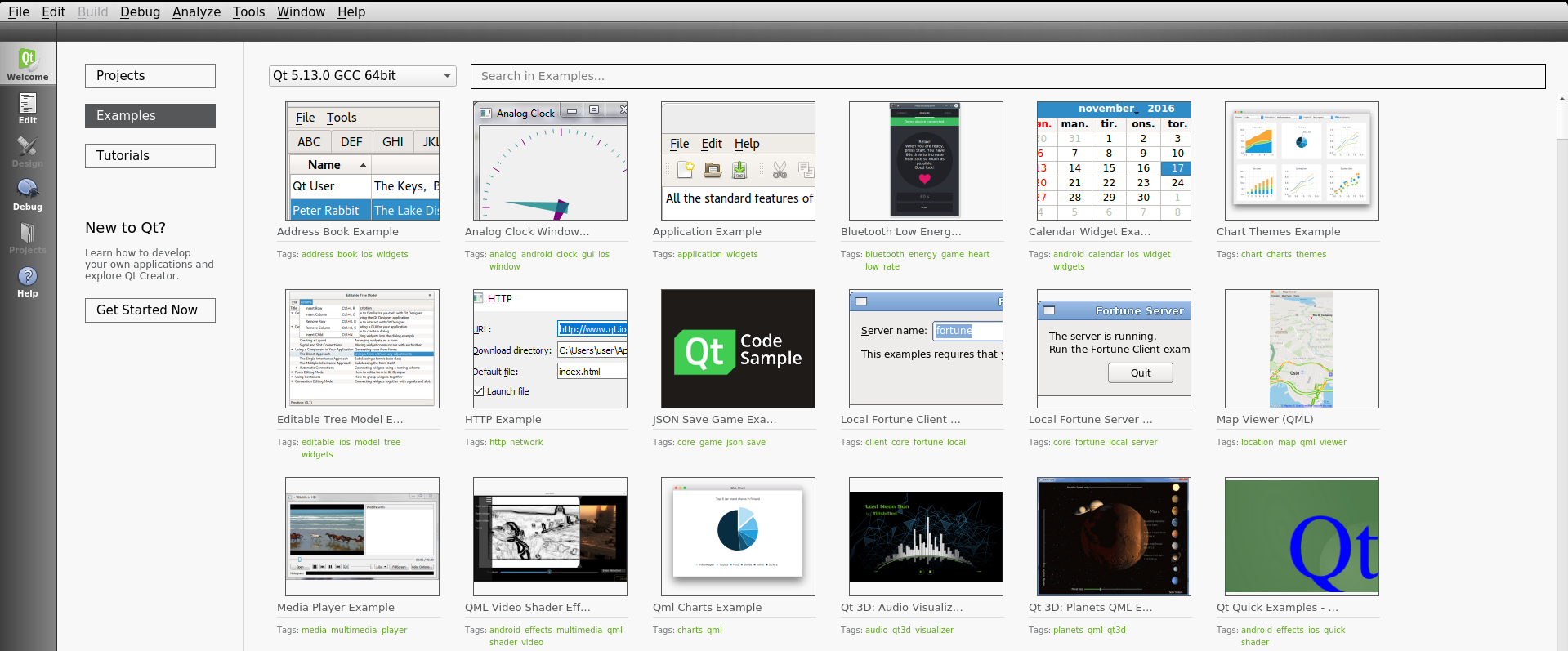
Installation Guide Qt Creator For Windows Sebastian Han
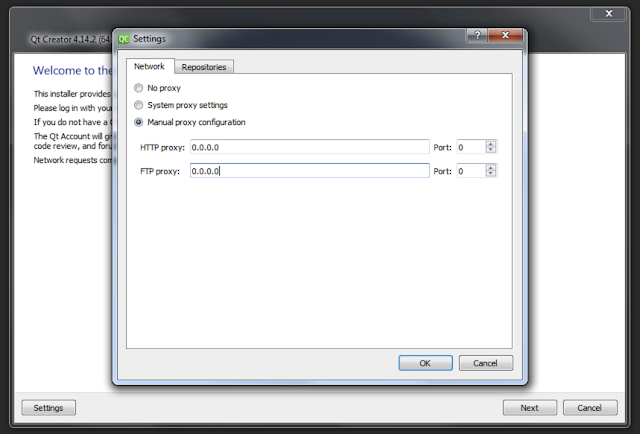
OpenGuru Weblog Install Qt Creator Without Qt Account

Web Result May 20 2023 nbsp 0183 32 Method 1 Through apt Repository To install QtCreator on your Ubuntu system using the apt package manager begin by updating the Ubuntu repository and then execute the following command sudo apt install qtcreator To launch QtCreator on your Ubuntu system enter the following command in the

Web Result Open a terminal Type the following command and hit Enter sudo apt get install qt5 default Qt 5 x will be installed Installation Guide Qt download page Download Visit Qt downloads page an download a 32 bit or 64 bit Linux installation depending your version of Ubuntu
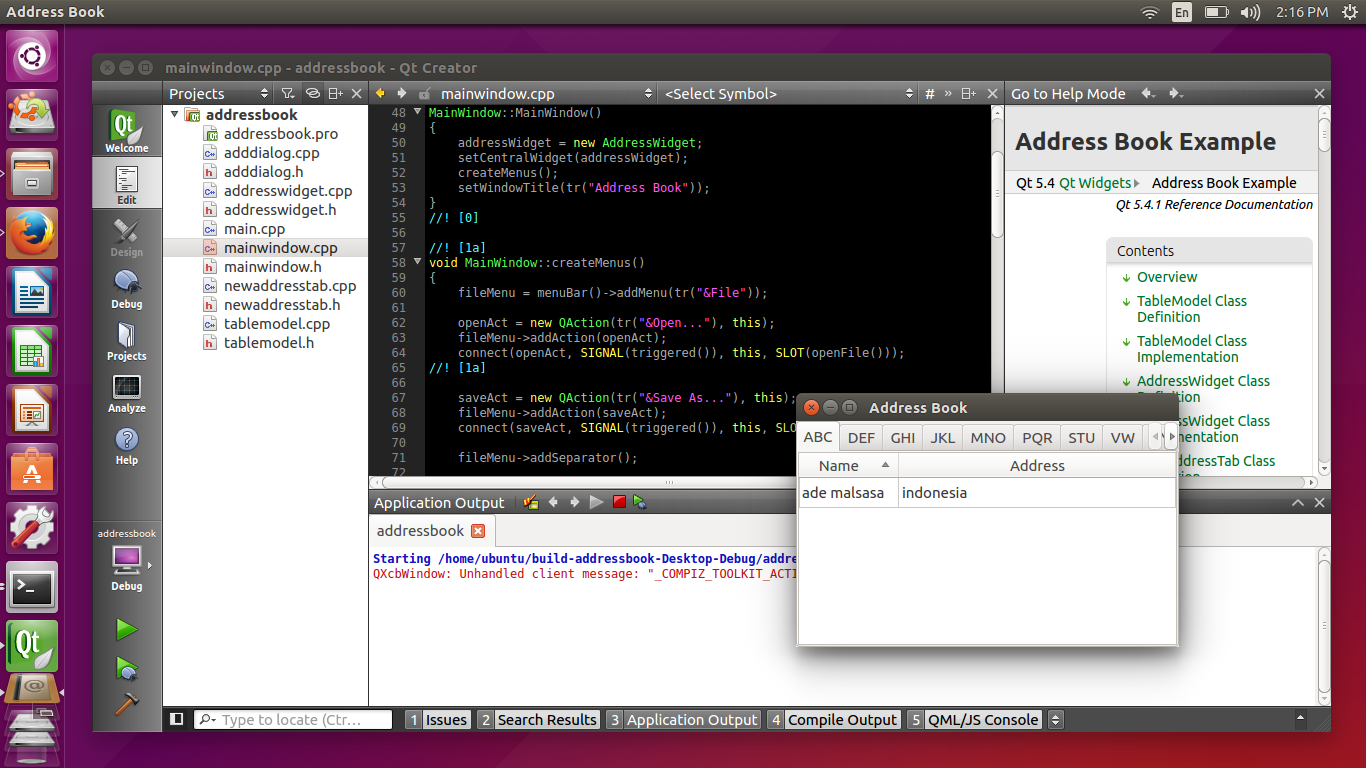
Web Result Nov 26 2022 nbsp 0183 32 Installing Qt5 and Qt Creator on Linux can be a bit tricky Therefore this article explains how to install the Qt5 development packages and the Qt Creator IDE on popular Linux distributions We ll cover Debian Ubuntu Fedora and openSUSE Once installed I ll also help you get started with setting up a typical

Web Result Installing Qt Creator To install Qt Creator on Ubuntu 22 04 you can use the following steps 1 Download the Qt Creator installer from the official website 2 Run the installer and follow the on screen instructions 3 Once the installation is complete you can start using Qt Creator Configuring Qt Creator

Web Result Nov 5 2023 nbsp 0183 32 Hey there Looking to start developing good looking GUI applications on Linux Then Qt Creator is for you In this step by step guide I ll show you how to easily install and configure Qt Creator on Ubuntu Whether you re a beginner or pro by the end you ll have Qt Creator up and running so you can start building
Web Result So open a terminal from the main menu and update the system sudo apt update sudo apt upgrade Then you can install QT Creator with the following command sudo apt install qtcreator Install QT Creator on Ubuntu 22 04 When the installation is finished you will be able to run it from the main menu Uninstall QT Web Result To build Qt Creator on Ubuntu 22 04 follow the steps Contents 1 1 Install build tools 2 2 Install all the Ubuntu Qt 6 SDK packages 3 3 Install LLVM Clang dependencies 4 4 Install Qt Creator dependencies 5 5 Get Qt Creator source code 6 6 Build Qt Creator 1 Install build tools
Web Result Sep 29 2023 nbsp 0183 32 1 Install prerequisites If you re running Ubuntu Debian Mint or any other Debian derivative you can install the needed preqreuisites using the apt package manager Issue the following commands below in your shell This command ensures your package manager is up to date sudo apt get update amp amp sudo apt