Install Qt Creator Kali Linux CS106B Install Qt Creator On Mac Cara Install QT Creator Di Windows YouTube QT XML Read write Configuration Read write Tool Development How To Install Qt Creator In Ubuntu Leadingpna How To Install Qt Creator In Ubuntu Vetpowerful Web You can download Qt Online Installer via Qt Account as follows Select Downloads Download Qt Online Installer for your host Linux macOS or Windows See Get and Install Qt with Qt Online Installer for more information about how to
Web Qt offline installer is a stand alone binary package including Qt libraries and Qt Creator Linux Host Qt 5 12 12 for Linux 64 bit 1 3 GB info macOS Host Qt 5 12 12 for macOS 2 7 GB info Windows Host Qt 5 12 12 for Windows 3 7 GB info Source packages amp Other releases The source code is available Web Deploying to Remote Linux You can specify settings for deploying applications to generic remote Linux devices in the project configuration file and in the Projects mode in Run Settings The files to be installed are listed in the Deployment step the Files to deploy field
How To Install Qt Creator In Ubuntu Vetpowerful Install Qt Creator On Linux Ubuntu 16 04 Course Preview BENISNOUS Step by step Qt Creator Kali Linux Installation Installing How To Install QT Creator On Raspberry Pi Linux Consultant Dante Sanchez Installation Guide Qt Creator For Windows Sebastian Han OpenGuru Weblog Install Qt Creator Without Qt Account How To Install Qt Creator On LXLE Linux Easy Guide Tutorialforlinux CS106B Install Qt Creator On Mac
Install Qt Creator Kali Linux
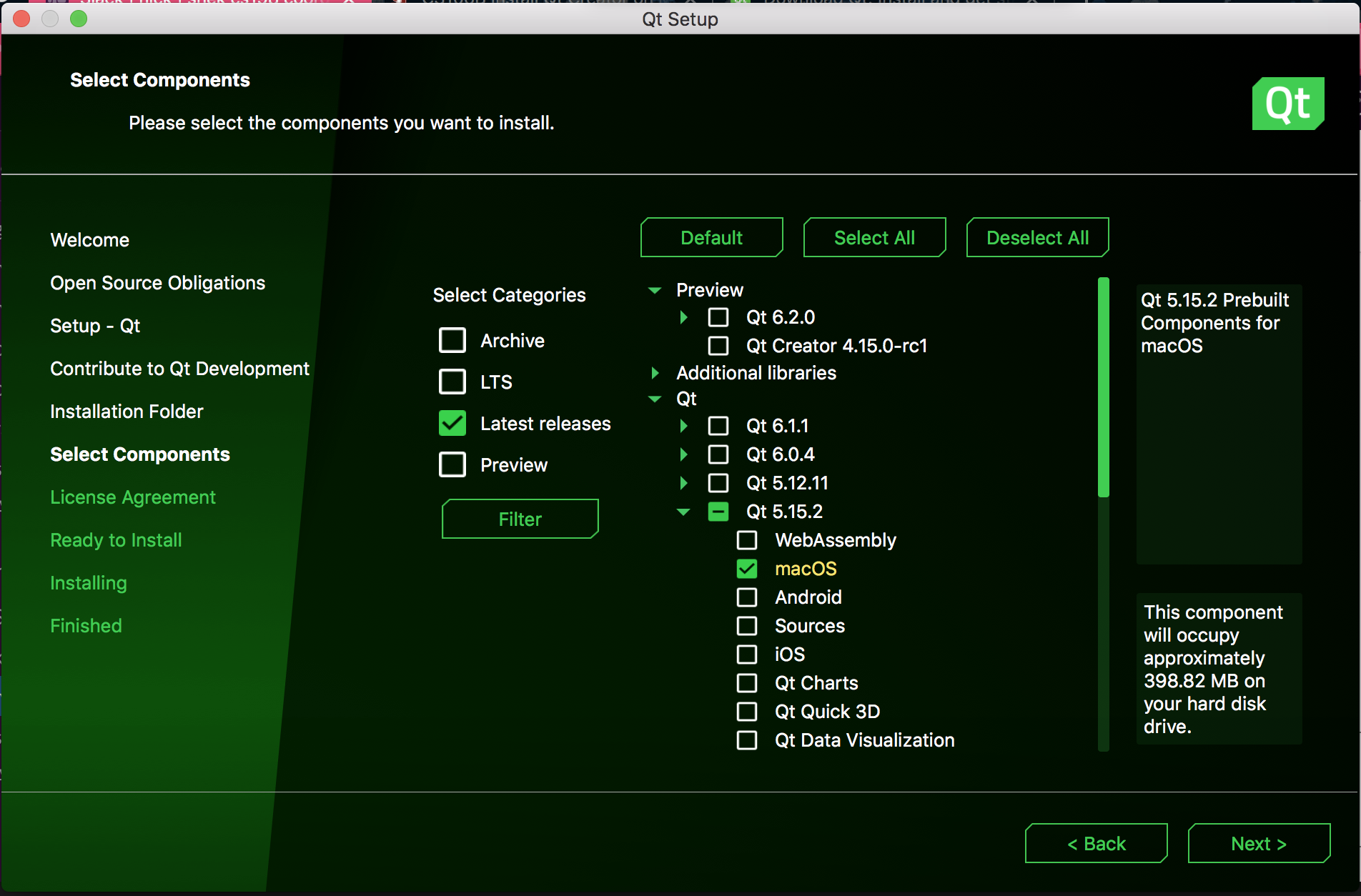 Install Qt Creator Kali Linux
https://web.stanford.edu/class/archive/cs/cs106b/cs106b.1218/qt/img/install-macos.png
Web binaries qtcreator qtcreator data qtcreator doc news 2023 09 06 qtcreator 10 0 2 4 imported into kali rolling Kali Repository 2023 06 26 qtcreator 10 0 2 1 imported into kali rolling Kali Repository 2023 06 21 qtcreator 10 0 1 2 imported into kali rolling Kali Repository
Templates are pre-designed files or files that can be used for different purposes. They can conserve time and effort by offering a ready-made format and layout for developing different kinds of material. Templates can be used for individual or professional tasks, such as resumes, invites, leaflets, newsletters, reports, discussions, and more.
Install Qt Creator Kali Linux
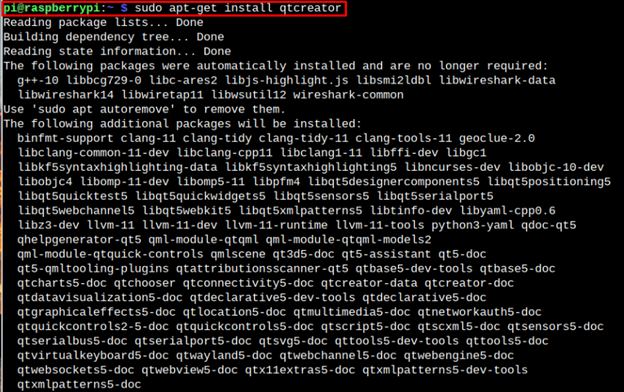
How To Install QT Creator On Raspberry Pi Linux Consultant

Install Qt Creator On Linux Ubuntu 16 04 Course Preview BENISNOUS

Step by step Qt Creator Kali Linux Installation Installing
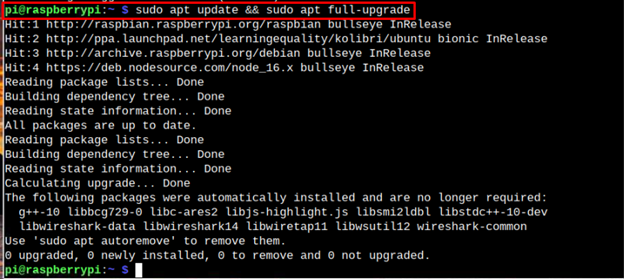
How To Install QT Creator On Raspberry Pi Linux Consultant
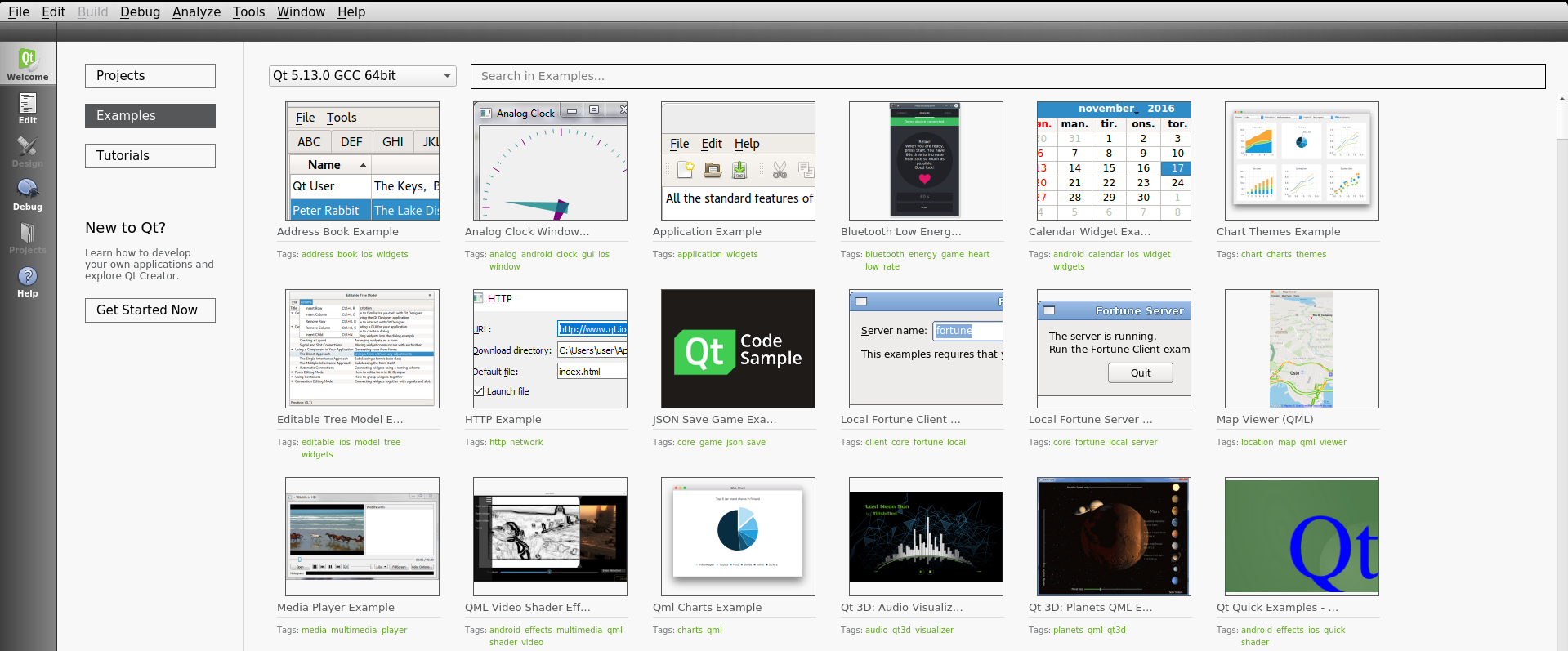
Installation Guide Qt Creator For Windows Sebastian Han
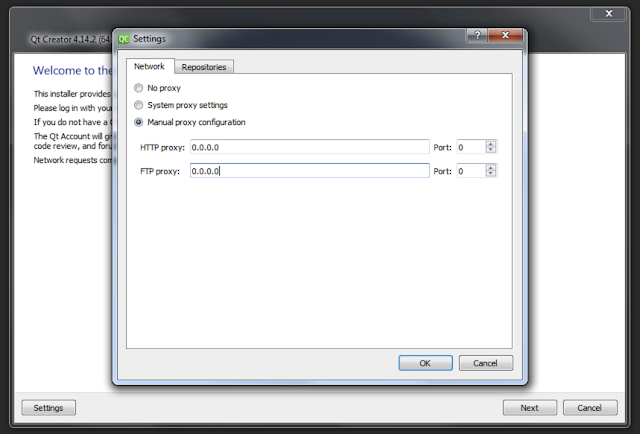
OpenGuru Weblog Install Qt Creator Without Qt Account

Web Sep 29 2023 nbsp 0183 32 1 Install prerequisites If you re running Ubuntu Debian Mint or any other Debian derivative you can install the needed preqreuisites using the apt package manager Issue the following commands below in your shell This command ensures your package manager is up to date sudo apt get update amp amp sudo apt get upgrade

Web There are three methods to install qtcreator on Kali Linux We can use apt get apt and aptitude In the following sections we will describe each method You can choose one of them Install qtcreator Using apt get Update apt database with apt get using the following command sudo apt get update

Web Nov 26 2022 nbsp 0183 32 Installing Qt5 and Qt Creator on Linux can be a bit tricky Therefore this article explains how to install the Qt5 development packages and the Qt Creator IDE on popular Linux distributions We ll cover Debian Ubuntu Fedora and openSUSE Once installed I ll also help you get started with setting up a typical Hello World type GUI
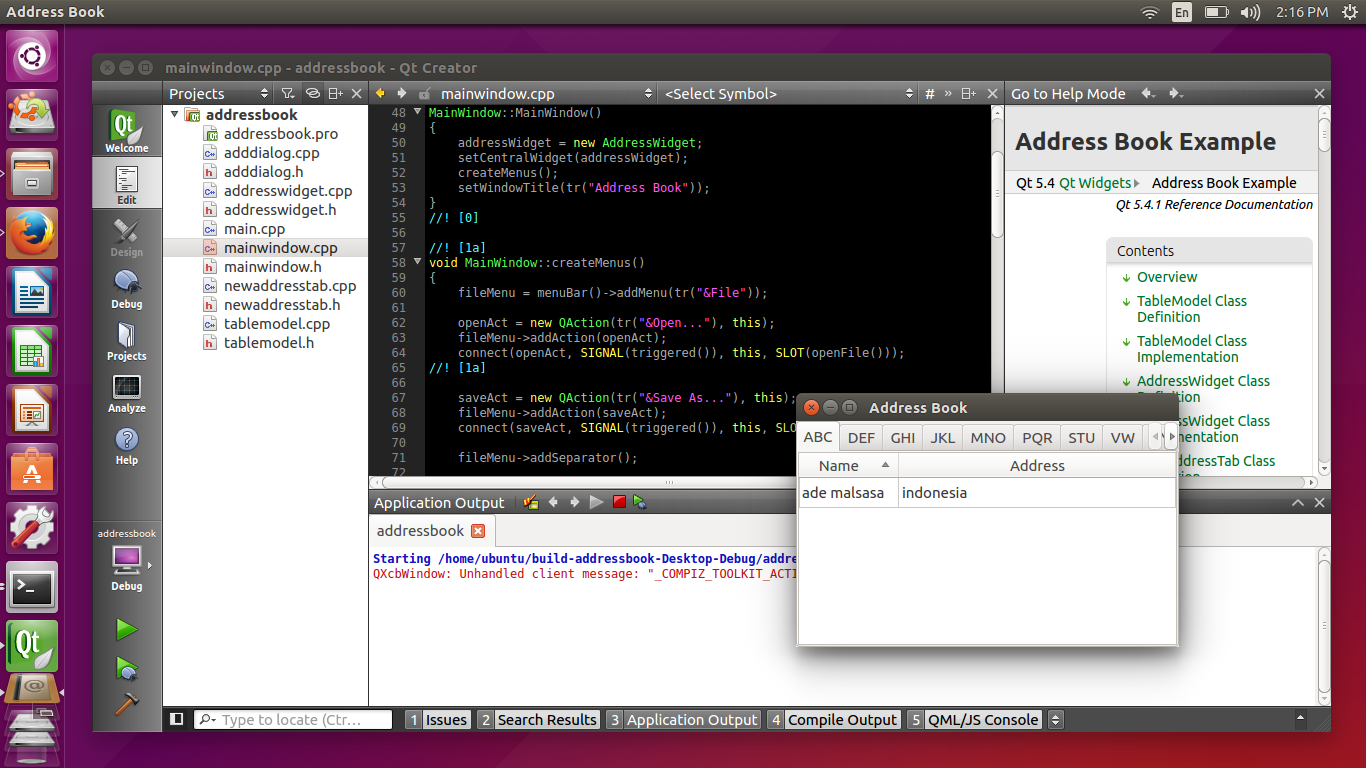
Web Jun 2 2022 nbsp 0183 32 Download the Qt installer You can download the Qt installer for Linux from its official download site https www qt io download The site will automatically detect your operating system and will recommend the correct version for your system based on the architecture of the computer

Web Qt Creator IDE Install Terminal Kali Linux TechComSpot 2 686 views Nov 30 2018 Qt Creator is a cross platform C JavaScript and QML integrated development environment
Web Jan 30 2022 nbsp 0183 32 While installing Qt Creator on Windows and macOS could be a bit tricky it is very simple for Linux Operating System For Debian based systems like Ubuntu Mint Step 1 Open the terminal Step 2 Run the following command in the terminal It will install the required OpenJDK package and Java Runtime Environment JRE along with Qt Web Project amp build management Import an existing project or create one from scratch Qt Creator generates all the necessary files Support for CMake and cross compiling with CMake or qmake build tools is included Multiple targets Build for and run your software on desktop mobile and embedded operating systems
Web Download Qt and create applications for desktop and embedded systems with ease Get a free trial of Qt Creator Qt Design Studio and more