Install Pytorch Anaconda Mac Anaconda Mac Install Windows anaconda pyTorch How To Install Python In Very Easy Steps Techno Brainz PyTorch On M1 Max Using Anaconda Mac OS X PyTorch Forums Anaconda LatestFlyer Pip install jupyter contrib nbextensions jupyter contrib nbextension install user jupyter jupyter notebook disable Variable inspector
Step 3 Enter the following commands to install the latest stable release of Pytorch 1 Compute Platform CPU conda install pytorch torchvision torchaudio c pytorch Step 4 Check if Pytorch is successfully installed by entering the following command in Anaconda prompt conda list f pytorch Since we want a minimalistic Pytorch setup just execute conda install c pytorch pytorch Optionally install the Jupyter notebook or lab conda install c conda forge jupyter jupyterlab And that s it To test that everything works run a simple program coding utf 8 import torch import math
Anaconda LatestFlyer Install Pytorch Anaconda Linux Mac Using Anaconda Lehigh Computer Science Docs Instale Y Configure PyTorch En La M quina Microsoft Learn cuda Cudnn tensorflow pytorch python Johngo Windows anaconda pyTorch How To Install Anaconda On Mac Apple Silicon M1 Anaconda PyTorch Apple Silicon M1 Anaconda PyTorch
Install Pytorch Anaconda Mac
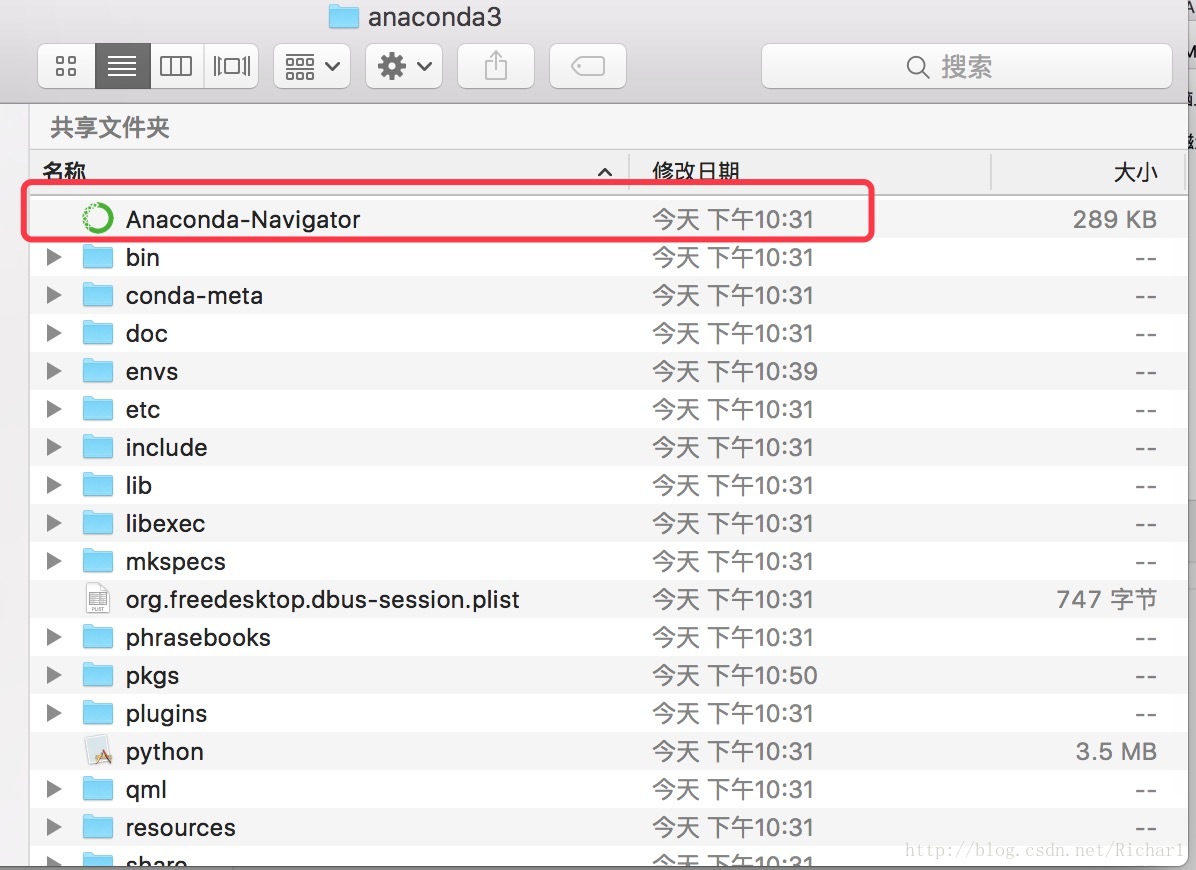
https://img-blog.csdn.net/20171024230503708?watermark/2/text/aHR0cDovL2Jsb2cuY3Nkbi5uZXQvUmljaGFyMQ==/font/5a6L5L2T/fontsize/400/fill/I0JBQkFCMA==/dissolve/70/gravity/SouthEast
Mac Anaconda PyTorch 1 Anaconda3
Templates are pre-designed files or files that can be used for different functions. They can save effort and time by supplying a ready-made format and design for creating various type of content. Templates can be used for individual or expert jobs, such as resumes, invites, flyers, newsletters, reports, presentations, and more.
Install Pytorch Anaconda Mac
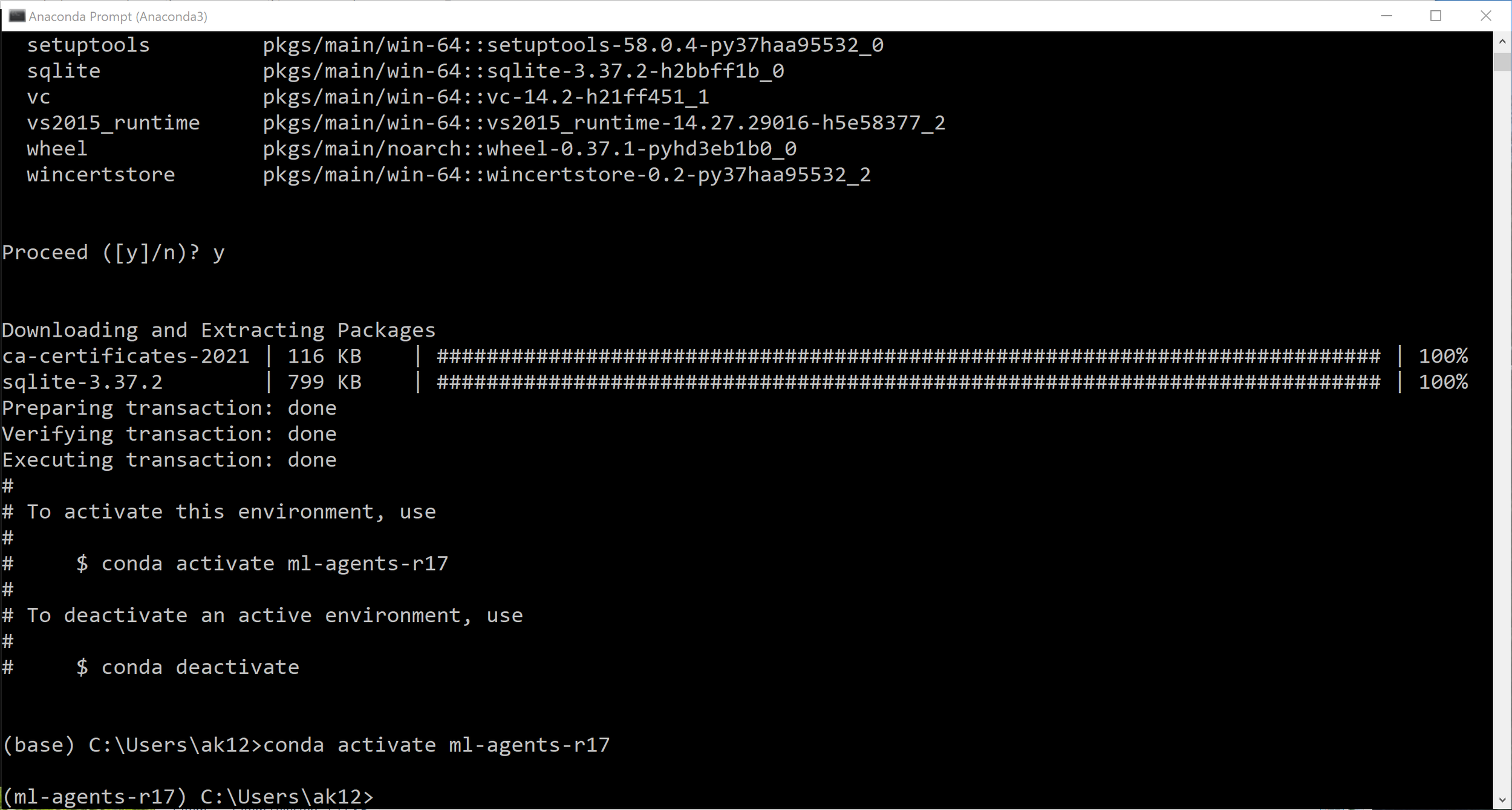
ML Agents Python Setup With Anaconda Immersive Limit

Install Pytorch Anaconda Linux
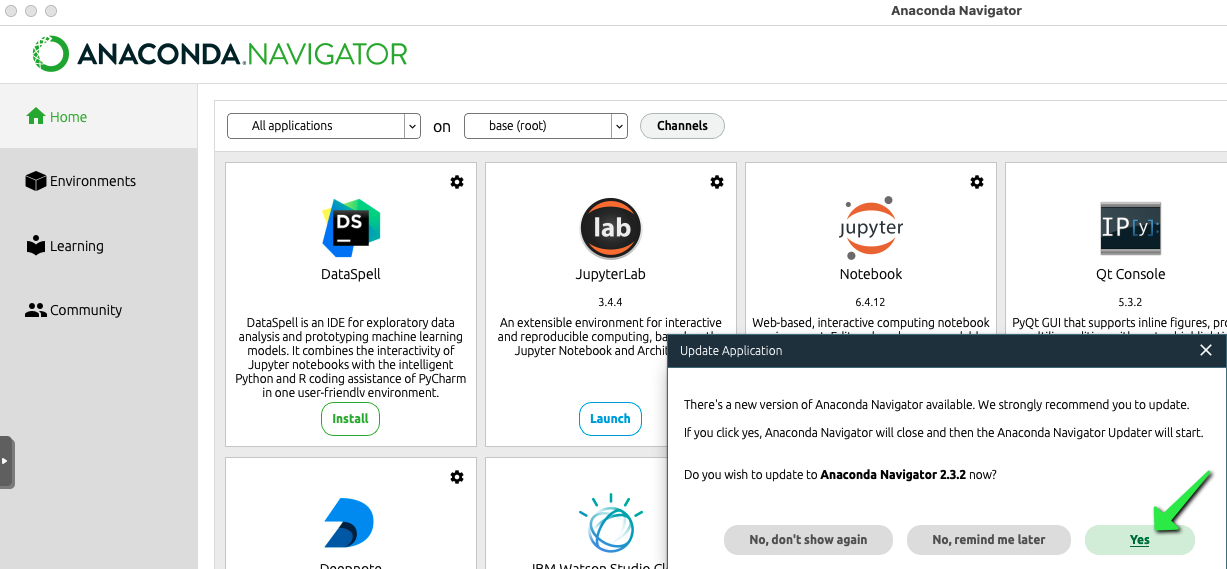
Mac Using Anaconda Lehigh Computer Science Docs

Instale Y Configure PyTorch En La M quina Microsoft Learn
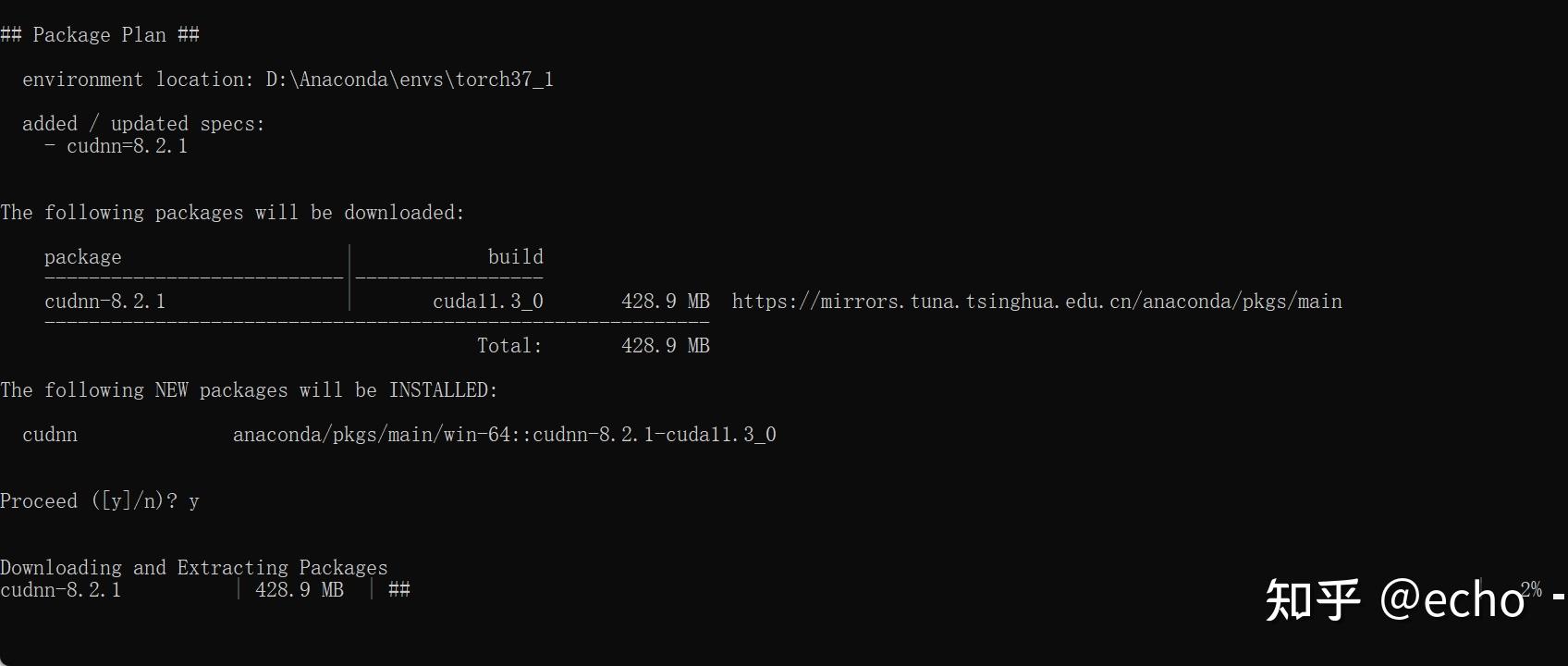
Windows anaconda pyTorch

How To Install Anaconda On Mac

Anaconda If you use Anaconda to install PyTorch it will install a sandboxed version of Python that will be used for running PyTorch applications If you decide to use Chocolatey and haven t installed Chocolatey yet ensure that you are running your command prompt as an administrator
Anaconda Anaconda ARM Anconda conda info import platform print platform platform

MAC Anaconda pytorch 1 1 1 2 2 1 2 2 3 1 pytorch 3 2 condarc
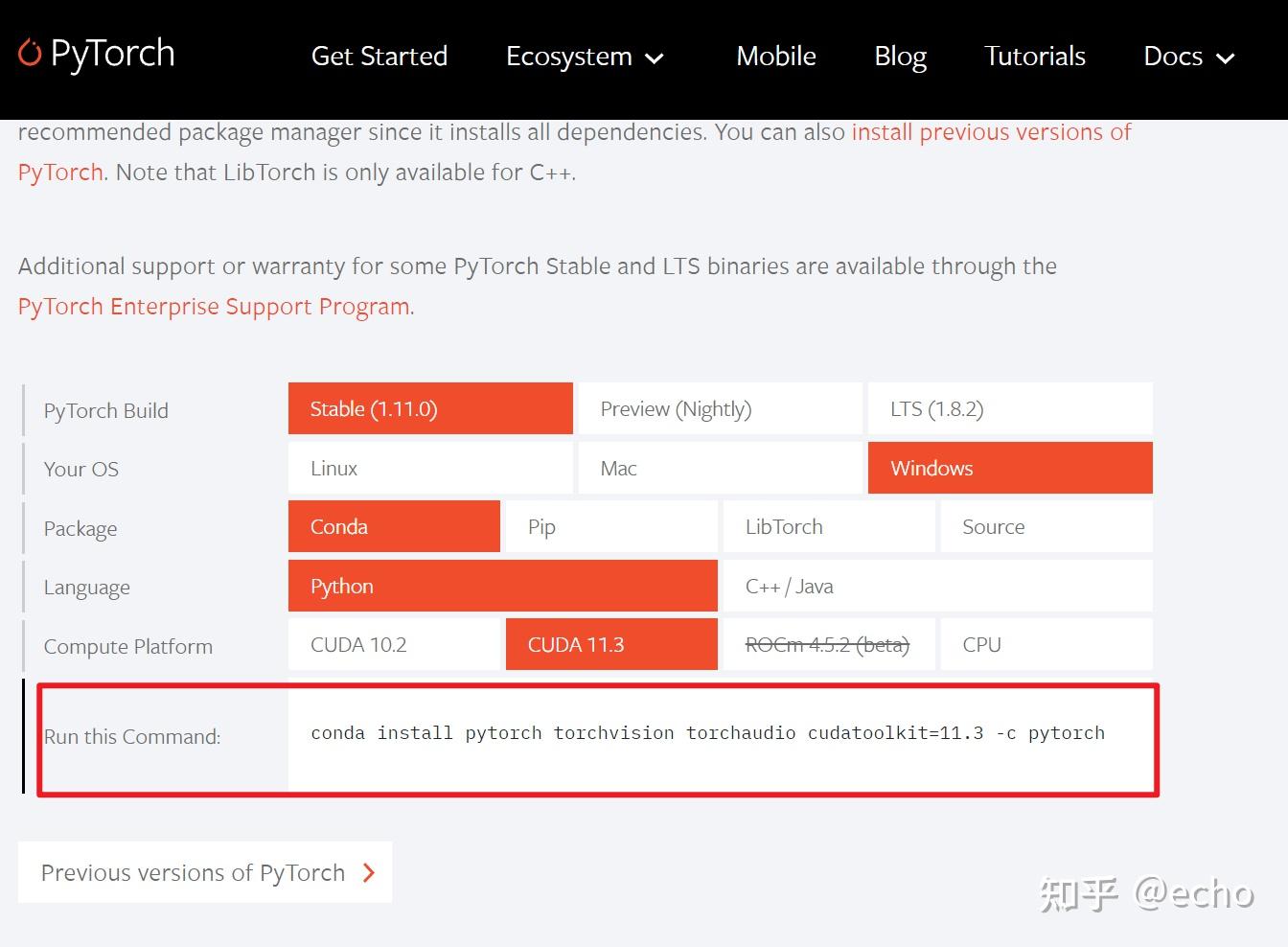
Install PyTorch Select your preferences and run the install command Stable represents the most currently tested and supported version of PyTorch This should be suitable for many users Preview is available if you want the latest not fully tested and supported builds that are generated nightly Please ensure that you have met the

Conda install pytorch torchvision c pytorch M condarc terminal 3 condarc defaults vi condarc i insert esc
Anconda PyTorch 2023 04 29 1 Anaconda 2 pytorch 3 NVIDIA AMD 4 base 5 pytorch Anaconda install for macOS Download the graphical macOS installer for your version of Python Double click the downloaded file and click Continue to start the installation Answer the prompts on the Introduction Read Me and License screens Anaconda recommends that you choose Install for me only
To install PyTorch with conda simply run the following command in your Anaconda prompt conda install pytorch torchvision torchaudio c pytorch This will install the latest version of PyTorch and its dependencies Alternatively you can install PyTorch with pip To install the CPU only PyTorch run the following command pip install torch If