Install Python Windows 10 Powershell Download And Install Python Mercusuara How To Install Python In Windows 10 Howto Techno Riset How To Install Python On Windows 10 TechDator How To Install Python On Windows 10 Step By Step Guide How To Install Python On Windows 10 Techdator Riset To set up your Windows machine for Python coding you ll Clean and update a new Windows install Use a package manager to bulk install key software Use the built in ssh keygen to generate SSH keys and connect to your GitHub account Set up a development environment including PowerShell Core pyenv for Windows Python and VS Code
1 Open a browser to the Python website and download the Windows installer Image credit Tom s Hardware 2 Double click on the downloaded file and install Python for all users and ensure that Install Python To install Python using the Microsoft Store Go to your Start menu lower left Windows icon type Microsoft Store select the link to open the store Once the store is open select Search from the upper right menu and enter Python Select which version of Python you would like to use from the results under Apps
How To Install Python On Windows 10 Techdator Riset Python 3 7 Microsoft Store Windows Python CSDN How To Install Python 3 And PIP On Windows 10 LinuxBuz How To Use Windows 10 PowerShell To Access Ubuntu Bash How To Download And Install Python On Windows 10 8 8 1 7 2021 How To Install PowerShell 7 0 In Windows 7 Windows 8 And Windows 10 How To Uninstall Pre installed Apps In Windows 10 Guide DotTech How To Uninstall PowerShell In Windows 10 4 Ways Iowa License Plate Registration Alirenew
Install Python Windows 10 Powershell
 Install Python Windows 10 Powershell
https://i0.wp.com/techdecodetutorials.com/wp-content/uploads/2021/07/1_20210716_143748_0000.png?w=1280&ssl=1
Click the Start Button then search for and launch Advanced System Settings Click Environment Variables then select Path under User Variables and hit Edit If Python is on your PATH you should see two entries as shown in the image below The first entry on our list the scripts subfolder adds pip to the PATH
Pre-crafted templates use a time-saving service for producing a varied variety of documents and files. These pre-designed formats and layouts can be utilized for different personal and expert projects, including resumes, invitations, leaflets, newsletters, reports, presentations, and more, improving the material development procedure.
Install Python Windows 10 Powershell
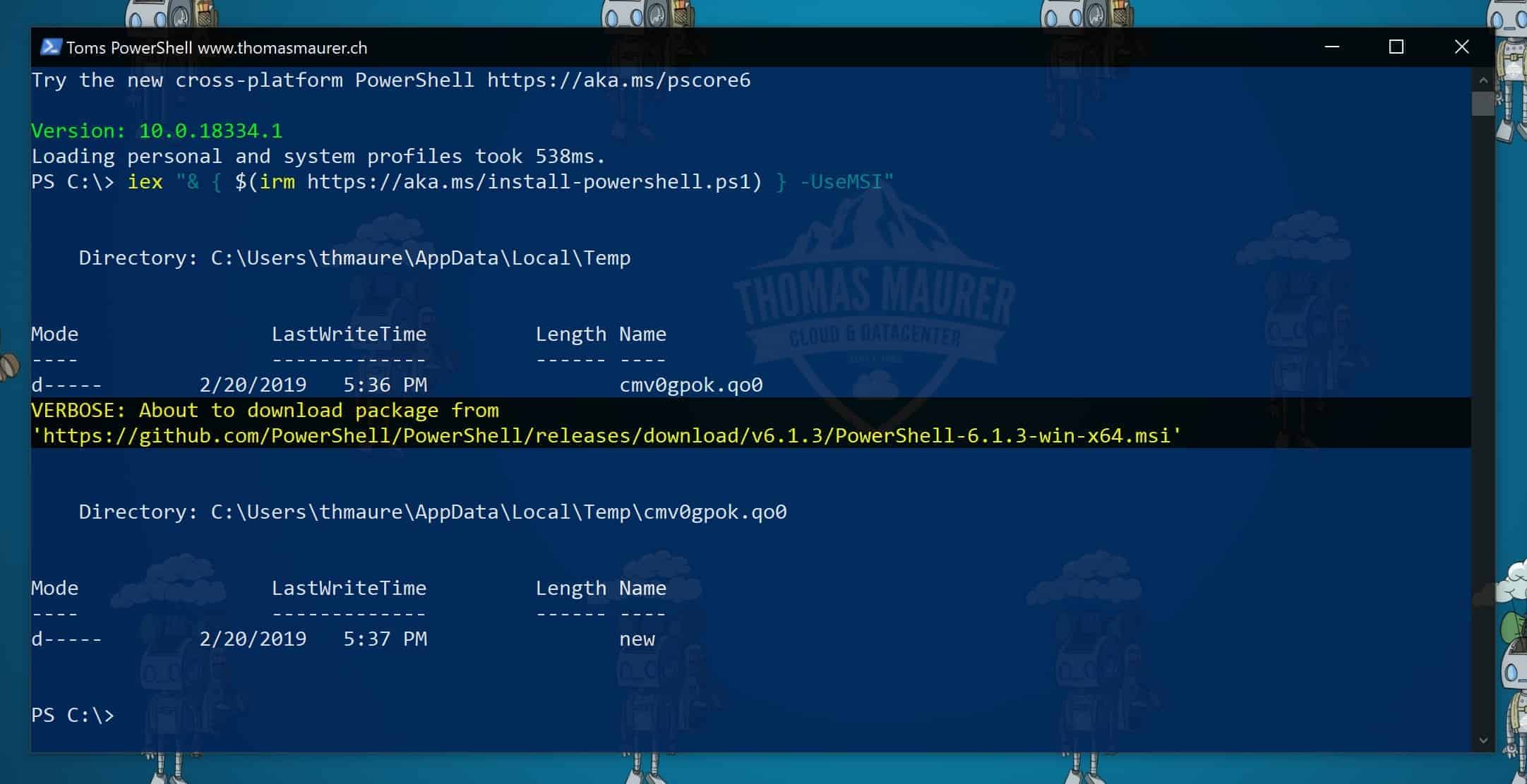
How To Install And Update PowerShell 6 Thomas Maurer
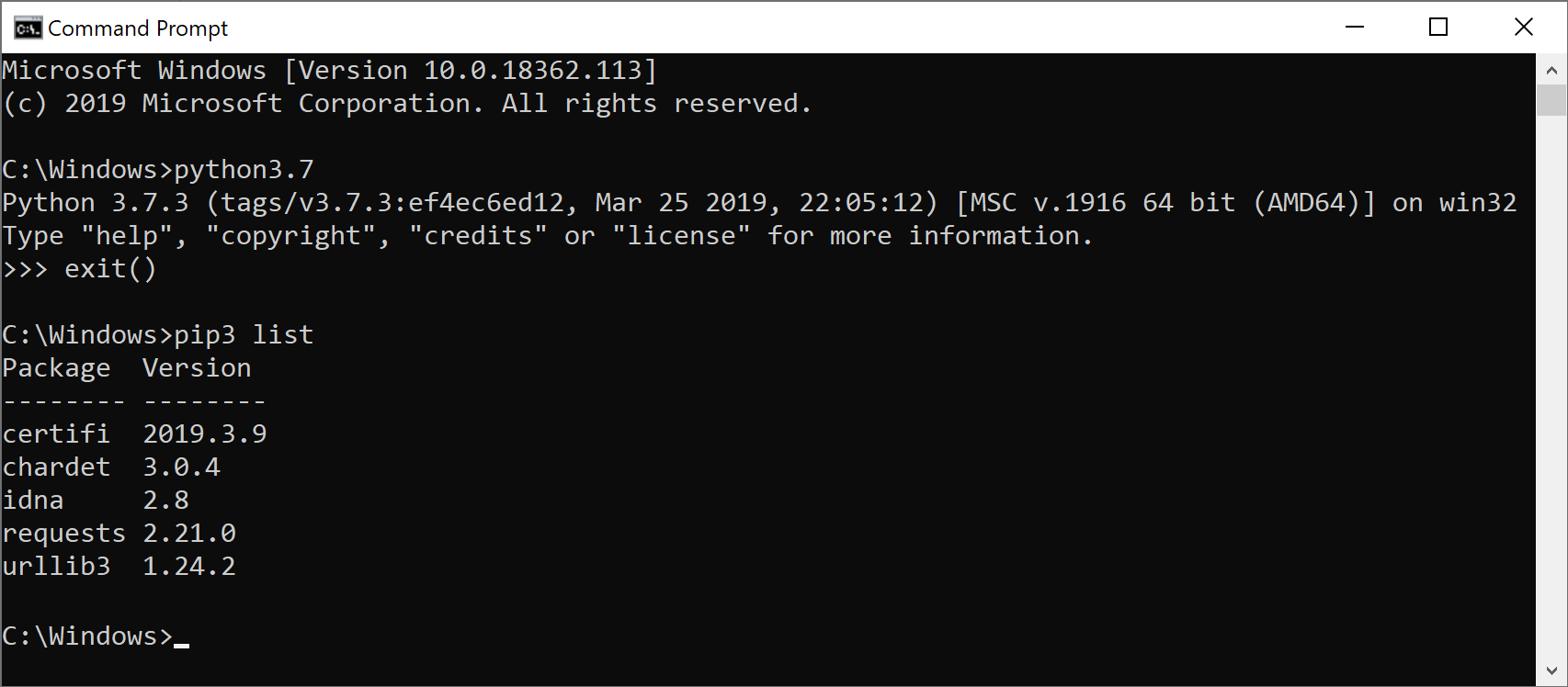
Python 3 7 Microsoft Store Windows Python CSDN
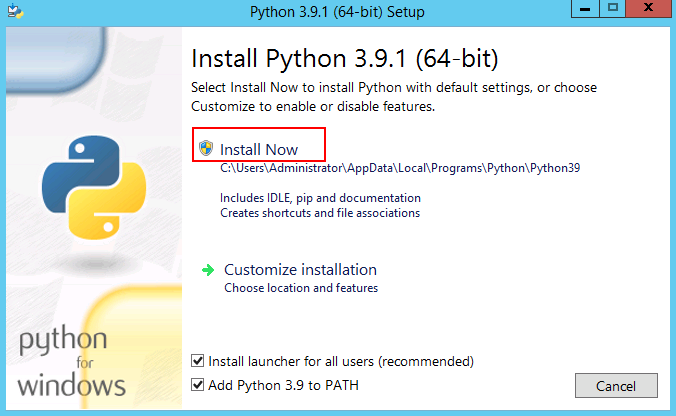
How To Install Python 3 And PIP On Windows 10 LinuxBuz

How To Use Windows 10 PowerShell To Access Ubuntu Bash
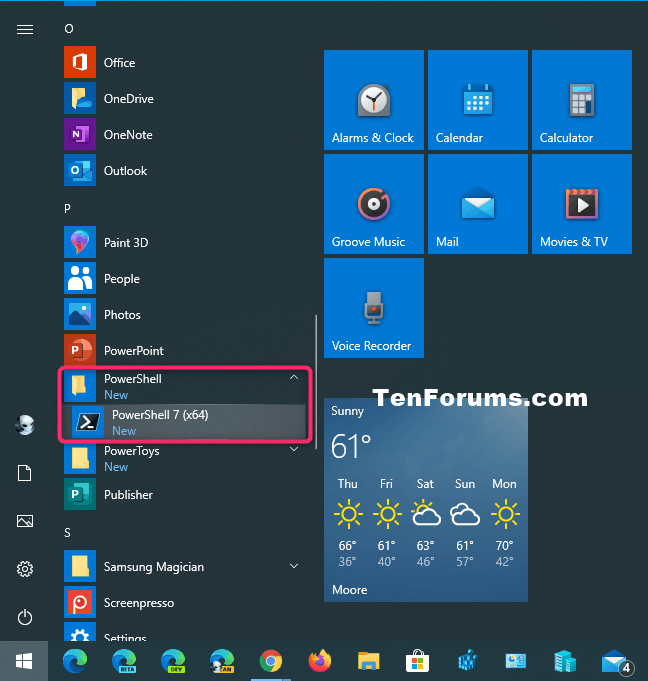
How To Install PowerShell 7 0 In Windows 7 Windows 8 And Windows 10
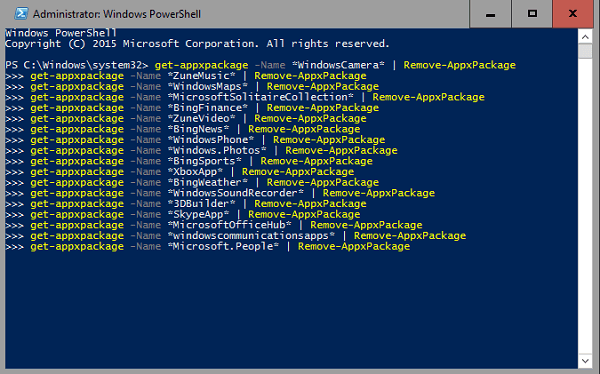
How To Uninstall Pre installed Apps In Windows 10 Guide DotTech

Step 1 Downloading the Python Installer Go to the official Python download page for Windows Find a stable Python 3 release This tutorial was tested with Python version 3 10 10 Click the appropriate link for your system to download the executable file Windows installer 64 bit or Windows installer 32 bit
Go to your Start menu lower left Windows icon type Microsoft Store select the link to open the store Once the store is open select Search from the upper right menu and enter Python Select which version of Python you would like to use from the results under Apps

How to Install Python With PowerShell Marion Paul Kenneth Mendoza Feb 02 2024 PowerShell PowerShell Python Configuring the Execution Policy Install Chocolatey Using PowerShell Use Chocolately to Install Python Python is a versatile programming language that we can use for many different programming projects

Step 1 Opening and Configuring PowerShell We ll be completing most of our installation and setup on a command line interface which is a non graphical way to interact with your computer That is instead of clicking on buttons you ll be typing in text and receiving feedback from your computer through text as well
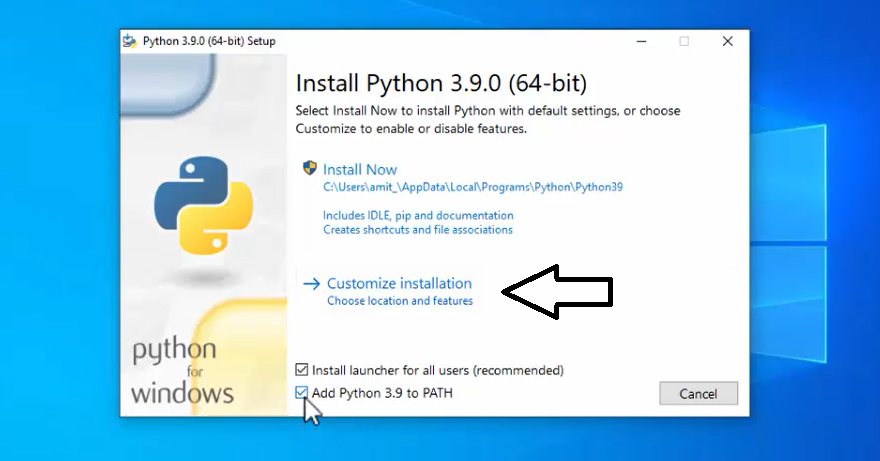
Installation steps Four Python 3 12 installers are available for download two each for the 32 bit and 64 bit versions of the interpreter The web installer is a small initial download and it will automatically download the required components as necessary
Download Windows installer 32 bit Download Windows installer 64 bit Download Windows installer ARM64 Python 3 12 1 Dec 8 2023 Note that Python 3 12 1 cannot be used on Windows 7 or earlier Download Windows embeddable package 32 bit Download Windows embeddable package 64 bit Download Windows embeddable package ARM64 4 Steps to Install Python on Windows 10 Go to Python s website and download the latest version of Python Select Windows installer and click download Follow the on screen instructions Verify the installation by opening a command prompt and typing python V In this article I ll share a few ways you can install Python on your
Step 1 Download Go to python downloads windows Pick Python 3 10 X replace X with the highest number available Verify there s a Windows embeddable package or a Windows Installer Select 64bit or 32bit to match your system Need help selecting 64 32 bit Do a Cortana search for System Information open it look for System Type