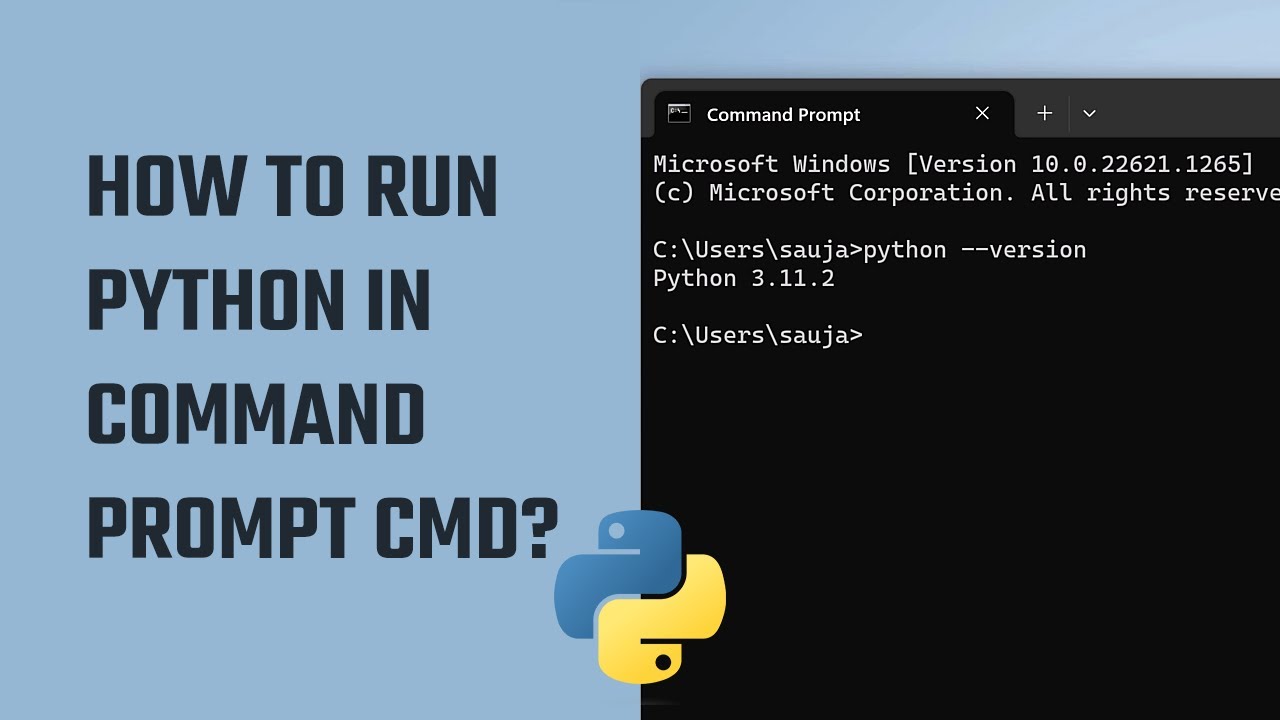
Install Python Version Command Line How To Run Python In Command Prompt Cmd YouTube Python Command Line Arguments Python Command Line Arguments Python Command Line Applications With Click YouTube Python Build Command 10 Most Correct Answers Brandiscrafts Downloading And Installing Python On Windows Dataquest If not specified then the current interpreter abi tag is used Use this option multiple times to specify multiple abis supported by the target interpreter Generally you will need to specify implementation platform and python version when using this option user Install to the Python user install directory for your platform
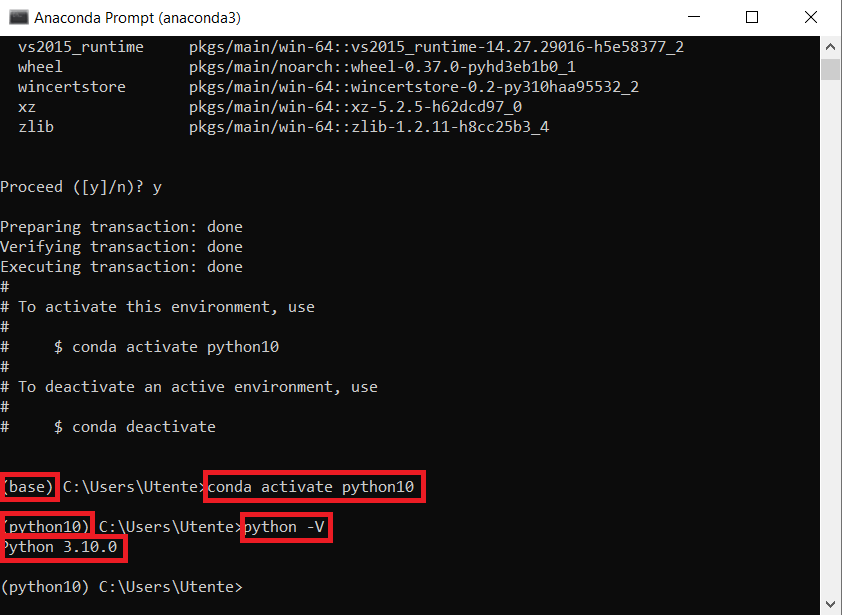
1 Command line and environment 1 1 Command line 1 1 1 Interface options 1 1 2 Generic options 1 1 3 Miscellaneous options 1 1 4 Options you shouldn t use 1 2 Environment variables 1 2 1 Debug mode variables 2 Using Python on Unix platforms 2 1 Getting and installing the latest version of Python 2 1 1 On Linux 2 1 2 4 Steps to Install Python on Windows 10 Go to Python s website and download the latest version of Python Select Windows installer and click download Follow the on screen instructions Verify the installation by opening a command prompt and typing python V In this article I ll share a few ways you can install Python on your
Downloading And Installing Python On Windows Dataquest Python Command line Arguments Options In Command line Argument How To Check Python Version Python Version Command Python Execute Command Line Arg Coding Python In Windows 10 How To Check Python Installed Or Not Version Using Command Prompt How To Install Python On Windows with Pictures WikiHow Python Ubuntu Sklearn Installation Via Pip In Python 3 10 Linux ubuntu 20 04 Dist
Install Python Version Command Line
 Install Python Version Command Line
https://i.ytimg.com/vi/RNqHHLeCeNQ/maxresdefault.jpg
To see which version of Python 3 you have installed open a command prompt and run python3 version If you are using Ubuntu 16 10 or newer then you can easily install Python 3 6 with the following commands sudo apt get update sudo apt get install python3 6
Templates are pre-designed documents or files that can be utilized for various purposes. They can save effort and time by offering a ready-made format and layout for creating different type of material. Templates can be used for personal or expert jobs, such as resumes, invites, flyers, newsletters, reports, discussions, and more.
Install Python Version Command Line
How To Update Python In Windows

Python Command line Arguments Options In Command line Argument
How To Check Python Version Python Version Command
Python Execute Command Line Arg
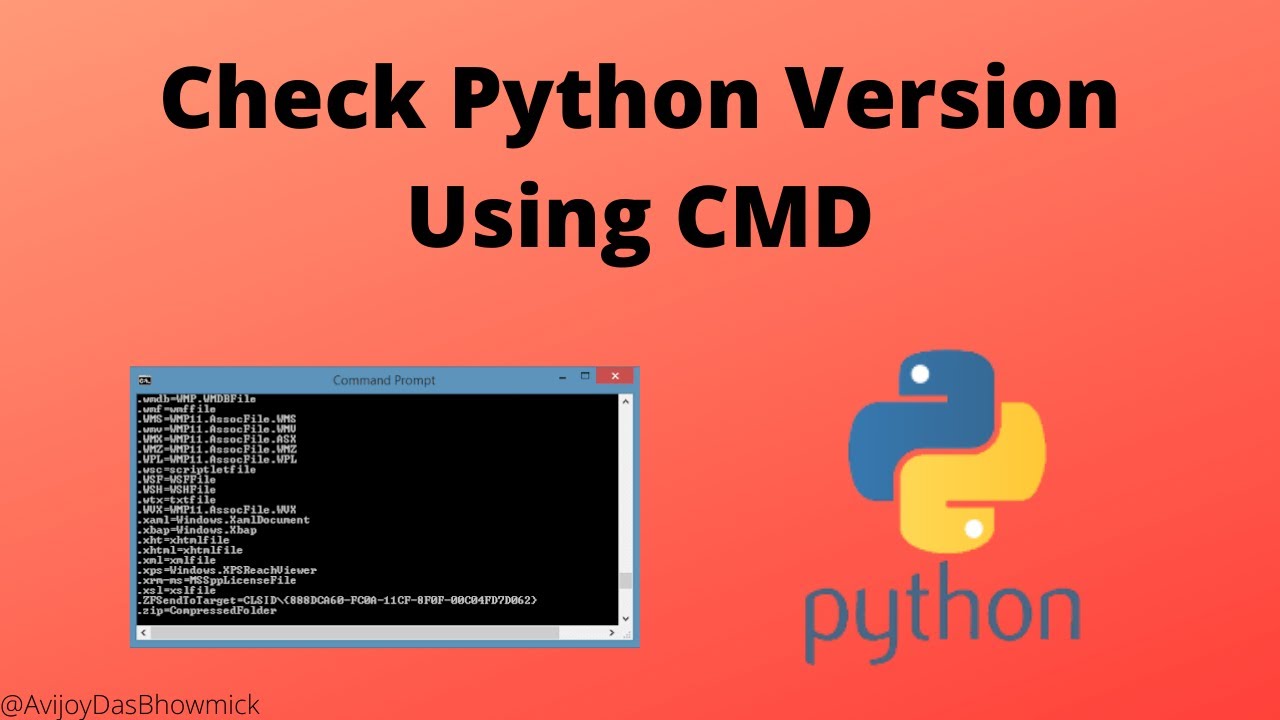
How To Check Python Installed Or Not Version Using Command Prompt

How To Install Python On Windows with Pictures WikiHow
How to install Python using Windows Command Prompt explains how to install the python if you already have the exe installed not how to install the exe
Click the Start Button then search for and launch Advanced System Settings Click Environment Variables then select Path under User Variables and hit Edit If Python is on your PATH you should see two entries as shown in the image below The first entry on our list the scripts subfolder adds pip to the PATH
How to install Python on Windows There are two main ways of installing Python on Windows installation from the official Python website or from Anaconda a convenient distribution of Python and R programming languages

The following command will install the latest version of a module and its dependencies from the Python Package Index python m pip install SomePackage Note For POSIX users including macOS and Linux users the examples in this guide assume the use of a virtual environment
3 1 1 Installation steps Four Python 3 9 installers are available for download two each for the 32 bit and 64 bit versions of the interpreter The web installer is a small initial download and it will automatically download the required components as necessary
To verify the authenticity of the download grab both files and then run this command gpg verify Python 3 6 2 tgz asc Note that you must use the name of the signature file and you should use the one that s appropriate to the download you re verifying These instructions are geared to GnuPG and Unix command line users macOS Installer Packages 4 A way to do it is to actually start the python interpreter You can do that with python command This will start the repl and you will be able to see in the first line something like
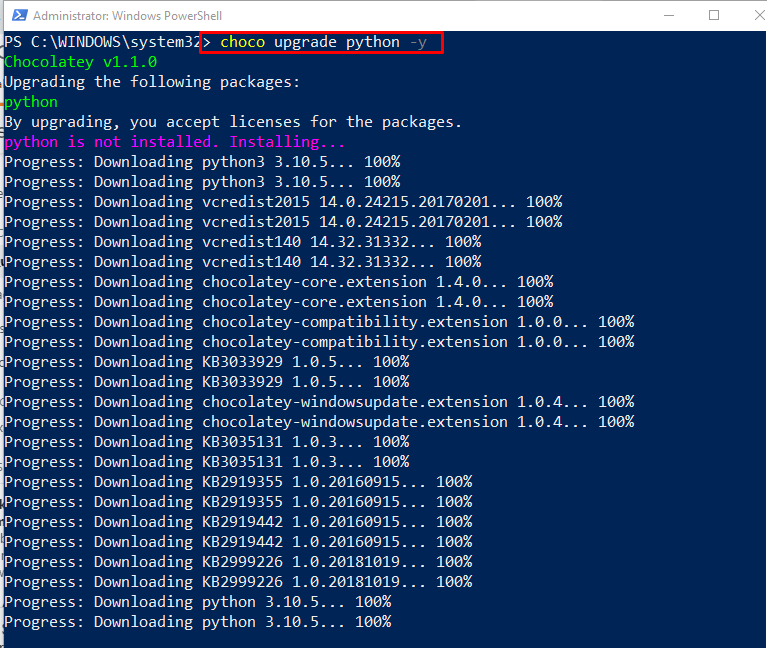
My solution Pyenv It s crossplatform Linux MacOS Windows where it s called pyenv win and you can with it automatically install among a very large list of Python versions There aren t ALL python versions existing but the list is already very big Installation pf pyenv is quite easy if you use chocolatey