Install Python Terminal Classic Art Aesthetic Install Tqdm Ubuntu Python 3 6 Hongkongdelta How To Install Python 3 Mac Oplikos A Beginner s Guide To Core ML Tools And Caffe Model Conversion Psychiconline blogg se Key Takeaways To install Python on Windows download the latest version of Python from the Python website then run the installer Ensure that you add Python to the PATH when presented with the option Python doesn t come prepackaged with Windows but that doesn t mean Windows users won t find the flexible programming
Step 1 Downloading the Python Installer Go to the official Python download page for Windows Find a stable Python 3 release This tutorial was tested with Python version 3 10 10 Click the appropriate link for your system to download the executable file Windows installer 64 bit or Windows installer 32 bit Installing Python 3 on Linux This document describes how to install Python 3 6 or 3 8 on Ubuntu Linux machines To see which version of Python 3 you have installed open a command prompt and run python3 version
Psychiconline blogg se Windows 7 How To Install Python Senturinatomic How To Update Python On Mac Terminal 4 Quick Steps Python Version 3 8 Herevfile How To Install OpenCV Python 3 On Ubuntu Using Pip DataFlair Python Download For Linux Buildingbeach Python In Visual Studio Code January 2020 Release LaptrinhX Pycharm Terminal Motorkum Remote Python Development In Visual Studio Code Coding Learn Programming Visual
Install Python Terminal
 Install Python Terminal
https://projects-static.raspberrypi.org/projects/generic-python-installing-with-pip/ecc5a4ed554bf15e56fff082d660bc0931cbc03c/en/images/pi_pip_install.gif
Step 2 Do you have Python Let s check To determine if you have Python installed open the command prompt or preferred install new Windows Terminal from the Microsoft Store Verify you have Python in the command prompt terminal type python V capital V C users username python V
Pre-crafted templates provide a time-saving service for developing a diverse series of files and files. These pre-designed formats and layouts can be utilized for various personal and expert projects, consisting of resumes, invitations, leaflets, newsletters, reports, presentations, and more, enhancing the content creation process.
Install Python Terminal
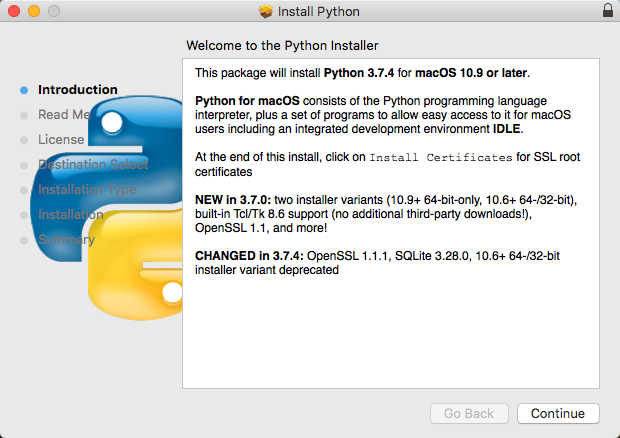
Estribillo Petr leo Crudo Hermana Install Python Terminal Mac Discriminaci n Sexual Visi n Para Mi
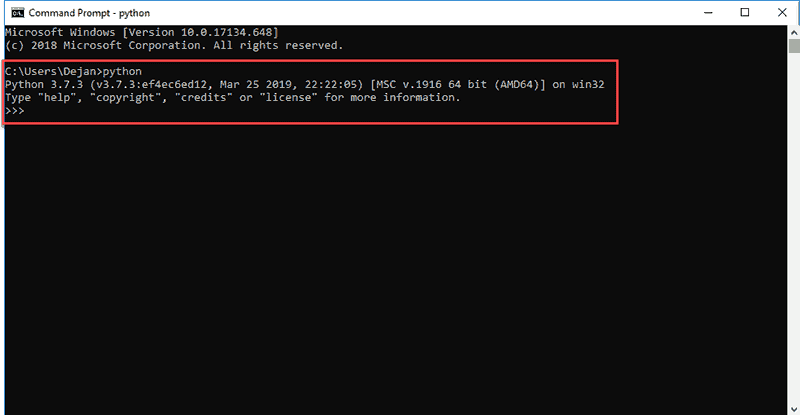
Windows 7 How To Install Python Senturinatomic

How To Update Python On Mac Terminal 4 Quick Steps
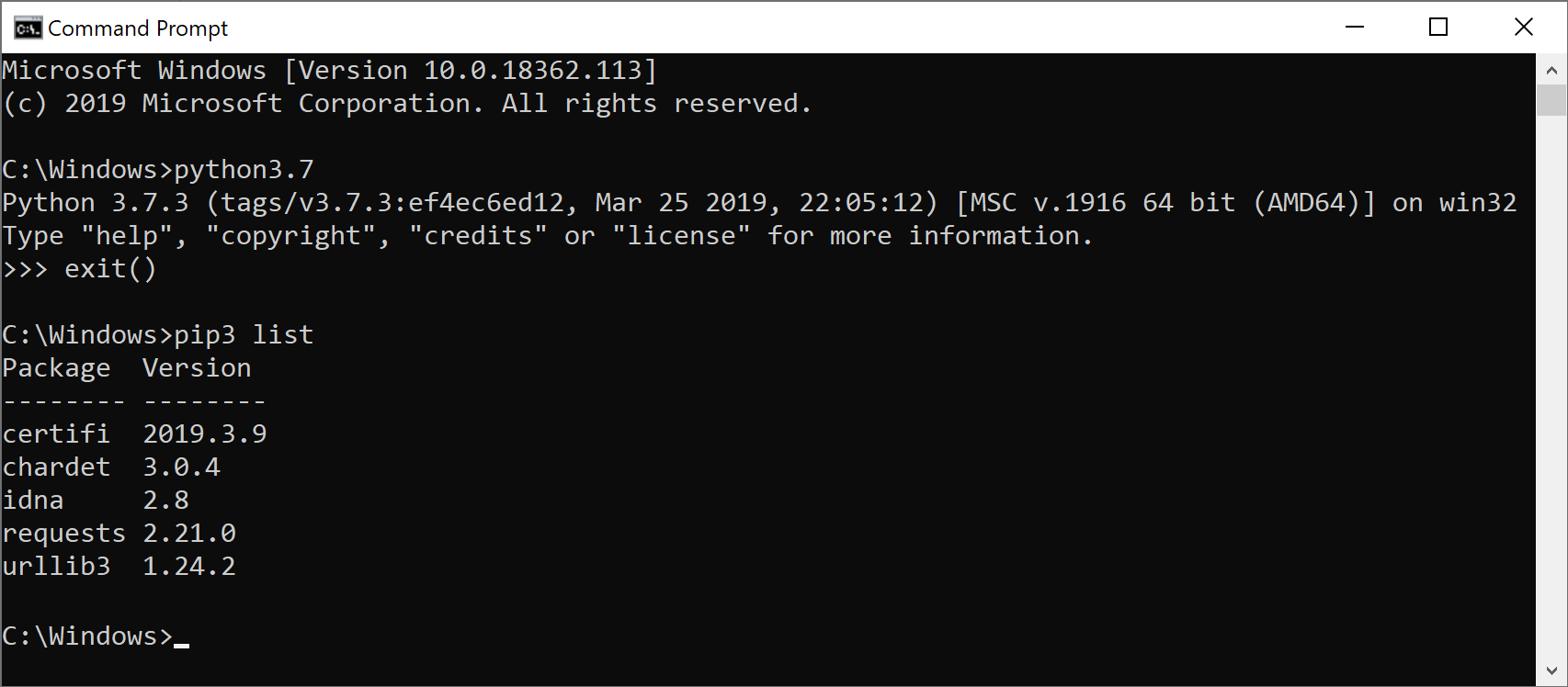
Python Version 3 8 Herevfile
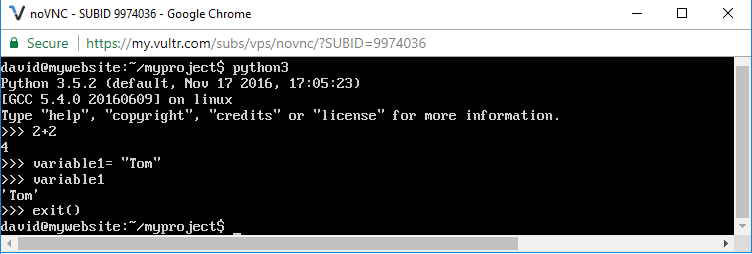
Python Download For Linux Buildingbeach
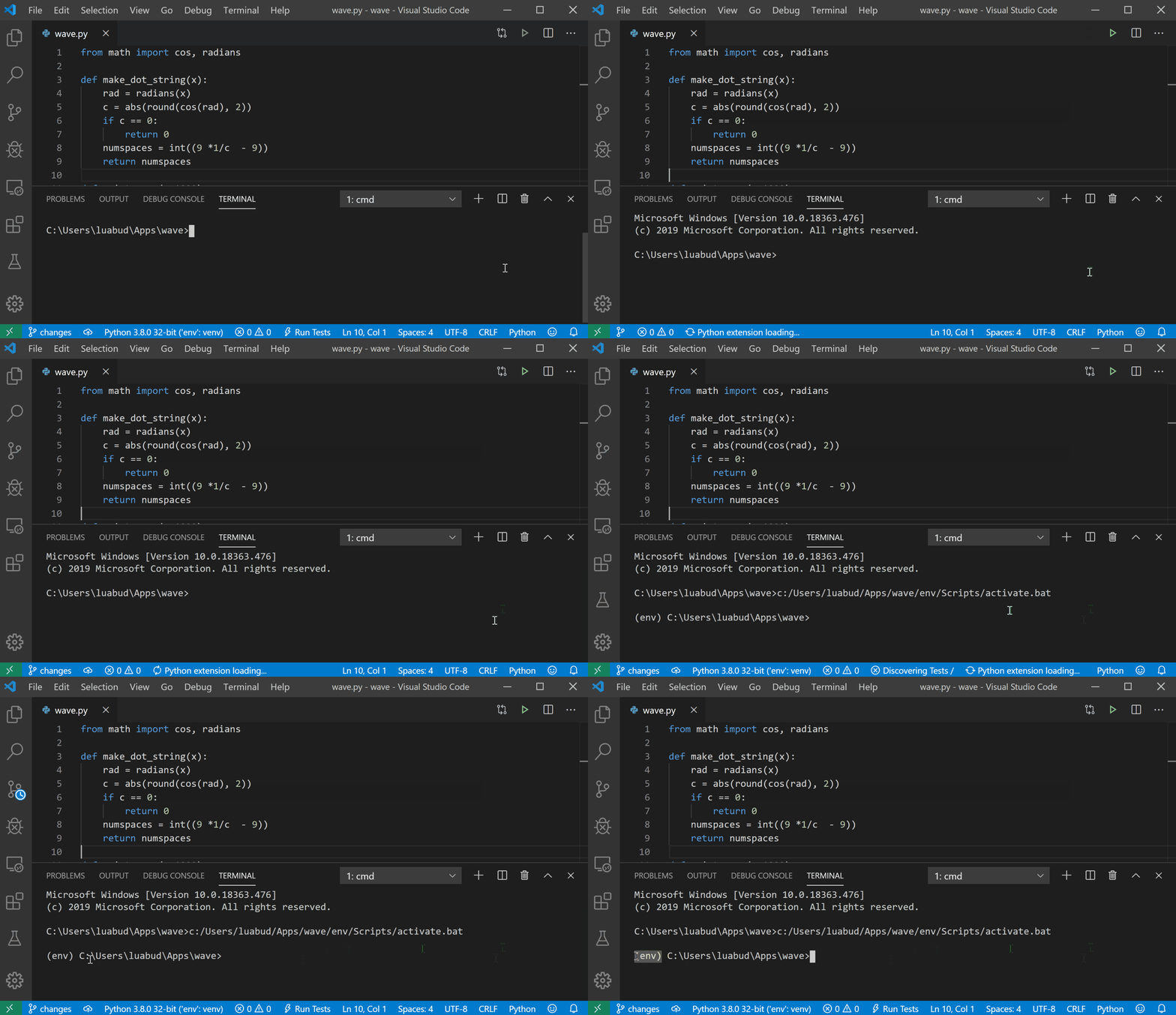
Python In Visual Studio Code January 2020 Release LaptrinhX
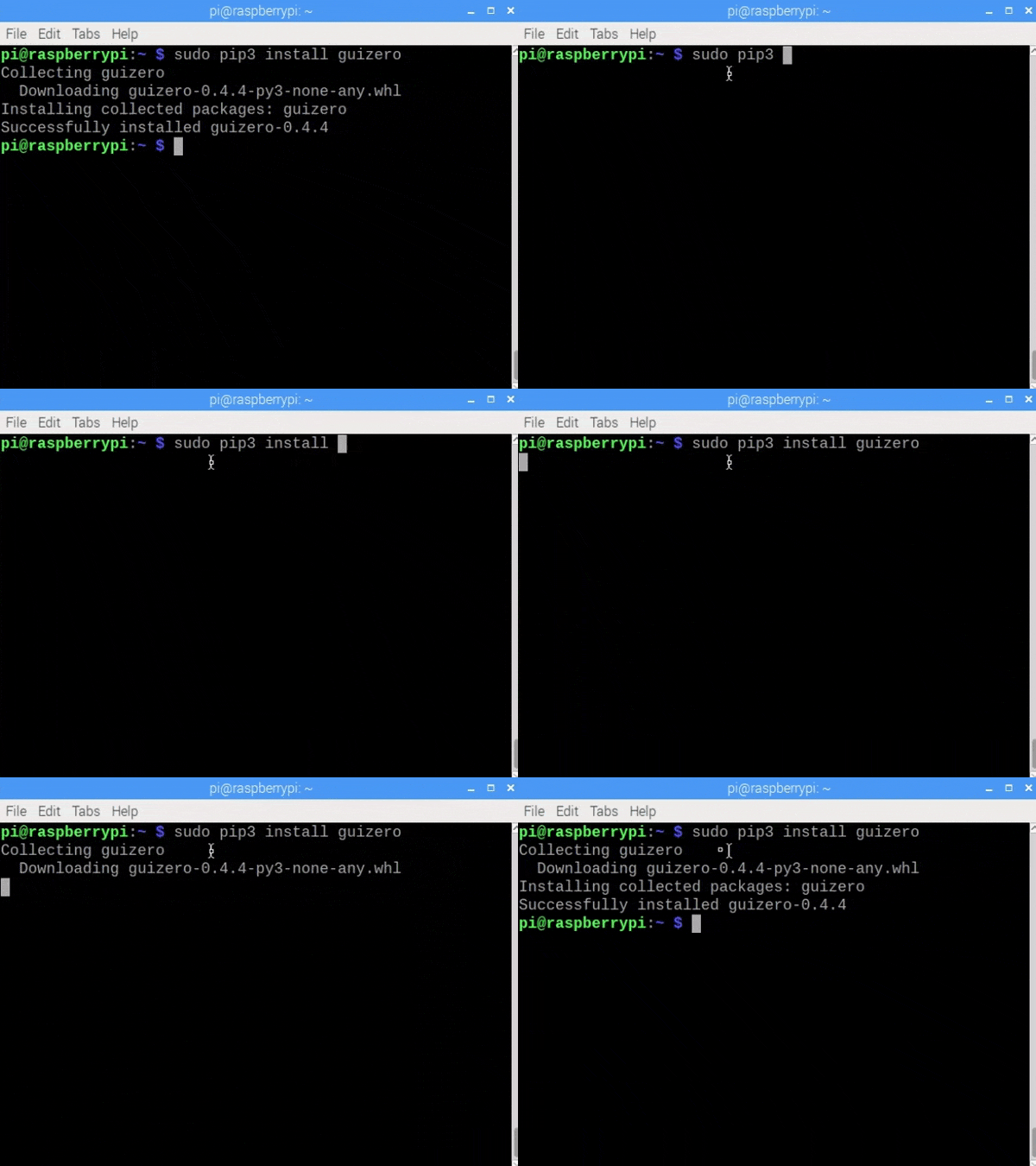
Steps to install python 3 will be as follows Open CMD using Run as Administrator Download and Install Chocolatey using the following command

As of Python 3 11 4 and 3 12 0b1 2023 05 23 release installer packages are signed with certificates issued to the Python Software Foundation Apple Developer ID BMM5U3QVKW Installer packages for previous releases were signed with certificates issued to Ned Deily DJ3H93M7VJ

Python is a programming language that lets you work quickly and integrate systems more effectively Learn More Download Python source code and installers are available for download for all versions Latest Python 3 12 0 Docs Documentation for Python s standard library along with tutorials and guides are available online docs python

To use the python interface from terminal just type python to check you python version just type python version to run a python script you need to type in the form python script name py but very importantly it has to be executable first chmod x python script name py I hope it helps
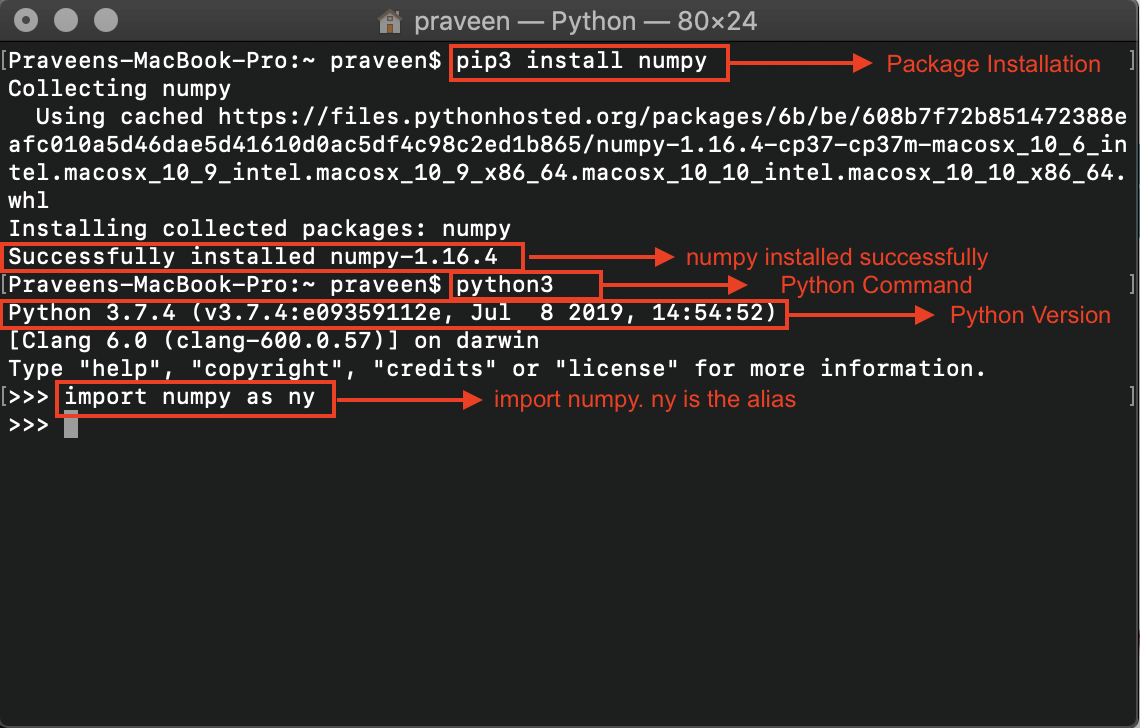
Python Tutorial Install Python and the Python extension The tutorial guides you through installing Python and using the extension You must install a Python interpreter yourself separately from the extension For a quick install use Python from python and install the extension from the VS Code Marketplace
[desc-11] [desc-12]
[desc-13]