Install Python Extension For Visual Studio Code Simplified Refactoring With Python In Visual Studio Code Paris Beacon Python In Visual Studio Code June 2022 Release LaptrinhX 5 Great VSCode Extensions For Python Dice Career Advice Visual Studio Code Extensions For Python Hollywoodstorm How To Execute Python Code From Within Visual Studio Code Vrogue Python Tools for Visual Studio is a completely free extension developed and supported by Microsoft with contributions from the community Visit our Github page to see or participate in PTVS development Visit our Github page Visual Studio Community 2022
Step 1 Running Python From the Built in Terminal With Python installed and your local programming environment set up open Visual Studio Code Inside of Visual Studio Code open the directory you re working in by going to File Open and selecting the directory After that you ll see your folder open in the explorer window on the left Python vscode A Python language pack for Visual Studio Code Supports syntax highlighting snippets and linting see requirements below Linting can be customised with a pylintrc pyLint or setup cfg flake8 file in the root of the current working directory
How To Execute Python Code From Within Visual Studio Code Vrogue Install Visual Studio Code And The Python Extension Zero2Launch Python With PyDev On Visual Studio Code Hashnode Python For Visual Studio Code Setup Python In Visual Studio Code Top 10 Python Extensions For Visual Studio Code Great Vscode Extensions For Python My XXX Hot Girl Setting Up VSCode For Python A Complete Guide DataCamp 12 The Best Extension Visual Studio Code For Laravel Find And Install Python In Visual Studio Code January 2019 Release Python
Install Python Extension For Visual Studio Code
 Install Python Extension For Visual Studio Code
https://www.parisbeacon.com/wp-content/uploads/2023/04/Simplified-Refactoring-with-Python-in-Visual-Studio-Code.jpg
Install a supported version of Python on your system note that the system install of Python on macOS is not supported n Step 2 Install the Python extension for Visual Studio Code n Step 3 Open or create a Python file and start coding n n Set up your environment n n n n Select your Python interpreter by clicking on the status
Templates are pre-designed files or files that can be used for numerous functions. They can conserve time and effort by providing a ready-made format and layout for creating different type of material. Templates can be used for personal or professional jobs, such as resumes, invites, flyers, newsletters, reports, presentations, and more.
Install Python Extension For Visual Studio Code
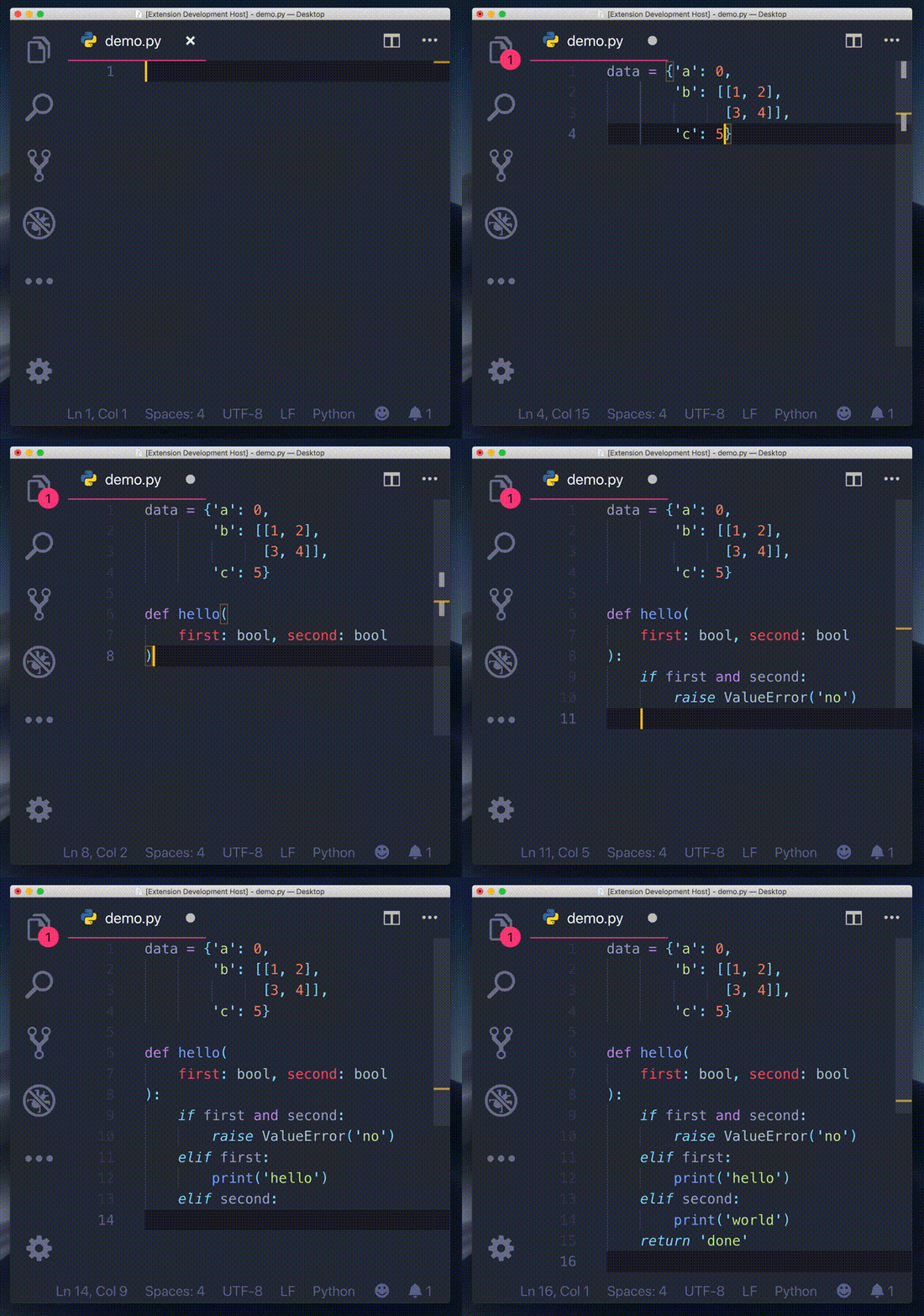
Top 10 Python Extensions For Visual Studio Code
Install Visual Studio Code And The Python Extension Zero2Launch
Python With PyDev On Visual Studio Code Hashnode
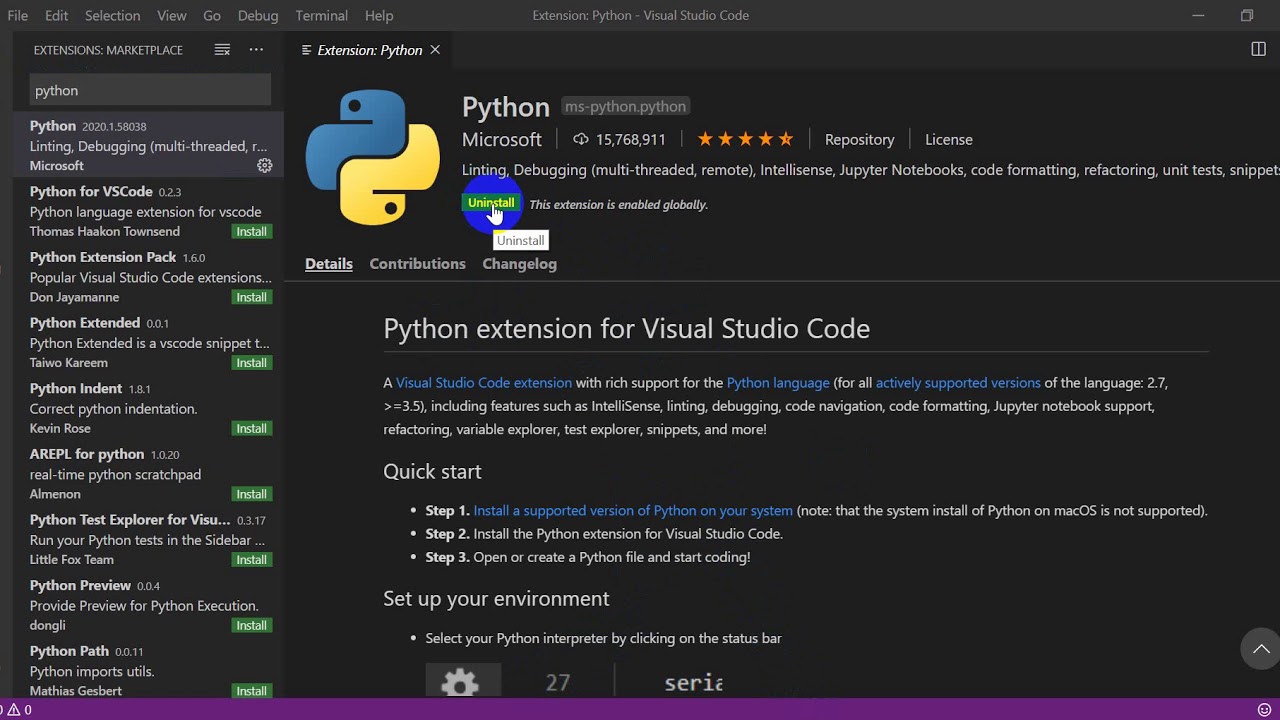
Python For Visual Studio Code Setup Python In Visual Studio Code
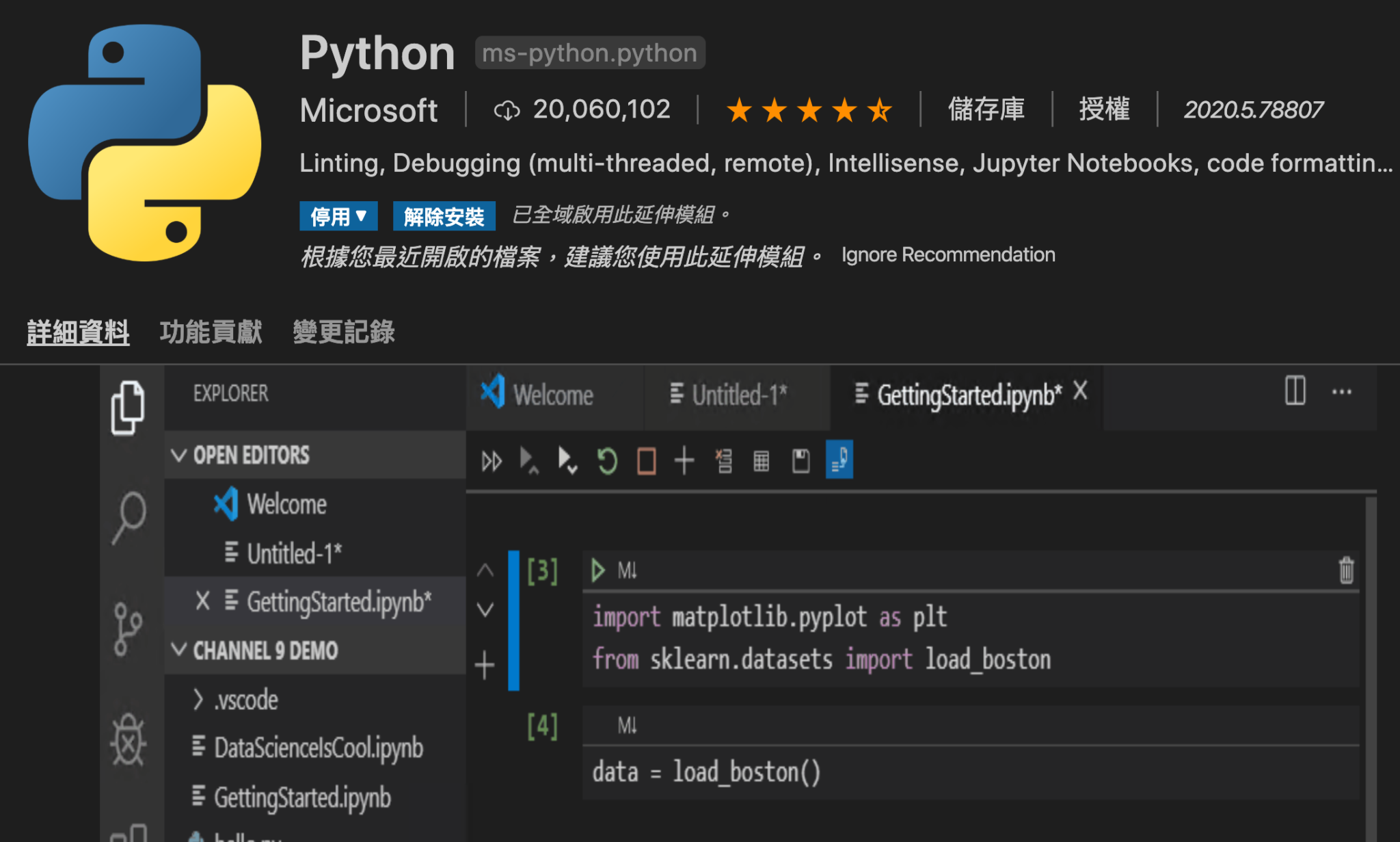
Great Vscode Extensions For Python My XXX Hot Girl
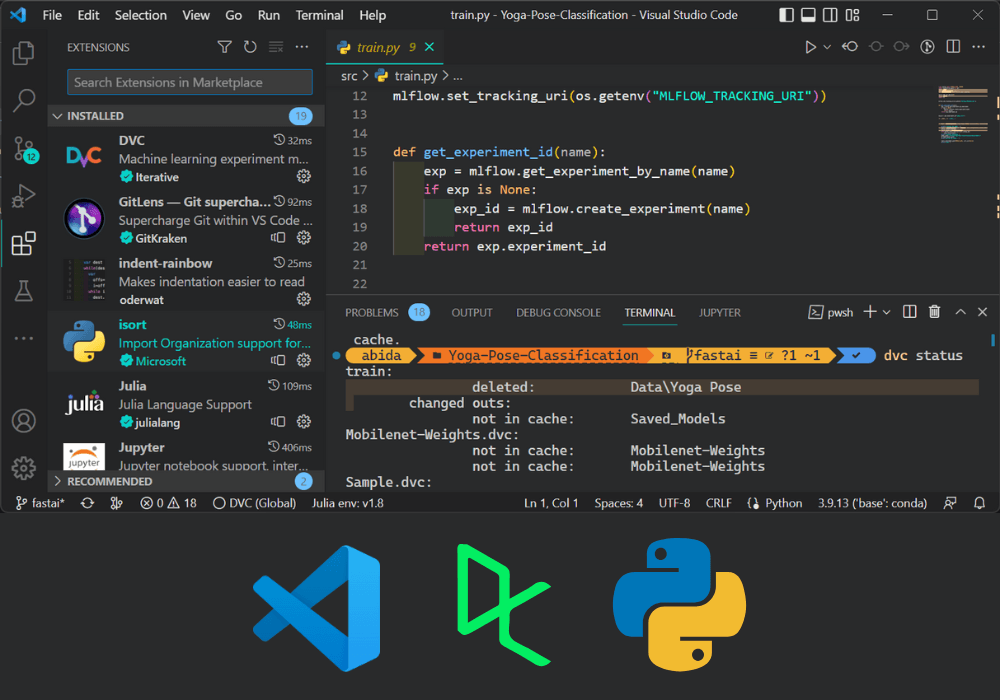
Setting Up VSCode For Python A Complete Guide DataCamp

Step 1 Install a supported version of Python on your system note that the system install of Python on macOS is not supported Step 2 Install the Python extension for Visual Studio Code Step 3 Open or create a Python file and start coding Set up your environment Select your Python interpreter by clicking on the status bar
Download and run the latest Visual Studio installer for Windows Python support is present in the release 15 2 and later If you have Visual Studio installed already open Visual Studio and run the installer by selecting Tools Get Tools and Features
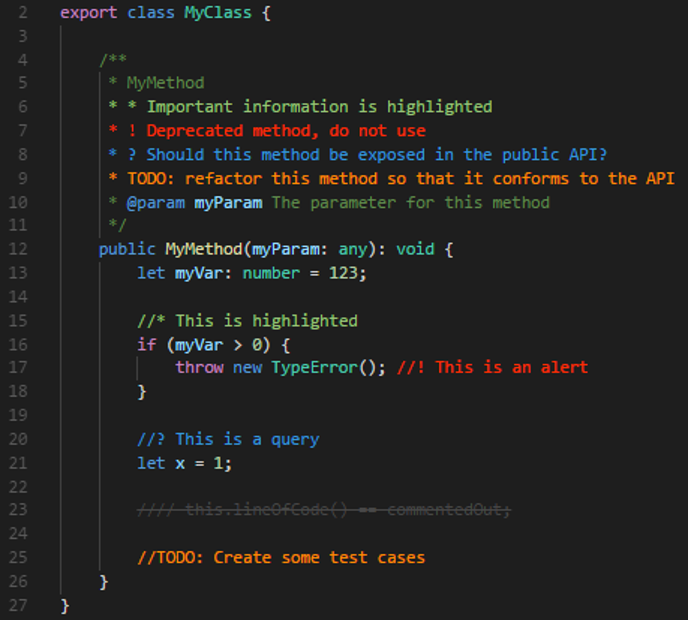
To install an extension select the Install button Once the installation is complete the Install button will change to the Manage gear button Find and install an extension For example let s install the popular TODO Highlight extension

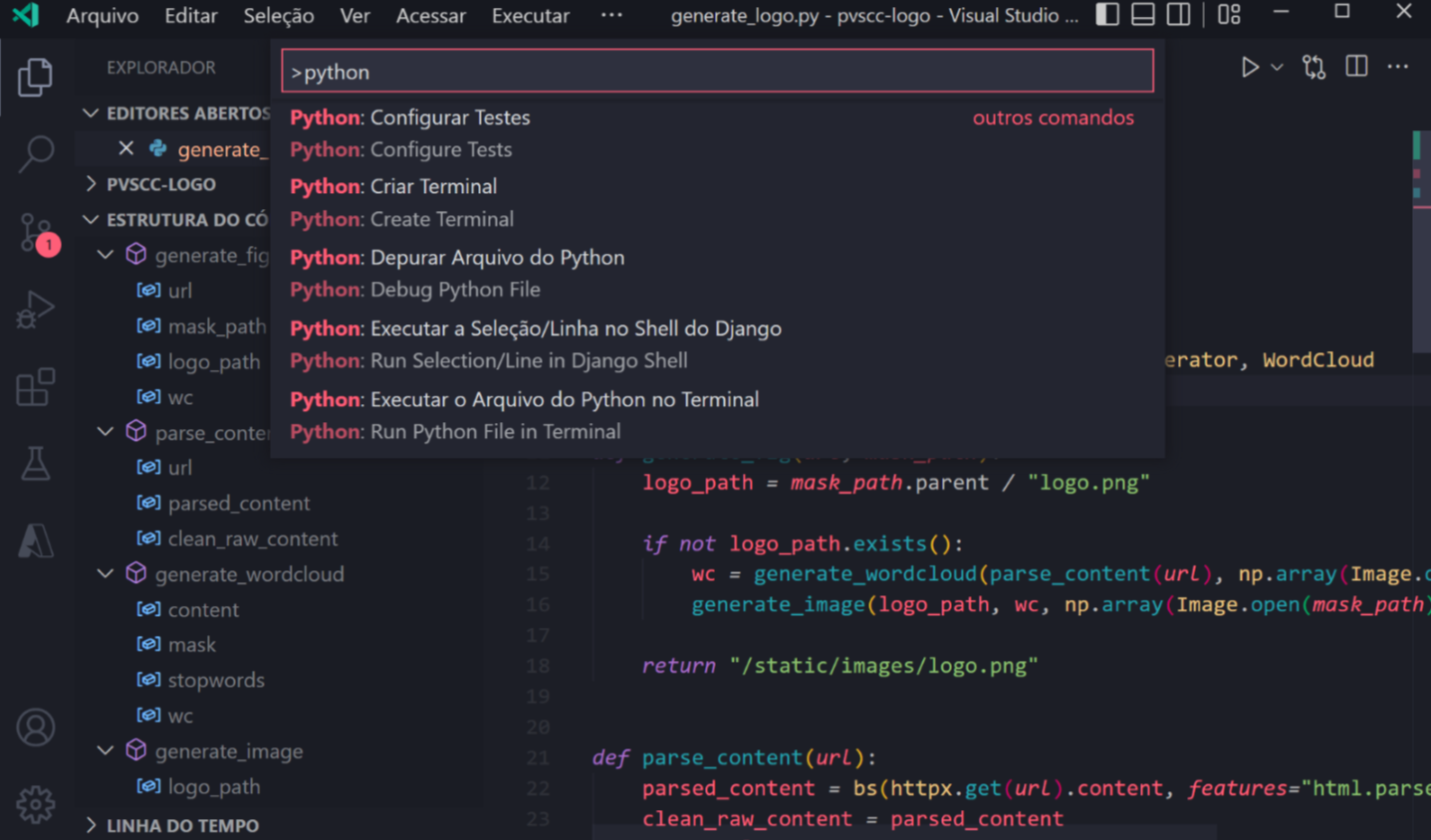
You can download the Python extension from the Marketplace or install it directly from the extension gallery in Visual Studio Code If you already have the Python extension installed you can also get the latest update by restarting Visual Studio Code You can learn more about Python support in Visual Studio Code in the documentation

You can download the Python extension from the Marketplace or install it directly from the extension gallery in Visual Studio Code If you already have the Python extension installed you can also get the latest update by restarting Visual Studio Code You can learn more about Python support in Visual Studio Code in the documentation
Applies to Visual Studio Visual Studio for Mac Visual Studio Code By default installing the Python development workload in Visual Studio 2017 and later also installs Python 3 64 bit Visual Studio supports Python version 3 7 While it is possible to use Visual Studio to edit code written in other versions of Python those versions are Get it now Python Extension Pack More Info Overview Version History Q A Rating Review Python Extension Pack This extension pack packages some of the most popular and some of my favorite Python extensions Extensions Included
Applies to Visual Studio Visual Studio for Mac Visual Studio Code Previous step Run code in the debugger The Python developer community has produced thousands of useful packages that you can incorporate into your own projects Visual Studio provides a UI to manage packages in your Python environments View environments