Install Python Dev Mac Mac Install Python Dev Apt Get Install Python Dev Python Dev Environment Under Ubuntu In 2021 Passions Play ngiltere de Dev Ma ncesi Tehlikeli Tablo Haber 7 D NYA Dev Ma ncesi Tepki eken G r nt Be ikta Bayra na Sar l Tabutu Step 1 GCC installation Xcode app in Mac App store Python install will require a GCC installation the easiest way to correctly install GCC on your Mac is to install Xcode from the app
5 1 1 How to run a Python script Your best way to get started with Python on macOS is through the IDLE integrated development environment see section The IDE and use the Help menu when the IDE is running Setup and building These instructions cover how to get a working copy of the source code and a compiled version of the CPython interpreter CPython is the version of Python available from https www python It also gives an overview of the directory structure of the CPython source code
Dev Ma ncesi Tepki eken G r nt Be ikta Bayra na Sar l Tabutu Install Python Dev On Mac Python dev Ubuntu Linux Mint Debian Python2 7 encoding How To Install Python 3 Mac UgeraX Ubuntu 16 Python Dev Install Passaplayer Kupada Dev Ma C neyt ak r n Ziraat T rkiye Kupas Install Pip For Python 3 On Mac Ladymoz Dev Ma Sosyal Medyay Sallad Galeri Akt el
Install Python Dev Mac
 Install Python Dev Mac
https://www.testorigen.com/wp-content/uploads/2019/01/QA_and_Testing_Importance_in_the_Era_of_Microservices.jpg
Open a terminal and type python version to check if Python is installed and which version it is Install a package manager To manage dependencies and packages it s recommended to install a package manager Homebrew is a popular choice for Mac users as it provides a simple and easy way to install and manage packages
Templates are pre-designed documents or files that can be used for numerous purposes. They can conserve effort and time by offering a ready-made format and layout for developing various kinds of content. Templates can be used for individual or professional tasks, such as resumes, invitations, leaflets, newsletters, reports, discussions, and more.
Install Python Dev Mac
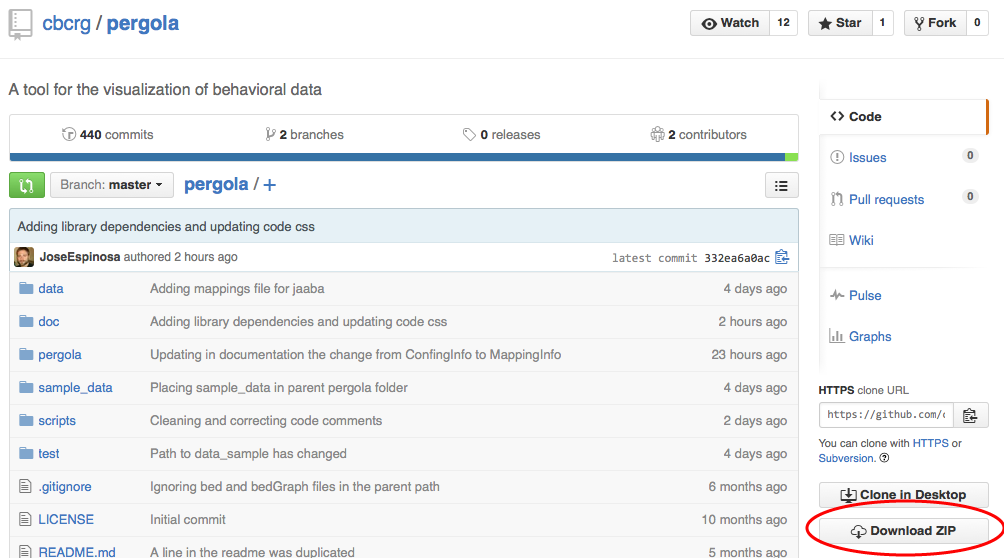
Installation Pergola Documentation

Install Python Dev On Mac

Python dev Ubuntu Linux Mint Debian

Python2 7 encoding
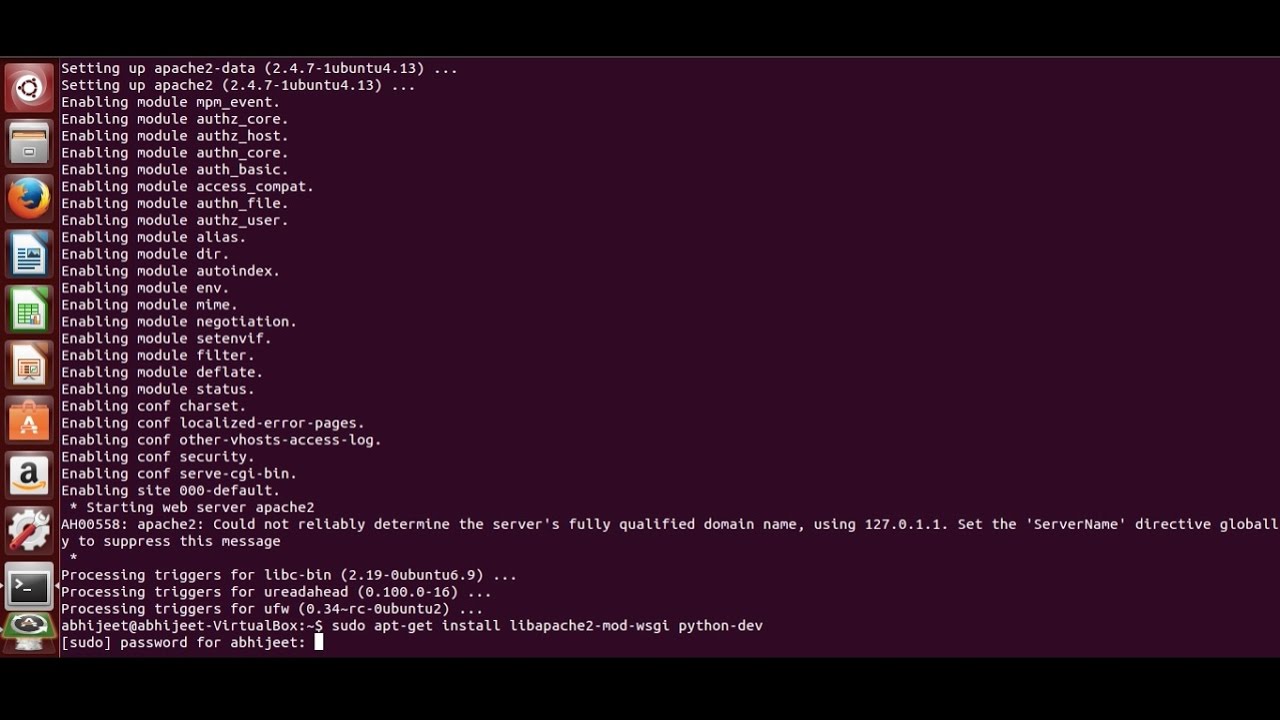
Ubuntu 16 Python Dev Install Passaplayer

Kupada Dev Ma C neyt ak r n Ziraat T rkiye Kupas

Macos how to install python devel in Mac OS Stack Overflow how to install python devel in Mac OS Ask Question Asked 8 years 4 months ago Modified Viewed 79k times 35 brew and port does not provide python devel How can I install it in Mac OS Is there an equivalent in Mac OS macos python 2 7 Share Improve this question Follow

To install the package click on the Install button and follow the steps to complete the installation process Once the installation process is complete rerun the previous command Yes Python 3 x is installed on your Mac Python 3 8 9

In a terminal run python3 m pip install python dev tools user upgrade Full documentation on installation https python dev tools readthedocs io en latest installation html That s it Use the provided linter flake8 formatter whataformatter and precommit hook TODO where applicable Installation with Visual Studio Code

Stable Releases Python 3 12 1 Dec 8 2023 Download macOS 64 bit universal2 installer Python 3 11 7 Dec 4 2023 Download macOS 64 bit universal2 installer Python 3 12 0 Oct 2 2023 Download macOS 64 bit universal2 installer Python 3 11 6 Oct 2 2023 Download macOS 64 bit universal2 installer Python 3 11 5 Aug 24 2023

The same source code archive can also be used to build the Windows and Mac versions and is the starting point for ports to all other platforms Download the latest Python 3 source See the Python Developer s Guide to learn about how Python development is managed
How to Install Python on Mac Guide for Seamless Installation By Tamal Das and edited by Narendra Mohan Mittal Wondering how to install Python on Mac to utilize the robust hardware and operating system configuration of your Mac to develop and test programs faster Keep reading Terminal is a program that provides a command line interface to macOS It comes pre installed on macOS but many bemoan its lack of features and potential for customization iTerm2 is a terminal emulator for macOS and is much more popular than the built in Terminal It supports opening multiple panes in a single window which can be a huge
On Python website select latest installer follow prompts Install or Customization Confirm Open Terminal type python version Terminal shows Python version number if successful This article explains how to install the latest version of Python programming language onto a Mac using the most recent version of macOS