Install Python Brew Mac M2 Brew Install Pip3 Python 3 Lockqvote Fixing The Chromium Binary Is Not Available For Arm64 Tim Broddin Install Pip Mac Brew MAC LUSTRE LIPSTICK FRESH BREW The Vault Git How Can I Install Brew On A Mac M2 Stack Overflow Installation Instructions for a supported install of Homebrew are on the homepage The script installs Homebrew to its default supported best prefix opt homebrew for Apple Silicon usr local for macOS Intel and home linuxbrew linuxbrew for Linux so that you don t need sudo after Homebrew s initial installation when you brew install
If you want to install Python 3 11 on your Mac you can make use of the Homebrew package manager 5 1 1 How to run a Python script Your best way to get started with Python on macOS is through the IDLE integrated development environment see section The IDE and use the Help menu when the IDE is running
Git How Can I Install Brew On A Mac M2 Stack Overflow Brew Install Opencv Not Working Sunmokasin How To Install Home Brew On Mac OS YouTube Install Python On Mac Brew Or Webside Gerasend Mac Cheese Cocky s Chicken Brew Mac Hexo Sdk Beginner s Guide Stable Diffusion On Your MacBook M1 M2 Brew Install Python 3 Mac Terminal Cgstashok Brew cask install software Banksy7
Install Python Brew Mac M2
 Install Python Brew Mac M2
https://sparkbyexamples.com/wp-content/uploads/2021/08/Install-Python-Pandas-on-Windows-Linux-Mac-OS.png
Remember to download Python for Mac from the official website to ensure that you have the latest and most secure version of the software How to Install Python with Brew To install Python on macOS using brew follow these simple steps Open the terminal on your macOS Install brew if you haven t already by running the command
Pre-crafted templates provide a time-saving service for creating a varied series of files and files. These pre-designed formats and designs can be made use of for different individual and expert tasks, consisting of resumes, invitations, leaflets, newsletters, reports, presentations, and more, streamlining the content production procedure.
Install Python Brew Mac M2
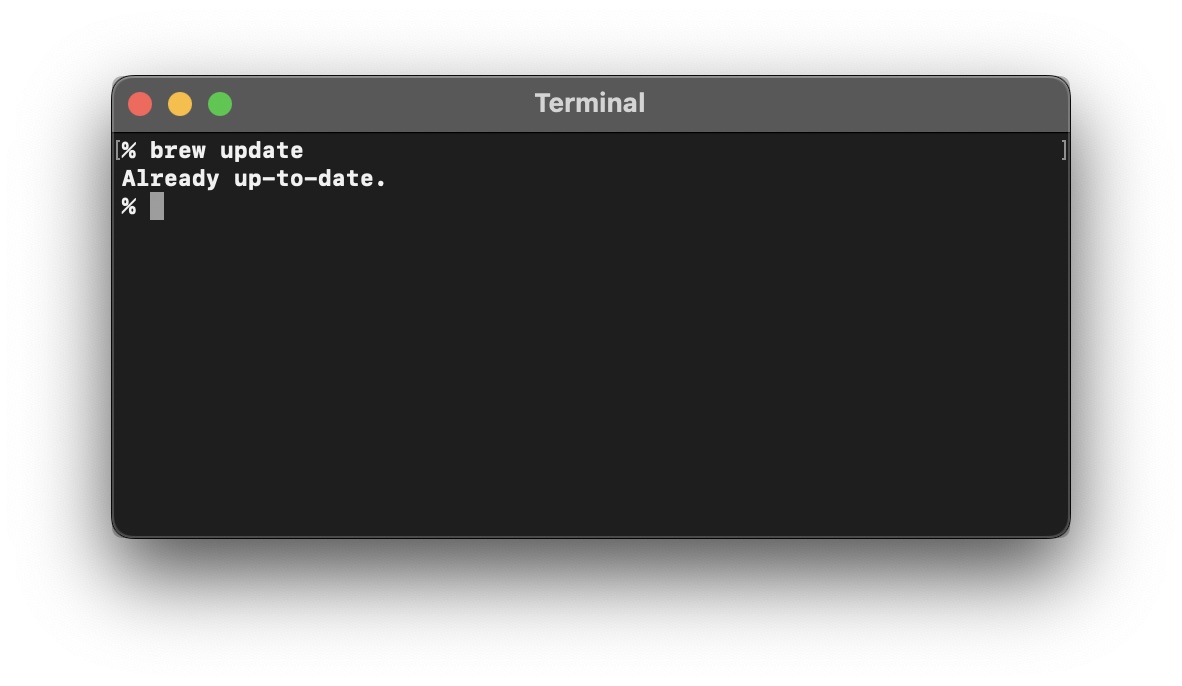
How To Update Brew On Mac

Brew Install Opencv Not Working Sunmokasin
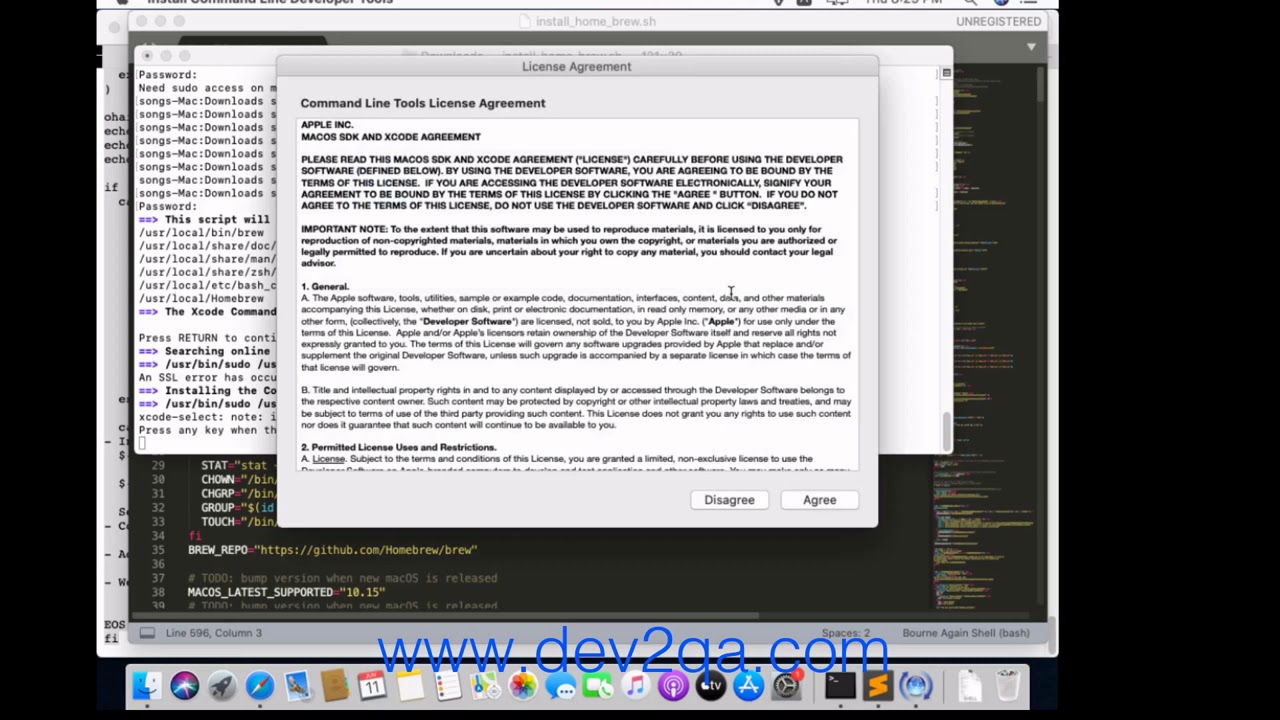
How To Install Home Brew On Mac OS YouTube

Install Python On Mac Brew Or Webside Gerasend

Mac Hexo Sdk

Beginner s Guide Stable Diffusion On Your MacBook M1 M2

6 Answers Sorted by 64 brew install python or brew info python output mentions Unversioned symlinks python python config pip etc pointing to python3 python3 config pip3 etc respectively have been installed into opt homebrew opt python 3 9 libexec bin

First you ll need to install XCode Command line tools xcode select install xcrun show sdk path Library Developer CommandLineTools SDKs MacOSX sdk These tools are for software developers that run on the command line in the Terminal application

Open up your terminal You can do this by using MacOS spotlight command space and typing terminal Now that you re in a command line you can install the latest version of Homebrew by running this command bin bash c curl fsSL https raw githubusercontent Homebrew install HEAD install sh

How to install homebrew on MacOS Apple M2 Tagged with homebrew macos m2 zsh How to install homebrew on MacOS Apple M2 The First Two Dev Tools Installed On My M1 Mac Brian Douglas Feb 21 22 Virtual machine efficiency David Cantrell Feb 23 22 Set MacOS finder folder icon with Python Franz Wong Feb 12 22 rageshchalil

Install python and manage multiple python environments like a pro Code snippets to copy paste https github DanilZherebtsov python installation m2 mac b
To install Homebrew open Terminal or your favorite OS X terminal emulator and run usr bin ruby e curl fsSL https raw githubusercontent Homebrew install master install The script will explain what changes it will make and prompt you before the installation begins Here s the command to install Python 3 on Mac brew install pyenv Make sure you follow the rest of the steps for installing pyenv in the documentation Install Python 3 With pyenv installed you don t need to install Python with Homebrew anymore as you may already be doing
We can install python using Homebrew with brew install python or for a specific version brew install python 3 7 but using Pyenv is a better way of handling different versions brew install pyenv