Install Python 3 Mac Virtualenv Install Python 3 Mac Pyenv Garrytoyou How To Install Virtualenv Python Python Array Instalar Python Pip Y Virtualenv En Windows 10 How To Install Python 3 12 On Ubuntu Dev Release Managing Python Environments With Virtualenv You must first install a custom version of Python 3 This custom installation of Python 3 will also contain pip3 After it s installed and activated run the which python3 command as shown in the article This should return the location of your custom version of Python 3 You should then upgrade pip3 server python3 m pip install upgrade pip
With brew setup we can now use it to install Python brew install python3 If everything installed correctly you should be able to see the following which python3 usr local bin python 3 Install virtualenv and virtualenvwrapper With Python installed we should have access to the pip package manager Let s install two packages To create a virtual environment go to your project s directory and run the following command This will create a new virtual environment in a local folder named venv Unix macOS python3 m venv venv Windows The second argument is the location to create the virtual environment
Managing Python Environments With Virtualenv 3 Ways To Install Python WikiHow Python Mac Linux Virtualenv How To Install Python Python Virtualenv Como Utilizar Ambientes Virtuais DebugEverything How To Install Python 3 On MacOS Ventura DIRTECH IT How To Install Python 3 Mac UgeraX How To Install Python On Windows with Pictures WikiHow How To Install Python 3 On Mac Brew Install Update Tutorial
Install Python 3 Mac Virtualenv
 Install Python 3 Mac Virtualenv
https://user-images.githubusercontent.com/22600673/100601016-5d1c0280-3302-11eb-84d3-91c0d32aa073.png
Change pip mirror Install Virtualenv Configurate Virtualenv Virtualenv usage More commands Install Python as framework Visual Studio Code Conclusion Install Python via Homebrew The following steps shows the full path to install Python3 via Homebrew Install XCode
Templates are pre-designed documents or files that can be utilized for numerous purposes. They can save time and effort by providing a ready-made format and design for developing different kinds of material. Templates can be used for personal or professional jobs, such as resumes, invitations, leaflets, newsletters, reports, presentations, and more.
Install Python 3 Mac Virtualenv

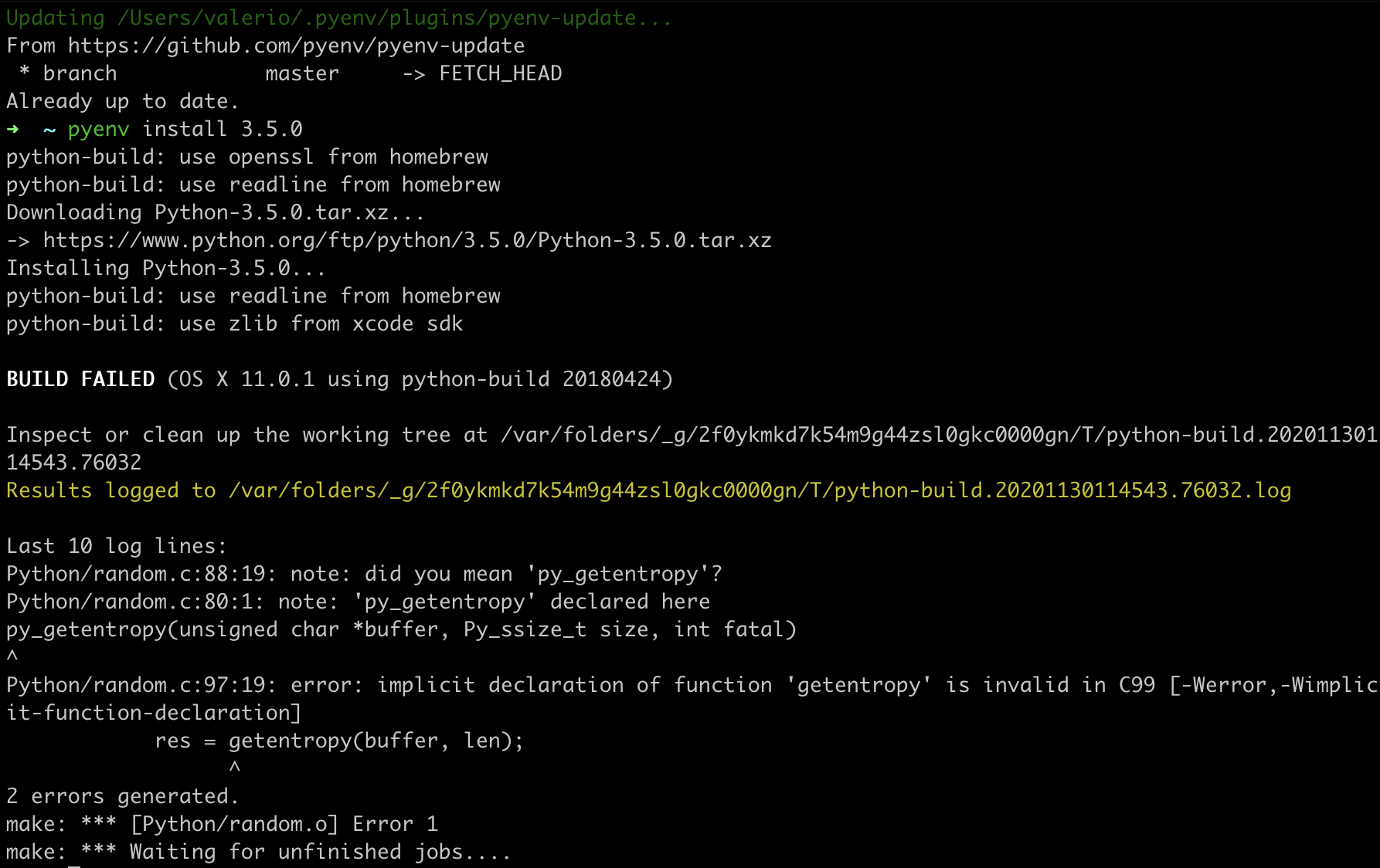
Can t Install Python 3 4 0 On MacOS Issue 1837 Pyenv pyenv GitHub

3 Ways To Install Python WikiHow
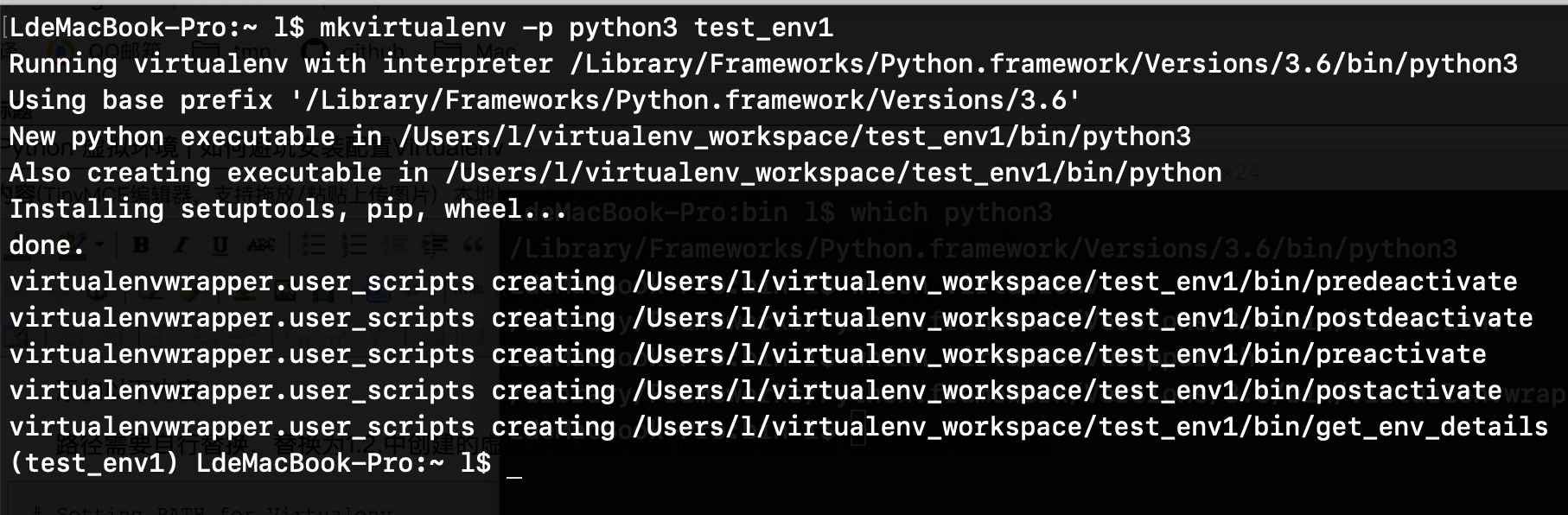
Python Mac Linux Virtualenv

How To Install Python
How To Install Python 3 On MacOS Ventura DIRTECH IT
How To Install Python 3 Mac UgeraX

Installation via pipx virtualenv is a CLI tool that needs a Python interpreter to run If you already have a Python 3 7 interpreter the best is to use pipx to install virtualenv into an isolated environment This has the added benefit that later you ll be able to upgrade virtualenv without affecting other parts of the system

New in version 3 3 Source code Lib venv The venv module supports creating lightweight virtual environments each with their own independent set of Python packages installed in their site directories
Method 1 Using pip to install virtual environment Package Follow the below steps to install the virtual environment package on macOS using pip Step 1 Install the latest Python3 in MacOS Step 2 Check if pip3 and python3 are correctly installed python3 version pip3 version Step 3 Upgrade your pip to avoid errors during installation

Install Python 3 10 using pyenv and virtualenv on a Mac Adam Raudonis Follow 3 min read Mar 4 Courtesy of ChatGPT Confirmed by a human Lightly edited for brevity First you ll

Download ZIP Setting up and using Python3 Virtualenv on Mac Raw Python3 Virtualenv Setup md Python3 Virtualenv Setup Requirements Python 3 Pip 3 brew install python3 Pip3 is installed with Python3 Installation To install virtualenv via pip run pip3 install virtualenv Usage Creation of virtualenv virtualenv p python3 desired path
Once you have Homebrew set up run the following command to install the latest version of Python brew install python Homebrew will also install pip for you which you can verify by running the pip3 command To verify the successful installation of the Python 3 x version run the python3 command and the IDLE should start in your terminal Learn how to install virtualenv with any version of Python on Mac and Linux In this tutorial we use create a virtualenv with Python 3 6 5 by building Pytho
Setup pyenv virtualenv Make sure that your Mac has brew we can download target Python 3 4 4 version using pyenv by entering pyenv install 3 4 4 or Python 2 7 by entering pyenv