Install Pyqt Pip PYTHON Pip Install PyQt IOError YouTube deeplab 1 labelme anaconda shuiyixin 51CTO How To Install PyQt5 And PyQt5 Designer Using Pip Install In Python deeplab 1 labelme anaconda shuiyixin 51CTO Solved Pip Install PyQt IOError 9to5Answer Web Aug 11 2023 nbsp 0183 32 Installing Verify that python is installed and runnning by typing python version on the command line Verify that you have not installed PyQt before pip list pip install PyQt5 this will install PyQt5 pip install pyqt5 tools this will install the designer exe in your Scripts folder
Web Dec 17 2021 nbsp 0183 32 Step 3 Install the PyQt Here it is the final step to install the PyQt in python just the user needs to type the below mentioned article the PyQt5 will be successfully installed in the system and further by repeating step 2 the user can verify if the PyQt is installed Command pip install PyQt5 Output Web May 15 2011 nbsp 0183 32 From the terminal run the following command For the latest version on PyPi pip install PySide2 For a specific version pip install PySide2 5 15 0 or pip install index url http download qt io snapshots ci pyside 5 15 latest pyside2 trusted host download qt io Test your Installation
Solved Pip Install PyQt IOError 9to5Answer Cannot Install Pyqt5 tools Via Pip Issue 36 Altendky pyqt tools deeplab 1 labelme anaconda shuiyixin 51CTO Can t Install Qt5 Via Pip Issue 27 Altendky pyqt tools GitHub PyQt5 Fails To Install Via Pip On Raspberry PI OS Issue 96 Ubuntu18 04 labelme Zpadger Pip Install Pyqt5 Windows Holoserlearn Labelme Jpg json VOC MMLab 3 mmseg
Install Pyqt Pip
 Install Pyqt Pip
https://i.ytimg.com/vi/dwTaBbnlEY4/maxresdefault.jpg
Web Aug 4 2017 nbsp 0183 32 Installing PyQt5 on windows with pip I am trying to install PyQt5 on my windows My python is 3 16 pip install PyQt5 gives not error and it seems PyQt5 is installed Future quot pip install PyQt5 quot gives the message quot Requirement already satisfied quot
Pre-crafted templates use a time-saving service for developing a varied series of files and files. These pre-designed formats and designs can be made use of for different individual and expert tasks, consisting of resumes, invites, flyers, newsletters, reports, discussions, and more, simplifying the material production procedure.
Install Pyqt Pip

LabelMe
Cannot Install Pyqt5 tools Via Pip Issue 36 Altendky pyqt tools

deeplab 1 labelme anaconda shuiyixin 51CTO
Can t Install Qt5 Via Pip Issue 27 Altendky pyqt tools GitHub
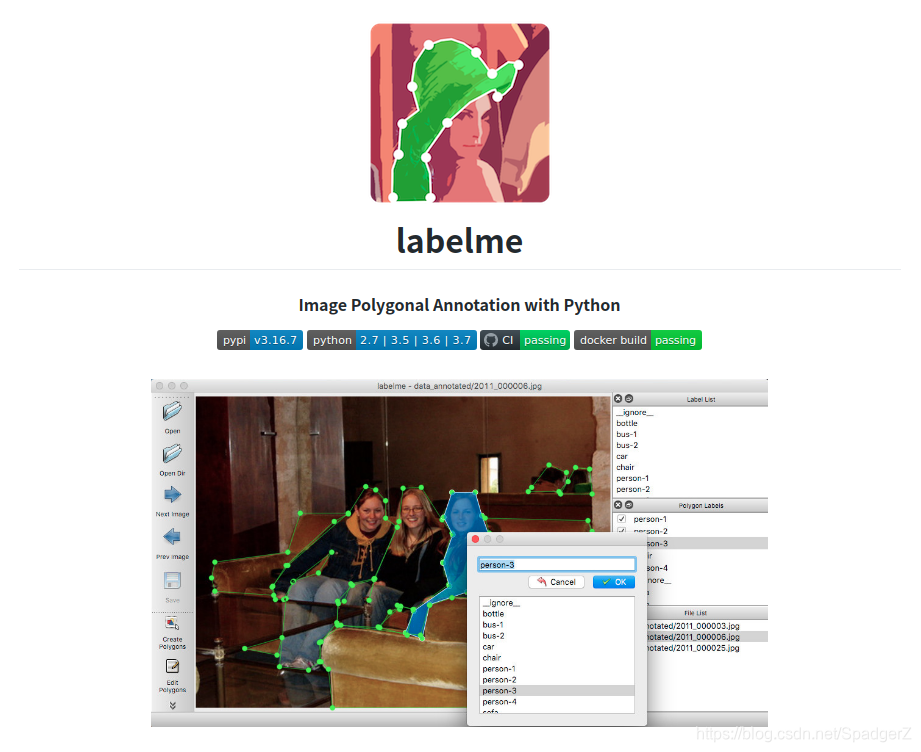
Ubuntu18 04 labelme Zpadger
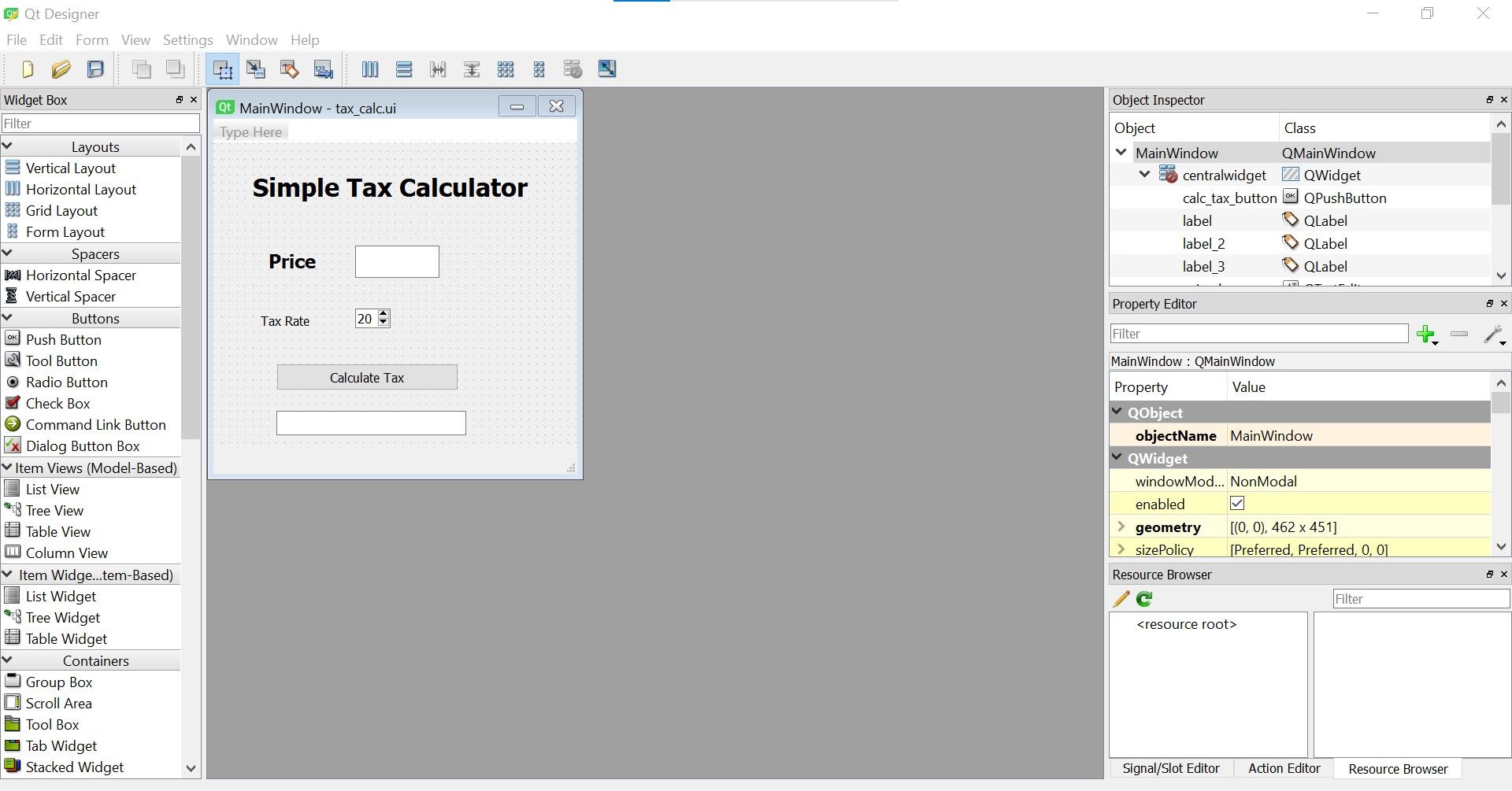
Pip Install Pyqt5 Windows Holoserlearn

Web Dec 4 2023 nbsp 0183 32 Installation The GPL version of PyQt6 can be installed from PyPI pip install PyQt6 pip will also build and install the bindings from the sdist package but Qt s qmake tool must be on PATH The sip install tool will also install the bindings from the sdist package but will allow you to configure many aspects of the installation

Web In this article you ll learn how to install the PyQt module Desktop applications made with PyQt are cross platform they will work on Microsoft Windows Apple Mac OS X and Linux computers including Raspberry Pi Related Course Create GUI Apps with Python PyQt5 How to install PyQt5 on Windows To install PyQt on Windows there are a few

Web Mar 25 2014 nbsp 0183 32 Make sure you grab the correct Windows wheel file python version 32 64 bit and then use pip to install it e g C path where wheel is gt pip install PyQt4 4 11 4 cp35 none win amd64 whl Should properly install if

Web May 31 2013 nbsp 0183 32 Steps to install pyQt5 with VS 2012 on Windows 1 Install the binary file Qt 5 0 2 for Windows 64 bit VS 2012 500 MB from here 2 Get sip 4 14 7 development snapshot from here 3 Extract the file and open the Developer Command Prompt for VS2012 4 Execute these commands in sip folder

Web Now you are ready to install the Qt for Python packages using pip From the terminal run the following command For the latest version pip install pyside6 For a specific version like 6 4 1 pip install pyside6 6 4 1 It is also possible to install a specific snapshot from our servers To do so you can use the following command
Web In this video we will learn how to install PyQt using PIP pythonpyqt pythonpip pythontutorialPyQt is a GUI designer for Python In this video we will learn how to install PyQt using PIP Web Mar 27 2023 nbsp 0183 32 In most cases you should be using virtualenv or venv to create isolated environments to install your dependencies in The above command assumes an env in the directory yourenv The 5 15 specifies a release compatible with 5 15 which will be the latest version of pyqt5 tools built for PyQt5 5 15
Web Aug 31 2021 nbsp 0183 32 1 Install PyQt The first step is to install PyQt if it s not already installed On MacOS PyQt can be installed using homebrew or pip Homebrew install gt brew install pyqt5 If installing with homebrew pyqt5 designer should automatically be installed Pip install gt pip install pyqt5 Install the developer tools gt pip install pyqt5