Install Powershell Extension Vscode Issues With PowerShell Extension In Visual Studio Code Javascript Programming Moralis PowerShell Extension For Visual Studio Code August 2022 Update Semantic Highlighting Namespace Types Incorrectly Highlighted As Functions PowerShell vscode Resolved PowerShell Visual Studio Code Stuck With Starting Up PowerShell In Status Bar VGeek Adding Predictive IntelliSense To PowerShell VSCode Extension Web Find extensions to install using the Extensions View Install an extension See what features are added via the Contributions tab or Command Palette See other recommendations for extensions Next video Personalize Visual Studio Code Make VS Code yours with custom themes and colors Learn more
Web Nov 6 2022 nbsp 0183 32 Workspace debugging Open the Debug view on Windows or Linux by pressing Ctrl Shift D On macOS press Cmd Shift D Click the create a launch json file link From the Select Environment prompt choose PowerShell Choose the type of debugging you d like to use Launch Current File Launch Web In the Extensions pane search for quot Azure PowerShell quot extension and install it there You will get notified automatically about any future extension updates Usage PowerShell scripts are analyzed automatically whenever they are opened or saved AzureRM cmdlets will be identified and marked with suggestions of how to migrate Quick Fix License
Adding Predictive IntelliSense To PowerShell VSCode Extension How To Format C C Code In VSCode On Windows And Linux Dynamsoft Developers PowerShell Extension Fails To Start Inside Container Issue 3466 PowerShell vscode VS Code Powershell Extension Won t Complete Loading Load Spins Forever And Prompt Never Appears Reload The PowerShell Module Every Time The Script Is Executing Stack Overflow Getting Setup For PowerShell Development Tech Thoughts Install Windows Terminal Powershell Aslbing Access Visual C Template On Visual Studio Community For Mac Kwiksos Using VSCode To Build And Run An Angular Application Jason N Gaylord
Install Powershell Extension Vscode
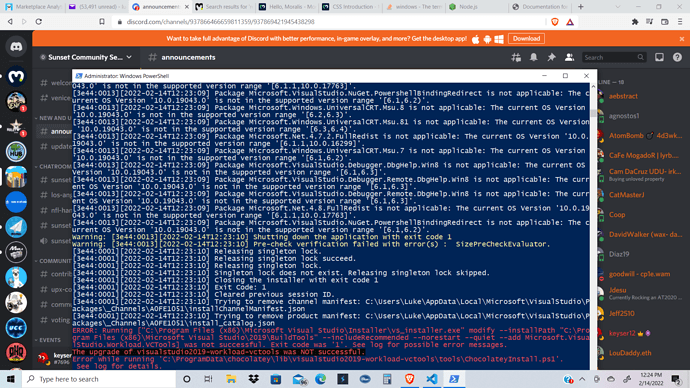 Install Powershell Extension Vscode
https://studygroup.moralis.io/uploads/default/optimized/3X/6/6/6629a9db98b5d8dd0e1c64ffcddcc9ec7c65f350_2_690x388.png
Web Oct 10 2023 nbsp 0183 32 Well keep typing your command then move the caret to a parameter Now call the Splat Command Open Command Palette gt Powershell Show Additional Commands from Powershell Modules gt Splat Command Boom the command is splatted in your editor I always move my caret to inside a parameter name just to help the splat
Templates are pre-designed files or files that can be utilized for various functions. They can save time and effort by supplying a ready-made format and layout for producing different kinds of content. Templates can be used for personal or expert projects, such as resumes, invites, leaflets, newsletters, reports, discussions, and more.
Install Powershell Extension Vscode

Visual Studio Code Vscode As Powershell Script Editor 4sysops Gambaran
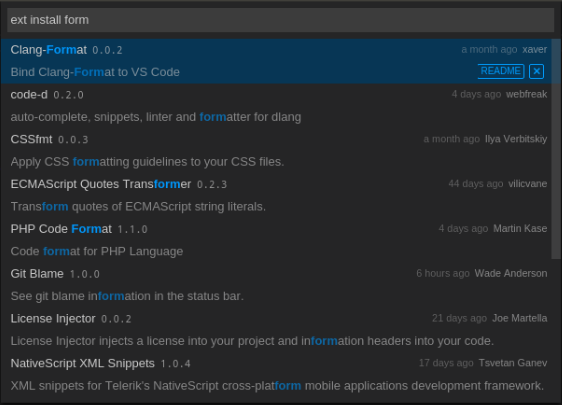
How To Format C C Code In VSCode On Windows And Linux Dynamsoft Developers

PowerShell Extension Fails To Start Inside Container Issue 3466 PowerShell vscode

VS Code Powershell Extension Won t Complete Loading Load Spins Forever And Prompt Never Appears

Getting Setup For PowerShell Development Tech Thoughts
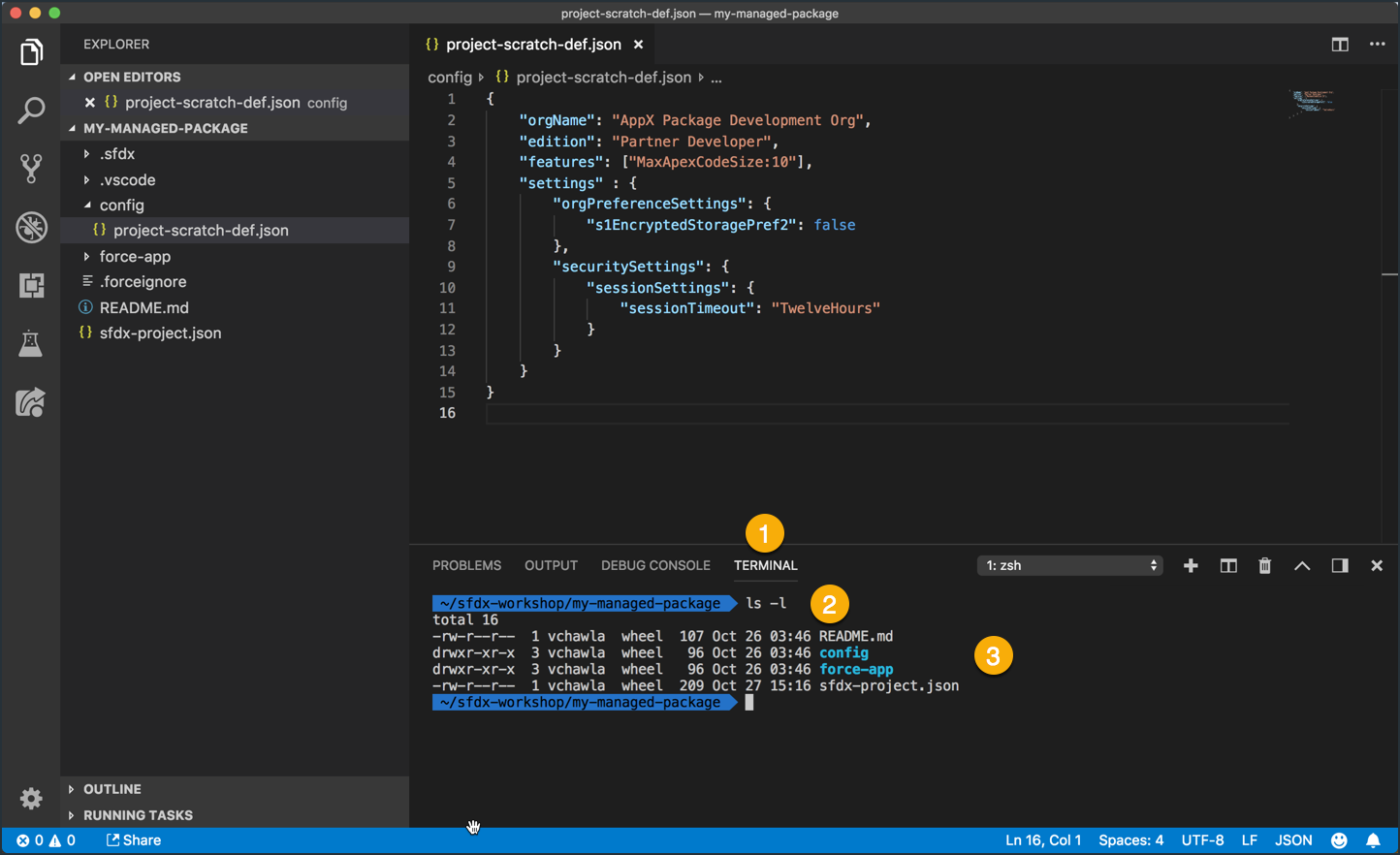
Install Windows Terminal Powershell Aslbing

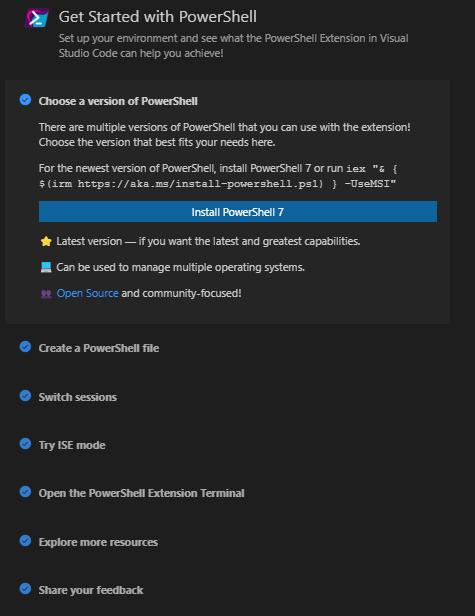
Web The PowerShell extension can be installed from the Visual Studio Code Marketplace by clicking the Install Button You can also install the PowerShell extension from within VS Code by opening the Extensions view with keyboard shortcut Ctrl Shift X typing PowerShell and selecting the extension
Web Jul 22 2022 nbsp 0183 32 1 Is there a way to install Install VS Code on Windows through Powershell command prompt commands as in linux with quot sudo apt install quot Thank you windows shell visual studio code command line Share Follow asked Jul 22 2022 at 8 37 Nuno Oliveira 21 3 Add a comment 2 Answers Sorted by 2
Web Jun 20 2020 nbsp 0183 32 You can manually install an VS Code extension packaged in a vsix file Simply install using the VS Code command line providing the path to the vsix file code install extension myExtensionFolder myExtension vsix The extension will be installed under your user vscode extensions folder

Web Aug 22 2021 nbsp 0183 32 In case anyone needs it there is a cool solution written in PowerShell This is the project on Github PowerShell Gallery In summary VS Code and extensions are installed like this Install Script Install VSCode Install VSCode ps1 AdditionalExtensions ms azuretools vscode azurefunctions ms python python
Web Dec 12 2019 nbsp 0183 32 For those quot googling quot because you ve just been working on your own development extension and you d like to run it outside of a debug quot host quot You can package a vsix of your dev extension with the vsce tool as described here code visualstudio api working with extensions After that follow instructions for
Web Dec 15 2019 nbsp 0183 32 In order to install it manually you need to open the extensions sidebar click on the ellipsis in the right upper corner choose Install from VSIX Web Installs Visual Studio Code 64 bit and the PowerShell extension and then launches the editor after installation completes EXAMPLE Install VSCode ps1 AdditionalExtensions eamodio gitlens vscodevim vim Installs Visual Studio Code 64 bit the PowerShell extension and additional extensions EXAMPLE
Web Apr 29 2020 nbsp 0183 32 Powershell 7 x a k a pwsh exe formerly known as Powershell Core is now default shell in Visual Studio 2022 I think it should be the default Powershell version in VSCode if extension detects Powershell 7 is present If user has it installed I think it should usually be the default now