Install Pip On Command Line r k Egyenl t Hat s Pip Install Particular Version Vizet Inni A Guide To Installing Python Pip In 2022 Great Learning Java Configuration Command Line Set File Modifcation Time To Oldest File Time Spiderfas Install Python With Numpy Scipy Matplotlib On Windows Riset Commands The general options that apply to all the commands listed below can be found under the pip page in this section Environment Management and Introspection pip install pip uninstall pip inspect pip list pip show pip freeze pip check Handling Distribution Files pip download pip wheel pip hash Package Index information pip search
Basic usage The standard packaging tools are all designed to be used from the command line The following command will install the latest version of a module and its dependencies from the Python Package Index python m pip install SomePackage Note If you want to learn about how to use pip check out the following resources Getting Started Python Packaging User Guide If you find bugs need help or want to talk to the developers use our mailing lists or chat rooms GitHub Issues Discourse channel User IRC Development IRC If you find any security issues please report to security
Install Python With Numpy Scipy Matplotlib On Windows Riset How To Install PIP On Windows In 2023 w Screenshots How To Install Django From Command Prompt With Pip In Windows 10 YouTube In tal cia Sud Odporn Connect Iq Sdk Mosadz Nevyspytate n Bled How To Install Python Pip Opencv On Windows 10 Youtube Riset How To Install PIP On Windows And Manage Packages Great Article Another Great Feature Of The Resource By Nuno Maduro How To Install Pip On Linux Distros Www vrogue co How To Install Python Pip On Ubuntu 20 04 Linuxhowto
Install Pip On Command Line
 Install Pip On Command Line
https://www.interserver.net/tips/wp-content/uploads/2022/04/Step-1-2-3.jpg
Windows If you installed Python from source with an installer from python or via Homebrew you should already have pip If you re on Linux and installed using your OS package manager you may have to install pip separately see Installing pip setuptools wheel with Linux Package Managers
Pre-crafted templates use a time-saving solution for creating a diverse variety of files and files. These pre-designed formats and designs can be used for various individual and professional projects, consisting of resumes, invitations, flyers, newsletters, reports, presentations, and more, simplifying the material creation process.
Install Pip On Command Line

PyCharm Scikit Learn
How To Install PIP On Windows In 2023 w Screenshots
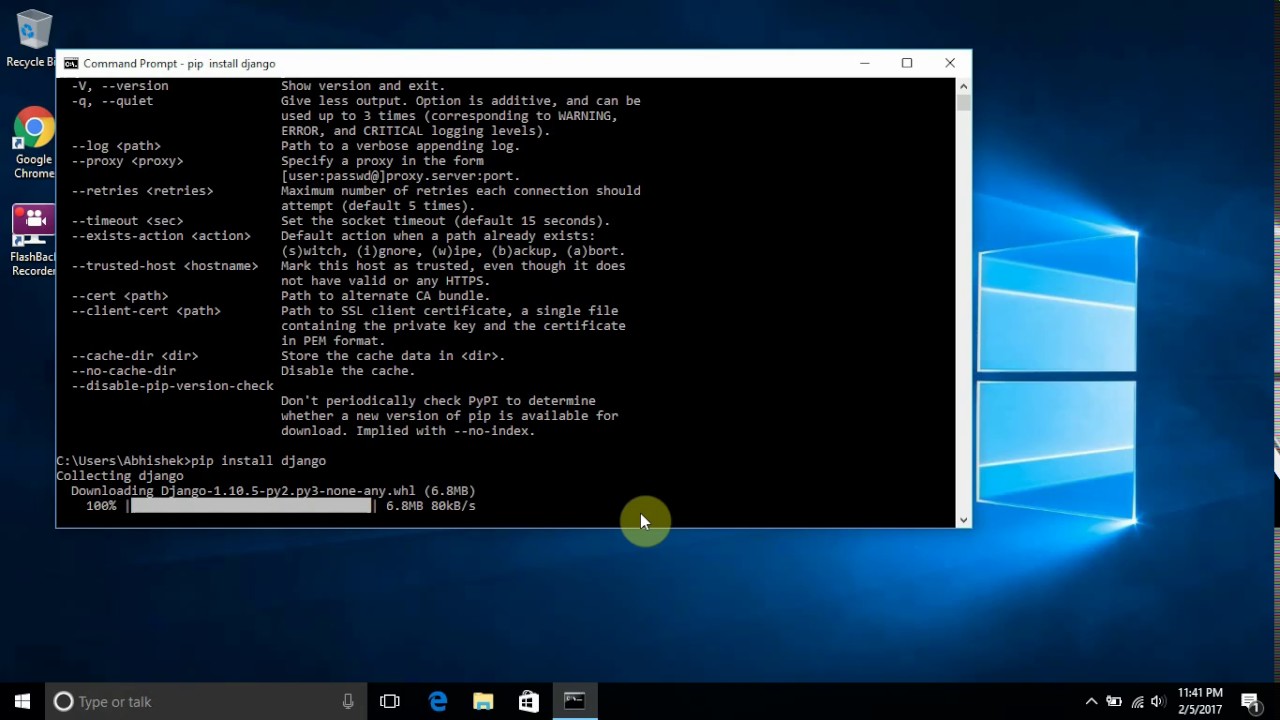
How To Install Django From Command Prompt With Pip In Windows 10 YouTube

In tal cia Sud Odporn Connect Iq Sdk Mosadz Nevyspytate n Bled
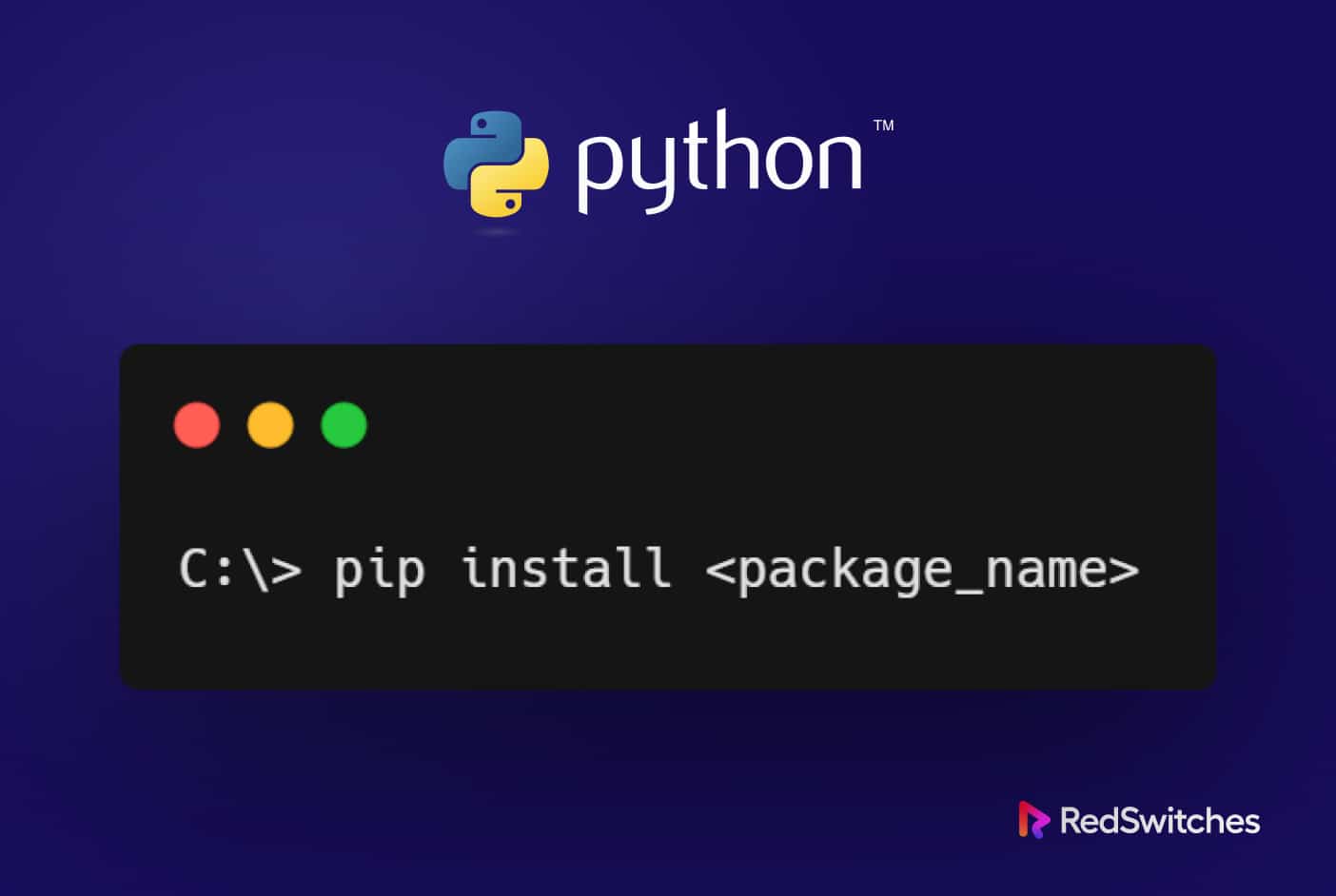
How To Install PIP On Windows And Manage Packages
Great Article Another Great Feature Of The Resource By Nuno Maduro

Method 1 Using cURL in Python Curl is a UNIX command that is used to send the PUT GET and POST requests to a URL This tool is utilized for downloading files testing REST APIs etc It downloads the get pip py file Follow these instructions to install pip

How do I install pip on Windows Ask Question Asked 12 years 11 months ago Modified 3 months ago Viewed 3 4m times 2748 pip is a replacement for easy install But should I install pip using easy install on Windows Is there a better way python windows pip Share Follow edited Sep 18 2023 at 23 21 community wiki 53 revs 20 users 45 mit 23

1 Launch the command prompt window by pressing Windows Key X and clicking Run 2 Type in cmd exe and hit enter Alternatively type cmd in the Windows search bar and click the Command Prompt icon 3 Type the following command in the command prompt pip help
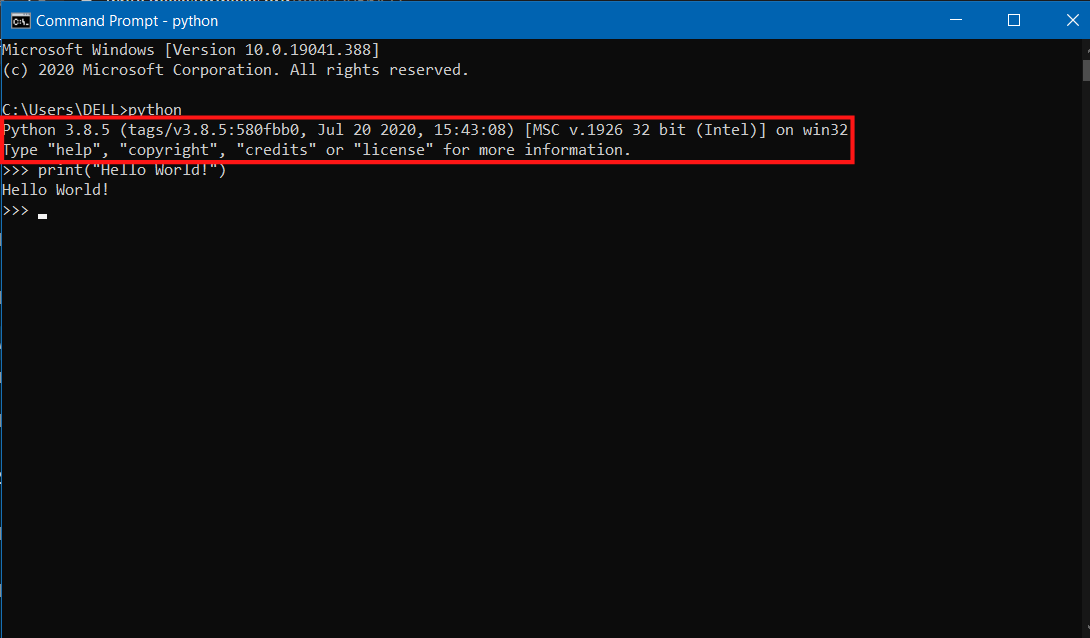
When you install pip a pip command is added to your system which can be run from the command prompt as follows Unix macOS python m pip pip arguments python m pip executes pip using the Python interpreter you specified as python So usr bin python3 7 m pip means you are executing pip for your interpreter located at usr bin python3 7
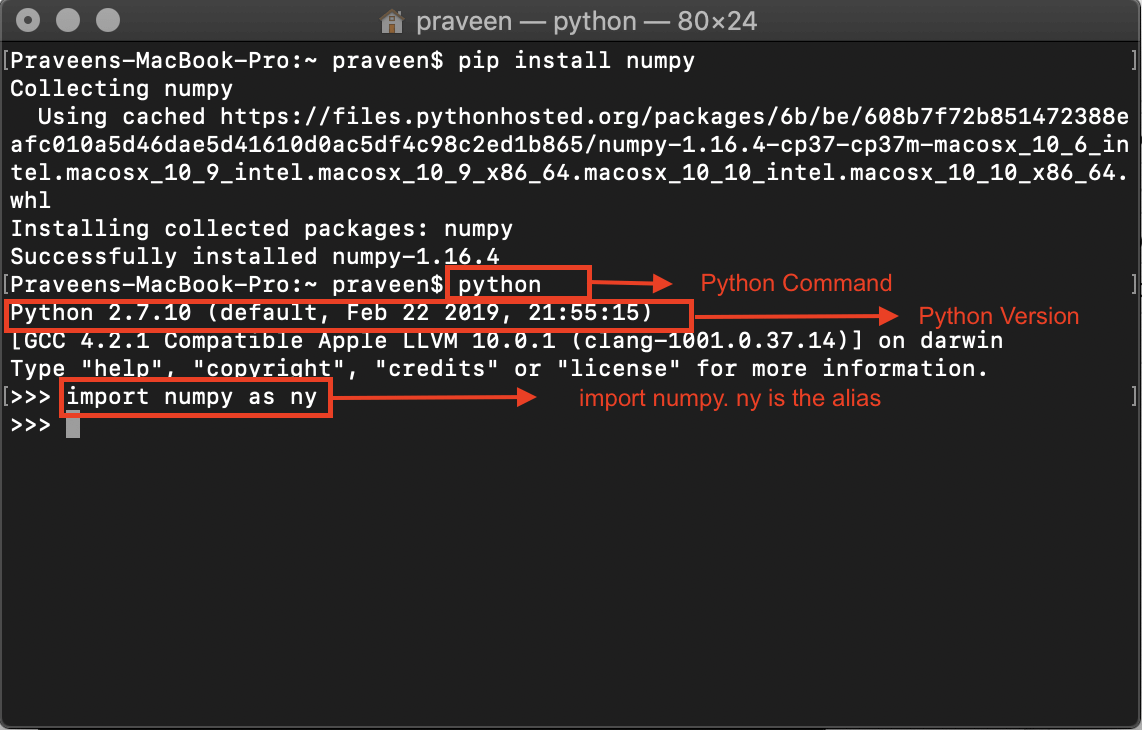
Pip install has several stages Identify the base requirements The user supplied arguments are processed here Resolve dependencies What will be installed is determined here Build wheels All the dependencies that can be are built into wheels Install the packages and uninstall anything being upgraded replaced
We can do this two ways Go to https bootstrap pypa io get pip py and save this file as get pip py in the same folder where Python is located By default the Python installation is stored in the folder AppData The entire path could look like the following C Users User AppData Local Programs Python Python310 Open up the Control Panel and navigate to System and Security System Click on the Advanced system settings link on the left panel Click Environment Variables Under System Variables double click the variable PATH Click New and add the directory where pip is installed e g C Python33Scripts and select OK
Open the command line interface and tell PIP to download the package you want Navigate your command line to the location of Python s script directory and type the following Example Download a package named camelcase C Users Your Name AppData Local Programs Python Python36 32 Scripts pip install camelcase