Install Pip From Command Line Windows How To Upgrade PIP In Windows Using Command Prompt YouTube How To Install PIP On Windows In 6 Steps Liquid Web How To Run PIP Install From Windows 10 Command Prompt To Install Python Pip Upgrade To 22 3 Windows10 4 By Datafiend Packaging How To Install Django From Command Prompt With Pip In Windows 10 YouTube Web Result Mar 8 2024 nbsp 0183 32 Open a terminal Linux MacOS or a Windows shell and type in the following command pip help If the pip command gives an error try pip3 instead Python 2 and 3 can be installed
Web Result pip install has several stages Identify the base requirements The user supplied arguments are processed here Resolve dependencies What will be installed is Web Result Oct 10 2023 nbsp 0183 32 Pip Installation Modern versions of Python i e version 3 4 and higher come with Pip preinstalled along with the version of Python This can be checked by keying in the following
How To Install Django From Command Prompt With Pip In Windows 10 YouTube How To Install Pip On Windows In 2023 W Screenshots Www vrogue co FULL How To Install Pip Requirements txt Here s The Explanation How To Install MySQLdb For Python In Cmd Or Command Prompt Using Pip How To Install Upgrade Pip YouTube How To Install Python Pip On Ubuntu 20 04 Linuxize Sklearn Installation Via Pip In Python 3 10 Linux ubuntu 20 04 Dist Install Pip On Linux Linux Tutorials Learn Linux Configuration How To Install PIP On Windows A Simple Guide With Screenshots 2022
Install Pip From Command Line Windows
 Install Pip From Command Line Windows
https://i.ytimg.com/vi/bSZ-UlWXIvM/maxresdefault.jpg
Web Result Command Line Installation Open the Command Prompt in administrator mode Assuming Python is installed on your Windows computer execute its cURL command to bootstrap the
Pre-crafted templates use a time-saving service for producing a varied range of files and files. These pre-designed formats and layouts can be made use of for different personal and expert projects, including resumes, invites, leaflets, newsletters, reports, discussions, and more, streamlining the content development procedure.
Install Pip From Command Line Windows

Understanding The pip Install Command For Python Packages
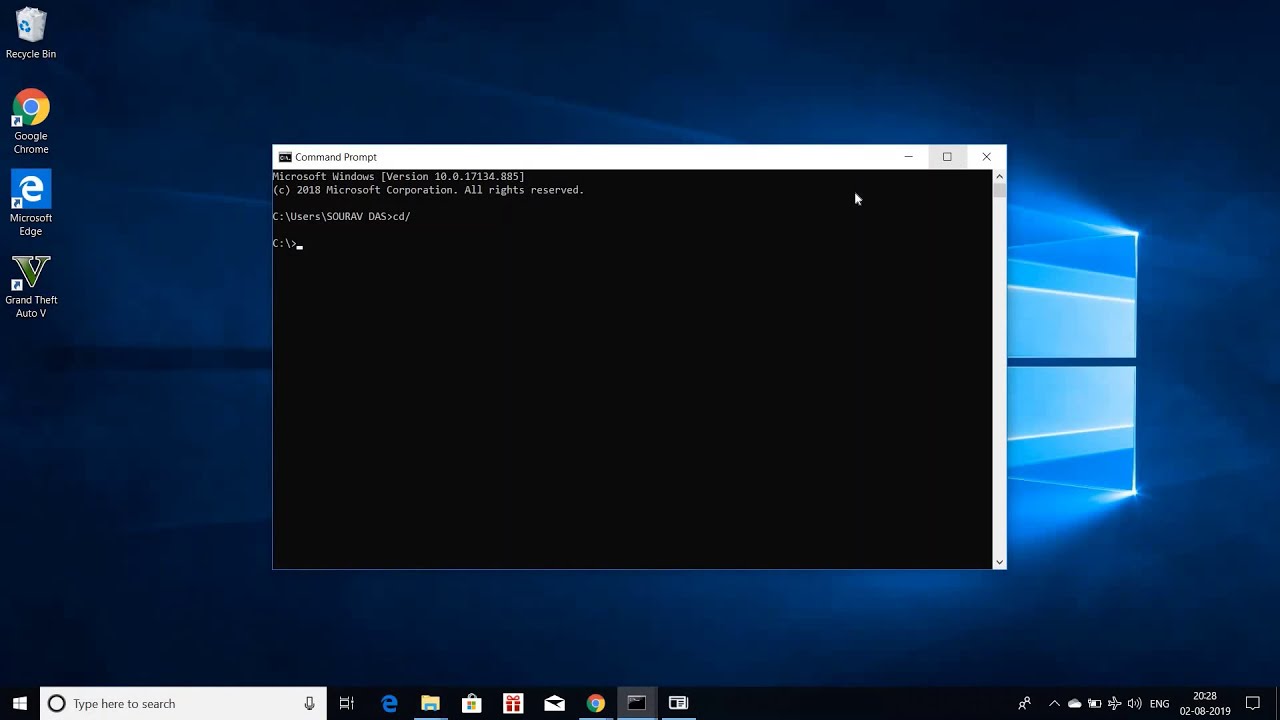
How To Install Pip On Windows In 2023 W Screenshots Www vrogue co

FULL How To Install Pip Requirements txt Here s The Explanation
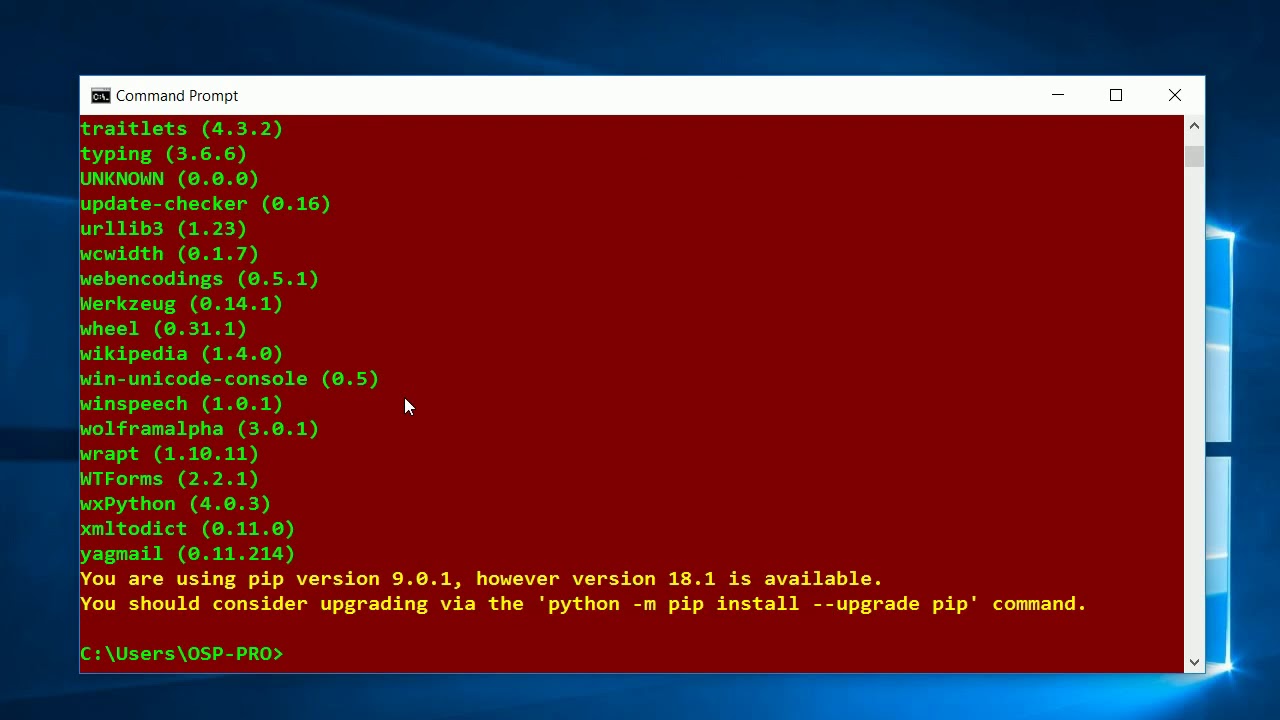
How To Install MySQLdb For Python In Cmd Or Command Prompt Using Pip
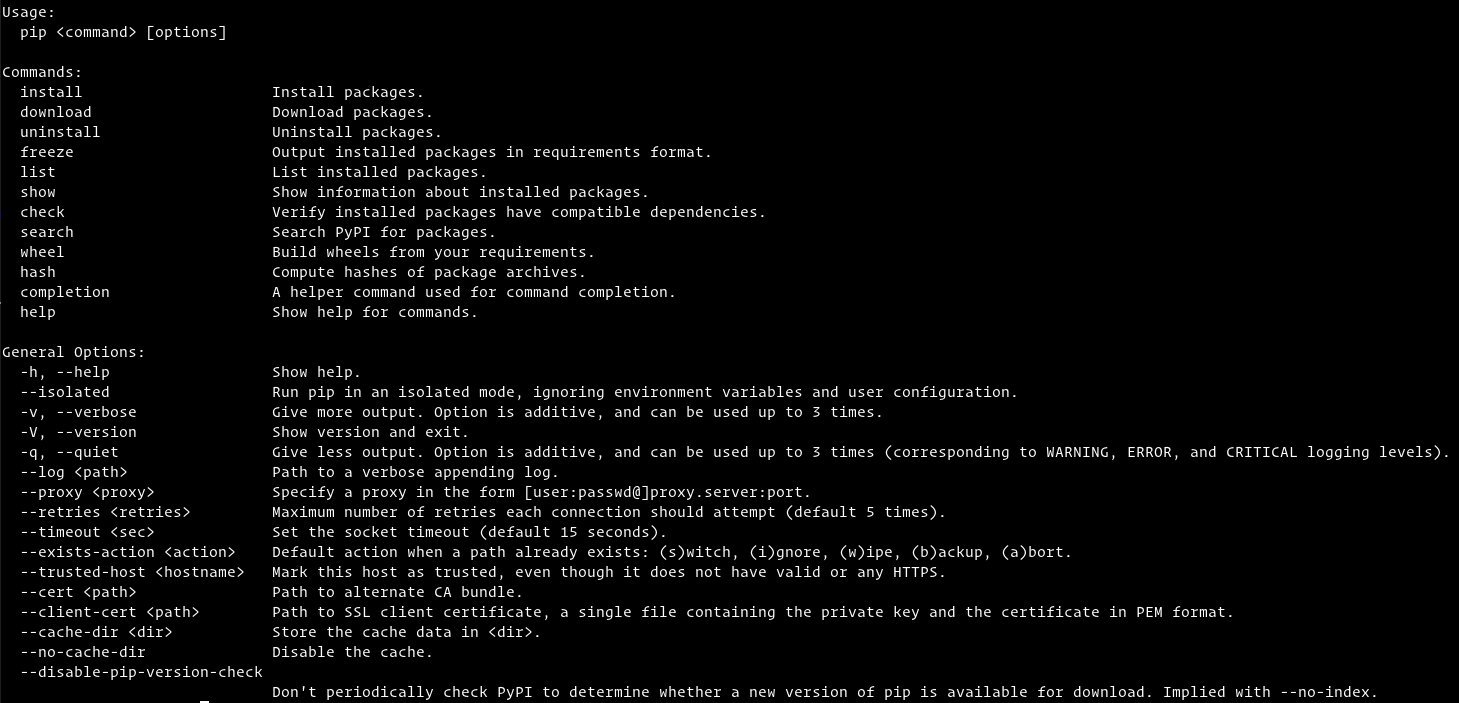
How To Install Python Pip On Ubuntu 20 04 Linuxize

Sklearn Installation Via Pip In Python 3 10 Linux ubuntu 20 04 Dist

Web Result Installing Pip on Windows Download pip 1 2 1 from https pypi python packages source p pip pip 1 2 1 tar gz Extract the pip
Web Result Nov 30 2023 nbsp 0183 32 Installing PIP on Windows is simple It requires downloading the installation package opening the command line and launching the installer

Web Result Open a terminal command prompt cd to the folder containing the get pip py file and run Linux python get pip py MacOS Windows More details about this script

Web Result User Guide Running pip pip is a command line program When you install pip a pip command is added to your system which can be run from the command

Web Result Jun 9 2022 nbsp 0183 32 To downgrade PIP on Windows we need to open the command line and run a command with the following syntax python m pip install
Web Result Mar 10 2023 nbsp 0183 32 1 Open Command Prompt or Windows Terminal After that run the below command If you get the Pip version as the output it means Pip is already Web Result 19 hours ago nbsp 0183 32 The standard packaging tools are all designed to be used from the command line The following command will install the latest version of a module
Web Result Jul 19 2017 nbsp 0183 32 To install pip download get pip py via https bootstrap pypa io get pip py to a directory on your computer Note Your browser might open the code