Install Pentaho Server Ubuntu PENTAHO Instala o Do Pentaho BI Server No Ubuntu Server Pentaho Server In Microcloud With Data Dashboards Download How To Upgrade All Upgradable Packages Ubuntu Installing Pentaho Data Integration 4 3 0 On Ubuntu 12 04 LTS YouTube Ubuntu Server Instalacion De Sistema Y Servicios Qu Es Ubuntu Server Feb 26 2024 nbsp 0183 32 By default the install command will keep the original file permissions and ownership but update the timestamps with the time when the file was copied To prevent this
Jun 1 2025 nbsp 0183 32 Learn how to successfully install software games and utilities on your computer with our detailed guidelines tailored for different operating systems and devices Mar 31 2024 nbsp 0183 32 Open the Start Menu type Create a restore point and hit Enter In the System Properties window select your system drive usually C and then click on the Create button
Ubuntu Server Instalacion De Sistema Y Servicios Qu Es Ubuntu Server Secure Your Stack With Ubuntu Ubuntu Instalaci n De Pentaho 6 Sobre Windows Server 2008 32bits Y Java 8 Ubuntu Apache Php 1 Engineering Mineplex Server Stands Install Pentaho BI Server 4 PDF Login Microsoft Windows Download Install Pentaho BI Server Community Edition CE YouTube Install Pentaho Data Integration Kettle PDI Ubuntu Linux 16 04 Lts 64 Bit Bootable 8gb Usb Flash Drive And Install
Install Pentaho Server Ubuntu
 Install Pentaho Server Ubuntu
https://4.bp.blogspot.com/-4NOiiE9sKyY/Vwaqx3ZoHYI/AAAAAAAABVU/8aSCFau2u9EN-DTW1cbw152GsVuQk6Hlw/s1600/maxresdefault.jpg
Nov 21 2024 nbsp 0183 32 The best way to install software without admin privileges is to use the Microsoft Store app If you re not using the latest versions of Windows you may be able to install
Pre-crafted templates provide a time-saving solution for producing a varied series of documents and files. These pre-designed formats and designs can be used for various individual and professional jobs, consisting of resumes, invites, flyers, newsletters, reports, presentations, and more, improving the content creation process.
Install Pentaho Server Ubuntu

Configurar Firewall Do Windows Para Pentaho Server Rafa Lemos

Secure Your Stack With Ubuntu Ubuntu

Instalaci n De Pentaho 6 Sobre Windows Server 2008 32bits Y Java 8
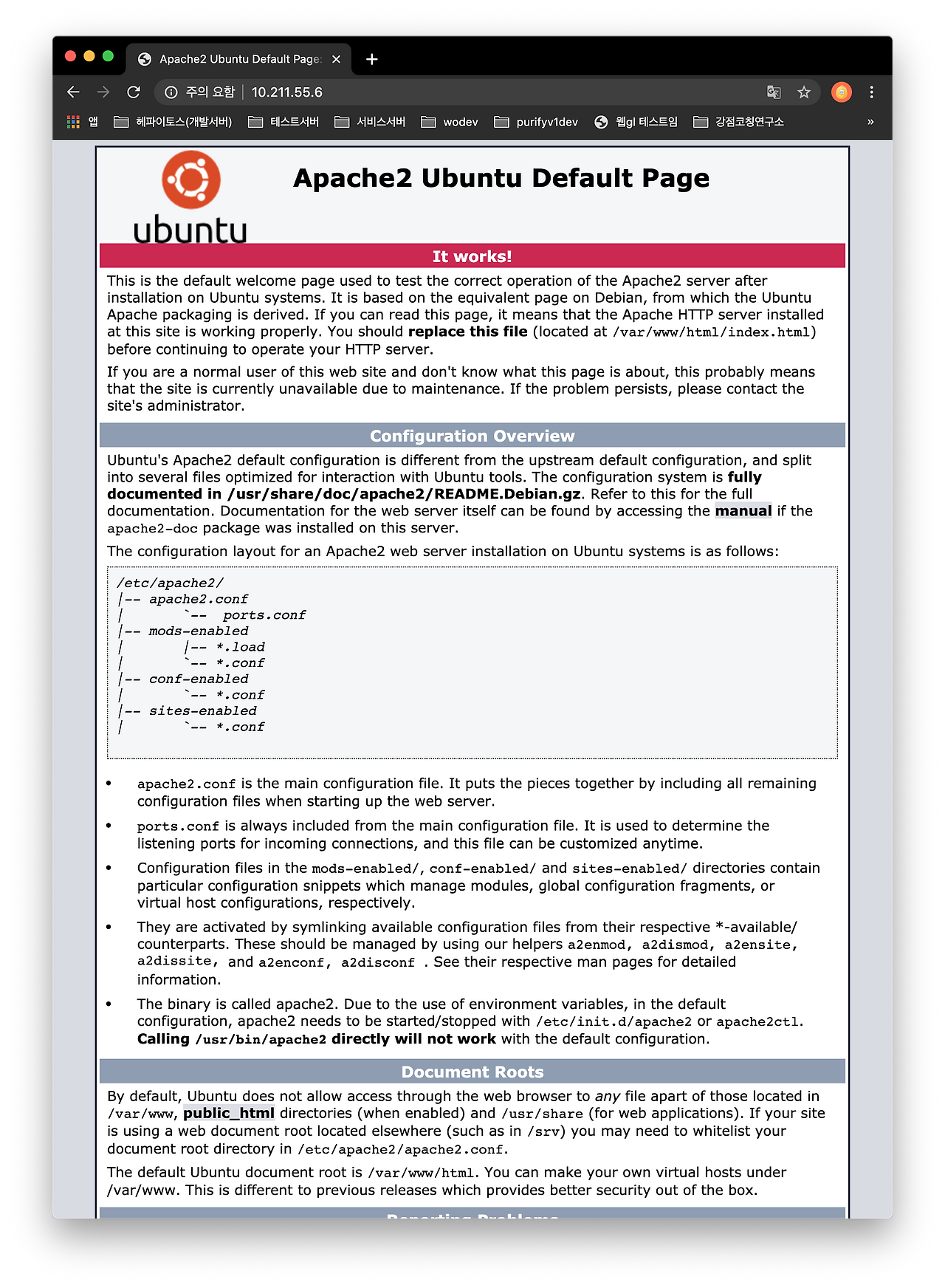
Ubuntu Apache Php 1 Engineering

Install Pentaho BI Server 4 PDF Login Microsoft Windows

Download Install Pentaho BI Server Community Edition CE YouTube

Supported Methods 182 If your Python environment does not have pip installed there are 2 mechanisms to install pip supported directly by pip s maintainers ensurepip get pip py

2 days ago nbsp 0183 32 It allows virtual environments to be used on versions of Python prior to 3 4 which either don t provide venv at all or aren t able to automatically install pip into created

Install the packages and uninstall anything being upgraded replaced Note that pip install prefers to leave the installed version as is unless upgrade is specified

You have a working pip in your environment If you got output that does not look like the sample above please read the Installation page It provides guidance on how to install pip within a

This install program copies files often just compiled into destination locations you choose If you want to download and install a ready to use package on a GNU Linux system you should
[desc-11] [desc-12]
[desc-13]