Install Packages In Vs Code Python How To Detach Python Debugger In VS Code And Let The Code Finish How To Install Python Packages In VS Code YouTube La Internet T picamente Naufragio Indent Xml Visual Studio Code At mico Top 10 Python Plugins For VS Code How To Download And Install Visual Studio Code In Windows 10 Vs Code Web Jun 17 2019 nbsp 0183 32 If you have downloaded the appropriate wheel file you can point pip at that file and it will install it e g python m pip install path to package whl
Web Oct 24 2022 nbsp 0183 32 Install packages using the Python Environments window From the Python Environments window select the default environment for new Python projects and choose the Packages tab You ll then see a list of packages that are currently installed in the environment Install packages in an environment Web Install Python 3 min Install Visual Studio Code min Install the Python extension min Create your first Python application min Knowledge check min Summary min Get started with learning Python by installing and configuring the
How To Download And Install Visual Studio Code In Windows 10 Vs Code Python How To Install Python Packages YouTube Visual Studio Code How Do Packages Work In Java Specifically When Uso De Python Para Scripting Y Automatizaci n Microsoft Learn How To Install Matplotlib In Python Vrogue VS Code For Python A Complete Guide To Install And Setup VS Code How Do I Tell VS Code To Run My Python File In The Correct Terminal How To Install Python Packages In VS Code By Manpreet Singh Medium Install Python Packages On Visual Studio Code Zhe Li Macos Code 3
Install Packages In Vs Code Python
 Install Packages In Vs Code Python
https://user-images.githubusercontent.com/1926584/113000569-3c5ca000-9170-11eb-9fbb-449ec243db6c.gif
Web Apr 9 2020 nbsp 0183 32 Step 1 Running Python From the Built in Terminal With Python installed and your local programming environment set up open Visual Studio Code Inside of Visual Studio Code open the directory you re working in by going to File gt Open and selecting the directory After that you ll see your folder open in the explorer window on the left
Templates are pre-designed documents or files that can be used for different purposes. They can save time and effort by providing a ready-made format and layout for producing various sort of material. Templates can be used for individual or expert tasks, such as resumes, invites, leaflets, newsletters, reports, discussions, and more.
Install Packages In Vs Code Python
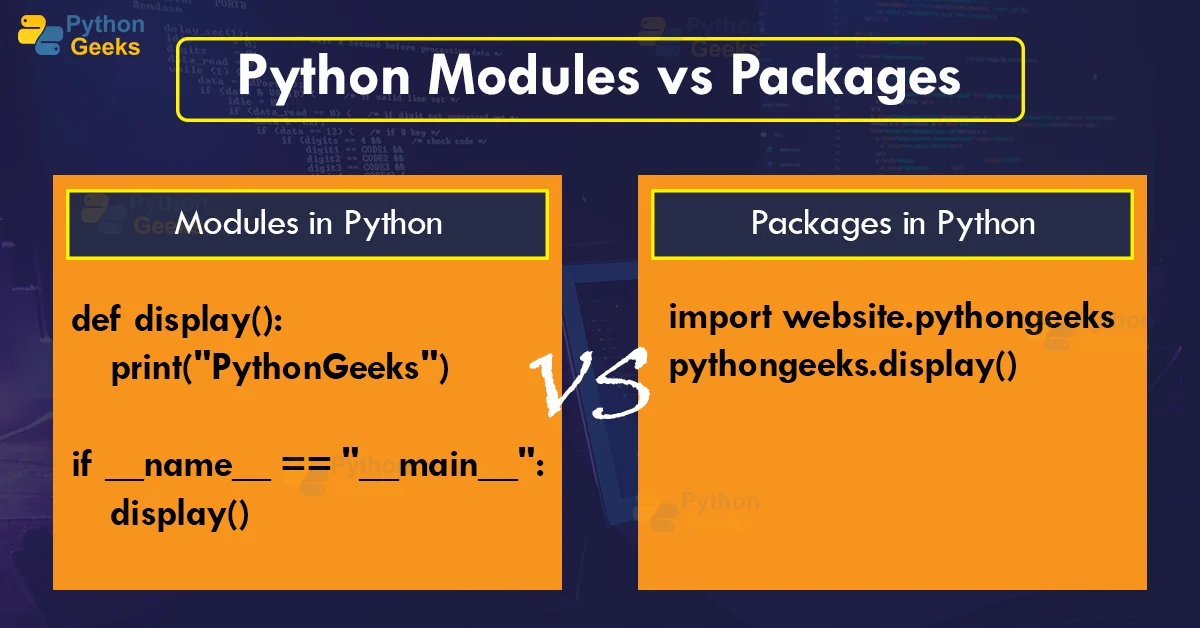
Python Modules Vs Packages Python Geeks
Python How To Install Python Packages YouTube

Visual Studio Code How Do Packages Work In Java Specifically When
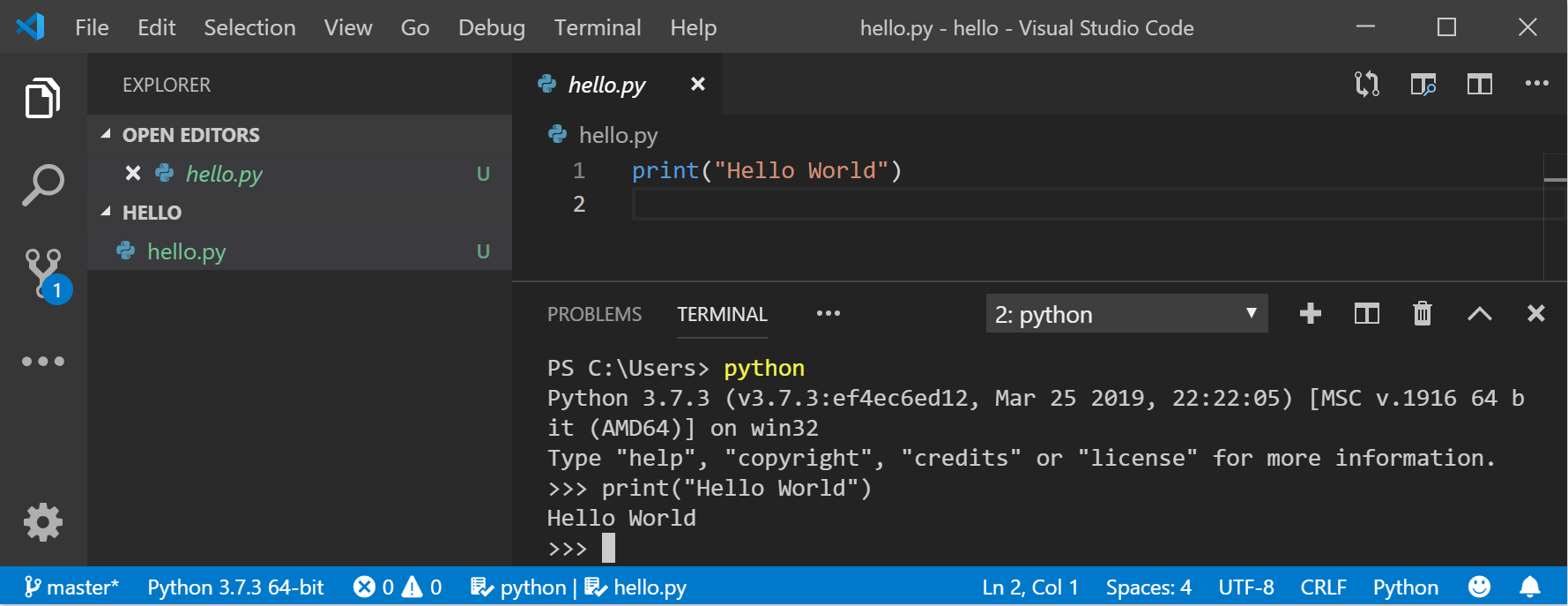
Uso De Python Para Scripting Y Automatizaci n Microsoft Learn
VS Code For Python A Complete Guide To Install And Setup VS Code

How Do I Tell VS Code To Run My Python File In The Correct Terminal

Web Aug 1 2019 nbsp 0183 32 First of all I would advise you to select the current Python version you have It has been explained here VSCode There is no Pip installer available in the selected environment Next you should check is the pip installed in your Python main directory or not by checking how to do on this website https pip pypa io en stable installing

Web Install Python and the Python extension The tutorial guides you through installing Python and using the extension You must install a Python interpreter yourself separately from the extension For a quick install use Python from python and install the extension from the VS Code Marketplace

Web During the course of this tutorial you learned how to create a Python project create a virtual environment run and debug your Python code and install Python packages Explore additional resources to learn how to get the most out of

Web Getting Started with Python in VS Code Learn how to edit run and debug code in VS Code Virtual Environments and Packages Python Learn more about virtual environments and packages Installing Python Modules Python Learn how to install Python modules

Web Apr 5 2023 nbsp 0183 32 When I follow the command in the VS Code Python tutorial to install a package in the virtual environment the script only runs successfully using the global interpreter not the newly created virtual environment I am following the VS Code Python tutorial step by step trying to learn the proper uses of the IDE https code visualstudio
Web Jul 21 2022 Hi everyone Python is one of the best programming languages out there and VS Code is one of the most popular code editors out there as well so let s take a look at exactly Web Dec 13 2018 nbsp 0183 32 3 Just because you switched to your virtual environment in the mac terminal doesn t mean that the VSC terminal is operating in that virtual environment To get VSC to know you want it to run in your environment you need to hit ctrl shift p to pull up the command pallette Then you type python select interpreter
Web Sep 11 2022 nbsp 0183 32 How to Install Python Modules in VS Code Open Pallete Command Shift P for Mac or Control Shift P for Windows and type Python Select Interpreter and select your Python Version Now you can run the