Install Os Through Flash Drive A Quick Comparison Of Docker Vs VM Which DevOps Tool Is Best Ramiel Tether Booting App For Checkm8 Devices Rockchip RK3588 CPU Module Exposes More I Os Through Four Board to Hack Your MacBook Air USB Software Restore Drive To Install OS X Lion Best Linux Operating Systems For Old Laptops Install an extension Important You can t add extensions when you browse in Incognito mode or as a guest Open the Chrome Web Store Find and select the extension you want Select Add to Chrome Some extensions will let you know if they need certain permissions or data To approve select Add extension
How do I install the gmail app on my windows 11 pc laptop I cannot find an app available to install Install an extension Important You can t add extensions when you browse in Incognito mode or as a guest Open the Chrome Web Store Find and select the extension you want Select Add to Chrome Some extensions will let you know if they need certain permissions or data To approve select Add extension
Best Linux Operating Systems For Old Laptops Wie Erstellt Man Einen Portablen Windows 10 Arbeitsplatz Auf Einem USB The Easiest Way To Install Mac OS X On A Hackintosh PC How To The Un infografica Ci Mostra Il Viaggio Di Android Dal 2005 A Oggi How To Create Bootable Usb Installer For Mac Osx On Windows 10 Riset Evilgrade Attacking OS Through Software Updates PXE Comment Installer Le Syst me D exploitation Via Un D marrage R seau How To Install OS Through Network Boot step By Step YouTube Install Ubuntu From Usb On Windows Utahdelta
Install Os Through Flash Drive
 Install Os Through Flash Drive
https://www.9series.com/blog/wp-content/uploads/2022/01/A-quick-comparison-of-Docker-vs-VM-Which-DevOps-tool-is-best_.png
Download the installation file again To install Chrome again use the new file If the installation still isn t working use an offline installer Computers with multiple user accounts Computers with one user account To fix issues with your search engine pop ups or Chrome updates uninstall and reinstall Chrome Learn how to uninstall Chrome
Templates are pre-designed files or files that can be used for different functions. They can save effort and time by supplying a ready-made format and design for developing different type of content. Templates can be used for individual or professional jobs, such as resumes, invitations, leaflets, newsletters, reports, presentations, and more.
Install Os Through Flash Drive
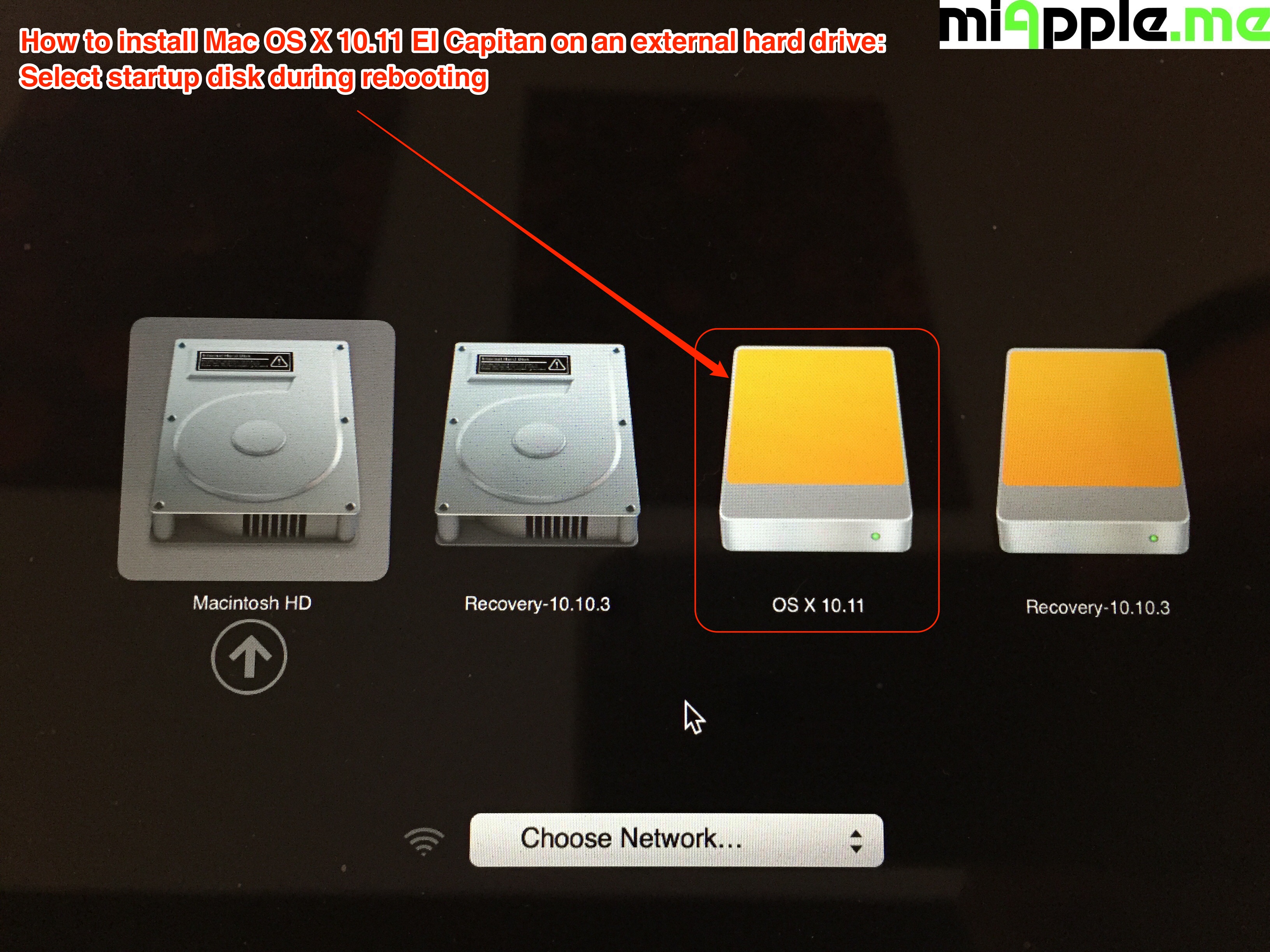
Install Os X El Capitan On External Hard Drive Rasbit
Wie Erstellt Man Einen Portablen Windows 10 Arbeitsplatz Auf Einem USB

The Easiest Way To Install Mac OS X On A Hackintosh PC How To The

Un infografica Ci Mostra Il Viaggio Di Android Dal 2005 A Oggi
Evilgrade Attacking OS Through Software Updates
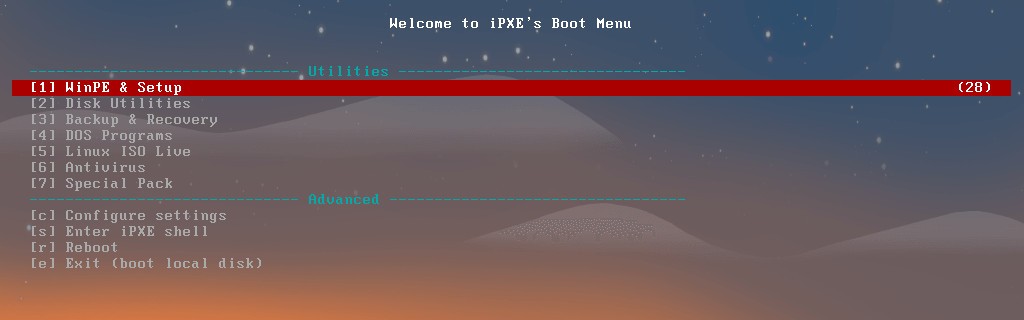
PXE Comment Installer Le Syst me D exploitation Via Un D marrage R seau
Official Google Chrome Help Center where you can find tips and tutorials on using Google Chrome and other answers to frequently asked questions

Download and install Google Chrome You can download and install the Chrome web browser at no charge and use it to browse the web

When you install Drive for desktop on your computer it creates a drive in My Computer or a location in Finder named Google Drive All of your Drive files appear here Any new files or folders you create in Drive or Drive for desktop sync and appear on all your devices Click Drive for desktop click your name Open Google Drive

Install and set up Drive for desktop Install amp set up Drive for desktop for Windows Important Before you start check that your operating system is compatible with Drive for desktop Tip If you use a work or school account you might not be able to use Drive for desktop or your organization might have to install it for you
You can download and install the Chrome web browser at no charge and use it to browse the web
[desc-11] [desc-12]
[desc-13]