Install Node Js With Visual Studio Code ANSWERED Css How To Create Another Html Page In Visual Studio Code Bollate Install Node Js Visual Studio Code Terminal Mokasinfa How To Debug Node Js Code In Visual Studio Code Debug Node Js Using Visual Studio Code Vs Code How To Debug Node Js Code In Visual Studio Code Debug Node Js Using Visual Studio Code Vs Install Node Js Visual Studio Code Nragraphics Web Get started building Node js apps in Visual Studio using built in project templates Alternatively use the command line scaffolding tools you are already familiar with to generate your project and import it into Visual Studio with just a few clicks IntelliSense Understand your code
Web You can download the extension pack from the VS Code Marketplace The extension pack contains npm and npm IntelliSense for verifying status of npm packages installed or not and auto completions ESLint and Vetur for basic JavaScript TypeScript and Vue js functionality like auto completions linting error highlighting before compiling Web Run npm version from a terminal or command prompt to quickly check that npm is installed and available npm is installed with the Node js runtime which is available for download from Nodejs Install the current LTS Long Term Support version and the npm executable will be added by default to your system path
Install Node Js Visual Studio Code Nragraphics Visual Studio Code Install Node js Lostupid Npm Install Latest Version Windows Bettajapan Desarrollo De Node js Con Visual Studio Code Azure Microsoft Learn How To Check Node Js Installed Or Not In Visual Studio Code How To Run Node Js In Visual Studio Code Node Js In Vscode 2023 Rin Bee ThemeLower JavaScript Programming With Visual Studio Code Mengembangkan Node js Dengan Visual Studio Code Azure Microsoft Learn Install Node Js Visual Studio Code Osebroad
Install Node Js With Visual Studio Code
 Install Node Js With Visual Studio Code
https://i.stack.imgur.com/Jtr84.jpg
Web Jan 20 2023 nbsp 0183 32 In the Start window choose File gt Start Window to open select Create a new project Search for Express in the search bar at the top and then select JavaScript Express Application
Pre-crafted templates use a time-saving option for producing a varied range of documents and files. These pre-designed formats and designs can be utilized for various individual and expert jobs, including resumes, invites, flyers, newsletters, reports, discussions, and more, streamlining the content development process.
Install Node Js With Visual Studio Code

How To Run Node Js With Vs Code Install Node Js Npm Vs Code Setup Node Js Youtube Vrogue
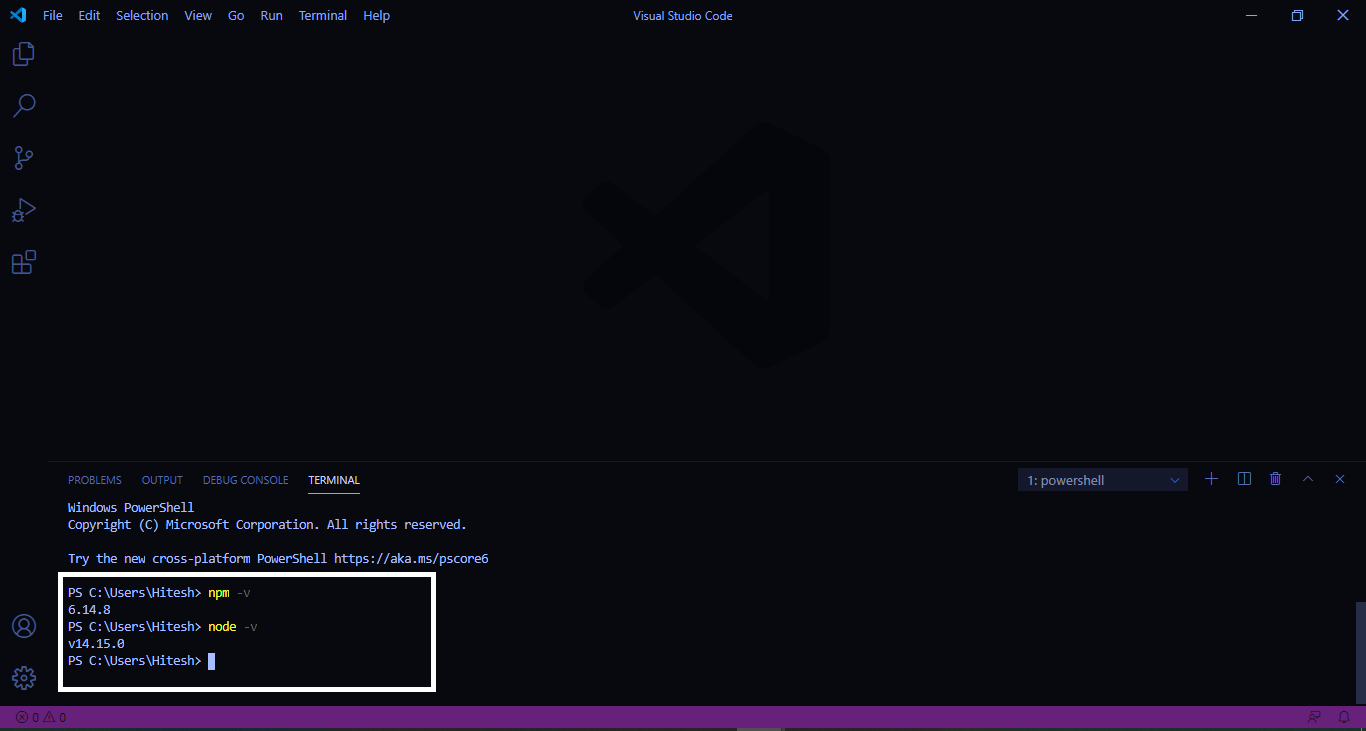
Visual Studio Code Install Node js Lostupid
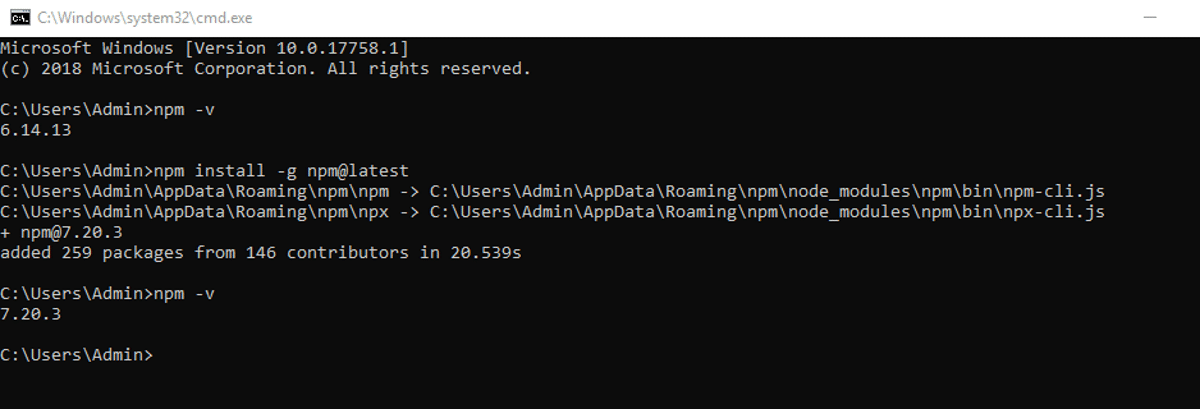
Npm Install Latest Version Windows Bettajapan
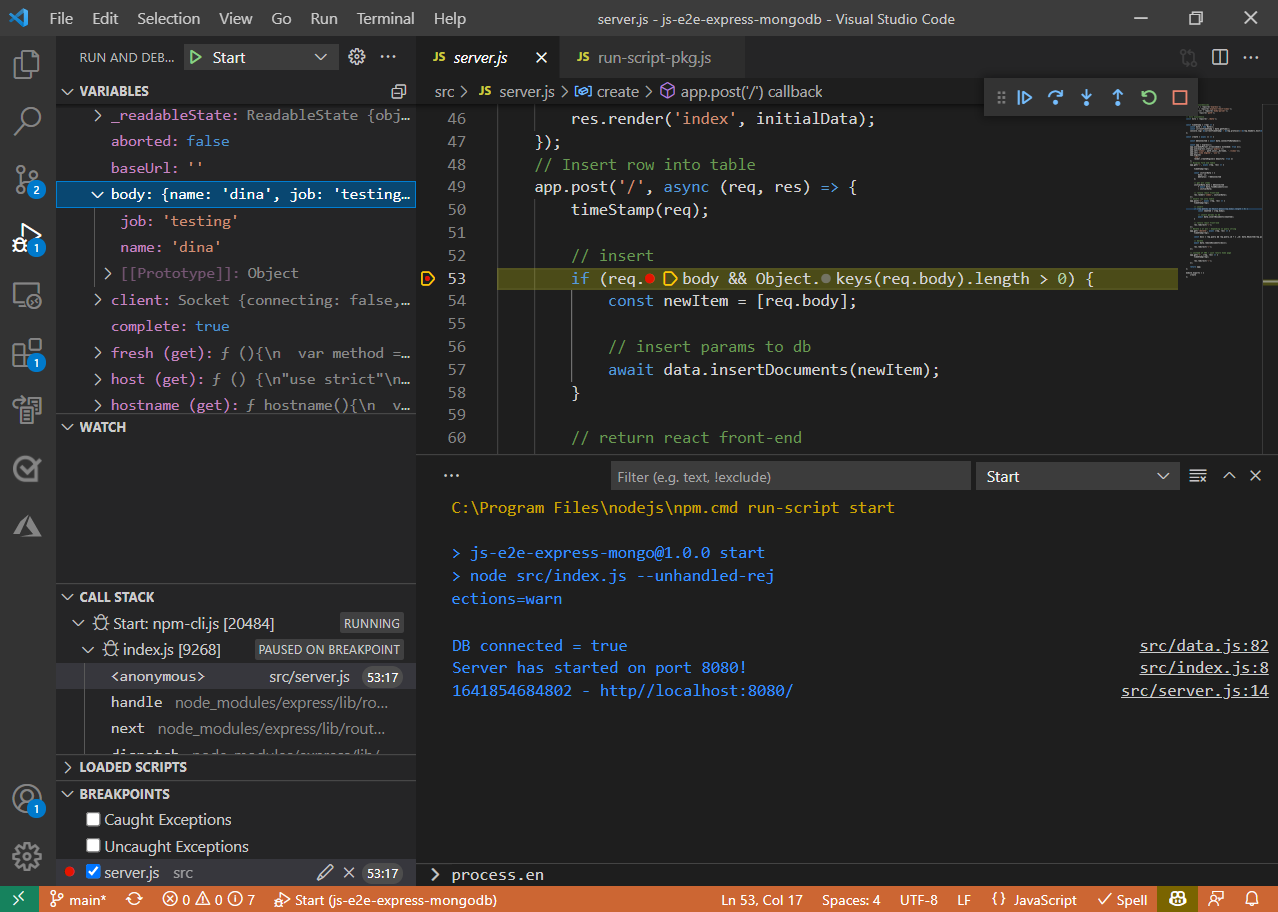
Desarrollo De Node js Con Visual Studio Code Azure Microsoft Learn

How To Run Node Js In Visual Studio Code Node Js In Vscode 2023 Rin Bee ThemeLower
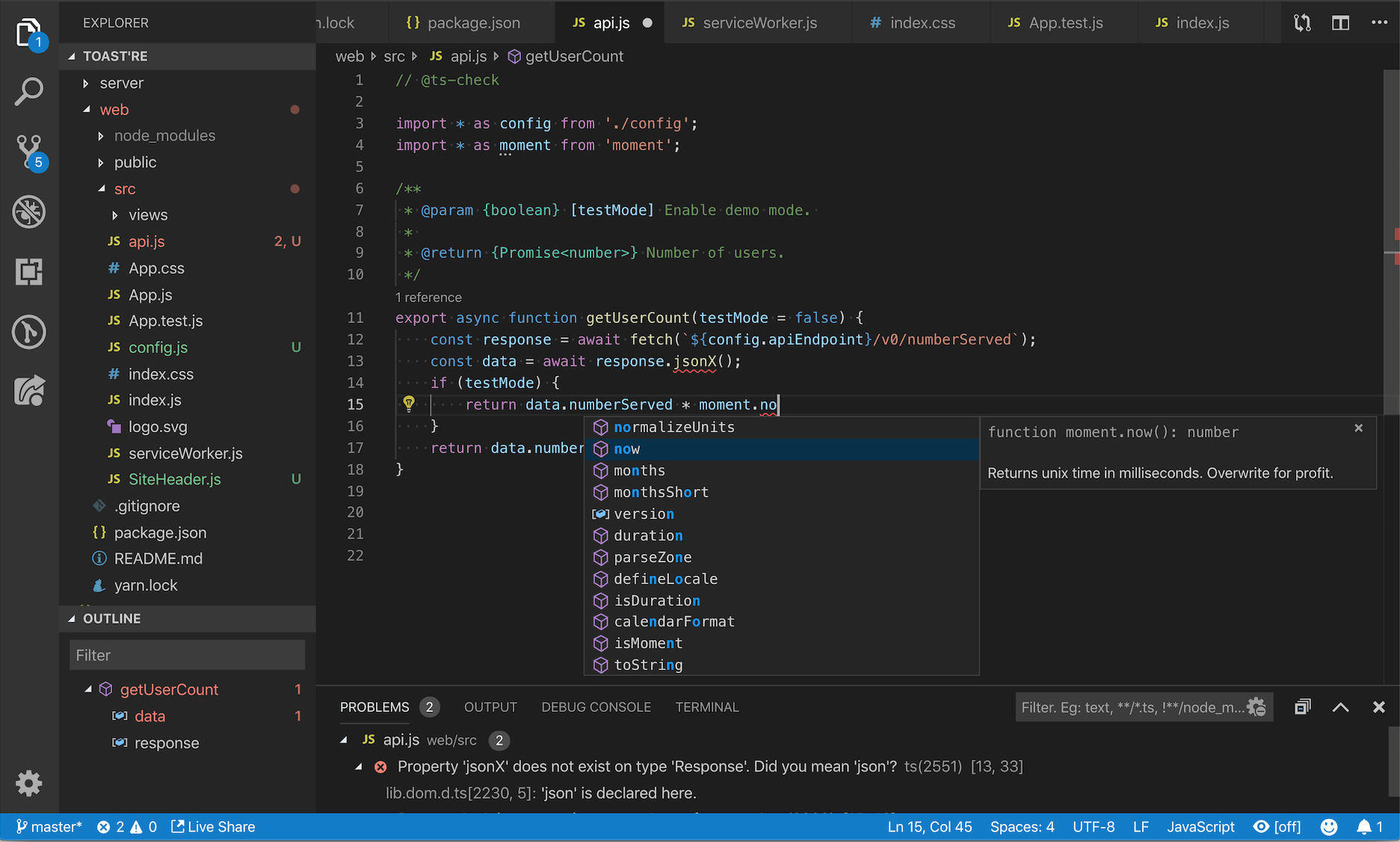
JavaScript Programming With Visual Studio Code

Web Oct 10 2018 nbsp 0183 32 The best way to install Node js and npm is through Node js Version Manager or nvm With nvm you can install multiple versions of both the Node js runtime and npm and they can all coexist though you can only specify one active version of
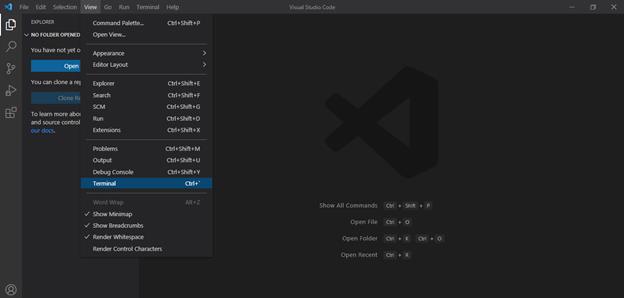
Web Mar 2 2022 nbsp 0183 32 To learn how to start a project with Node and install packages with npm we ll use Visual Studio Code We ll create a folder named Node Test where we ll put both Node and npm to work a little Let s start simple Inside the Node Test folder right click inside the folder and click Open with Visual Studio Code

Web Node js 174 is a JavaScript runtime built on Chrome s V8 JavaScript engine version and install new versions to try and easily rollback if something breaks It is also very useful to test your code with old Node js versions In any case when Node js is installed you ll have access to the node executable program in the command line

Web You ll need to open a new terminal command prompt for the lt code gt node lt code gt and lt code gt npm lt code gt command line tools to be on your PATH lt p gt n lt p dir quot auto quot gt To test that you have Node js installed correctly on your computer open a new terminal and type lt code gt node version lt code gt and you should see the current Node js version
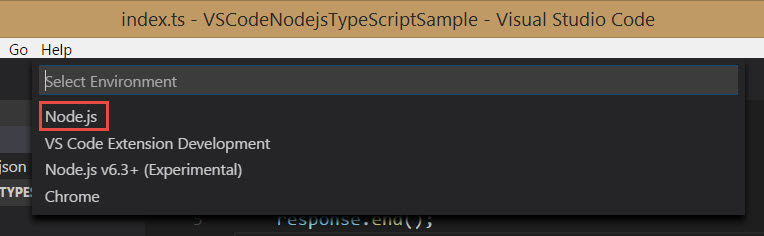
Web Feb 10 2022 nbsp 0183 32 How to develop and debug Node js with Visual Studio Code Article 02 10 2022 3 contributors Feedback In this article Prepare your environment Clone project Install dependencies Navigate the project files and code Show 5 more Learn the steps to developer and debug your JavaScript Node js project with Visual Studio Prepare your
Web Mar 24 2023 nbsp 0183 32 With Visual Studio you can easily create a Node js project and use IntelliSense and other built in features that support Node js In this tutorial you create a Node js web app project from a Visual Studio template Then you create a simple app using React In this tutorial you learn how to Create a Node js project Add npm packages Web Jul 11 2022 nbsp 0183 32 Step 1 Download and Install Node js Step 2 Download and Install Visual Studio Code Installing on Windows and MacOS Installing on Linux Step 3 Configure Visual Studio Code to use Node js 3 1 Open Visual Studio Code 3 2 Create a new file 3 3 Write your first javascript code Step 4 Install additional packages on VSC
Web Download the Node js source code or a pre built installer for your platform and start developing today LTS Recommended For Most Users Current Latest Features Windows Installer node v20 9 0 x 86 msi macOS Installer node v20 9 0 pkg