Install Node In Vs Code Terminal Windows Integrated Terminal Open Separate From Main App Window cmd VS Code Quickly Move Focus Between Code File And Terminal KindaCode Remote Access What Is The Install Terminal And How To Remove It From Make Your VS Code Terminal Look Awesome By brahim BABAL Medium Why Is My VS Code Terminal Showing A Blank Screen Stack Overflow To install or upgrade to the latest version of Google Earth Pro download the application System requirements In order for Google Earth Pro to run on your computer you must have all
Install and set up Drive for desktop Install amp set up Drive for desktop for Windows Important Before you start check that your operating system is compatible with Drive for desktop Tip If Dec 30 2024 nbsp 0183 32 I just purchased office home 2024 I need help to download and install
Why Is My VS Code Terminal Showing A Blank Screen Stack Overflow Integrated Terminal In Visual Studio Code 2023 Bash On Ubuntu Windows Node Js Terminal In Visual Studio Code Mobile Legends VS Code Terminal Is Not Working Properly Issue 142365 Microsoft Keyboard VS Code Terminal Won t Map Option Key To Meta Stack Overflow Install Using VS Code Dynamicweb 10 Developer Documentation VS Code Virtual Environment Is Not Updating In VS Code Terminal Issue 161151 Change VS Code Terminal Position To Right Side For A Neat Workspace
Install Node In Vs Code Terminal Windows
 Install Node In Vs Code Terminal Windows
https://user-images.githubusercontent.com/27456027/64080650-e1926680-ccf6-11e9-8f5b-9db69d937529.jpg
Install an extension Important You can t add extensions when you browse in Incognito mode or as a guest Open the Chrome Web Store Find and select the extension you want Select Add
Templates are pre-designed documents or files that can be used for different functions. They can conserve time and effort by offering a ready-made format and design for producing different kinds of material. Templates can be used for individual or professional jobs, such as resumes, invites, flyers, newsletters, reports, presentations, and more.
Install Node In Vs Code Terminal Windows

Why Are Vscode Npm Commands Opening In New Cmd node Window

Integrated Terminal In Visual Studio Code 2023 Bash On Ubuntu Windows

Node Js Terminal In Visual Studio Code Mobile Legends
VS Code Terminal Is Not Working Properly Issue 142365 Microsoft
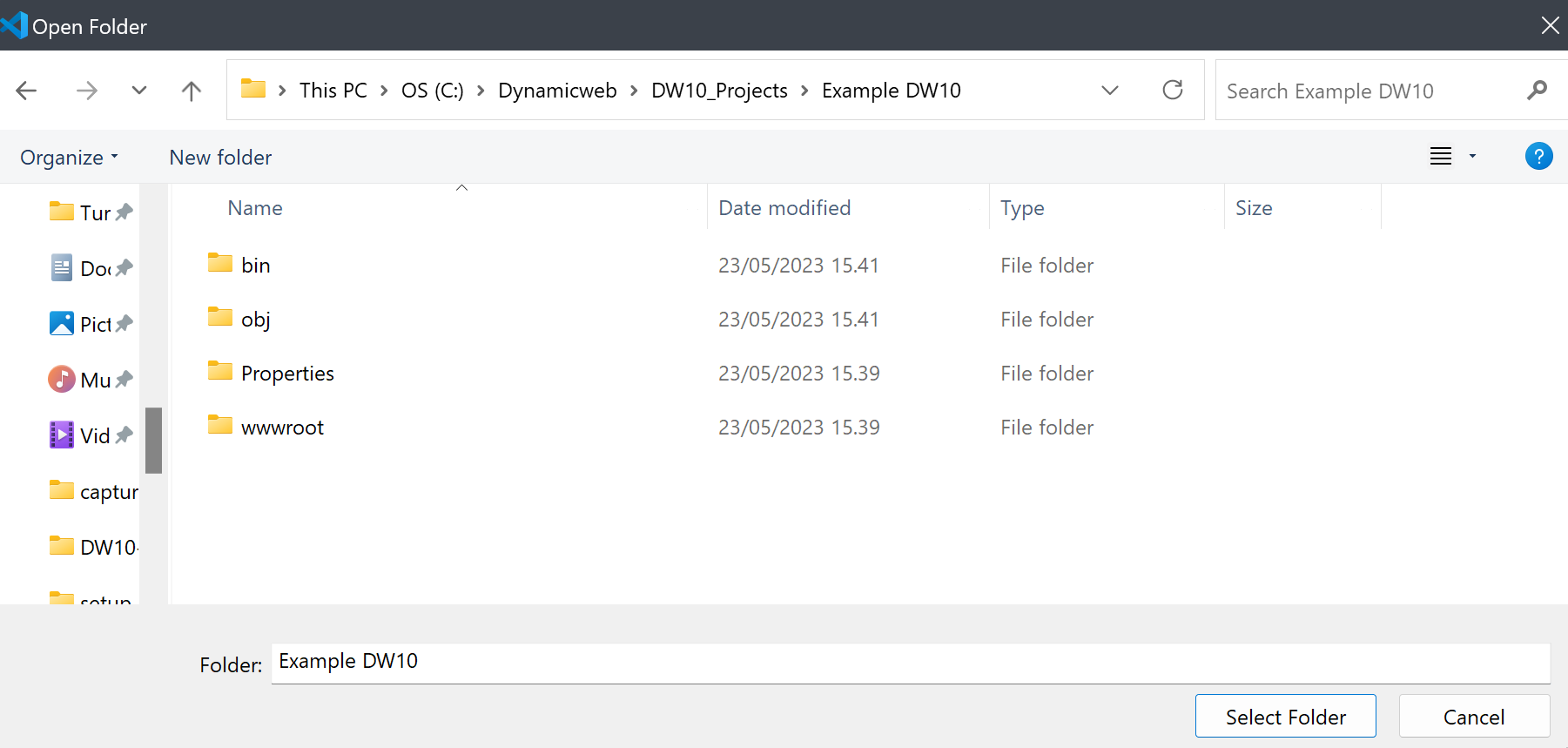
Install Using VS Code Dynamicweb 10 Developer Documentation
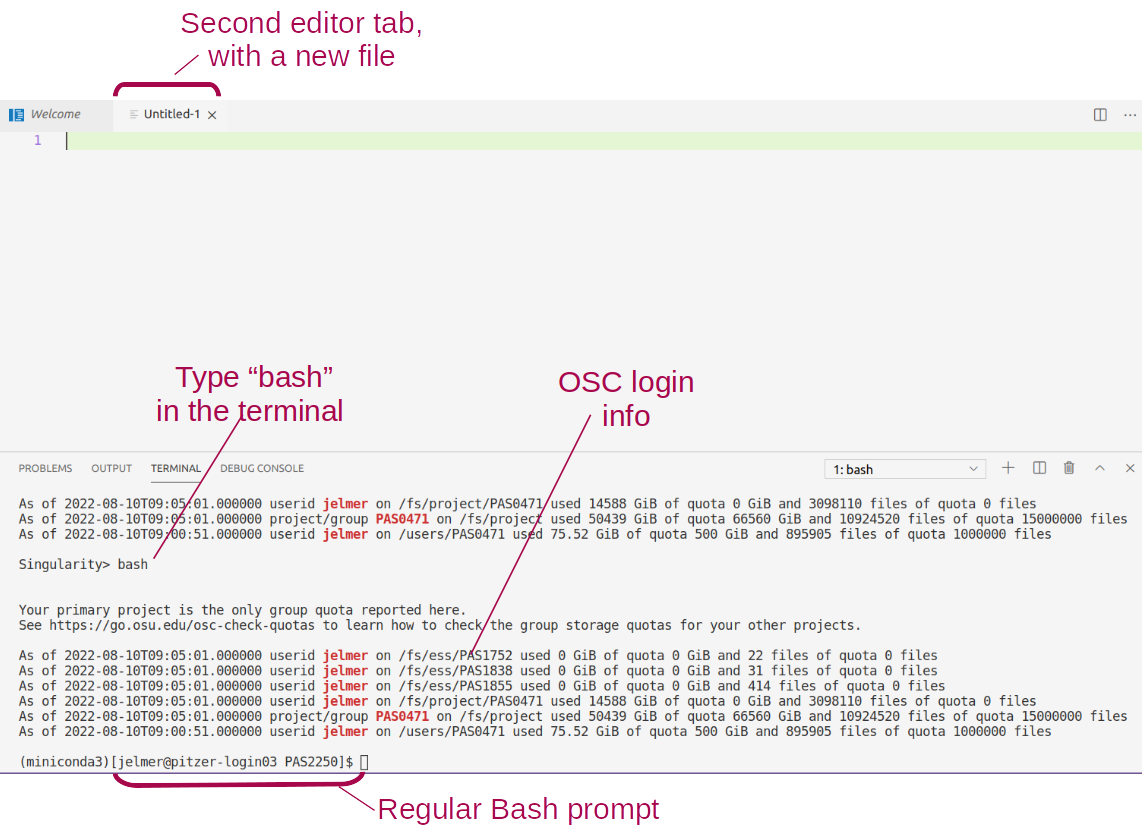
VS Code

On your iPhone or iPad open App Store In the search bar enter Chrome Tap Get To install follow the on screen instructions If prompted enter your Apple ID password To start

Official Google Chrome Help Center where you can find tips and tutorials on using Google Chrome and other answers to frequently asked questions

You can download and install the Chrome web browser at no charge and use it to browse the web
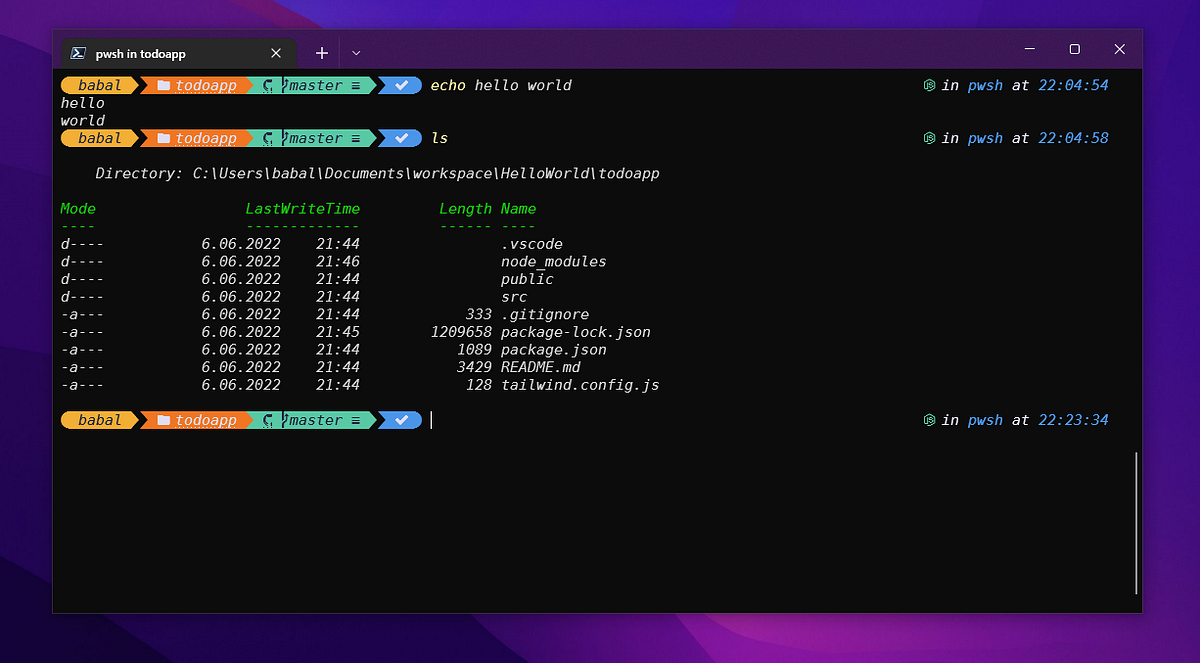
Dec 4 2024 nbsp 0183 32 Hi Felix see if this helps Download install or reinstall Microsoft 365 Office 2024 or Office 2021 on a PC or Mac Microsoft Support

On your device go to the Apps section Tap Google Play Store The app will open and you can search and browse for content to download
[desc-11] [desc-12]
[desc-13]