Install New Npm Version Javascript Npx Create react app Myapp Doesn t Work Aborting Update NPM To The Latest Version in A Nutshell How To Install Git Via Npm Baplee How To Update All Npm Package json Dependencies To The Latest Version Problem With Npm Run Build Questions N8n Web Jun 7 2012 nbsp 0183 32 Use npm install npm g to install it in quot AppData npm quot and delete npm npm cmd files from quot C Program Files nodejs quot dir because your PATH is looking there first After that you can use npm update npm g in the future According to the docs For windows it also worked on Mac for me
Web In order to change your npm version when using nvm you must install your npm version only inside the folder of the desired Node js version For instance if you want to install npm version 8 12 1 you must do it inside the node version folder If Web Jun 14 2018 nbsp 0183 32 Synopsis npm install with no args in package dir npm install lt scope gt lt name gt lt tag gt npm install lt scope gt lt name gt lt version gt npm install lt scope gt lt name gt lt version range gt npm install lt alias gt npm lt name gt npm install lt git host gt lt git user gt lt repo name gt npm install lt git repo url gt npm install lt tarball file gt
Problem With Npm Run Build Questions N8n How To Install NPM Packages also Update And Uninstall HowToCreateApps NPM Package NPM Toolkit APT Download Npm Install 6 14 5 For Windows Filehippo NPM Get Node Js Version Xaserada Installing With Npm V7 Fails For React Native 0 64 Issue 7187 Wix These NPM Tools Are Actually Just Installing Malware TechRadar
Install New Npm Version
 Install New Npm Version
https://i.stack.imgur.com/l3xr5.jpg
Web Installation npm comes bundled with node amp most third party distributions by default Officially supported downloads distributions can be found at nodejs en download Direct Download You can download amp install npm directly from npmjs using our custom install sh script curl qL https www npmjs install sh sh
Templates are pre-designed files or files that can be utilized for numerous functions. They can save effort and time by providing a ready-made format and layout for producing different sort of material. Templates can be utilized for individual or expert projects, such as resumes, invitations, flyers, newsletters, reports, discussions, and more.
Install New Npm Version
React table ui NPM Npm io
How To Install NPM Packages also Update And Uninstall HowToCreateApps
NPM Package

NPM Toolkit APT

NPM
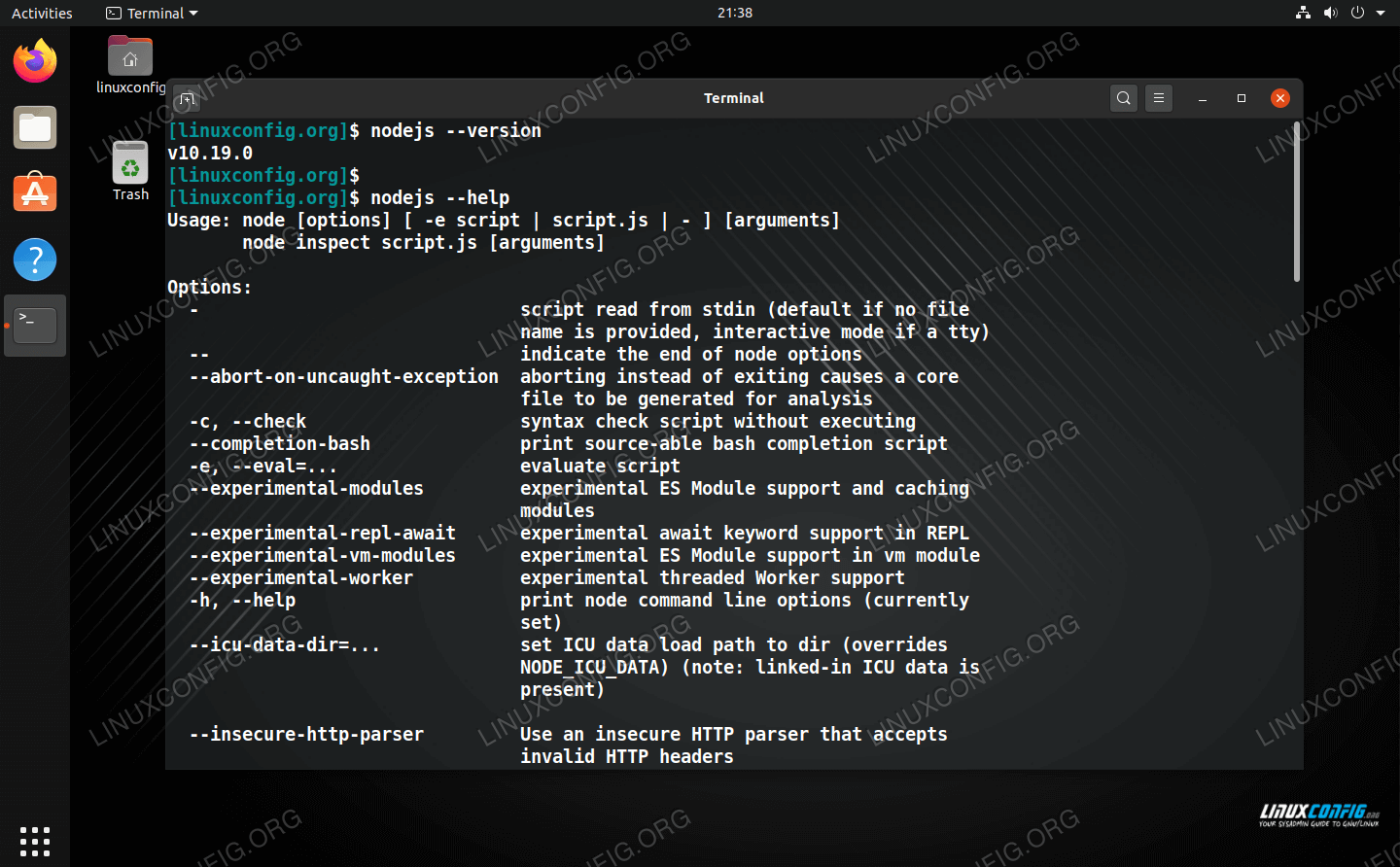
Get Node Js Version Xaserada

Web Note to download the latest version of npm on the command line run the following command npm install g npm Overview Checking your version of npm and Node js Using a Node version manager to install Node js and npm Using a Node installer to install Node js and npm Checking your version of npm and Node js
Web To install the latest version of NPM npm install g npm latest Or To Install the most recent release npm install g npm next Additional To check your npm version npm v If you are in a Windows Machine I suggest going to the npm website
Web Downloads Latest LTS Version 20 10 0 includes npm 10 2 3 Download the Node js source code or a pre built installer for your platform and start developing today LTS Recommended For Most Users Current Latest Features Windows Installer node v20 10 0 x 86 msi
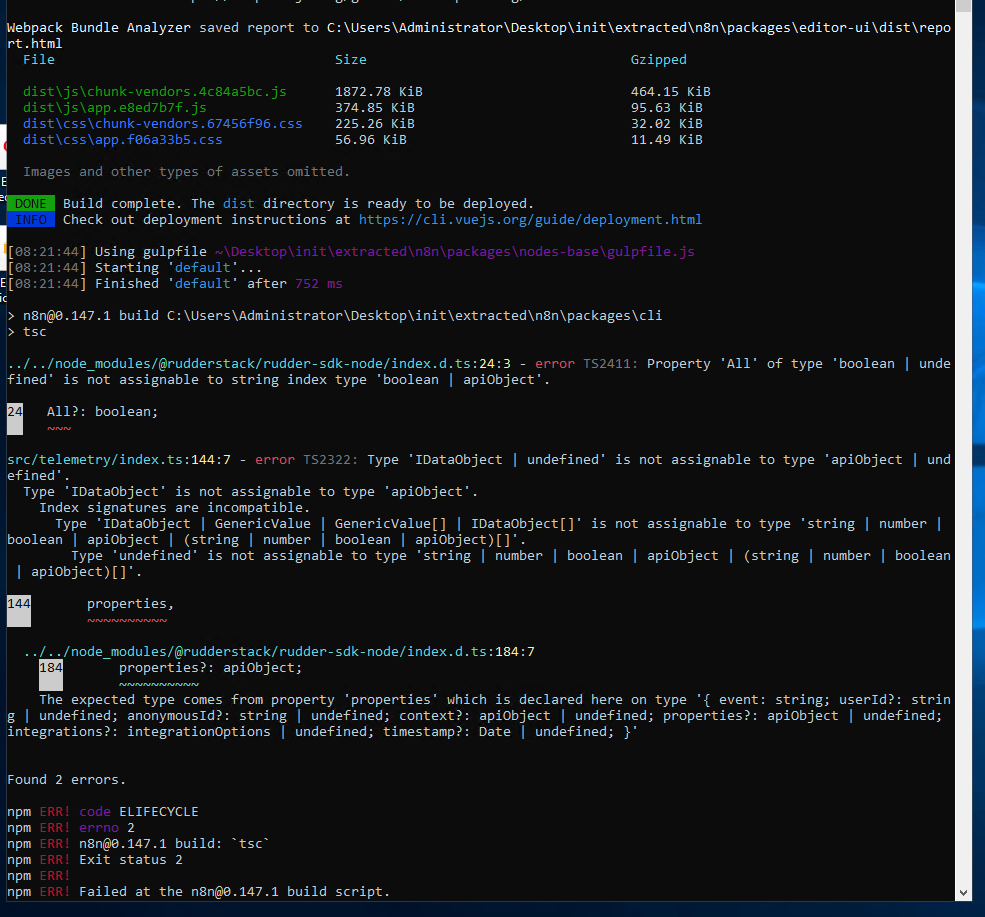
Web Mar 25 2022 nbsp 0183 32 Solution 1 Uninstall Node js from your computer and install again As the error message says quot use the version of npm that is bundled with Node js quot This is the preferred solution and very straightforward
Web Apr 12 2022 nbsp 0183 32 1 Use NPM to Update Your Node Version To update Node with NPM you will install the n package which will be used to interactively manage node versions on your device Here are the steps Clear the NPM cache When you install dependencies some modules are cached to improve the speed of installation in subsequent downloads
Web CLI Commands npm install npm install Install a package Select CLI Version Version 9 9 2 Legacy Synopsis npm install lt package spec gt aliases add i in ins inst insta instal isnt isnta isntal isntall Description This command installs a package and any packages that it depends on Web One very convenient way to install Node js is through a package manager In this case every operating system has its own Other package managers for MacOS Linux and Windows are listed in https nodejs download package manager
Web Mar 9 2015 nbsp 0183 32 How to install the latest versions of NodeJS and NPM Ask Question Asked 8 years 9 months ago Modified 1 year ago Viewed 449k times 228 I noticed over at the https nodejs website that node is currently at v 0 12 0 Can someone let me know how to install the latest version of node together with npm terminal commands please