Install Mysql In Ubuntu Command Line How To Install MySQL On Ubuntu StackHowTo How To Install MySQL On Ubuntu 20 04 How To Check Your Ubuntu Version Using Command Line GUI How To Check RAM In Ubuntu Command Line Mysql Statements By Using The Command Prompt Riset Como instalar o Chrome Importante antes de baixar confira se o Chrome 233 compat 237 vel com seu sistema operacional e outros requisitos do sistema
You can download and install the Chrome web browser at no charge and use it to browse the web When you install Drive for desktop on your computer it creates a drive in My Computer or a location in Finder named Google Drive All of your Drive files appear here Any new files or
Mysql Statements By Using The Command Prompt Riset How To Install Mysql Server On Ubuntu 18 04 Devnote 8 19 10 Easy Way Tubemint Vrogue MySQL Error Access Denied For Root User In Ubuntu Linux How To Uninstall Software In Ubuntu Command Line Help With Installing Autopsy R computerforensics How To Install MySQL In Ubuntu Linux OSTechNix How To Connect To A Remote MySQL Server Using SSH C mo Instalar MySQL En Ubuntu 18 04 Amado Urias G Download Mysql Command Line Tool Windows 10 Gagasvietnam
Install Mysql In Ubuntu Command Line
 Install Mysql In Ubuntu Command Line
https://stackhowto.com/wp-content/uploads/2021/07/How-to-install-MySQL-on-Ubuntu.png
Install and set up Drive for desktop Install amp set up Drive for desktop for Windows Important Before you start check that your operating system is compatible with Drive for desktop Tip If
Templates are pre-designed documents or files that can be used for various purposes. They can save effort and time by providing a ready-made format and layout for developing different sort of material. Templates can be used for personal or expert tasks, such as resumes, invitations, leaflets, newsletters, reports, discussions, and more.
Install Mysql In Ubuntu Command Line
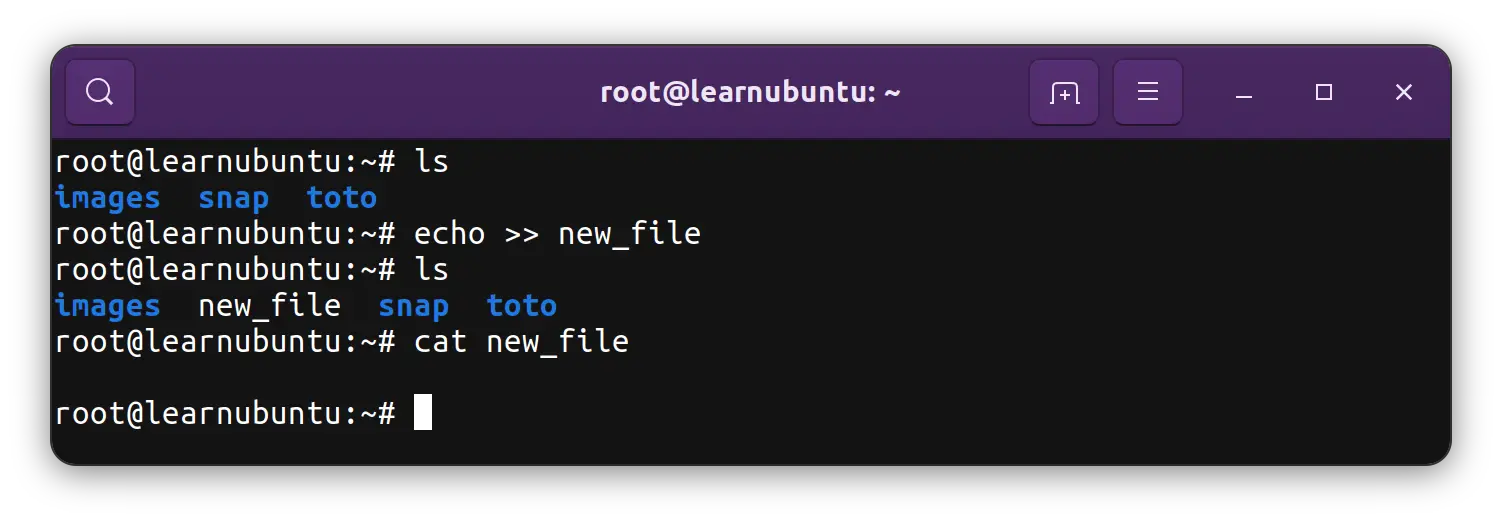
How To Create Text Files In Ubuntu Command Line 4 Methods

How To Install Mysql Server On Ubuntu 18 04 Devnote 8 19 10 Easy Way Tubemint Vrogue
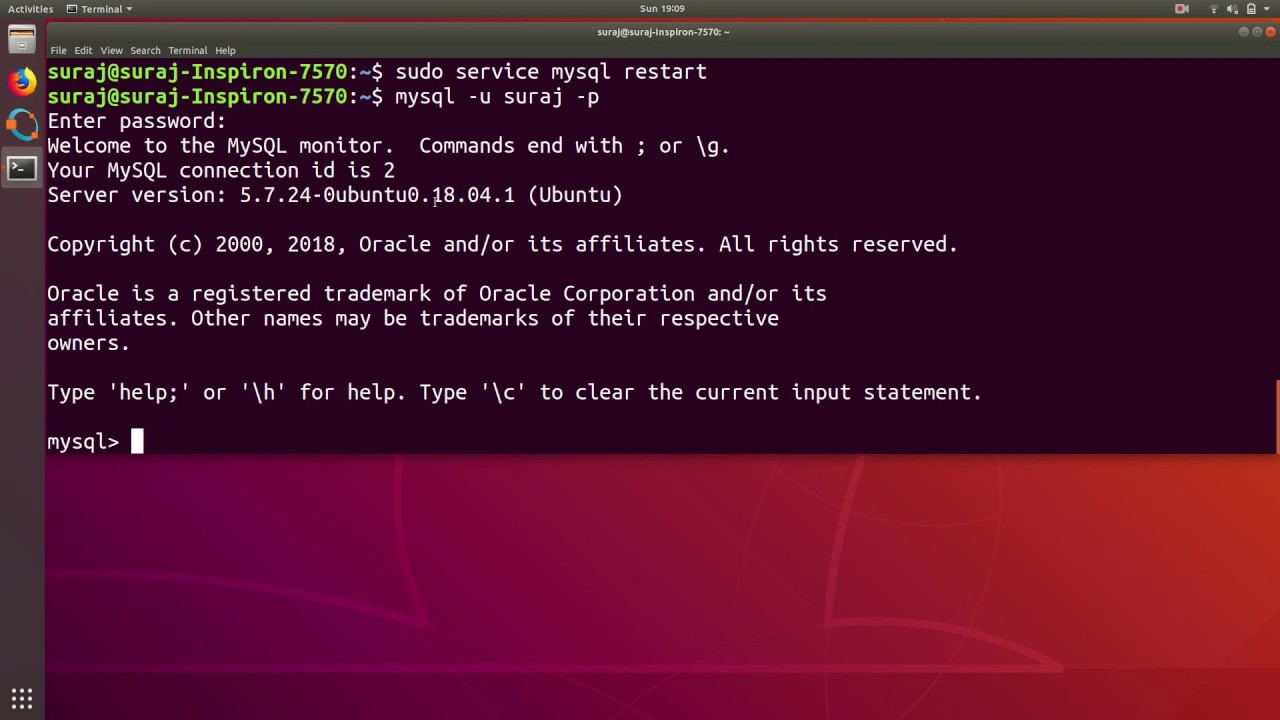
MySQL Error Access Denied For Root User In Ubuntu Linux

How To Uninstall Software In Ubuntu Command Line

How To Install MySQL In Ubuntu Linux OSTechNix
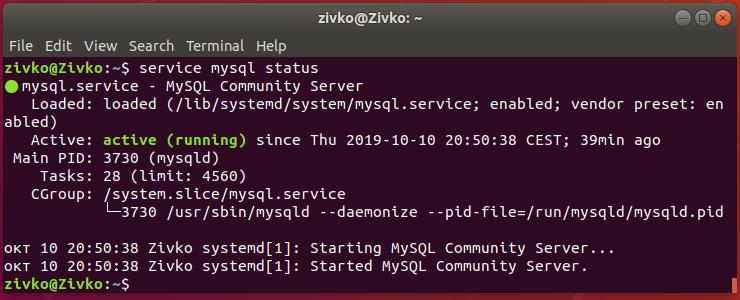
How To Connect To A Remote MySQL Server Using SSH
Puedes descargar e instalar el navegador web Chrome sin coste econ 243 mico y usarlo para navegar por la Web C 243 mo instalar Chrome Importante Antes de descargarlo puedes
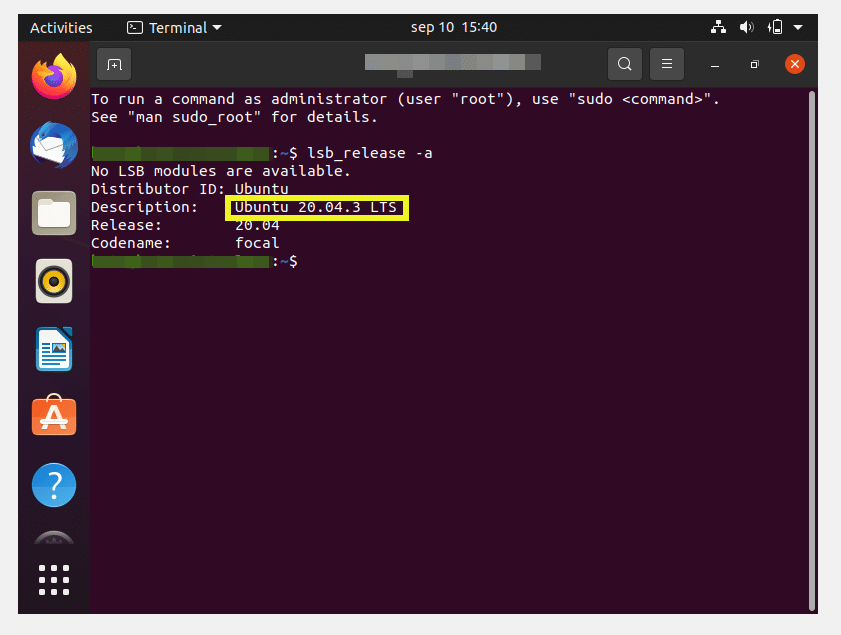
Installer Chrome Important Avant de t 233 l 233 charger Chrome vous pouvez v 233 rifier s il est compatible avec votre syst 232 me d exploitation et les autres configurations syst 232 me requises
Official Google Chrome Help Center where you can find tips and tutorials on using Google Chrome and other answers to frequently asked questions

On your iPhone or iPad open App Store In the search bar enter Chrome Tap Get To install follow the on screen instructions If prompted enter your Apple ID password To start

On your device go to the Apps section Tap Google Play Store The app will open and you can search and browse for content to download
[desc-11] [desc-12]
[desc-13]