Install Macos On External How To Install MacOS On New External Hard Drive IPhone Topics Install MacOS Sonoma Ventura Monterey On External Drive Install MacOS Sonoma Ventura Monterey On External Drive Install MacOS On External NVME To Be Used For Macbook Air From Windows New Install MacOS On External Drive Step By Step EaseUS Web Sep 26 2023 nbsp 0183 32 1 Downgrade Using Time Machine Editor s tip Restoring from a Time Machine backup may cause loss of current data This process will wipe your drive Be sure to back up valuable files if you want
Web Jan 18 2023 nbsp 0183 32 I ll show you how to install MacOS on an external SSD or HDD This method is useful if you want to save space on your Mac or if you want to move your MacOS t Web Sep 30 2023 nbsp 0183 32 Table of Contents Requirements for Installing macOS Big Sur on External Drive Preparing the External Drive for Installing Big Sur Using Startup Disk to Install Big Sur on External Drive Using a Virtual Machine to Install on External Drive Cloning Mac s Drive to External Drive Performing a Fresh Install of Big Sur on External Drive
New Install MacOS On External Drive Step By Step EaseUS How To Install Osx On External Ssd 2023 New Install MacOS On External Drive Step By Step EaseUS New Install MacOS On External Drive Step By Step EaseUS New Install MacOS On External Drive Step By Step EaseUS How To Install MacOS On A PC Build Your Own Hackintosh Macworld Install Macos On External Hard Drive How To Install MacOS Monterey On External Hard Drive 4 Steps A Required Firmware Update Could Not Be Installed Fixed
Install Macos On External
 Install Macos On External
https://www.iphonetopics.com/media/how-to-install-macOS-on-external-hard-drive.jpg
Web Oct 3 2023 nbsp 0183 32 Although Sonoma officially supports Macs released mostly in 2018 or later the OCLP project will allow Sonoma to install on Macs that go back to models released in 2007 and 2008 enabling them to
Pre-crafted templates provide a time-saving option for creating a varied range of documents and files. These pre-designed formats and designs can be used for different individual and professional tasks, consisting of resumes, invitations, leaflets, newsletters, reports, presentations, and more, improving the content creation process.
Install Macos On External
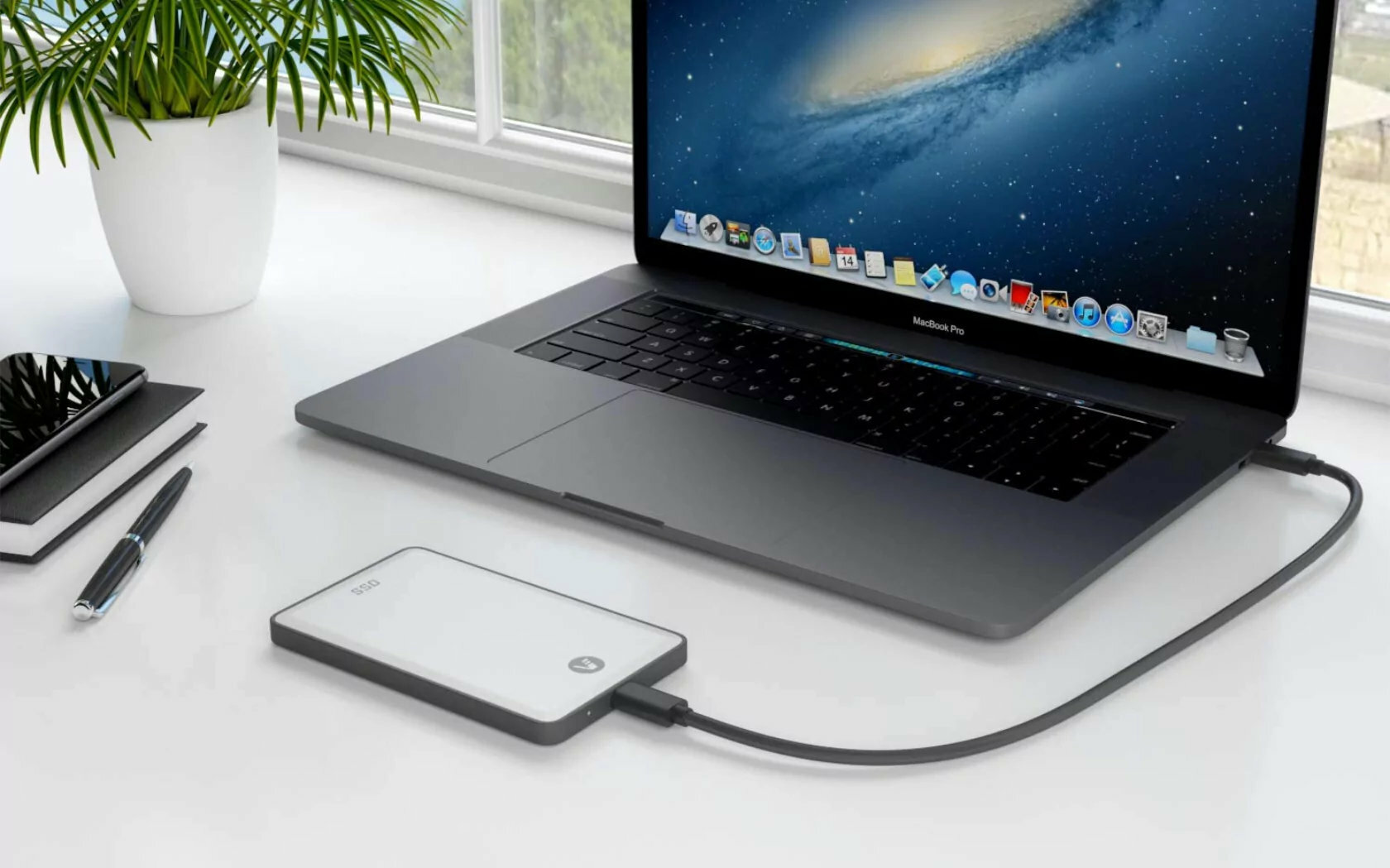
MacOS
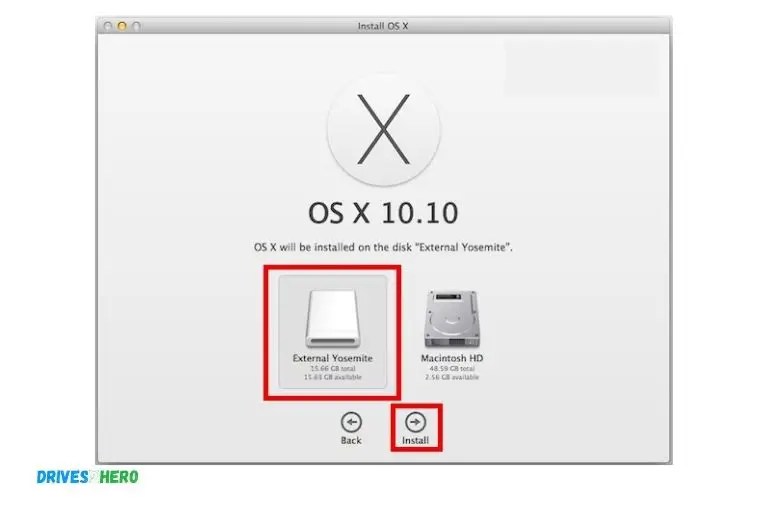
How To Install Osx On External Ssd 2023
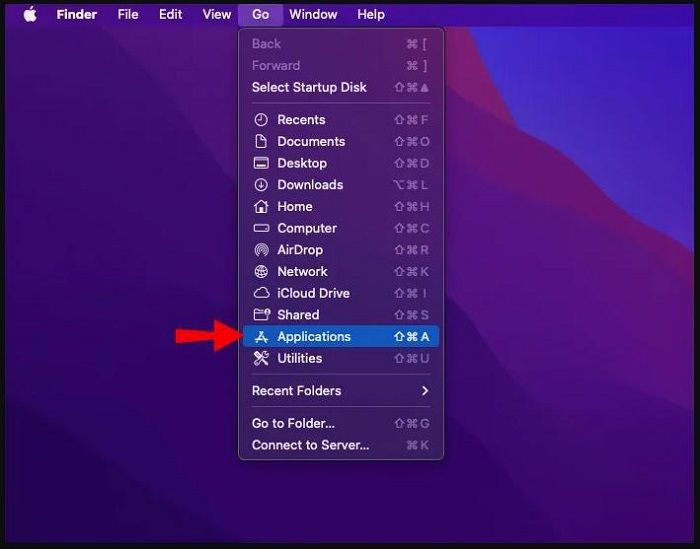
New Install MacOS On External Drive Step By Step EaseUS
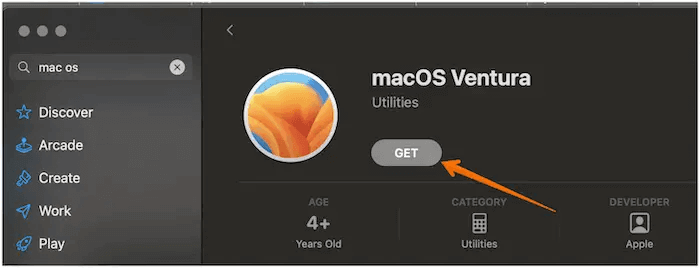
New Install MacOS On External Drive Step By Step EaseUS

How To Install MacOS On A PC Build Your Own Hackintosh Macworld
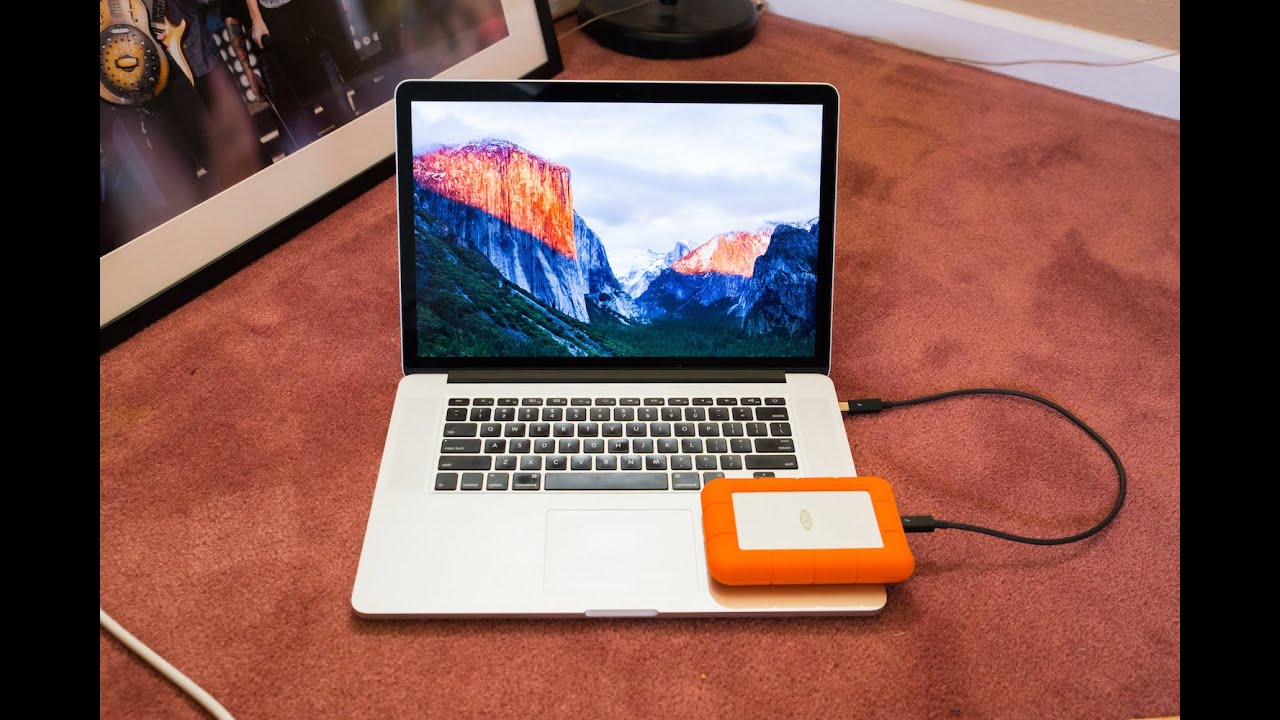
Install Macos On External Hard Drive

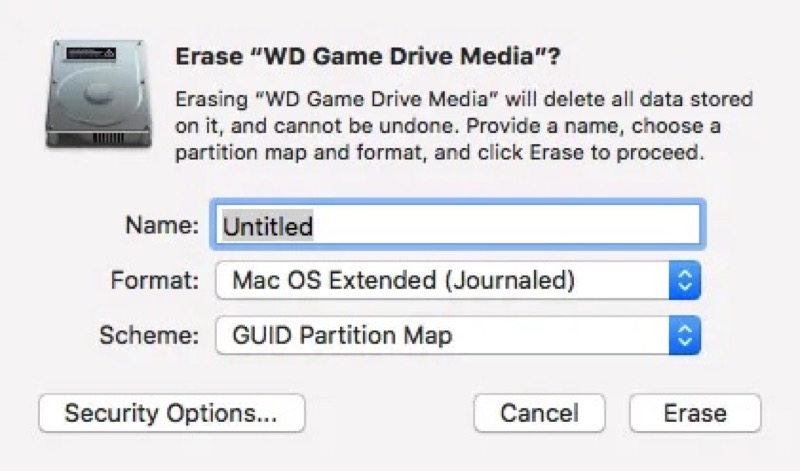
Web Sep 14 2023 nbsp 0183 32 Step 1 Format External Drive Correctly with Disk Utility The first step includes preparing the external drive for the new macOS installation That will lead to creating macOS Ventura bootable USB For that you need to follow these steps Step 1 Plug the external drive into your system Open Disk Utility
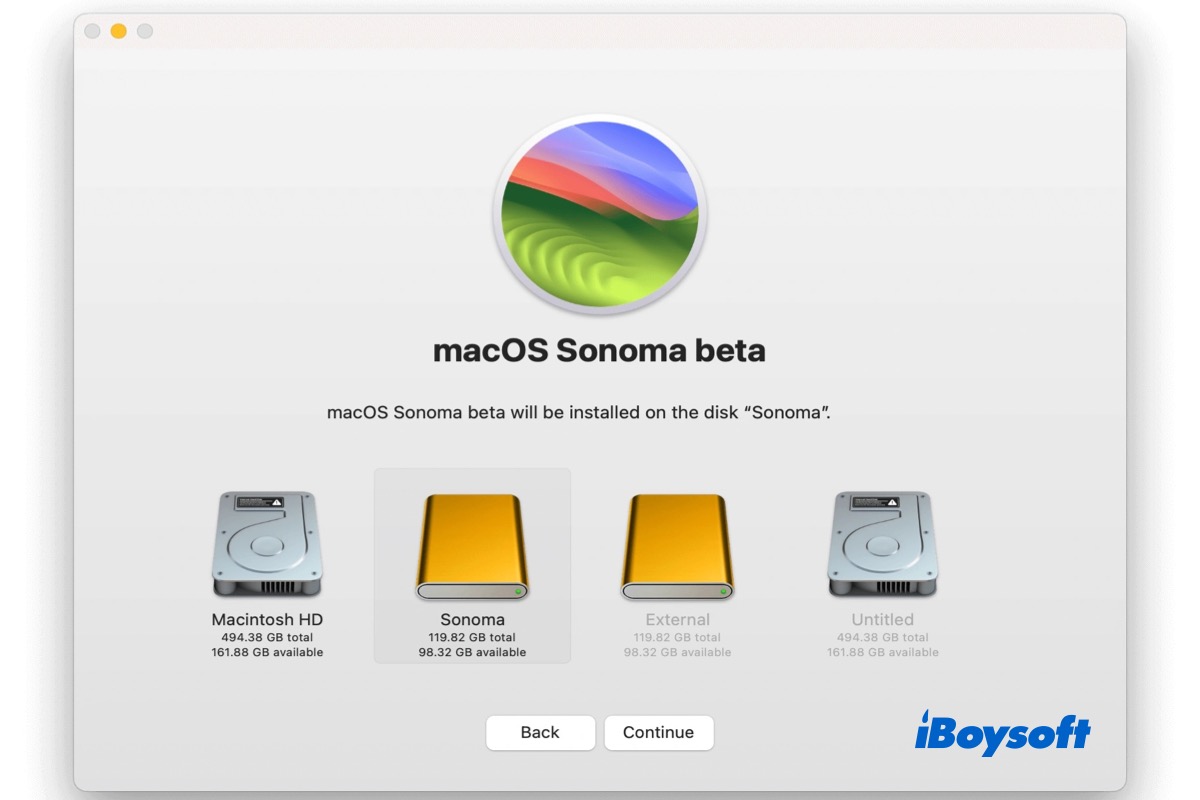
Web Sep 26 2023 nbsp 0183 32 Step 1 Prepare Your External Drive Step 2 Download the macOS Installer Step 3 Create Your Bootable Installer Step 4 Install macOS on Your External Drive Also Read How to Reinstall macOS Ventura with Recovery Mode or USB How to Install a Newer macOS on Your External Drive
Web Oct 12 2022 nbsp 0183 32 1 Samsung T7 Portable SSD 2 SanDisk Professional G Drive Pro SSD 3 LaCie Rugged SSD Pro Method 1 Clean Install Ventura from Bootable USB For M1 amp M2 Mac Method 2 Network Install Ventura in Recovery Mode for Intel Mac Method 3 Restore from a Bootable Backup Wrapping Up
Web May 25 2023 nbsp 0183 32 There are generally two ways to install an application on your external drive If you ve already installed the application on your Mac you can move it to an external drive by opening Applications in Finder finding the desired app and dragging it to the external drive

Web 16 hours ago nbsp 0183 32 While many Mac users have already downloaded and installed MacOS Sonoma onto their Macs and are enjoying the great new features not every Mac user wants to upgrade to Sonoma In fact many Mac users want to stay put with macOS Monterey or MacOS Ventura and not upgrade to MacOS Sonoma for now or even at all
Web Aug 25 2023 nbsp 0183 32 1 Connect the USB C Thunderbolt 3 or the desired external drive to your Mac device 2 Go to the new Finder window choose the Application tab and click on Utilities Launch the Disk Utility app on your Mac 3 Click on the View drop down icon from the open window and in the top left corner Web Apr 8 2021 nbsp 0183 32 Pre requisite Download the macOS Setup file from the app store Don t start installation after the download complete here s a direct link to download macOS Big Sur macOS Catalina macOS Mojave or macOS High Sierra Use USB Flash Drive More than 16 Gigabytes of storage
Web Jul 31 2023 nbsp 0183 32 Download Article 1 Check your computer s specifications Your Windows computer must have an Intel Core i3 i5 i7 or i9 processor in order to run macOS Catalina as well as a minimum of four gigabytes of RAM To check these specs Open Start Type in system information Click System Information at the top of the menu