Install Linux Live Usb Linux Live USB Creator Install Kali Linux Using USB Thelifehax Linux Live USB Creator Install Linux On A Bootable USB Or Run It From Perbedaan Linux Dan Windows Secara Umum Riset Running Linux From A USB Drive Are You Doing It Right How To Create A Live Linux USB YouTube LiveUSB Install is a tool designed for creating Live Linux Bootable USB drives Much like our own Bootable USB Installer it enables users to easily transfer a Live Linux distribution onto a flash drive allowing quick access to the operating system
What do you need To get started you need the following A USB drive also known as a flash drive or pen drive with at least 8 GB of space An active internet connection to download the Linux Mint ISO A tool to help you create the live USB You can create the live USB on one system and use it on any other computer How to Install Ubuntu Linux on an External USB Drive to Make an Actual Portable Linux System on USB This tutorial shows the steps for actually installing Ubuntu Linux on an external US drive with the bootloader installed on the USB It is NOT live USB set up This USB will work as portable operating system and can be used on any computer system
How To Create A Live Linux USB YouTube Ubuntu Live USB 19 04 Disco Dingo Live Linux USB Ubuntu Linux 20 04 Focal Fossa Linux Live Install 16 GB USB With BONUS PCLinuxOS Linux Live USB BIOS UEFI Or Custom Distro Operating Systems Ubuntu Linux 20 04 Focal Fossa Linux Live Install 16 GB USB With BONUS Ubuntu Linux 20 04 Focal Fossa Linux Live Install 16 GB USB With BONUS Making A Live Bootable Kali Linux USB Drive With Persistence LinuxLive USB Creator Make Ubuntu Bootable USB In Windows 10 LinuxAndUbuntu
Install Linux Live Usb
 Install Linux Live Usb
https://i0.wp.com/www.thelifehax.com/wp-content/uploads/2016/10/linux-live-usb-creator-install-kali-linux-on-usb-flash-drive.png?resize=1080%2C675&ssl=1
Install Linux from USB Device or Boot into Live Mode Using Unetbootin and dd Command Avishek Last Updated July 14 2023 Linux Commands Linux Distros Open Source 33 Comments Installing Linux from a USB mass storage device or logging into Live Linux Environment is a cool Idea
Pre-crafted templates offer a time-saving service for developing a diverse variety of files and files. These pre-designed formats and layouts can be used for various personal and expert projects, consisting of resumes, invitations, leaflets, newsletters, reports, discussions, and more, enhancing the content production procedure.
Install Linux Live Usb

How To Create Linux Bootable USB Flash Drive With LinuxLive USB Creator
Ubuntu Live USB 19 04 Disco Dingo Live Linux USB

Ubuntu Linux 20 04 Focal Fossa Linux Live Install 16 GB USB With BONUS

PCLinuxOS Linux Live USB BIOS UEFI Or Custom Distro Operating Systems

Ubuntu Linux 20 04 Focal Fossa Linux Live Install 16 GB USB With BONUS
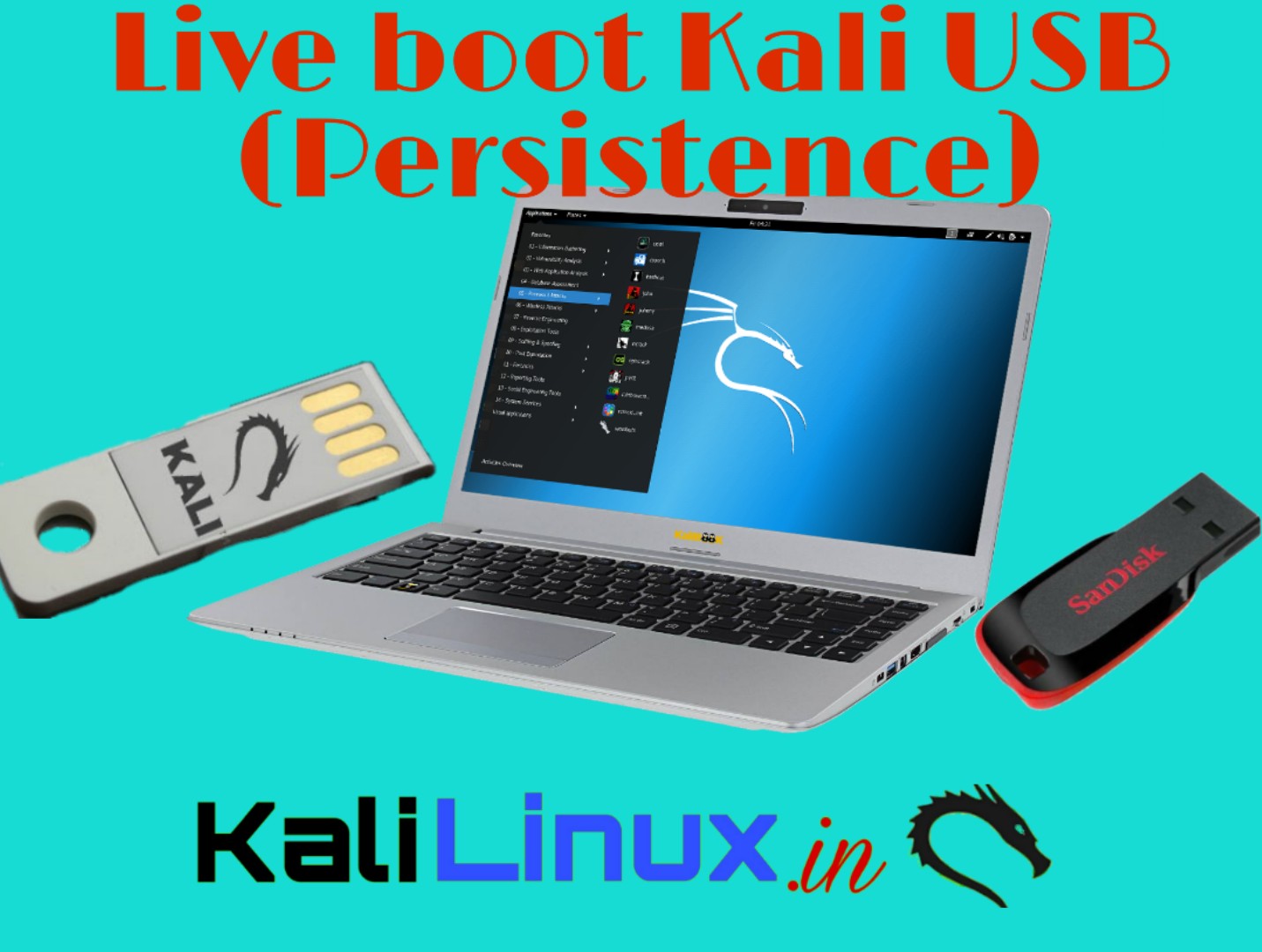
Making A Live Bootable Kali Linux USB Drive With Persistence

Option 1 Use balenaEtcher to Install Ubuntu From Windows balenaEtcher is possibly the most straightforward tool to install Ubuntu on a USB stick Start by downloading balenaEtcher It has an installable version and a portable one that runs directly from the EXE file

First open Disks and select your USB left click Filesystem 3 click the triangle button click the link lower right sdx3 will open paste Boot and EFI Click Filesystem 4 Click the link open boot open grub copy grub cfg open grub on sdx3 and overwrite grub cfg with the copy from sdx4

Method 1 Make a live Ubuntu USB with Rufus recommended Rufus is an excellent free open source tool for making bootable Linux USB disks On Windows I prefer and recommend using Rufus If you prefer videos to text I have made this video to show the steps in action

Home Linux The 9 Best Live USB Linux Distros You Can Use on the Go By Debarshi Das Published May 12 2023 Live USB distros are portable and can be used on any machine with a USB drive Here are some of the best Linux distros you can run from a USB Readers like you help support MUO

Step 1 Create Bootable Linux Installation Media Use your Linux ISO image file to create a bootable USB installation media You can use any software like Unetbootin Gnome Disk Utility Yumi Multi Boot xboot Live USB Creator etc to create bootable USB with the help of ISO image file
Method 1 Create a persistent Ubuntu drive on Windows To create a persistent Ubuntu drive on Windows I will be using Rufus a free and open source tool to flash ISO files on USB drives Visit the official download page of Rufus to get the executable file for Windows Provide your downloaded Ubuntu ISO file Click the ISO IMG ZIP button under Step 2 Choose a Source browse to the ISO file on your computer and double click it Use the options in the Step 3 Persistence section to select how much space you want to use for persistent storage on the USB drive
Install boot and run Linux on USB or even boot from USB Windows 10 or 11 Multiboot ISO files from one thumb drive pendrive jump drive or flash memory stick Run Linux on Windows as a VirtualBox VM Virtual Machine and more