Install Latest Version Of Node Js Installation of Node.js on Windows - GeeksforGeeks How to Install Node.js on Ubuntu How to install Node.js on Linux - Linux Tutorials - Learn Linux Configuration How to Install Node.js and npm on Windows How to Install Node.js on Ubuntu and Update npm to the Latest Version Step 1 Configuring Node Js PPA Step 2 Install Node js on Ubuntu Step 3 Check Node js and NPM Version Step 4 Create Demo Web Server
Install latest stable Node js version sudo n stable Alternatively pick a specific version and install like this sudo n 0 8 20 Using nvm Node js Version Manager makes it easier to install and manage multiple versions of Node js on a single local environment
How to Install Node.js on Ubuntu and Update npm to the Latest Version Managing the NodeJS versions on Windows | Narendra Kumar Vadapalli Install Node.js on Windows or Mac How to install Node.js and npm on macOS | newline How to Install The Latest Version of Node.js on Ubuntu - How to Update Node. js [Making App] - YouTube Node JS Environment Setup - Node.js installation | DigitalOcean NVM for Windows – How to Download and Install Node Version Manager in Windows 10 CS193X: Web Programming Fundamentals How to Install NPM and Node.js on Windows and Mac Devices?
Install Latest Version Of Node Js
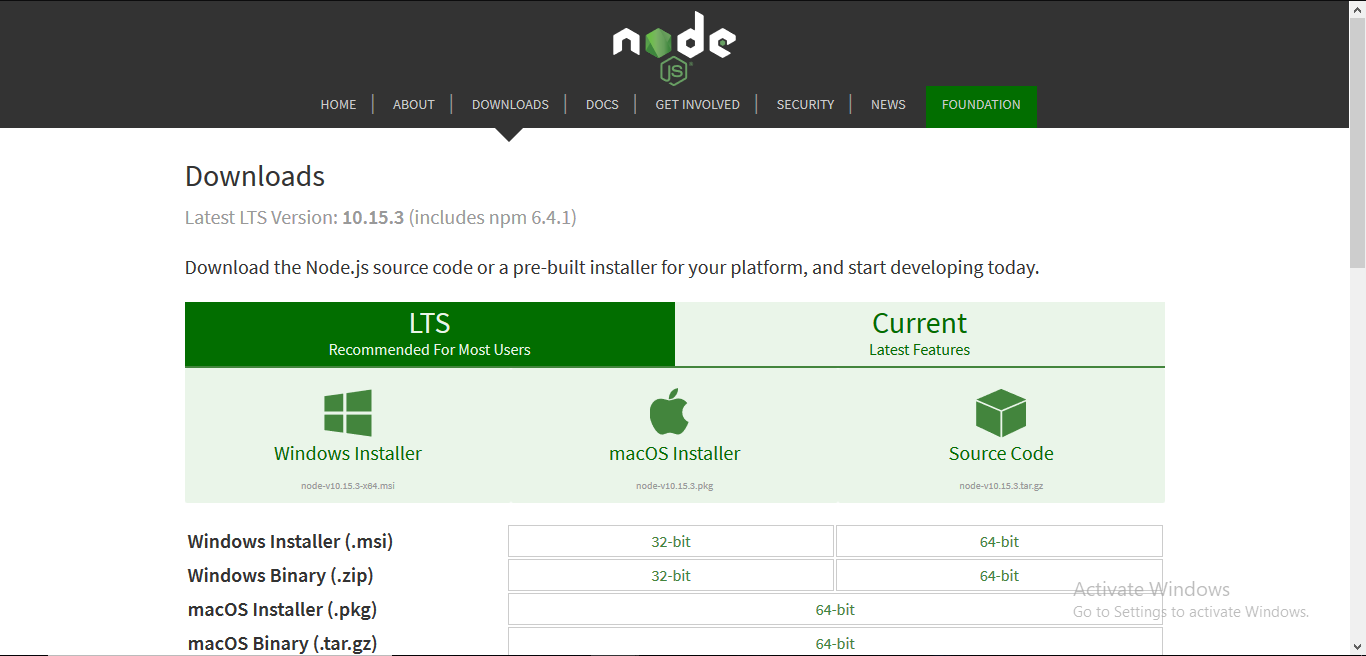 Install Latest Version Of Node Js
https://media.geeksforgeeks.org/wp-content/uploads/20190311152716/Capture120.png
Copy the curl command from the README file that displays on the main page This will get you the most recent version of the installation script
Templates are pre-designed files or files that can be utilized for different functions. They can save time and effort by providing a ready-made format and design for developing various kinds of content. Templates can be used for individual or expert jobs, such as resumes, invitations, flyers, newsletters, reports, discussions, and more.
Install Latest Version Of Node Js

How to Install NodeJS | The Full-Stack Blog
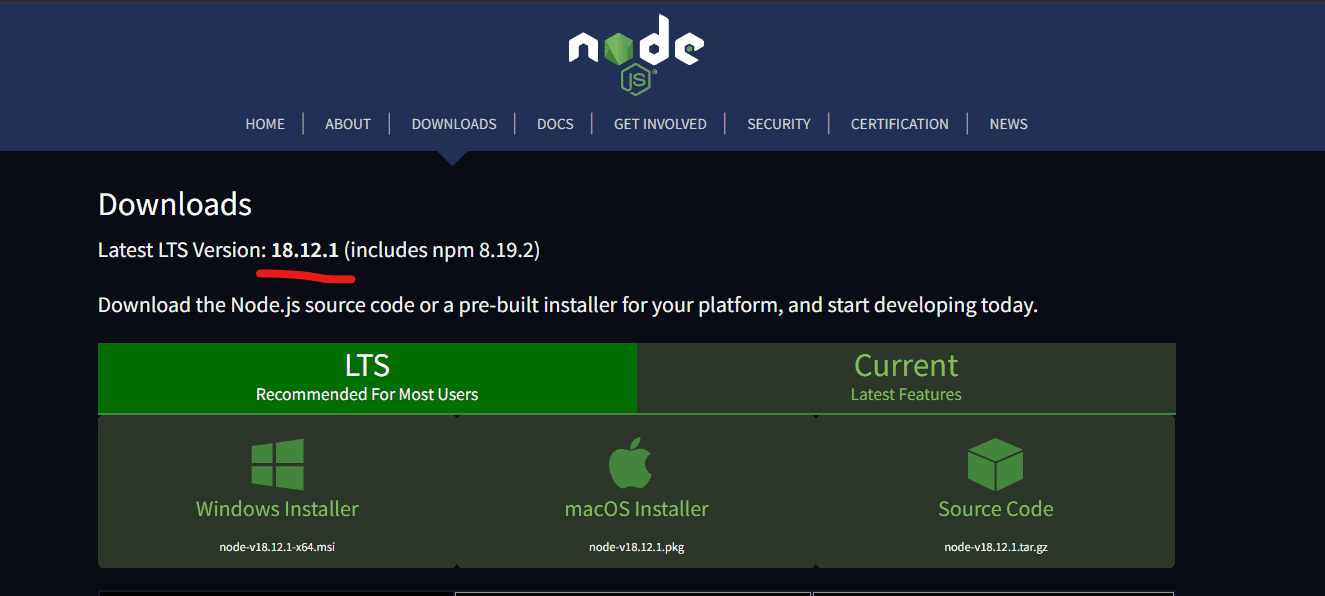
Managing the NodeJS versions on Windows | Narendra Kumar Vadapalli
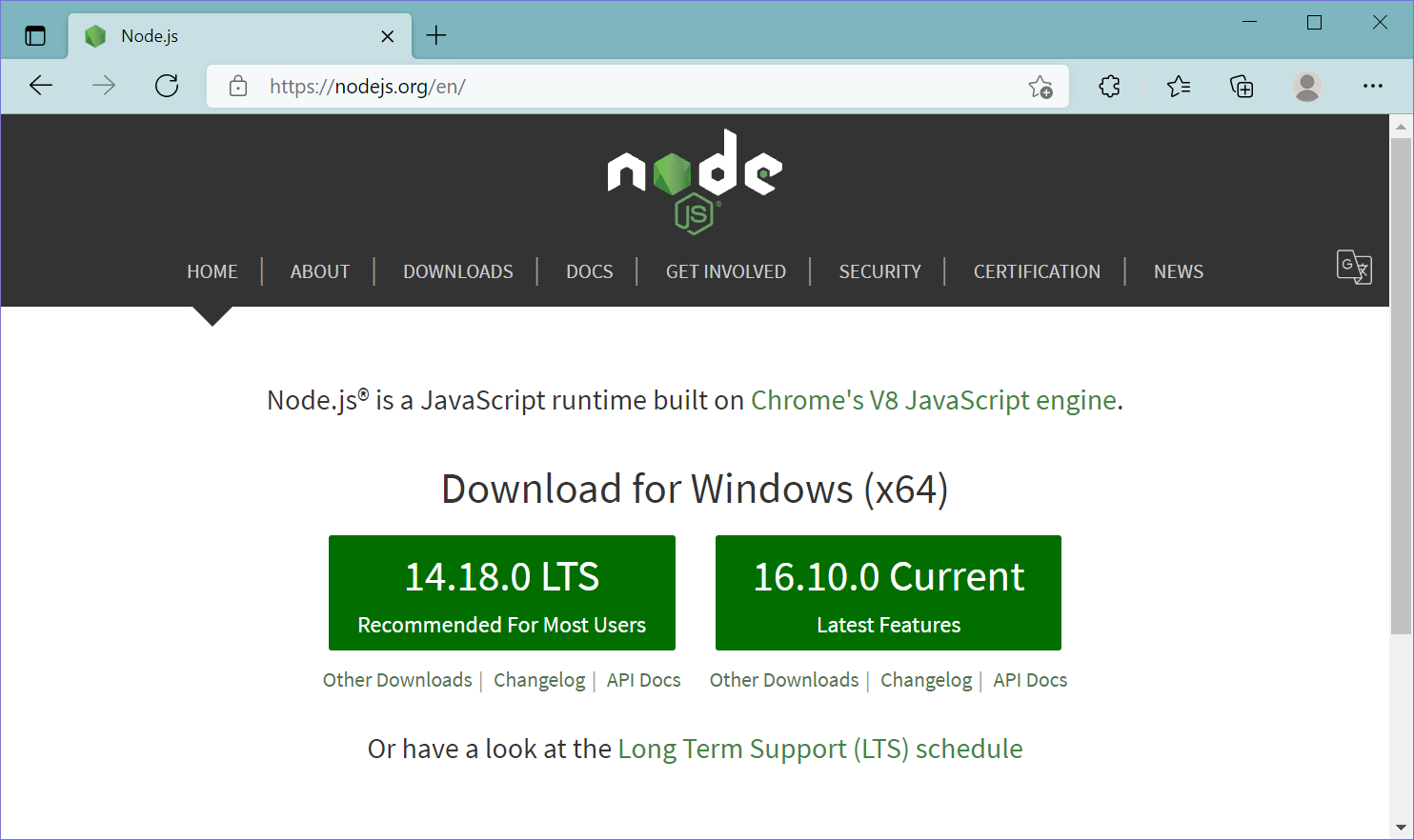
Install Node.js on Windows or Mac
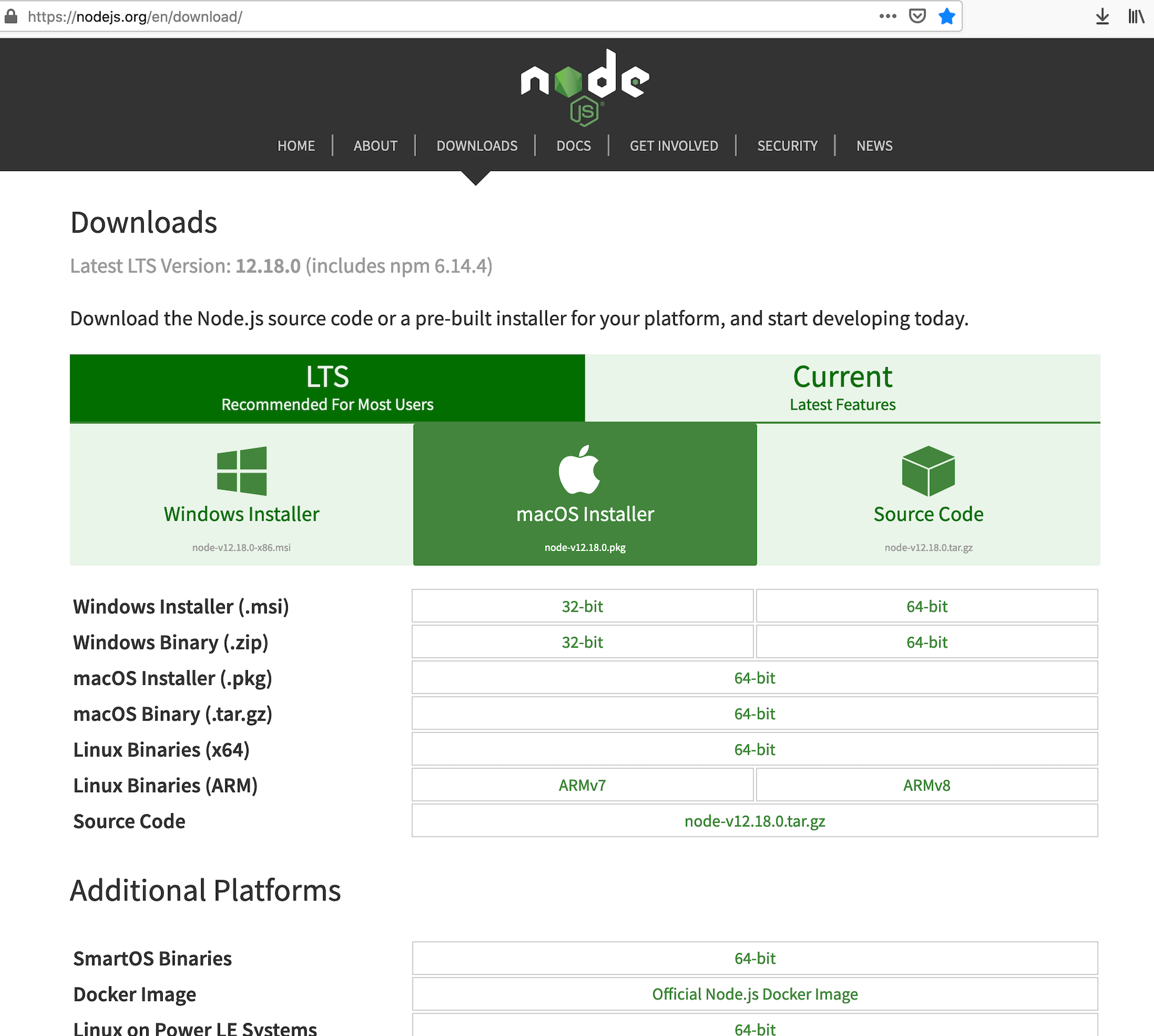
How to install Node.js and npm on macOS | newline

Node JS Environment Setup - Node.js installation | DigitalOcean
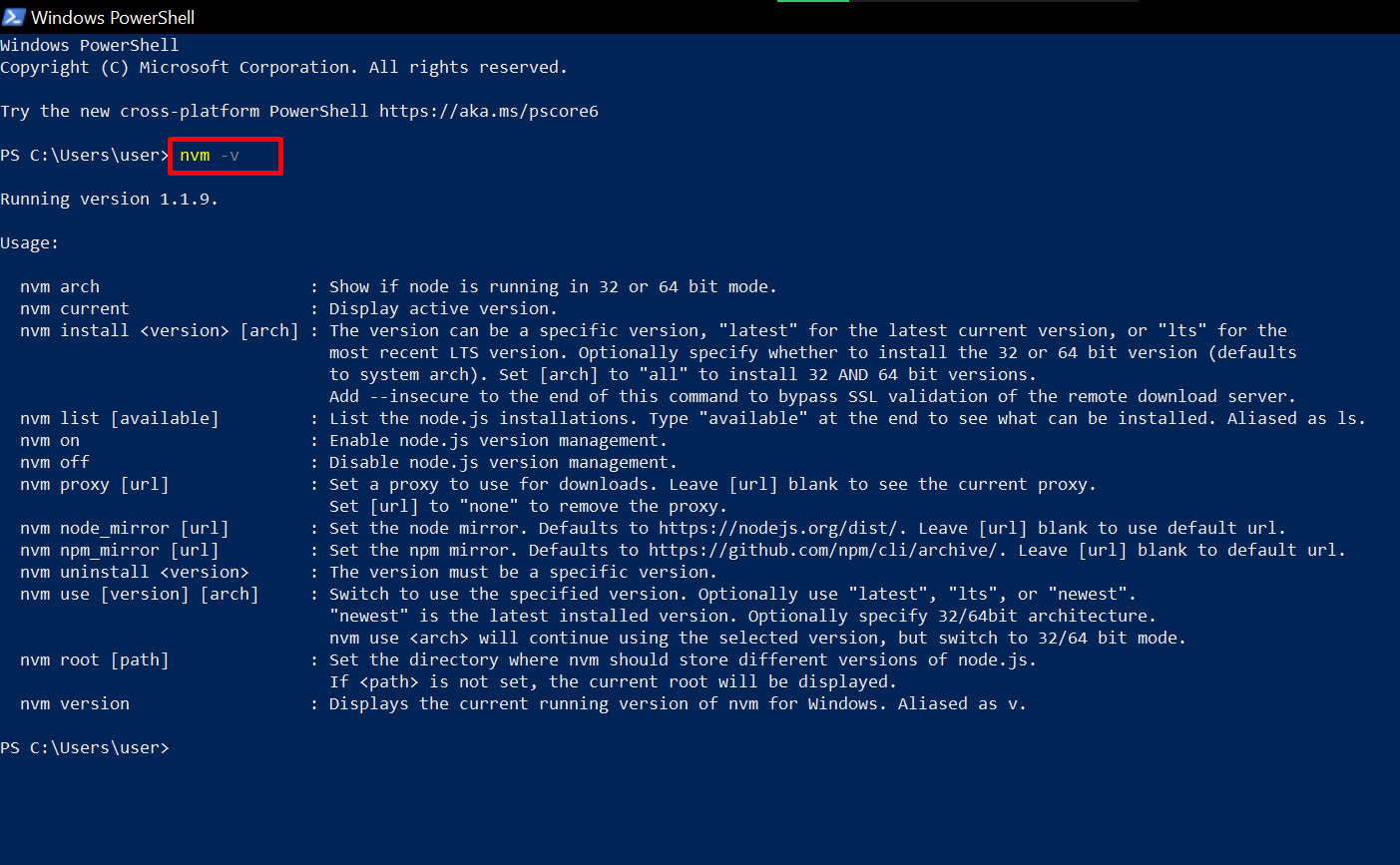
NVM for Windows – How to Download and Install Node Version Manager in Windows 10
To install Node you have to go to the Nodejs website to download the installer After downloading you can run the installer follow the
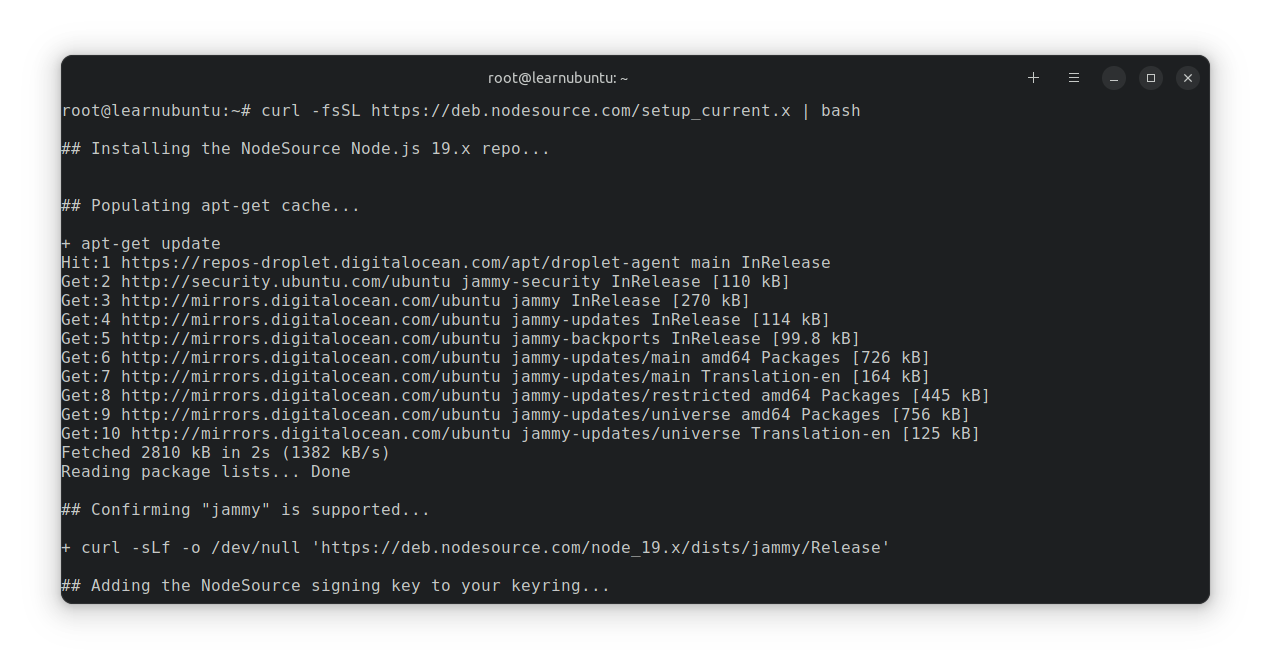
First check your current version of Node by running the following command node v Then run this command to install the latest version of Node

Note to download the latest version of npm on the command line run the following command Using a Node version manager to install Node js and npm
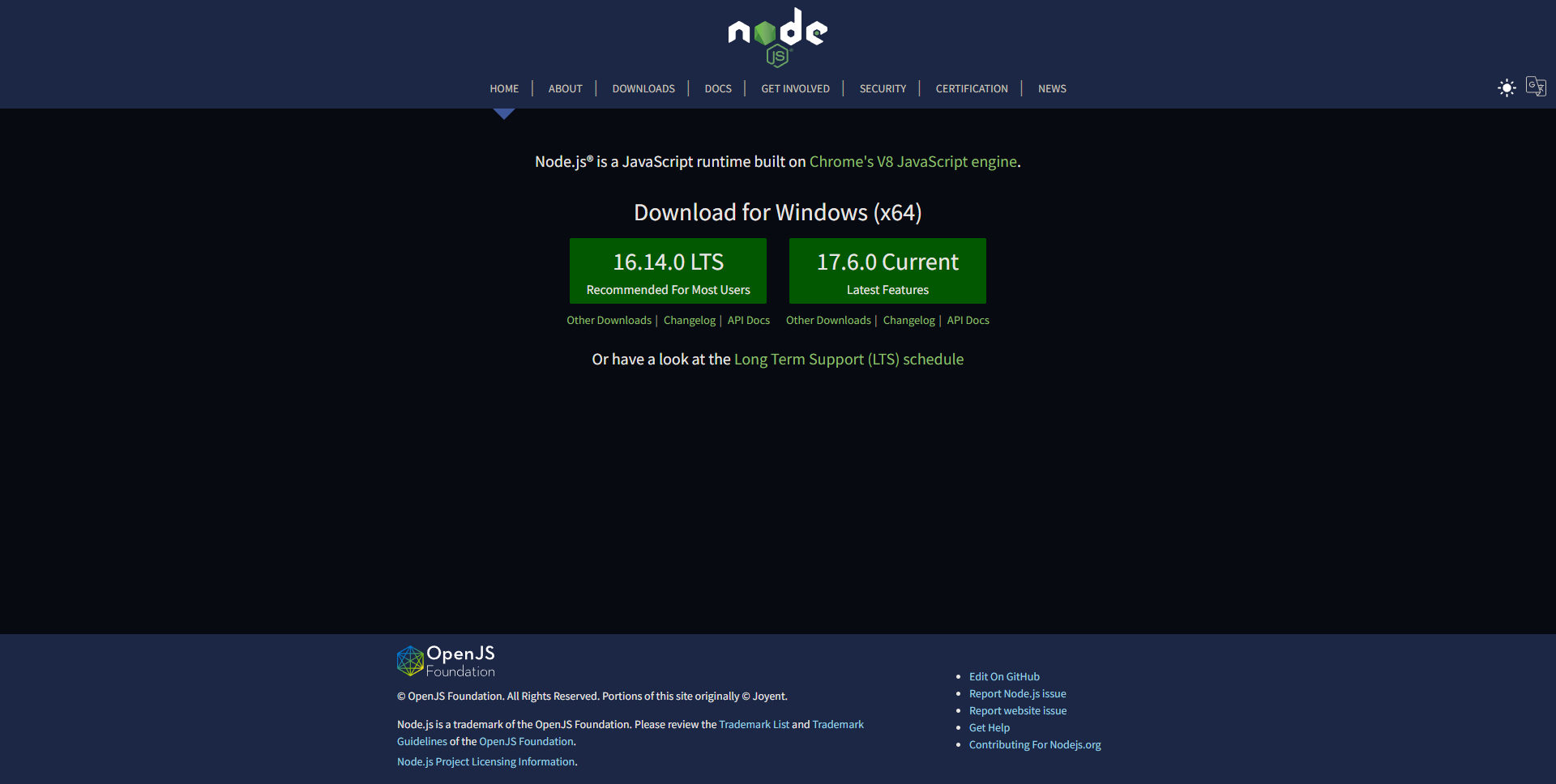
1 Navigate to the Node js website and click on the latest stable version or the newest current release with the latest features 2 After

Run npm v to see which installed version you re currently using Run npm install npm latest g to install the most recent npm update Run npm
In windows npm install g node version Example npm install g node 10 9 0 In linux sudo apt get install nodejs version 1chl1 precise1 This will need to be done each time a new version is installed Set your current version of node to your new version server nvm use v12 22 7
Node js offers two different versions for you to download the LTS version and the Current version The first one is Long Term Support LTS