Install Kde Desktop Debian 11 Debian 11 Bullseye : KDE Desktop : Server World Debian 11 Bullseye : KDE Desktop : Server World Install /Upgrade to KDE Plasma 5.22 in debian 11. - YouTube How to Install KDE Plasma Desktop Environment on Debian 11 - ByteXD Install KDE Plasma on Debian 10/9/Ubuntu 18.04 - kifarunix.com Web You can install KDE Plasma and its default set of applications in Debian even after the initial system installation by installing the KDE Plasma Desktop quot task quot This means installing the task kde desktop package
Web Jul 18 2022 nbsp 0183 32 A Debian 10 or Debian 11 system A sudo user Internet connectivity Free space 5 10 GB on the disk Installing KDE Plasma on Debian Follow these steps to install KDE Plasma on your Debian 10 system Step 1 Updating the apt package First we will update the apt package and run the following command in the terminal window sudo Web By default KDE Plasma is available on the Debian 11 base repository Now run the following below to install KDE Plasma Desktop Environment on a Debian system sudo apt install task kde desktop Install KDE Plasma using Tasksel First install Taskel on your Debian 11 system sudo apt install tasksel
Install KDE Plasma on Debian 10/9/Ubuntu 18.04 - kifarunix.com How to Install KDE Plasma Desktop Environment on Debian 11 - ByteXD Install KDE Plasma on Debian 10/9/Ubuntu 18.04 - kifarunix.com How to Install KDE Plasma Desktop on Debian - VITUX Fun Desktop Computing with Debian KDE Part 3: Applications How to Install KDE Plasma Desktop Environment on Debian 11 - ByteXD Debian 11 | KDE Desktop - YouTube Installing KDE Desktop Environment on Debian 10 Minimal Server How to Install KDE Plasma Desktop Environment on Debian 11 - ByteXD
Install Kde Desktop Debian 11
 Install Kde Desktop Debian 11
https://www.server-world.info/en/Debian_11/desktop/img/5.png
Web By EdXD June 30 2022 This post will give you a detailed guide on how to install KDE Plasma desktop environment on Debian 11 Complete Story Previous article How to Install Apache Cassandra NoSQL Database on Rocky Linux 8 Next article Hacking Linux is
Templates are pre-designed files or files that can be used for numerous functions. They can save effort and time by offering a ready-made format and design for creating various type of content. Templates can be utilized for individual or professional jobs, such as resumes, invites, flyers, newsletters, reports, discussions, and more.
Install Kde Desktop Debian 11
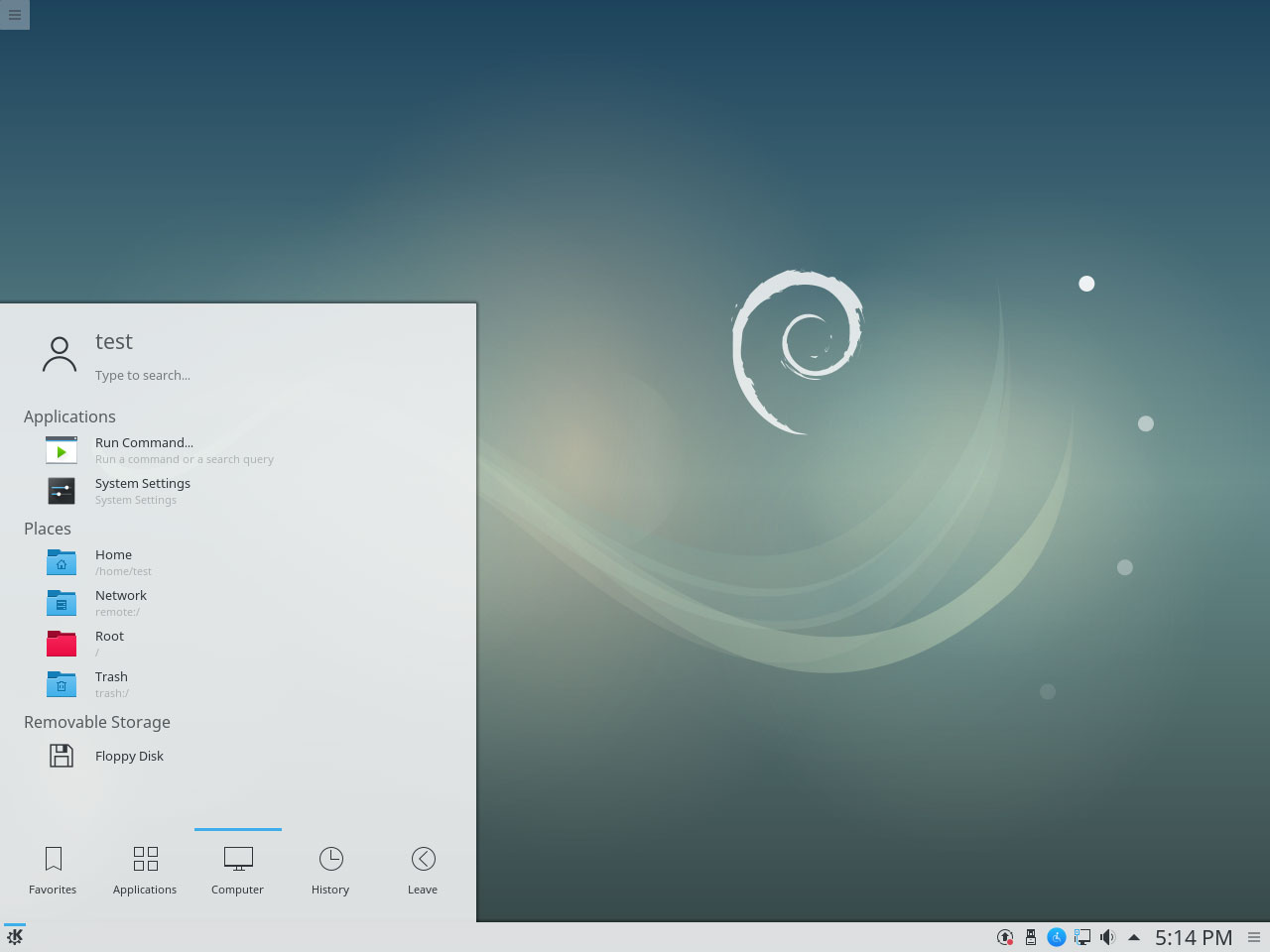
How To Install KDE GUI In Debian 9 Linux - RootUsers

How to Install KDE Plasma Desktop Environment on Debian 11 - ByteXD
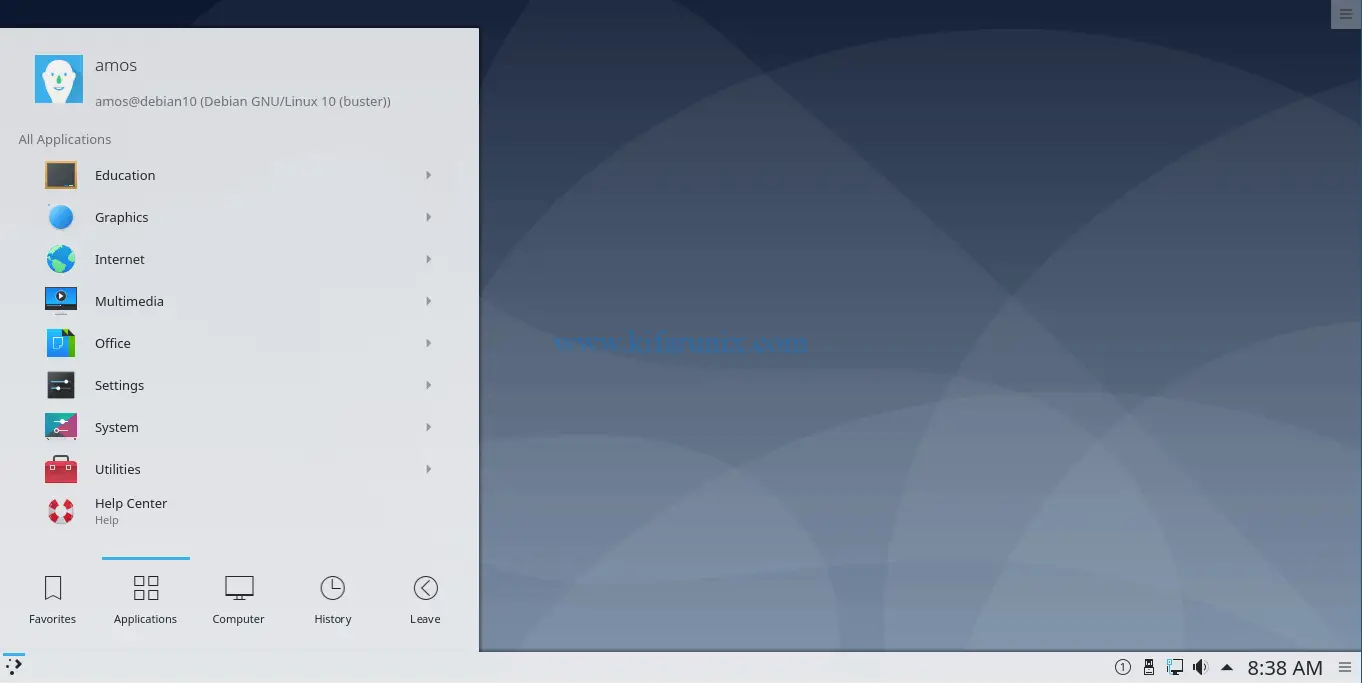
Install KDE Plasma on Debian 10/9/Ubuntu 18.04 - kifarunix.com

How to Install KDE Plasma Desktop on Debian - VITUX

How to Install KDE Plasma Desktop Environment on Debian 11 - ByteXD

Debian 11 | KDE Desktop - YouTube
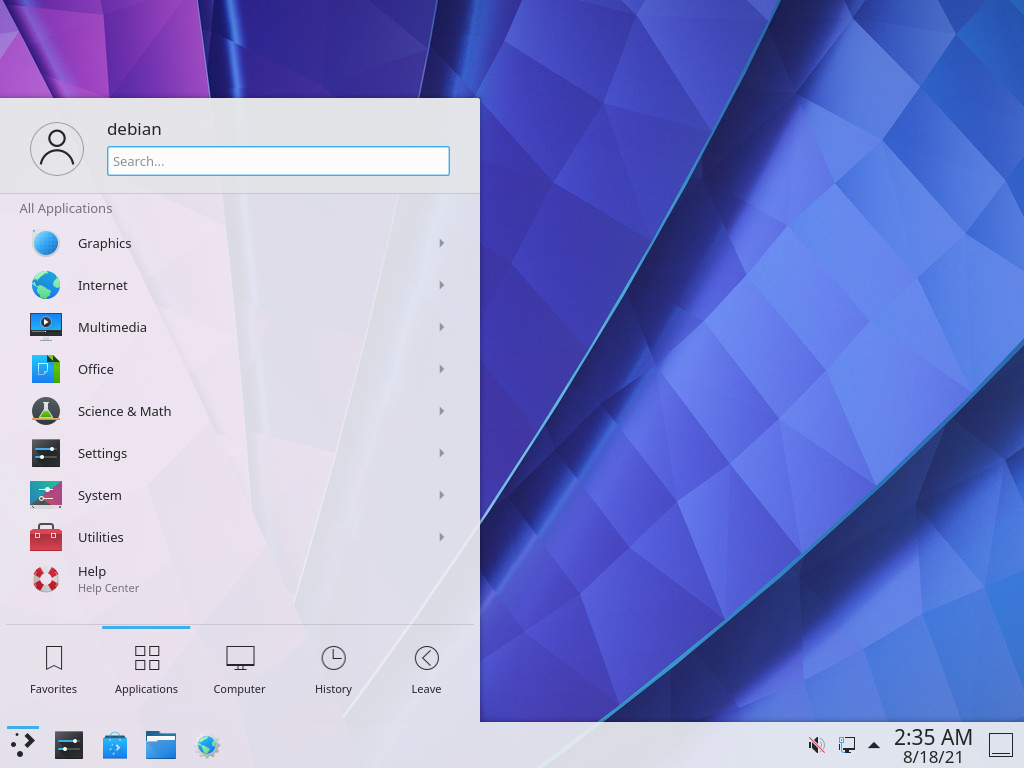
Web Dec 10 2021 nbsp 0183 32 Here we will see the commands to install KDE Plasma s latest and testing desktop version on Debian 11 Bullseye server or desktop using the terminal Users who have used Windows will definitely find the KDE desktop environment on
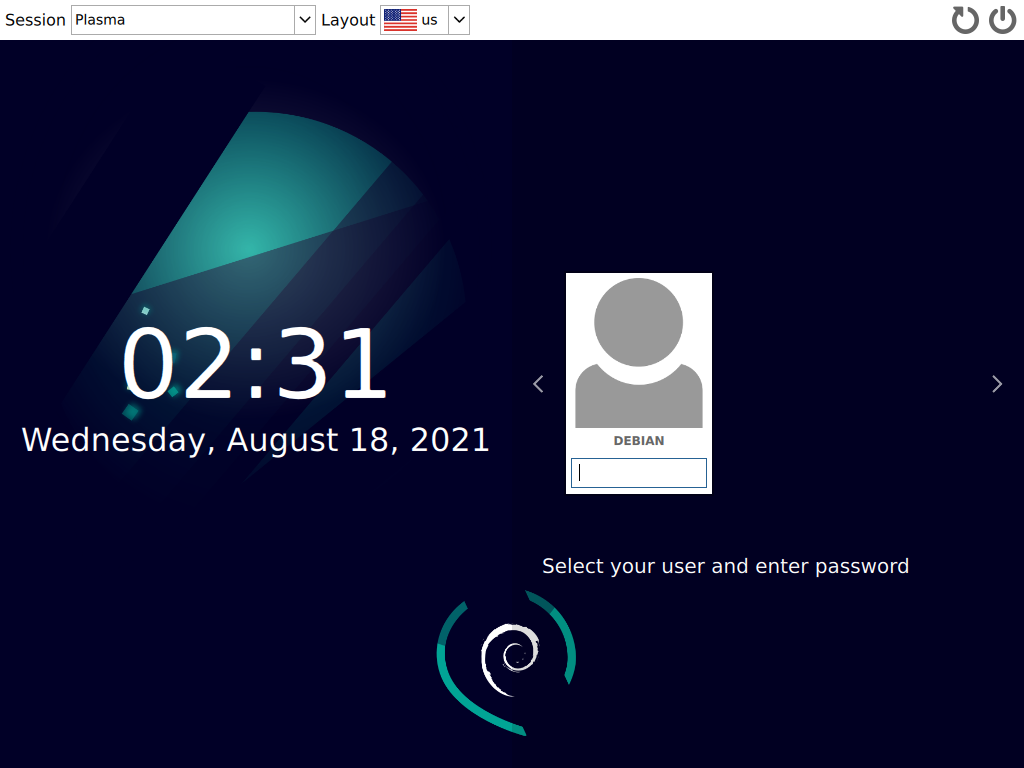
Web Debian 11 Bullseye was released on August 2021 14 and is available in a variety of desktop environments In this description we will install the desktop version of KDE Plasma using the Calamares installer in the Live version which offers a convenient clean and simplified installation process

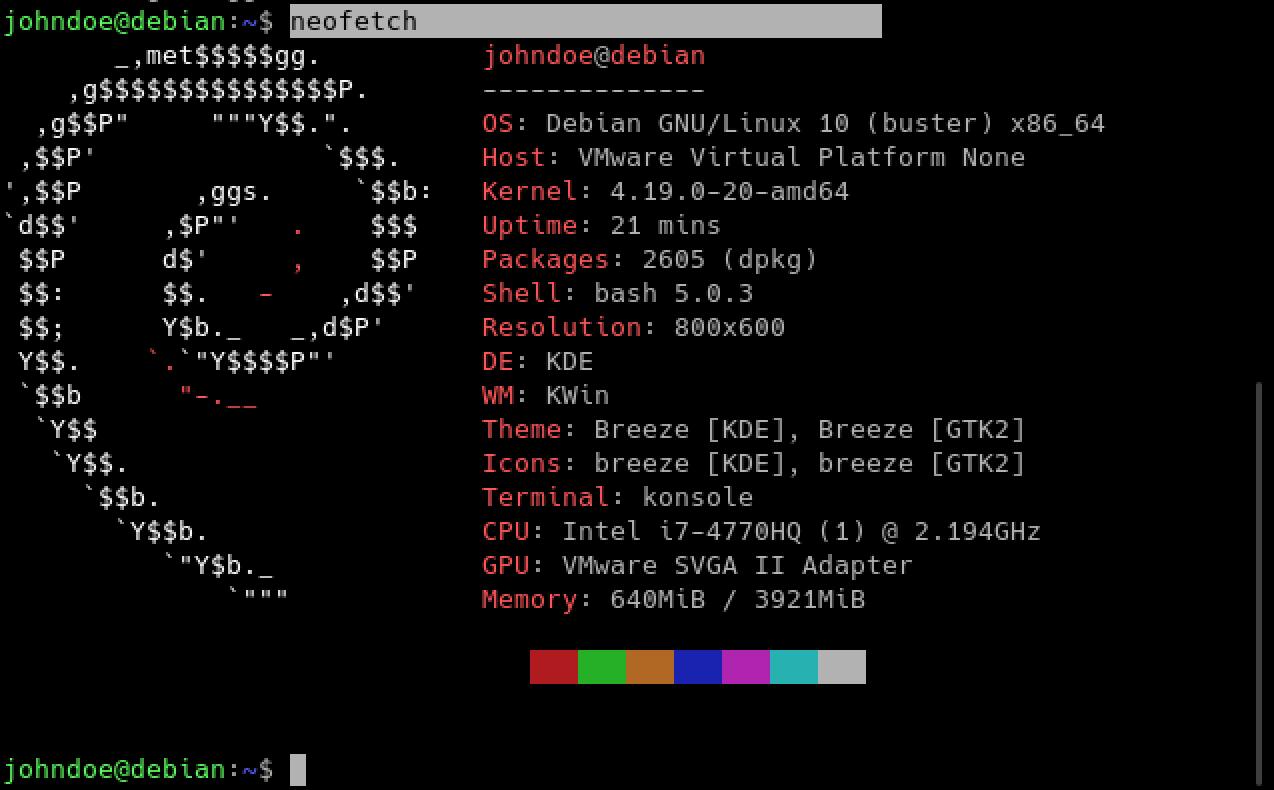
Web Jun 28 2022 nbsp 0183 32 Install KDE Plasma Desktop on Debian Method 1 Install KDE Plasma Desktop from the Command line Method 2 Install KDE Plasma Desktop Using Tasksel Access the KDE Plasma Desktop Environment The KDE Plasma Desktop Install Neofetch Utility Update the KDE Plasma Desktop Uninstall KDE Plasma Desktop
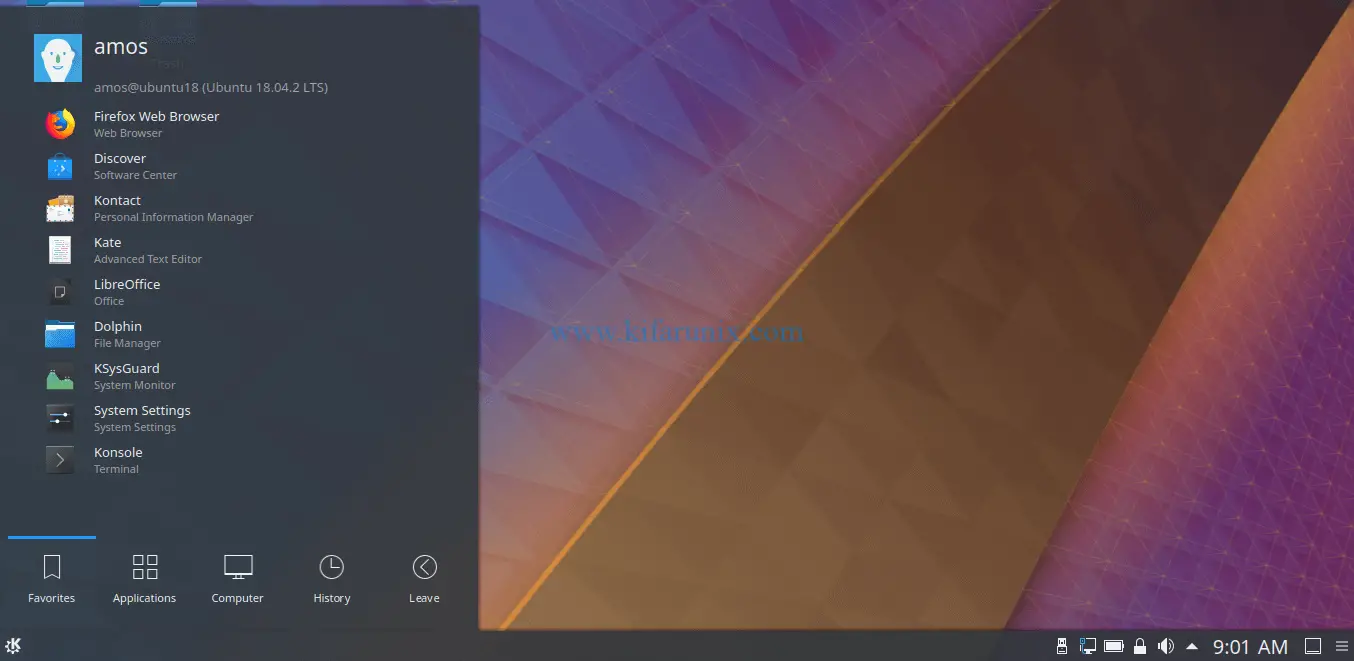
Web Sep 27 2021 nbsp 0183 32 Option 1 Install KDE Plasma Desktop Environment using Tasksel In Debian 11 there is this amazing command line tool known as Tasksel This tool makes it easy to install Desktop environments on your Debian system First ensure it is installed on your system otherwise use sudo apt install tasksel
Web Sep 7 2022 nbsp 0183 32 Step 1 Download Debian 11 DVD ISO The first step is to down the Debian 11 ISO image file So head over to the official Debian download page and download the DVD ISO file Once downloaded use any of these tools to create a bootable USB drive Next plug the bootable USB drive into your PC and reboot
Web Sep 7 2022 nbsp 0183 32 Now let s move on to installing the Plasma Desktop Debian 11 KDE Step 1 Download Debian 11 DVD ISO The first step is to lower the Debian 11 ISO image file So head over to the official Debian download page and download the DVD ISO file Once downloaded use one of the these tools to create a bootable usb drive Web 13 3 3 Xfce and Others Xfce is a simple and lightweight graphical desktop which is a perfect match for computers with limited resources It can be installed with apt install xfce4 task xfce desktop Like GNOME Xfce is based on the GTK toolkit and several components are common across both desktops
Web To install our software on Linux pick a distro and grab the packages you want See Get KDE Software on your Linux Distro KDE Plasma Our Desktop Installing Plasma on your system is easy if you use the major Linux distributions it s included in nearly all of them A partial list can be found here Distributions Shipping KDE Software