Install Kali Linux Virtual Machine On Windows 10 How to Install Kali Linux 2022.2 in VirtualBox on Windows 10 [Kali Linux for Beginners 2022] - YouTube Installing Kali Linux in Virtual Box on Windows 10 - YouTube How to Install Kali Linux in VM VirtualBox and Configure the network. (100%) - YouTube How to install Kali Linux 2020.1 on VirtualBox | by Diyorbek Juraev | Clean Software | Medium How To Install Kali Linux 2017 Using Virtual Box In Windows 10/8.1/8/7 - YouTube Download the Kali Linux app 134MB from the Microsoft Store and launch once it completes 3 Create a user account during the installation process copy new credentials down 4 Run the command cat etc issue to verify the environment 5
How to Install Kali Linux in VirtualBox on Windows 10 a 2021 Tutorial We ll run through the steps to Install Kali Linux 2021 2 in VirtualBox on Windows 10 Use one of the methods When you complete the steps proceed to the next step Download and Install Kali Linux App Once you have enabled the Linux subsystem use the steps below to download and install Kali Linux app on Windows 10 Type microsoft store in the Windows 10 search Then from the search results click Microsoft Store
How To Install Kali Linux 2017 Using Virtual Box In Windows 10/8.1/8/7 - YouTube How to set up Kali Linux with a GUI On Windows - Addictive Tips Guide Install Kali Linux on Windows 10 from the Microsoft Store (Windows Subsystem for Linux) [Tutorial] - YouTube How to install Kali Linux in VMware - Linux Tutorials - Learn Linux Configuration How to Install Kali Linux on Your Computer Installing Kali Linux on VirtualBox: Quickest & Safest Way How to install Kali Linux 2020.1 on VirtualBox | by Diyorbek Juraev | Clean Software | Medium How to Install Kali Linux onto a Virtual Machine - iFixit Repair Guide How to create Windows 10 virtual machine on VirtualBox - Pureinfotech
Install Kali Linux Virtual Machine On Windows 10
 Install Kali Linux Virtual Machine On Windows 10
https://i.ytimg.com/vi/Mbmzzci5bjQ/maxresdefault.jpg
Step 2 Download the Kali Linux ISO file and check the image integrity Download Kali Linux from the official download page and select the build the best suits your needs Check the integrity of the image you downloaded by comparing the SHA 256 fingerprint of the file and compare it to the hexadecimal numbers on the downloads page Add a comment
Templates are pre-designed files or files that can be used for numerous purposes. They can save time and effort by providing a ready-made format and layout for creating various kinds of content. Templates can be utilized for personal or professional jobs, such as resumes, invitations, leaflets, newsletters, reports, presentations, and more.
Install Kali Linux Virtual Machine On Windows 10

How to Install Kali Linux 2022.3 in VirtualBox on Windows 10 [Kali Linux for Beginners 2022] - YouTube
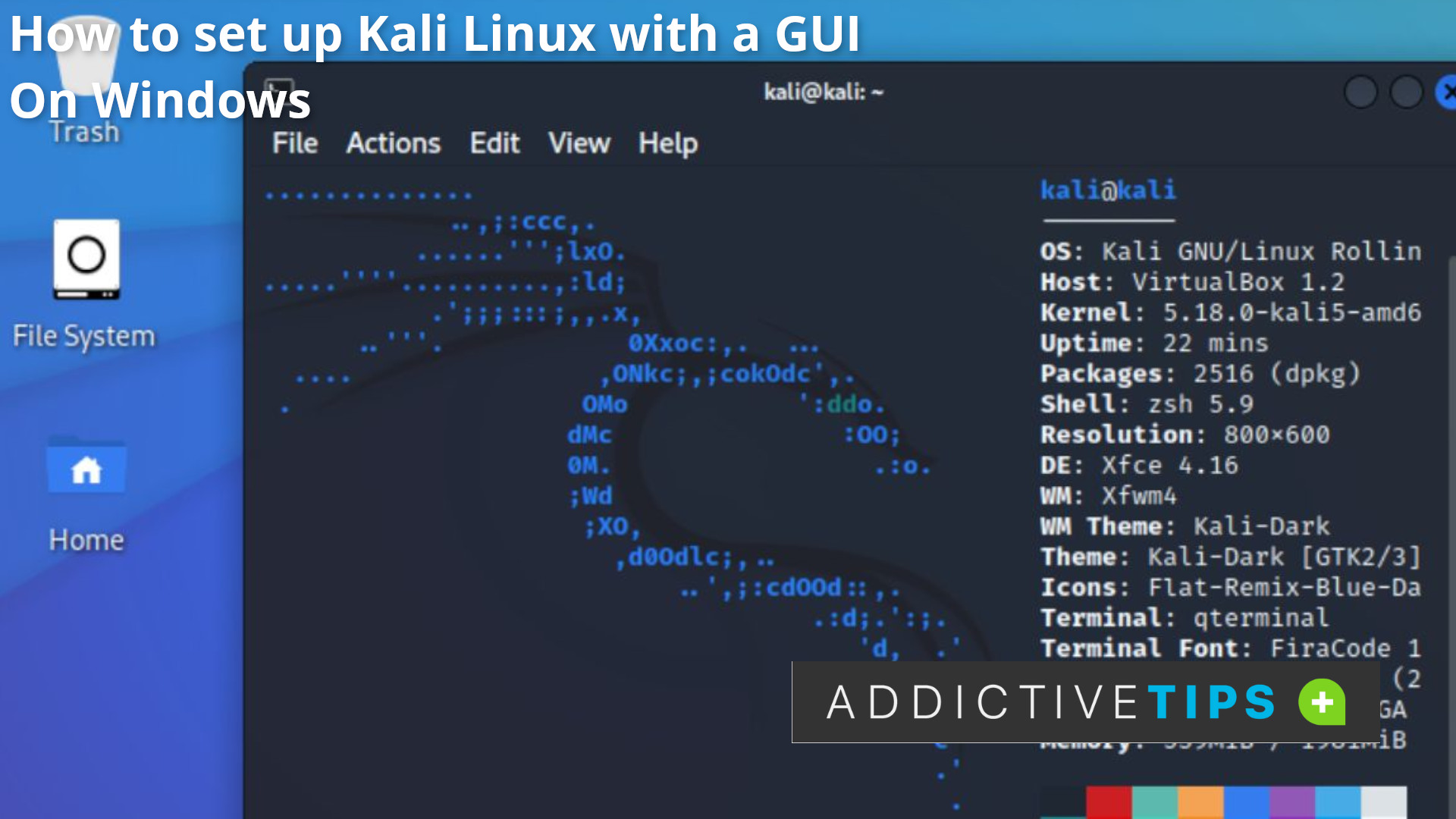
How to set up Kali Linux with a GUI On Windows - Addictive Tips Guide
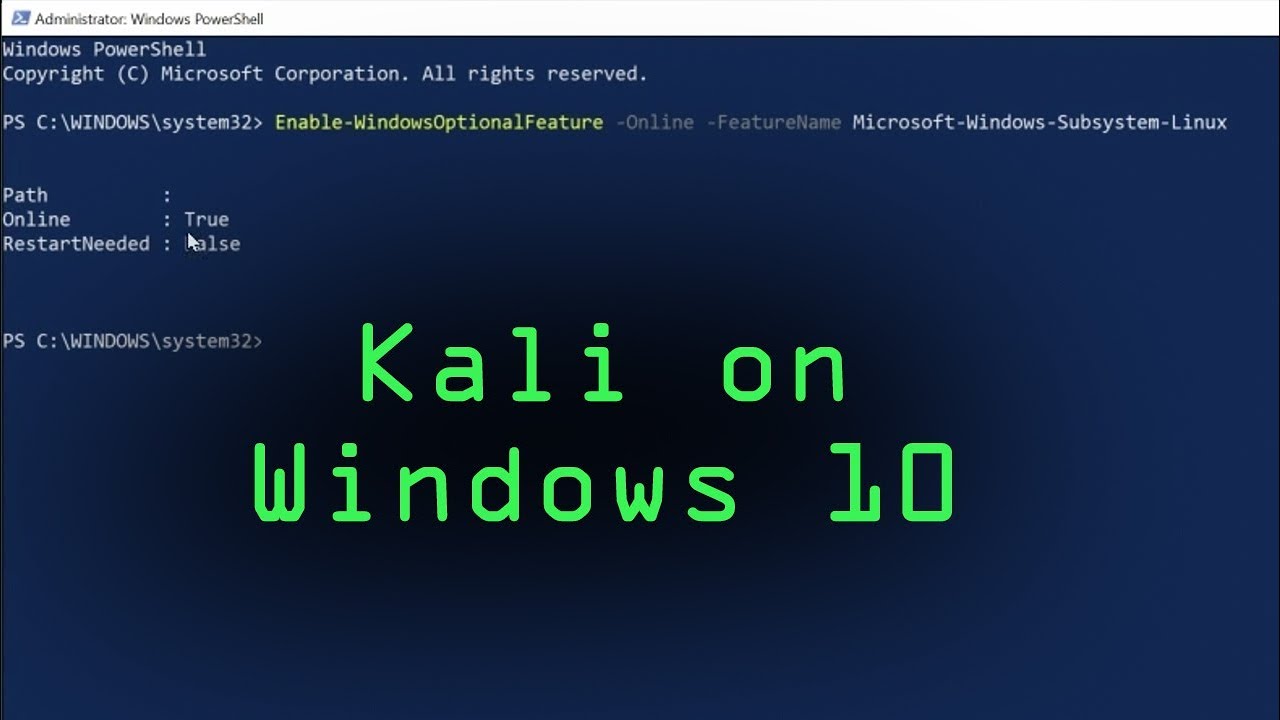
Install Kali Linux on Windows 10 from the Microsoft Store (Windows Subsystem for Linux) [Tutorial] - YouTube
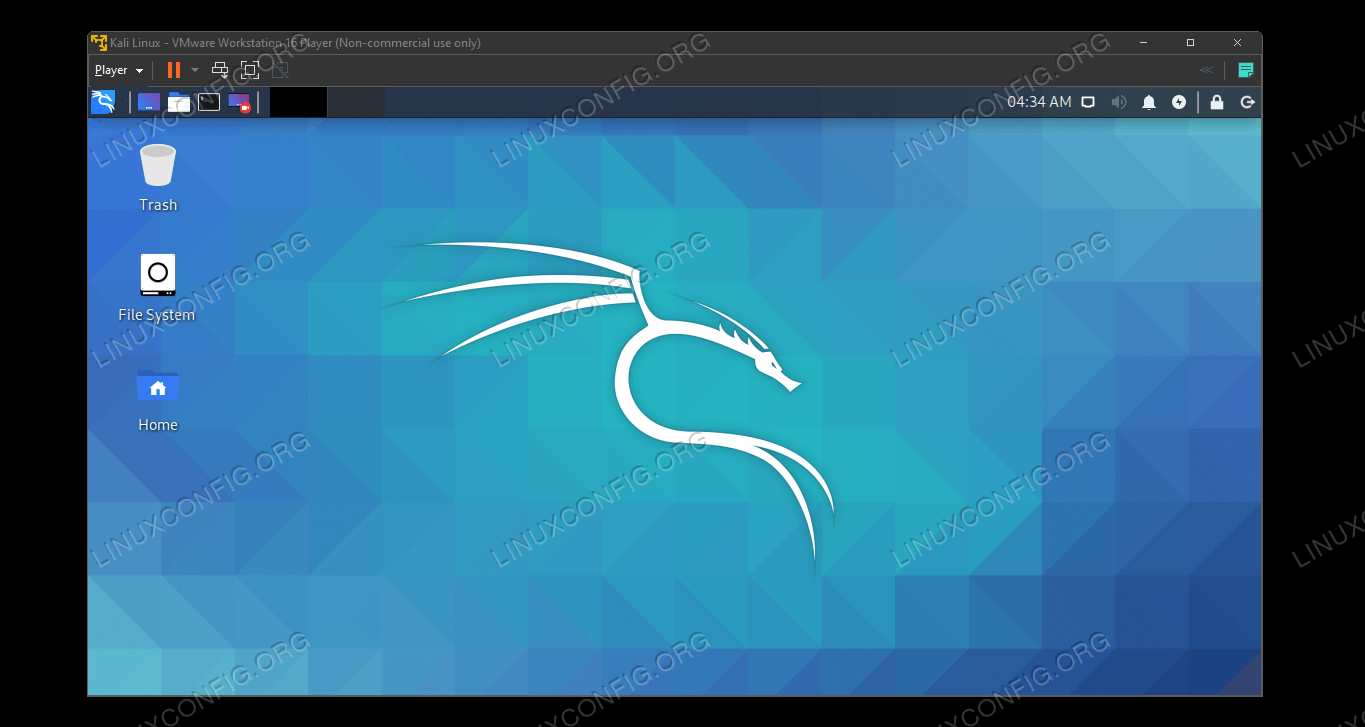
How to install Kali Linux in VMware - Linux Tutorials - Learn Linux Configuration

Installing Kali Linux on VirtualBox: Quickest & Safest Way
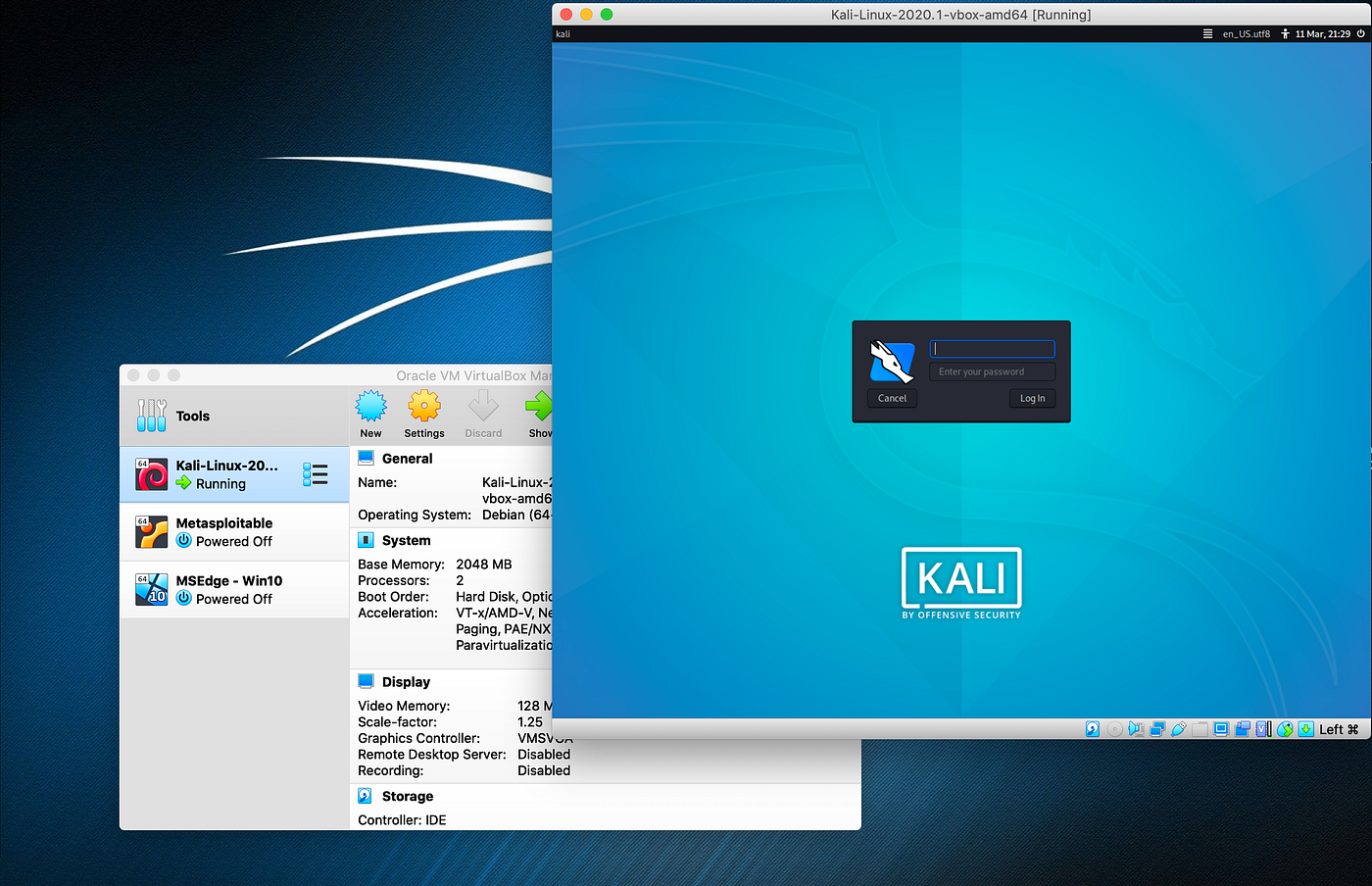
How to install Kali Linux 2020.1 on VirtualBox | by Diyorbek Juraev | Clean Software | Medium

Choose your ali LIGHT DARK Installer Images Direct access to hardware Customized Kali kernel No overhead Single or multiple boot Kali giving you complete control over the hardware access perfect for in built Wi Fi and GPU enabling the best performance Virtual Machines Snapshots functionary Isolated environment Customized Kali kernel

Installing Kali Linux on a VirtualBox virtual machine allows you to run it on your Windows PC providing an isolated environment for testing and learning without compromising your existing Windows installation

Quick Method Our recommended method to get Kali running on WSL 2 Open a administrator command prompt and run dism exe online enable feature featurename VirtualMachinePlatform all norestart dism exe online enable feature featurename Microsoft Windows Subsystem Linux all Restart when prompt
Installing Kali Linux Installing Kali on Mac Hardware Dual Booting Kali with Linux Dual Booting Kali with macOS OS X Dual Booting Kali with Windows BTRFS Install Kali Unkaputtbar Deploying Kali over Network PXE Install Making a Kali Bootable USB Drive on Windows LIGHT DARK

What is WSL The Windows feature name WSL short for Windows Subsystem for Linux is like magic for those who want to run a full Linux distribution right on their Windows machine With WSL you can use Linux utilities and applications without the need to switch to a separate Linux machine or set up complex virtual machines
New Here s the installation of latest version Kali Linux 2023 1 https youtu be CLitip29rRMIn this video I will show you how to install Kali Linux 2022 1 Download and Install VirtualBox on Windows 11 or 10 2 Kali Linux ISO image download 3 Create a new virtual machine and configure storage memory 4 Install Kali Linux on the virtual machine 5 Starting and Upgrading Kali Linux in VirtualBox 6 Installing Guest Additions optional 7 Enable Copy and paste between Windows and Kali Linux 8
Virtual Machine configuration Start up VirtualBox and click the New button Choose a name for your operating system It will be used in any filenames such as configuration hard disk and snapshot Then select the Kali Linux ISO file you just downloaded and then click Next