Install Kali Linux In Usb Drive Persistent How To Make A Live Persistence Kali Linux 2022 1 USB Drive Install How To Make Fully Loaded Persistent Kali Linux Live USB Drive 2020 HOW TO INSTALL KALI LINUX IN USB FLASH DRIVE BOOTABLE USB FLASH DRIVE How To Boot Kali Linux From A USB Flash Drive Systran Box How To Make A Persistent Kali Linux Live USB Drive 2018 YouTube Web Standalone Kali Linux 2021 4 Installation on a USB Drive Fully Encrypted Updating Kali Linux on USB Adding Persistence to a Kali Linux Live USB Drive Adding Encrypted Persistence to a Kali Linux Live USB Drive USB Boot in VMware USB Boot in VirtualBox
Web Standalone Kali Linux 2021 4 Installation on a USB Drive Fully Encrypted Updating Kali Linux on USB Adding Persistence to a Kali Linux Live USB Drive Adding Encrypted Persistence to a Kali Linux Live USB Drive USB Boot in VMware USB Boot in VirtualBox Web To use the persistent data features simply plug your USB drive into the computer you want to boot up Kali Live on make sure your BIOS is set to boot from your USB device and fire it up When the Kali Linux boot screen is displayed choose the persistent option you set up on your USB drive either normal or encrypted
How To Make A Persistent Kali Linux Live USB Drive 2018 YouTube You ll Need To Have Root Privileges To Do This Procedure Or The Linux Live USB Creator Install Kali Linux Using USB Thelifehax How To Install Kali Linux In USB Live Persistence 2020 Bangla Tutorial How To Make A Persistent Kali Linux Usb Drive Floorhoreds How To Install Kali Linux On USB Flash Drive Full Guide How To Install Kali Linux On USB Drive Persistent CyberPratibha How To Create A Persistent Kali Linux USB Drive PORTABLE HACKING How To Install Kali Linux On USB Drive Persistent CyberPratibha
Install Kali Linux In Usb Drive Persistent
 Install Kali Linux In Usb Drive Persistent
https://i.ytimg.com/vi/r3NnqqBOrrc/maxresdefault.jpg
Web Standalone Kali Linux 2021 4 Installation on a USB Drive Fully Encrypted Updating Kali Linux on USB Adding Persistence to a Kali Linux Live USB Drive Adding Encrypted Persistence to a Kali Linux Live USB Drive USB Boot in VMware USB Boot in VirtualBox
Templates are pre-designed files or files that can be used for different functions. They can conserve effort and time by offering a ready-made format and layout for developing various sort of material. Templates can be utilized for personal or expert jobs, such as resumes, invitations, flyers, newsletters, reports, presentations, and more.
Install Kali Linux In Usb Drive Persistent
Making A Live Bootable Kali Linux USB Drive With Persistence
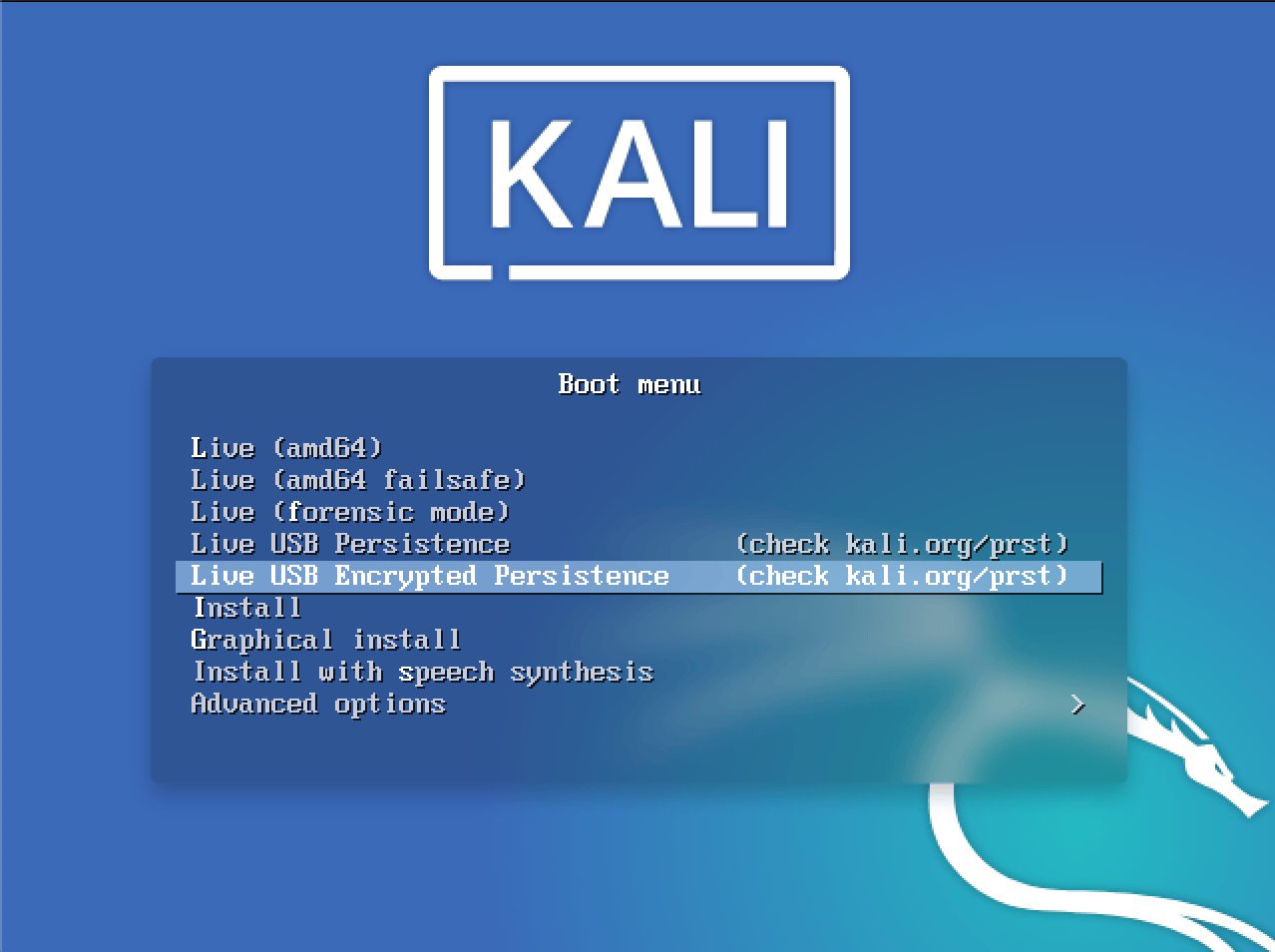
You ll Need To Have Root Privileges To Do This Procedure Or The
Linux Live USB Creator Install Kali Linux Using USB Thelifehax

How To Install Kali Linux In USB Live Persistence 2020 Bangla Tutorial

How To Install Kali Linux On USB Flash Drive Full Guide

How To Install Kali Linux On USB Drive Persistent CyberPratibha
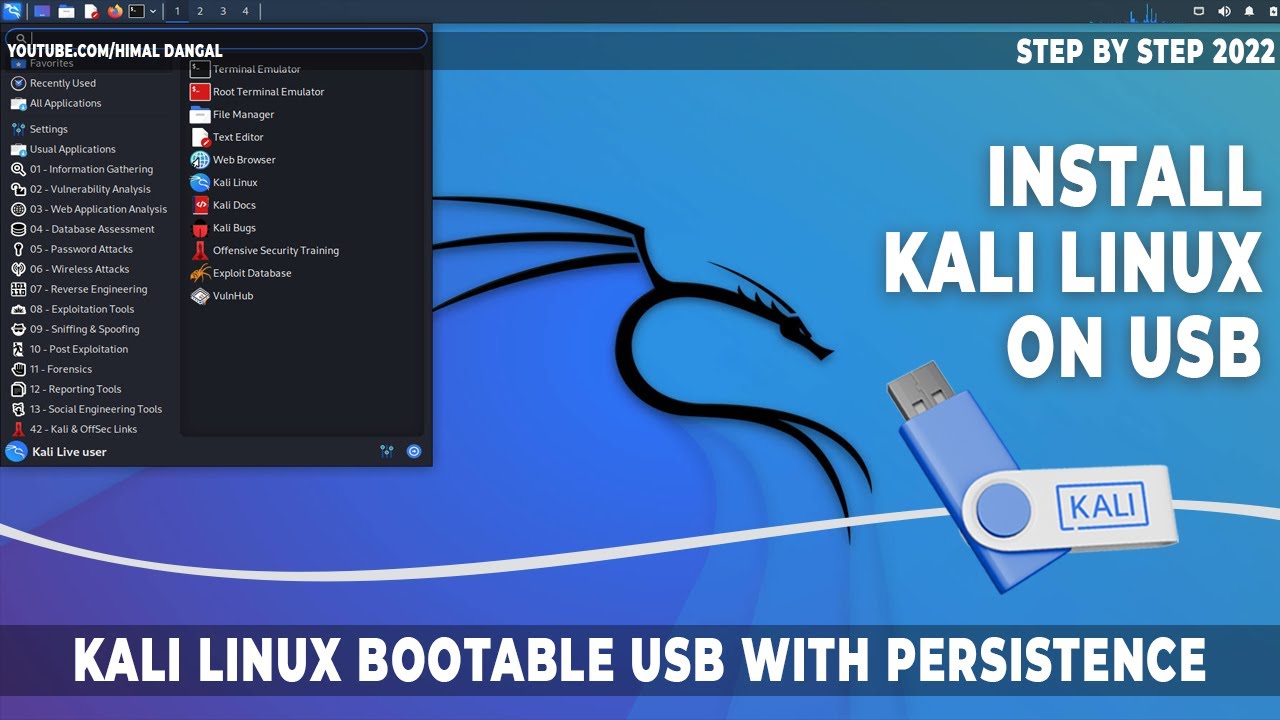
Web May 28 2020 nbsp 0183 32 Create a Kali Linux persistent USB Distributions This will work from any distribution Requirements A working Linux install with root privileges You ll also need a USB drive with at least 8GB of space Difficulty Easy Conventions requires given linux command to be executed with root privileges either directly as a root user or by

Web Jun 19 2023 nbsp 0183 32 1 Download Kali Linux Head over to the official website kali and click on downloads Scroll down to Live Boot and download the appropriate version of Kali Linux depending on your

Web Aug 28 2021 nbsp 0183 32 Boot Time It has a relatively slower boot time as the Live USB runs a series of compatibility tests to ascertain that it can run efficiently on the computer This process slows down the amount of time required for booting Security issues Booting a Live USB boot the desktop directly

Web Making a Kali Bootable USB Drive on Windows Standalone Kali Linux 2021 4 Installation on a USB Drive Fully Encrypted Updating Kali Linux on USB Adding Persistence to a Kali Linux Live USB Drive Adding Encrypted Persistence to a Kali Linux Live USB Drive USB Boot in VMware USB Boot in VirtualBox LIGHT DARK

Web We will explore features such as persistence creating LUKS encrypted persistence stores and even dabble in LUKS Nuking our USB drive The default Kali Linux ISOs from 1 0 7 onwards support USB encrypted persistence 0x01 Start by imaging the Kali ISO onto your USB drive ours was dev sdb Once done you can inspect the USB
Web Nov 11 2021 nbsp 0183 32 10 10 0 00 10 40 Installing Kali Linux 2021 3a on USB stick with persistence amp encryption step by step manual CyberYozh Eng 434 subscribers Subscribe 517 28K views 1 year ago How to Web Installing to a USB drive with persistent memory Having a Kali Linux USB drive provides us with the ability to persistently save system settings and permanently update and install new software packages onto the USB device allowing us to carry our own personalized Kali Linux with us at all times
Web Requirements In order to properly update Kali Linux on a USB persistence must be setup If persistence is not setup re imaging the USB with an ISO from the weekly build will be a suitable update Process The best way to update Kali on a USB is to follow the same way you would on a full install