Install Intellij From Command Line Ubuntu Monokai Pro For JetBrains Monokai pro Ubuntu Show Default Gateway RDR IT How To Install IntelliJ IDEA On Ubuntu 22 04 20 04 LTS Linux Shout How Much Dmg Is 20 Potency Ff14 Heavywatcher Intellij Set Default Shorten Command Line BytesofGigabytes Web Jan 15 2020 nbsp 0183 32 Working Ubuntu Desktop machine User with sudo powers Internet connection to download and install IntelliJ IDEA on Ubuntu We can get started with the installation of dependencies then install and confirm that we can launch IntelliJ IDEA on Ubuntu Install Java Runtime Let s ensure we have Java installed sudo apt update
Web May 14 2016 nbsp 0183 32 Method 1 Install IntelliJ IDEA from the Software Center Recommended for Ubuntu Users The good news is that all variants of IntelliJ IDEA are available in the Software Center You have to search IntelliJ IDEA and it will show the possible results Installing IntelliJ IDEA is available in Ubuntu Software Center Web Aug 1 2023 nbsp 0183 32 First launch the terminal using the Ctrl Alt t keyboard shortcut and update system repositories using this command sudo apt update After updating all repositories install the important software dependencies that are necessary for running IntelliJ IDEA on your Ubuntu system
Intellij Set Default Shorten Command Line BytesofGigabytes IntelliJ IDEA Install Plugins From Command Line 2022 Code teacher Remove Package On Ubuntu From Command Line How To Install Program On Ubuntu How To Install IntelliJ IDEA 2017 2 6 How To Install IntelliJ IDEA On Ubuntu 18 04 Linuxize How To Install IntelliJ IDEA On Ubuntu 20 04 Linux Desktop Linux How To Install IntelliJ IDEA On Ubuntu 20 04 LTS YouTube How To Install IntelliJ IDEA On Ubuntu 18 04 Linux Mint 19 ITzGeek How To Install IntelliJ IDEA For Java On Ubuntu Tutorials24x7
Install Intellij From Command Line Ubuntu
 Install Intellij From Command Line Ubuntu
http://subtheme.dev/monokai-pro/theme/jetbrains/screenshots/monokai-pro-machine.png
Web Mar 7 2022 nbsp 0183 32 1 Requirements 2 Download IntelliJ IDEA 3 Extract Script 4 Install IntelliJ IDEA on Ubuntu 22 04 20 04 5 Create Desktop Shortcut 6 How to update or upgrade IntelliJ IDEA 7 Uninstall or remove it from Ubuntu 22 04 20 04 8 Use Snap to install IntelliJ Steps to install IntelliJ IDEA on Ubuntu 20 04 22 04 LTS
Templates are pre-designed documents or files that can be utilized for different purposes. They can save time and effort by providing a ready-made format and layout for producing various kinds of content. Templates can be utilized for individual or professional projects, such as resumes, invitations, leaflets, newsletters, reports, presentations, and more.
Install Intellij From Command Line Ubuntu
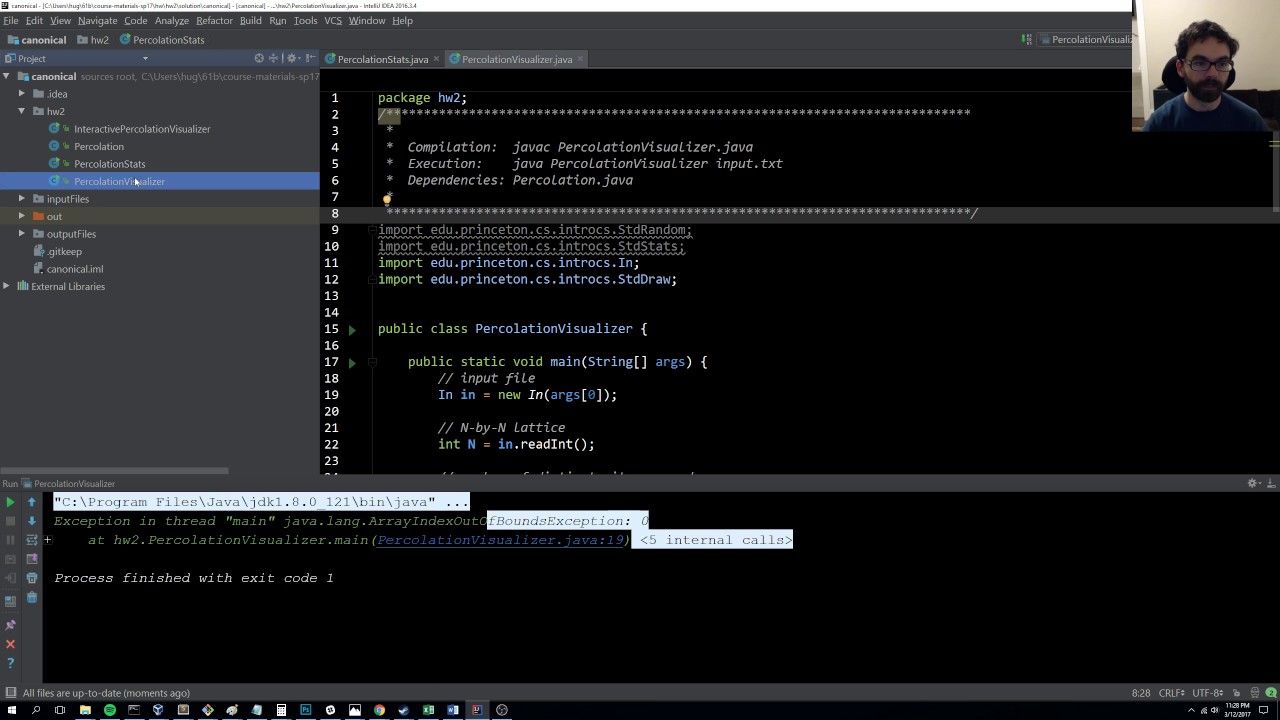
Command Line Arguments In IntelliJ For HW2 YouTube
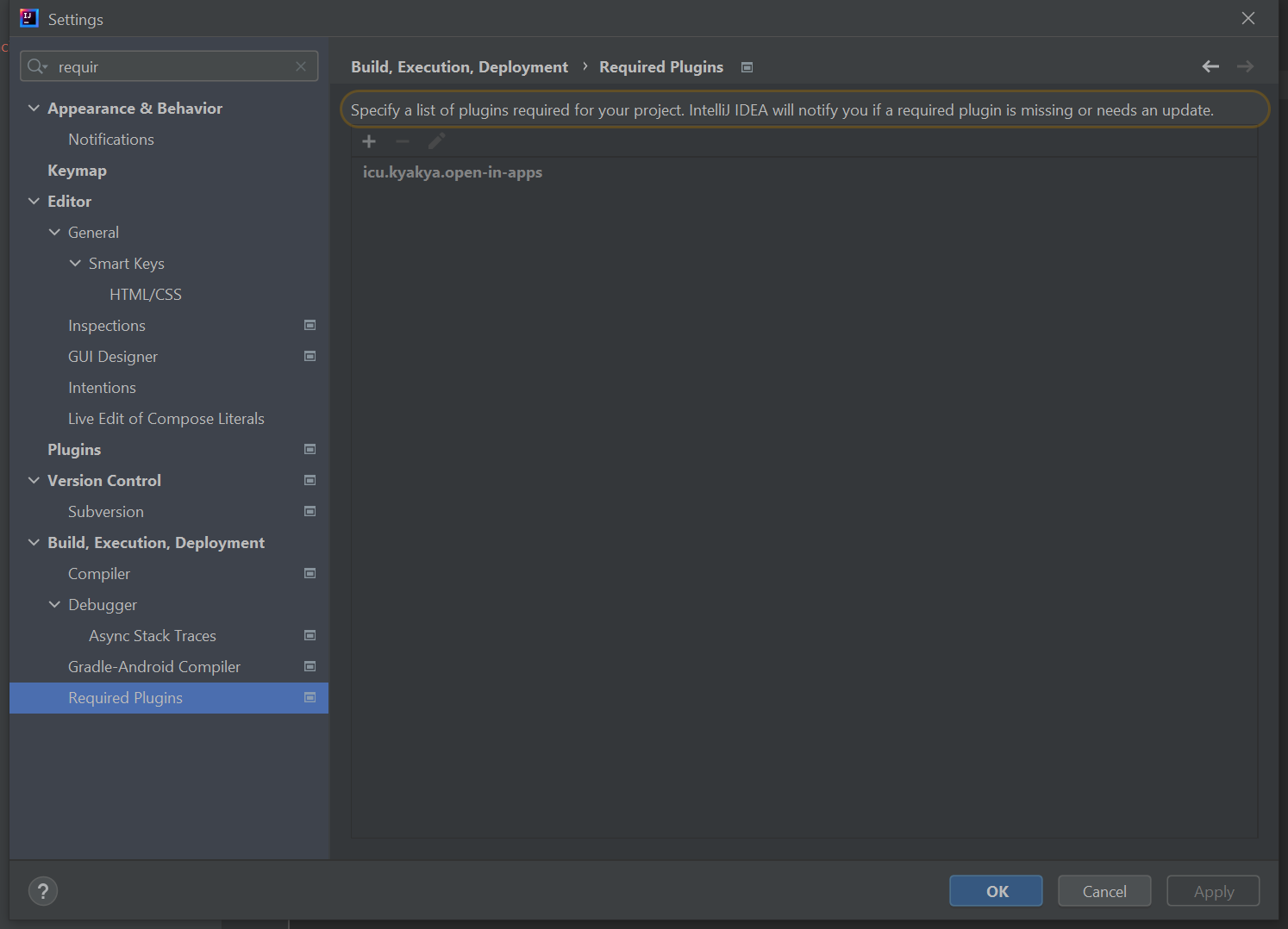
IntelliJ IDEA Install Plugins From Command Line 2022 Code teacher

Remove Package On Ubuntu From Command Line
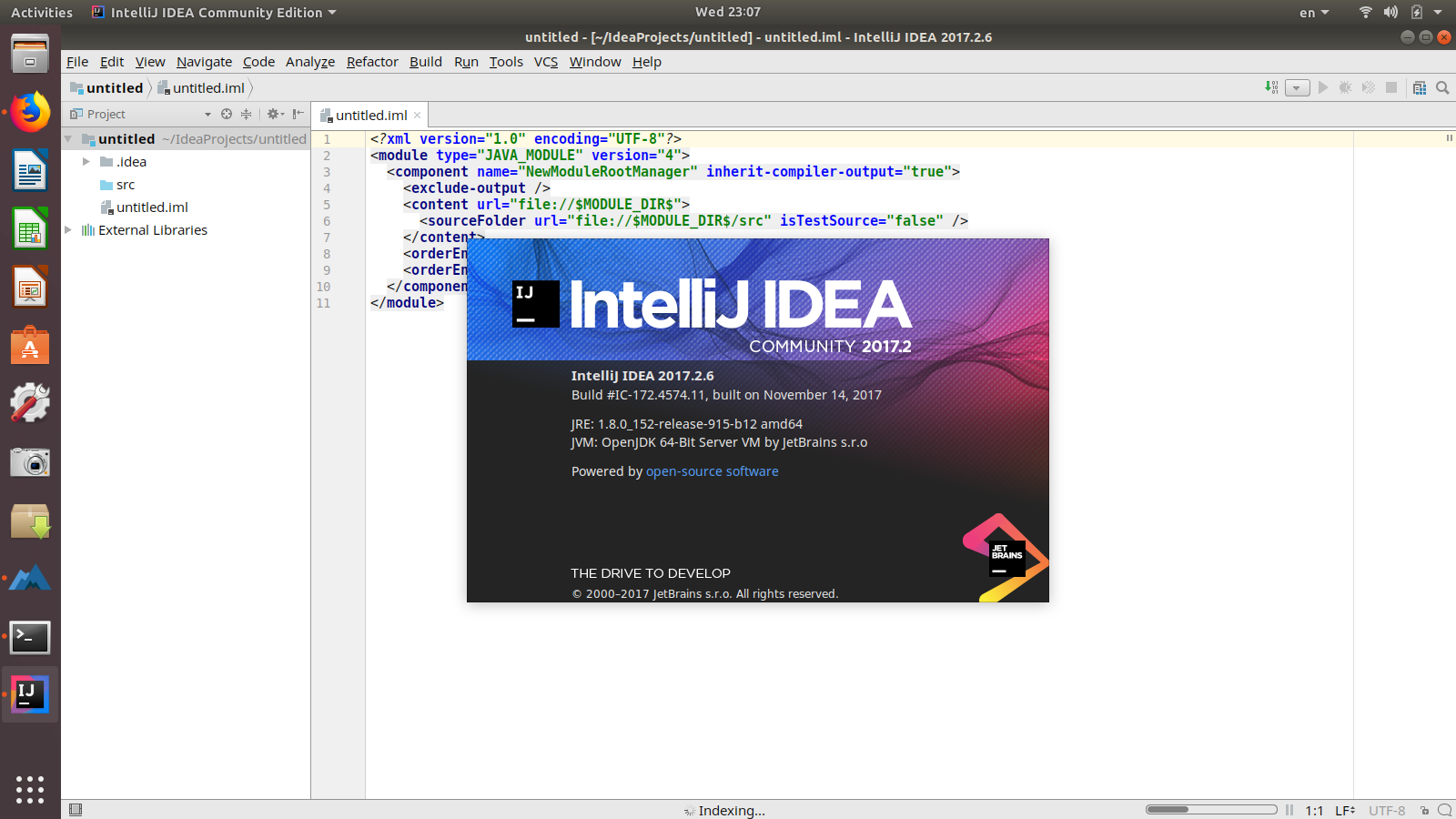
How To Install Program On Ubuntu How To Install IntelliJ IDEA 2017 2 6
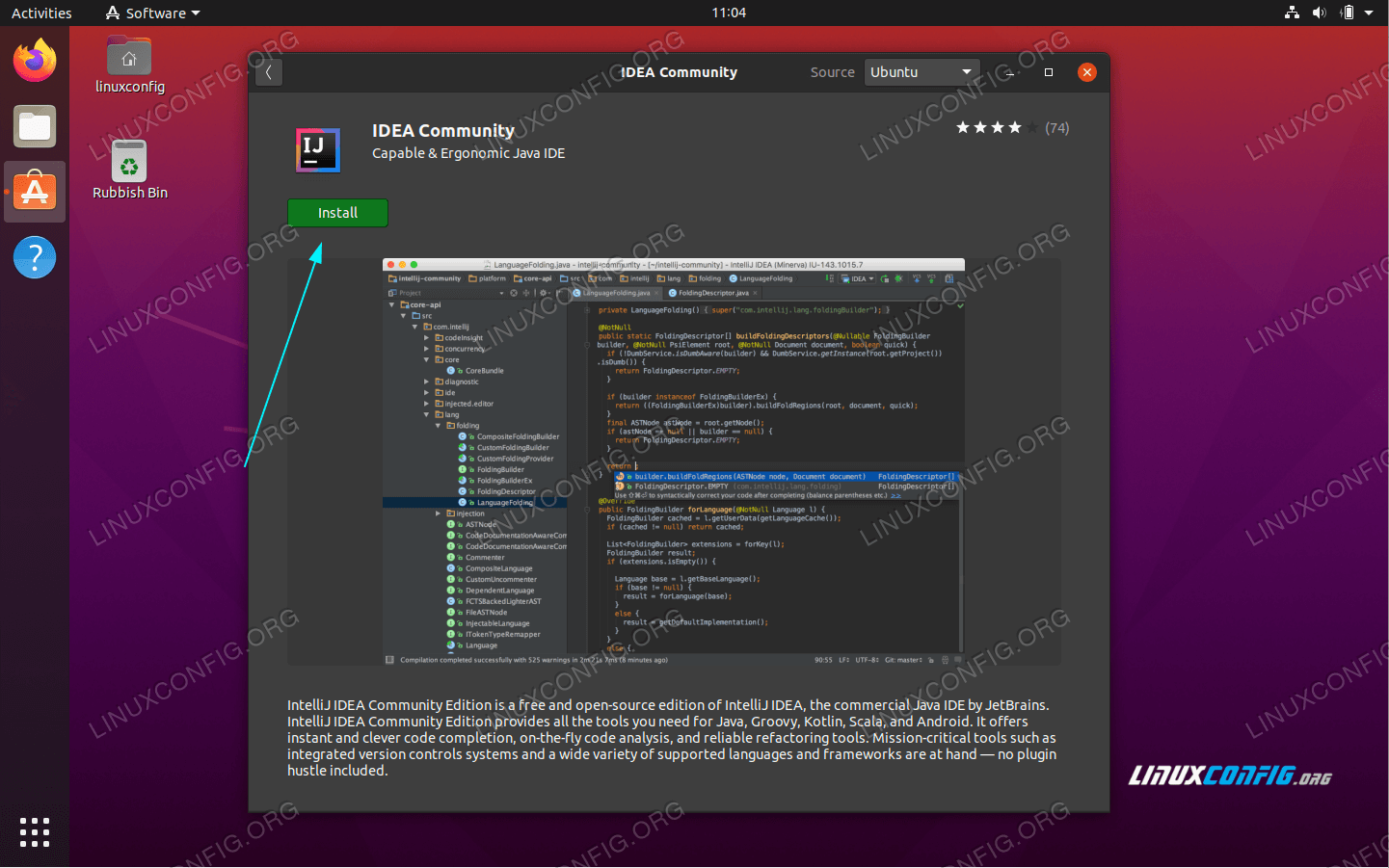
How To Install IntelliJ IDEA On Ubuntu 20 04 Linux Desktop Linux
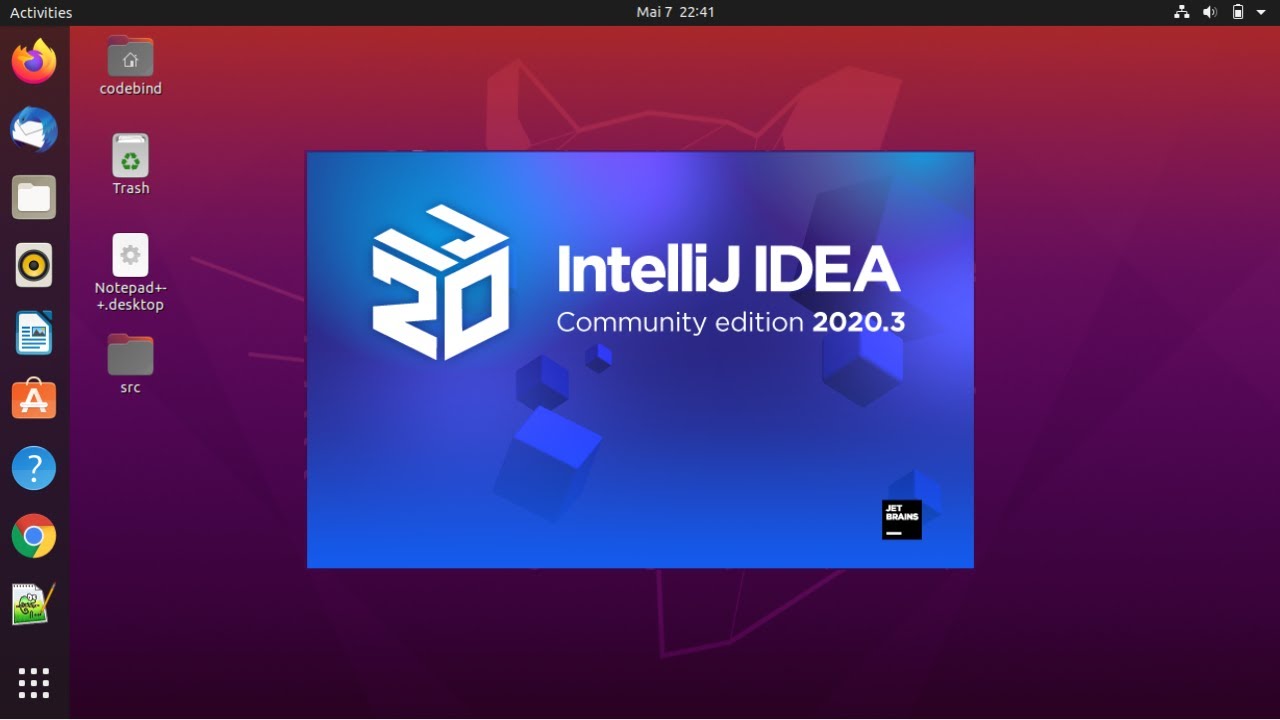
How To Install IntelliJ IDEA On Ubuntu 20 04 LTS YouTube
Web May 6 2024 nbsp 0183 32 To install the latest stable release of IntelliJ IDEA run the following command sudo snap install intellij idea ultimate classic sudo snap install intellij idea community classic

Web Apr 22 2024 nbsp 0183 32 Is there an easy way to get a shell script to start IntelliJ IDEA from a WSL2 Ubuntu Terminal It should start the IntelliJ IDEA installed in the Windows Host Such an Shell Script is default for VS Code just run code example xml in an WSL2 Ubuntu Terminal and the VS Code installed on windows opens the requested file but I m not
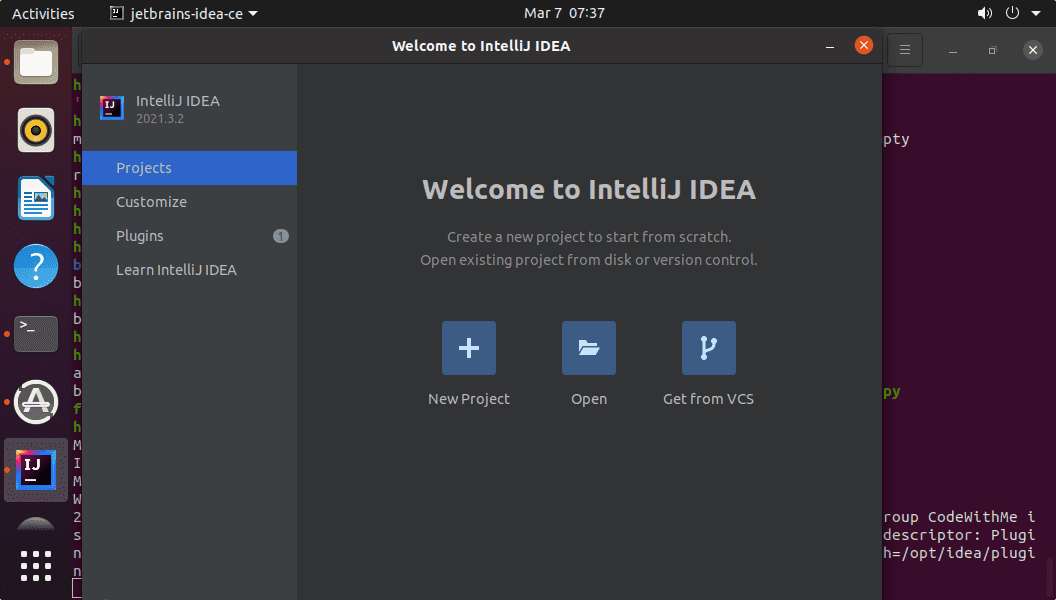
Web May 9 2024 nbsp 0183 32 Use IntelliJ IDEA features from the command line open files and projects view diffs merge files apply code style formatting and inspect the source code For more information about running command line tools from inside IntelliJ IDEA refer to Terminal

Web May 2 2023 nbsp 0183 32 Using the command line terminal this guide will demonstrate how to install IntelliJ IDEA on Ubuntu 24 04 22 04 or 20 04 LTS Explore three different methods utilizing an APT PPA maintained by Jonas Groeger a dedicated community member or alternative package managers like Snapcraft and Flatpak with the Flathub repository

Web If you are using Ubuntu 16 04 18 04 or a higher version you can install Ubuntu Make using the command below sudo apt install ubuntu make Once you have Ubuntu Make installed you can use the command below to install IntelliJ IDEA Community edition umake ide idea To install the IntelliJ IDEA Ultimate edition use the command below
Web Method 1 How to install IntelliJ IDEA on Ubuntu 22 04 using the PPA repository Usually the installation package does not come with the default repository of Ubuntu so we will add the repository of Intellij idea using the command sudo add apt repository ppa mmk2410 intellij idea y Then refresh the packages by updating the repository Web Feb 18 2021 nbsp 0183 32 Prerequisite In order to use IntelliJ IDEA your system must have Dekstop installed with sudo priviledged account access Installing IntelliJ on Ubuntu IntelliJ IDEA is available in community and ultimate editions The community editions is available free for everyone but the ultimate edition required license
Web Feb 14 2022 nbsp 0183 32 Install IntelliJ IDEA from command line Start by opening a command line terminal and executing the below Snap command Select your preferred version to install sudo snap install intellij idea community classic OR sudo snap install intellij idea ultimate classic OR sudo snap install intellij idea educational classic All done