Install Iis Without Internet Connection Networking LAN Connection Not Working In Network With Two Routers How To Access Websites Without Internet Connection On Android Mobile Download Phrase Connected Without Internet Home Network Community How To Configure Setup IIS Internet Information Services In Windows 11 Web Mar 21 2022 nbsp 0183 32 Windows How to Install IIS on Windows 8 10 or 11 By Taylor Gibb and Nick Lewis Updated Mar 21 2022 IIS is important for web developers but it doesn t come installed by default Fortunately that is easy to remedy Quick Links Installing IIS
Web Feb 16 2024 nbsp 0183 32 If you re comfortable with command line tools DISM provides a quick way to install IIS Open Command Prompt as an administrator by right clicking the Start button and selecting Windows PowerShell Admin or Command Prompt Admin Type the following command to install IIS Dism online enable feature featurename IIS DefaultDocument Web May 15 2020 nbsp 0183 32 There are three ways to install and set up a website in IIS on Windows 10 using the Graphical User Interface GUI PowerShell or Windows CMD We ll be using each method to do a basic installation of IIS Install IIS Using The GUI This is the point and click method to set up a website in IIS
How To Configure Setup IIS Internet Information Services In Windows 11 Classic ASP Not Installed By Default On IIS 7 0 And Above Microsoft Learn Google Chrome How To Backup All Deleted Apps Without Internet Connection Using Google Access Your Favorite Blog Website Without Internet Connection On Mobile How To Install And Set Up Windows 11 Without An Internet Connection PDF SOP Activate Software For A Computer Without Internet Connection How To Install And Setup A Website In Iis On Windows 10 All In One Photos Remote Server Install Without Internet Connection Issue 5656
Install Iis Without Internet Connection
 Install Iis Without Internet Connection
https://i.stack.imgur.com/j1prm.png
Web Aug 29 2022 nbsp 0183 32 Table of Contents What is Internet Information Services IIS How to Enable IIS on Windows How to Check if IIS is Installed How to Check IIS Version From Internet Information Services IIS Manager From
Pre-crafted templates provide a time-saving solution for creating a diverse series of documents and files. These pre-designed formats and layouts can be utilized for numerous personal and expert projects, including resumes, invites, flyers, newsletters, reports, discussions, and more, streamlining the content production process.
Install Iis Without Internet Connection

How To Send Email Without Internet Connection Try It 2022 YouTube
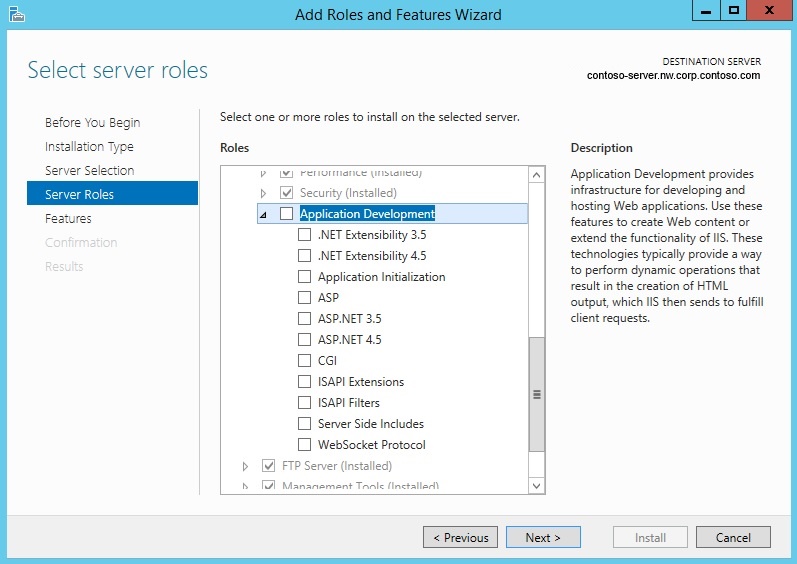
Classic ASP Not Installed By Default On IIS 7 0 And Above Microsoft Learn

Google Chrome

How To Backup All Deleted Apps Without Internet Connection Using Google
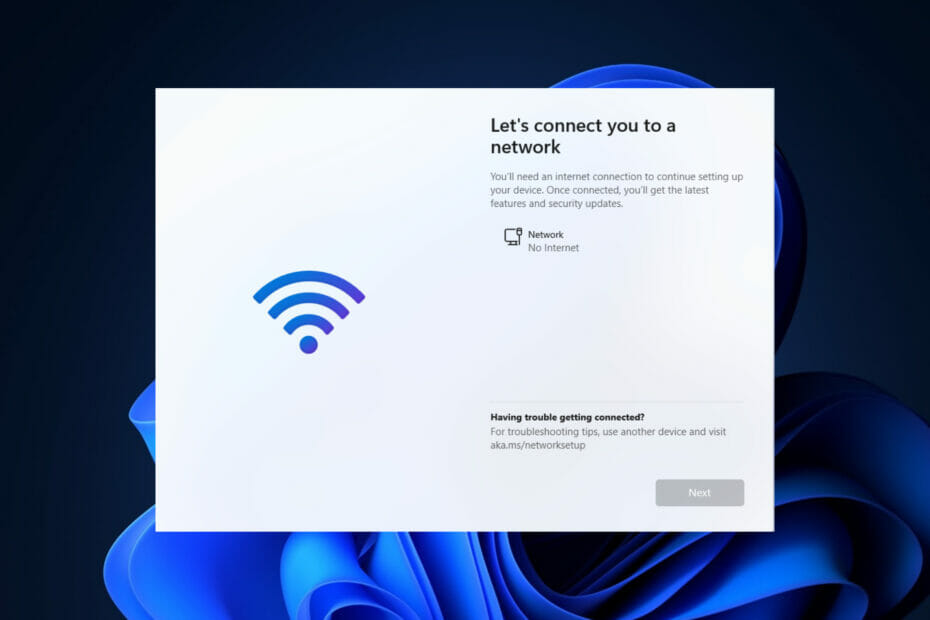
How To Install And Set Up Windows 11 Without An Internet Connection

PDF SOP Activate Software For A Computer Without Internet Connection

Web Jan 5 2022 nbsp 0183 32 You don t need PowerShell DISM works with the command prompt Additionally PowerShell 5 1 is built into Windows Server 2016 and it cannot be removed but you can prevent unprivileged users from opening a PowerShell session Have an Administrator install the feature Ramhound Jan 5 2022 at 4 41 Add a comment

Web Aug 30 2022 nbsp 0183 32 Enable Windows Optional Features Using Command Prompt Follow the steps below to enable Windows optional feature s when offline through Command Prompt Mount the installation media to your computer and note down the associated drive letter This will be called MediaDriveLetter or MDL for reference in the steps below
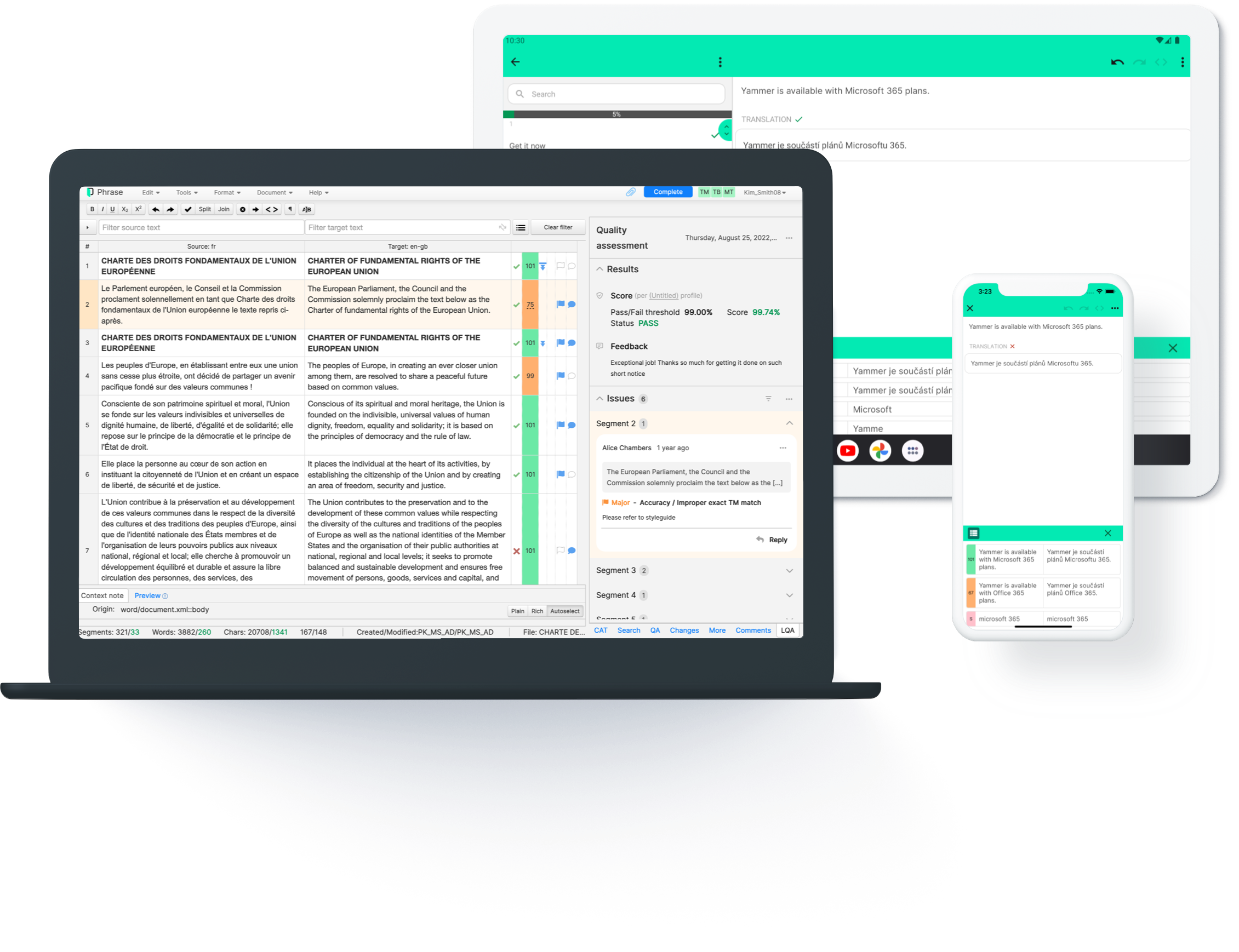
Web Oct 16 2019 nbsp 0183 32 IIS Internet Information Services is a Windows 10 optional feature that can be enabled or disabled as you wish Option 1 Install IIS from Control Panel The first method covered in this guide is how to enable IIS optional feature from Control Panel

Web Installing and configuring Web deployment on servers with Internet connection Installing and configuring Web deployment on servers without Internet connection Installing WebDeploy on IIS with ASP NET Web deployment automatic backups

Web May 24 2022 nbsp 0183 32 Install IIS using the command line Important To install IIS on either Windows Server 2012 or Windows 8 you must sign on as a member of the Administrators group If you support web applications written using ASP NET 2 to 3 5 install NET 3 5 before installing IIS and ASP NET modules To install NET 3 5 on Windows Server
Web Overview To install an IIS web server and configure it for ASP NET web applications follow the steps listed Step 1 Install IIS and ASP NET Modules Step 2 Configure ASP NET Settings Step 3 Configure Data Source Settings Step 4 Configure Application Security Web Dec 30 2015 nbsp 0183 32 So my question is How can I make my web application run without internet With the constrains No IIS required Working with NET 4 0 OWIN 2 0 Not good No internet require No installation required to the computer ill pass this web app The server side code wont be expose when I send this application to my friends
Web Apr 26 2024 nbsp 0183 32 Download the latest installer using the following link Current NET Core Hosting Bundle installer direct download For more details instructions on how to install the ASP NET Core Module or installing different versions see Install the NET Core Hosting Bundle To download previous versions of the hosting bundle see this GitHub