Install Homebrew Mac M1 Max Install Homebrew On M1 Mac YouTube Installing Homebrew On M1 Mac C mo Instalar Homebrew En MacOS Catalina O M1 Mac How To Uninstall Homebrew 2023 MacOS M1 Mac YouTube How To Install Homebrew On A Mac But if you install Homebrew on an M1 Mac running Apple Silicon then Homebrew gets installed in opt homebrew bin M1 Copy which brew opt homebrew bin brew Since opt homebrew bin is not included in your PATH by default there is some extra configuration needed to allow you to use packages installed with Homebrew
Mac M1 Apple Silicon Homebrew Install Guide Latest Update on Oct 2023 2 min read Step 1 Installing xcode to install brew on Mac Xcode is Apple s IDE for macOS We can use Xcode to produce apps for macOS iOS iPadOS watchOS and tvOS We need Xcode for Homebrew for installation and compiling apps In other words open the terminal application and then type the following command at bash zsh prompt to install brew in Mac
How To Install Homebrew On A Mac Jaki Monitor Do MacBooka Przegl d Najlepszych Propozycji Dla Mac Z How To Install Homebrew In Mac M1 Silicon YouTube MacbookPro 16 M1 Max 32GB 1TB Review M1 Max MacBook Pro After Three Months Darik News USA Mac M1 Homebrew Suppppppp Install Brew On Mac M1 Install Homebrew Mac M1 Macbook Monetery 18 Macbook Pro M1 Max Would You Buy It MacRumors Forums MACBOOK PRO APPLE Z14V00171 16 2 M1 MAX 64
Install Homebrew Mac M1 Max
 Install Homebrew Mac M1 Max
https://i.ytimg.com/vi/rFBYQihM_cA/maxresdefault.jpg
Here is how you can install homebrew on MacBooks and Mac Mini s running on M1 silicon chip Code2care How to install homebrew brew on M1 Mac Last Updated 10 Feb 2021 17 41 GMT User c2cDev
Templates are pre-designed documents or files that can be used for different purposes. They can save effort and time by providing a ready-made format and layout for producing various type of material. Templates can be used for personal or professional tasks, such as resumes, invites, leaflets, newsletters, reports, presentations, and more.
Install Homebrew Mac M1 Max
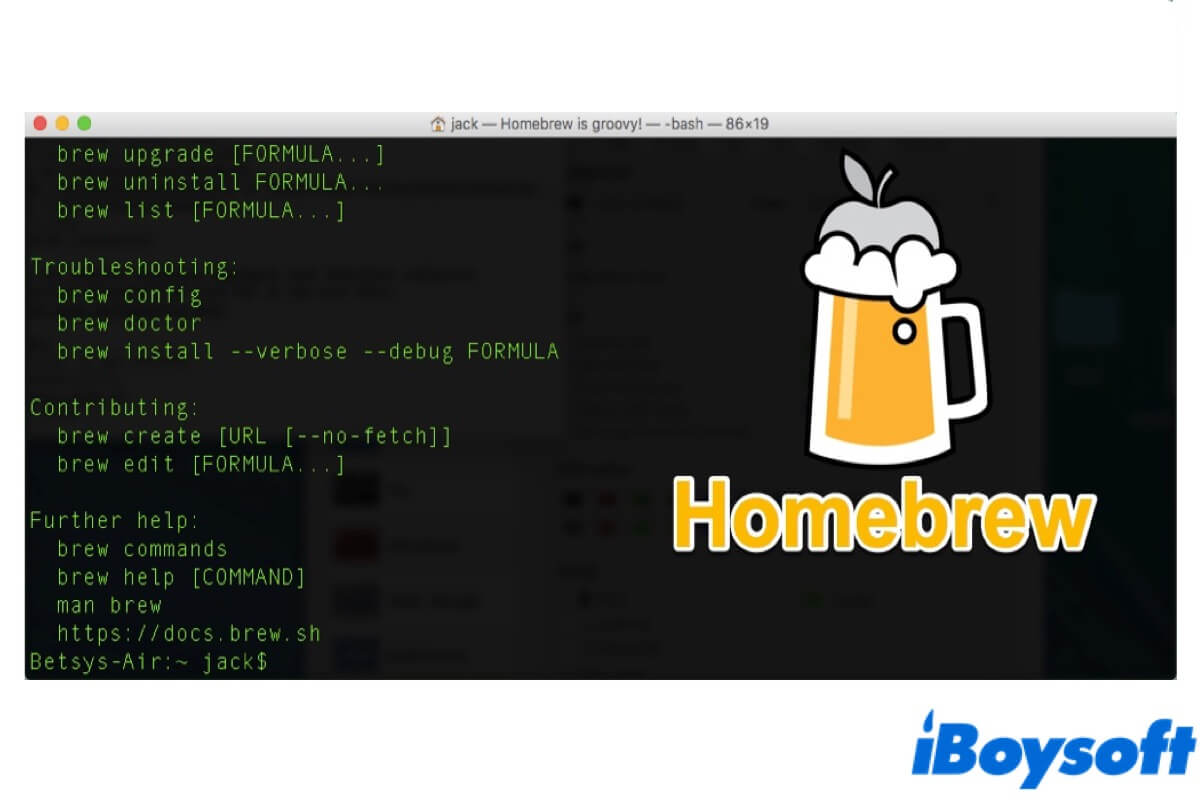
How To Install Homebrew On Mac In 2022 Complete Guide
Jaki Monitor Do MacBooka Przegl d Najlepszych Propozycji Dla Mac Z

How To Install Homebrew In Mac M1 Silicon YouTube

MacbookPro 16 M1 Max 32GB 1TB
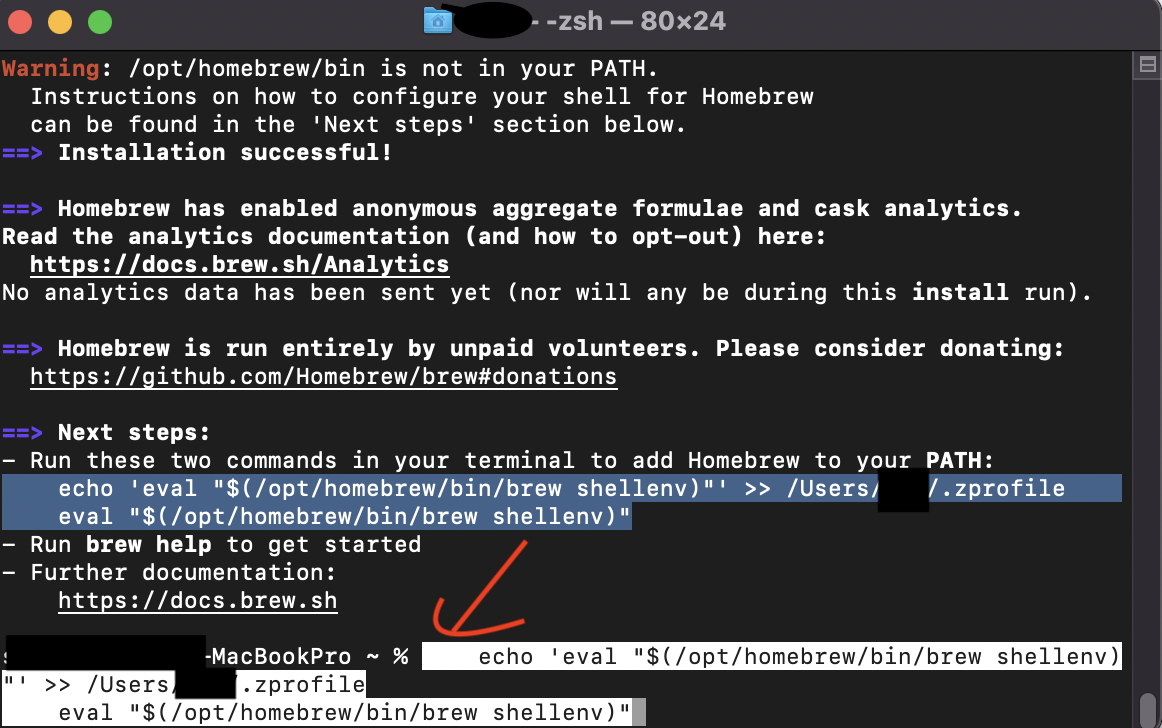
Mac M1 Homebrew Suppppppp

Install Brew On Mac M1 Install Homebrew Mac M1 Macbook Monetery

Homebrew installs the stuff you need that Apple or your Linux system didn t brew install wget Homebrew installs packages to their own directory and then symlinks their files into opt homebrew on Apple Silicon cd opt homebrew find Cellar

Installation of Homebrew on Mac involves 5 stages installing Xcode adding command line tools for Xcode obtaining Homebrew from Github configuring a system path for Homebrew and finally verifying the installation Mac has lacked a native package manager for years However thanks to Homebrew this doesn t have to be the case anymore
Homebrew website https brew sh Installing Homebrew on your Mac is a fantastic way to simplify package management and enhance your experience with addition

In this video i have shown how to install homebrew on you MacOS Macbook M1 M1 Pro M1 Max and Macbook Air Using homebrew we can install git node Homebr

To install an app use brew install name or brew install cask name To uninstall use brew uninstall name or brew uninstall cask name See more options by running brew help That s pretty much it Homebrew is useful fun and fast If you re not using it yet give it a try
How to Install Brew on a Mac To download Homebrew on a Mac you just need to execute a few commands in a Terminal window Homebrew works on both Apple Silicon M1 M2 and so on Mac models as well as older Intel based machines To get started launch Terminal use Spotlight or find it under Applications Utilities then paste or type Here I show how to get set up with Homebrew on Apple Silicon machines M1 M1 Pro and M1 Max as of right now Homebrew is easier to set up than ever now so
And all the files which you installed by Homebrew will all rely on the the opt homebrew directory as well for example after I installed Python3 10 by Homebrew brew install python 3 10 Mac