Install Google Chrome Version 105 Download Google Chrome 107 With HEVC Hardware Decoding And Improved Google Chrome Latest Update 58 0 3029 110 Offline Installer DAFFF Latest Google Chrome Offline Installer 32 64 Bit Registered Softwares How To Download And Install Google Chrome YouTube How To Install Google Chrome On Ubuntu 20 04 LTS Complete Tutorial Definition of install verb in Oxford Advanced Learner s Dictionary Meaning pronunciation picture example sentences grammar usage notes synonyms and more
Sep 30 2023 nbsp 0183 32 Microsoft is has been offering Windows 11 to users for a while now Here are a few ways to get the upgrade going immediately How to Force the Windows 11 Upgrade Right Now Download the latest drivers software firmware and diagnostics for your HP products from the official HP Support website
How To Install Google Chrome On Ubuntu 20 04 LTS Complete Tutorial How To Share Your Chromebook s Build Details With Support LaptrinhX How To Install Google Chrome On Windows 11 Download And Install Google Chrome Offline Installer Google Chrome Installing Google Chrome Westohio Download And Install Google Chrome In Windows By TheTechnoClouds The Download Google Chrome For Windows 10 Install Google Chrome Latest Weird At The Moment No One Can Download And Install Google Chrome You Can Now Test Google s Biggest Chrome Redesign In Years BGR
Install Google Chrome Version 105
 Install Google Chrome Version 105
https://www.itechtics.com/wp-content/uploads/2022/05/About-Google-Chrome.jpg
Node js 174 is a free open source cross platform JavaScript runtime environment that lets developers create servers web apps command line tools and scripts
Pre-crafted templates use a time-saving solution for producing a varied series of files and files. These pre-designed formats and designs can be utilized for various individual and expert jobs, consisting of resumes, invites, leaflets, newsletters, reports, presentations, and more, enhancing the content development procedure.
Install Google Chrome Version 105
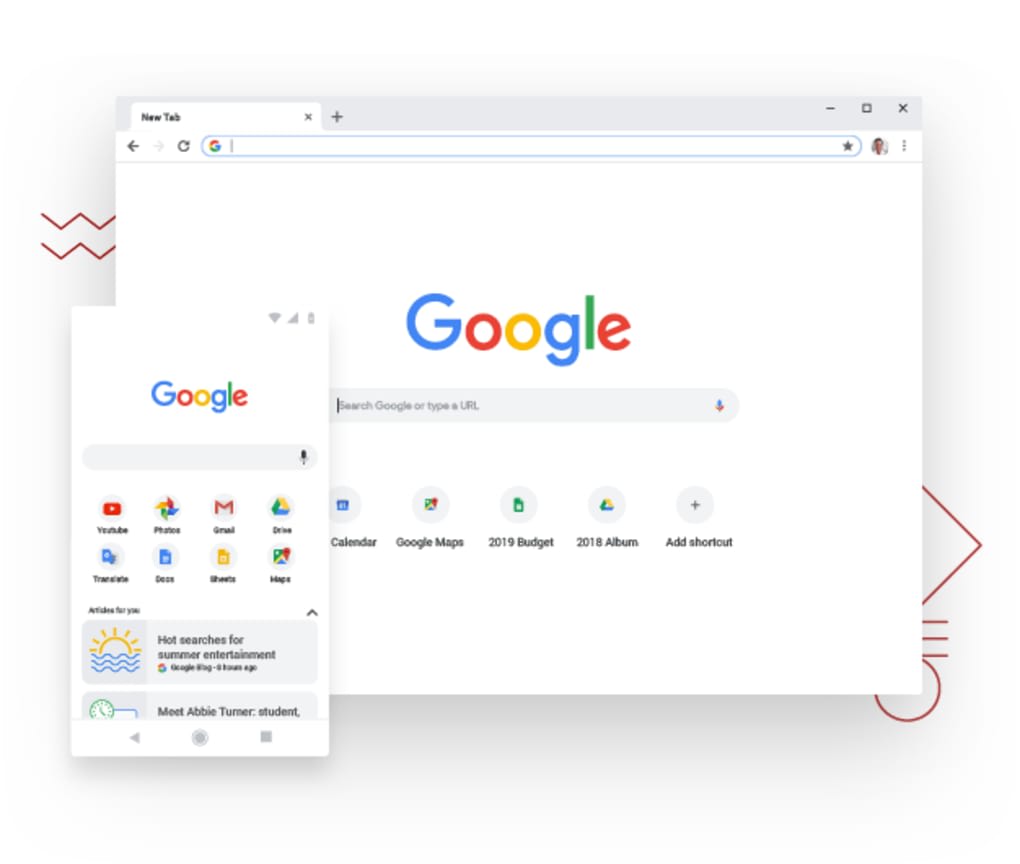
Google Chrome Latest Browser Download Windows PC

How To Share Your Chromebook s Build Details With Support LaptrinhX

How To Install Google Chrome On Windows 11
Download And Install Google Chrome Offline Installer Google Chrome

Download And Install Google Chrome In Windows By TheTechnoClouds The
Download Google Chrome For Windows 10 Install Google Chrome Latest

How do I install Steam Ensure that you are logged in as an administrator on the machine which you would like to install Steam on If you have previously installed Steam and are reinstalling to
Looking for Python with a different OS Python for Windows Linux Unix macOS other Want to help test development versions of Python 3 14 Pre releases Docker images
The easiest fastest way to update or install software Ninite downloads and installs programs automatically in the background

Aug 26 2024 nbsp 0183 32 How to Install Software in Windows 10 Step by Step Installing software on Windows 10 is a straightforward process that involves downloading the software running the
Installation media such as a USB flash drive can be used to install a new copy of Windows perform a clean installation of Windows or reinstall Windows To create installation media go
[desc-11] [desc-12]
[desc-13]