Install Gnome Screensaver Archlinux Ubuntu Ubuntu Gnome 3 Screensaver Arch Linux Download Free Install Deepin Desktop Environment On Archlinux Install Deepin Desktop Environment On Archlinux Gnome 3 Installation On ArchLinux YouTube Before you install Google Play Games Beta on your PC CPU virtualization must be turned on in your computer s BIOS settings Tip If you installed other emulators on your computer they
You can download and install the Chrome web browser at no charge and use it to browse the web Help Download and install Google Chrome Create or manage your Google Account in Chrome Sign in and sync in Chrome Make Chrome your default browser
Gnome 3 Installation On ArchLinux YouTube Free Download Mriva Gnome Screensaver Ubuntu Pannello Consiglio gnome 3 16 On archlinux By Localizator On DeviantArt Gnome screensaver Ubuntu Linux Mint Debian How To Install Archlinux With GNOME Desktop NixSpace Archwall By Localizator On DeviantArt Gnome screensaver flags Ubuntu Linux Mint Debian Resuelta Login C mo Activar Autologin Pero A n Requieren Gnome 3 Screensaver Slideshow Download Free
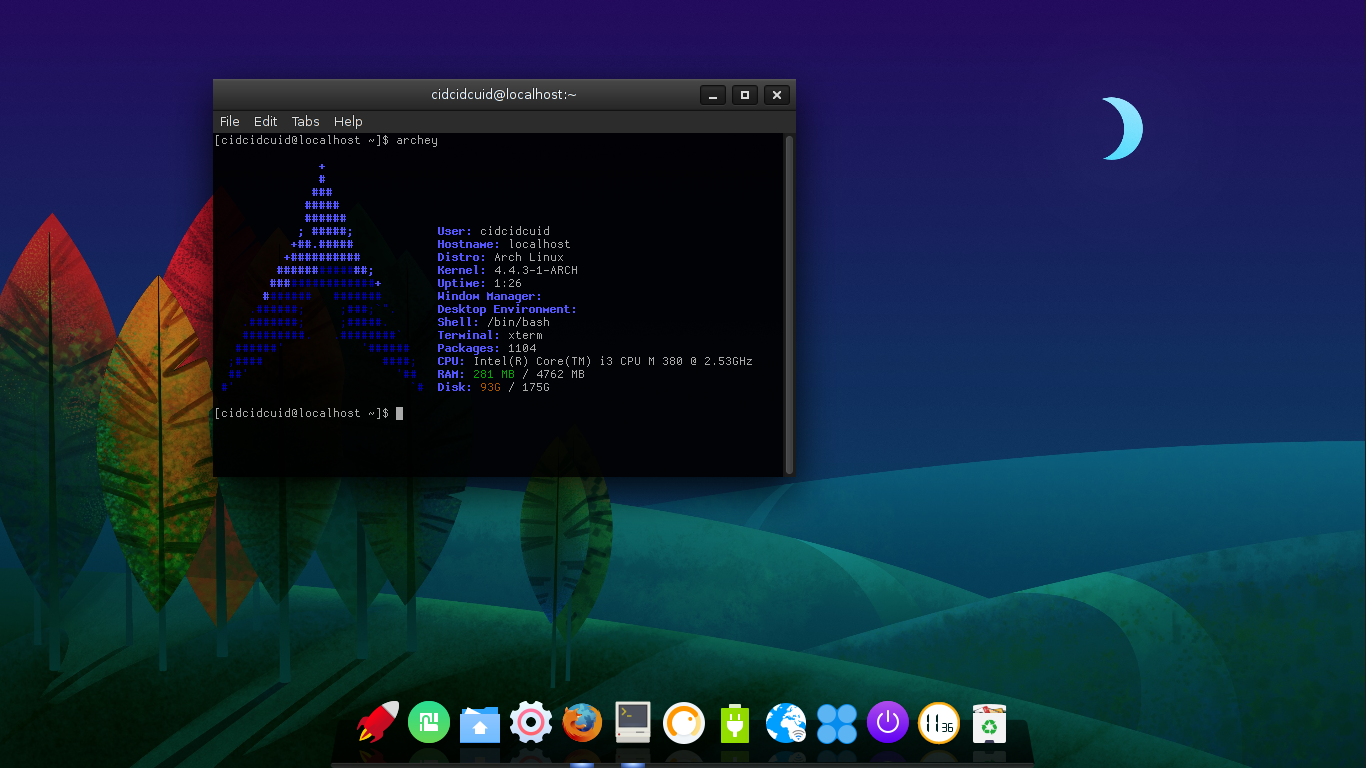
Install Gnome Screensaver Archlinux
 Install Gnome Screensaver Archlinux
https://ubuntuqa.com/wp-content/uploads/2020/07/a0794210bfc4687923234af4e725e2e6.jpg
Can t install because you re not an administrator on Windows If you re not an administrator follow the steps to download and install Google Chrome Learn more about how to fix most
Pre-crafted templates use a time-saving solution for creating a diverse variety of files and files. These pre-designed formats and designs can be made use of for various personal and expert tasks, consisting of resumes, invites, leaflets, newsletters, reports, presentations, and more, enhancing the material development process.
Install Gnome Screensaver Archlinux

ArchLinux GNOME 3 0

Free Download Mriva Gnome Screensaver Ubuntu Pannello Consiglio

gnome 3 16 On archlinux By Localizator On DeviantArt

Gnome screensaver Ubuntu Linux Mint Debian

Archwall By Localizator On DeviantArt

Gnome screensaver flags Ubuntu Linux Mint Debian

How to install Chrome Important Before you download you can check if Chrome supports your operating system and other system requirements

On your iPhone or iPad open App Store In the search bar enter Chrome Tap Get To install follow the on screen instructions If prompted enter your Apple ID password To start
Como instalar o Chrome Importante antes de baixar confira se o Chrome 233 compat 237 vel com seu sistema operacional e outros requisitos do sistema

Official Google Chrome Help Center where you can find tips and tutorials on using Google Chrome and other answers to frequently asked questions

Select Install for no charge items or the item s price Tips To check that an app is reliable find out what other people say about it Under the app s title check the star ratings and the number
[desc-11] [desc-12]
[desc-13]