Install Gnome Debian Not Working With Debian 9 Gnome 3 22 2 Issue 258 Horst3180 How To Install GNOME Desktop In Debian LinuxPip An Overview Of Debian 10 Buster From The GNOME Edition Install Gnome Desktop Environment On Debian 12 OrcaCore Installing GNOME Desktop Environment On Debian 10 Minimal Server Install and open Drive for desktop To download Drive for desktop DOWNLOAD FOR WINDOWS DOWNLOAD FOR MAC
On your device go to the Apps section Tap Google Play Store The app will open and you can search and browse for content to download Tip If you use a work or school account you might not be able to use Drive for desktop or your organization might have to install it for you If you have questions ask your administrator On
Installing GNOME Desktop Environment On Debian 10 Minimal Server 13 3 Graphical Desktops How To Install GNOME Desktop Environment On Debian 11 How To Install GNOME 40 On Debian 11 Debian 10 Review GNOME YouTube Gnome 43 On Debian 12 Bookworm Gnome 43 Beta Nautilus 43 Beta New How To Install GNOME Desktop On Debian 10 Buster Installing GNOME Linux Dicas E Suporte Gnome Shell 3 20 No Debian Stretch Install Gnome Environment On Debian 8 What Is Gnome
Install Gnome Debian
Install Gnome Debian
https://camo.githubusercontent.com/15f4b83d95a9e94c80eeb50ea12116042195b2f1/687474703a2f2f692e696d6775722e636f6d2f453179616167362e706e67
Open the quot Install Google Earth Pro pkg quot file and follow the installation process To open Google Earth Pro open your Applications folder and double click Google Earth Pro Note During the
Pre-crafted templates use a time-saving solution for creating a varied range of documents and files. These pre-designed formats and layouts can be made use of for numerous individual and professional tasks, consisting of resumes, invites, leaflets, newsletters, reports, discussions, and more, simplifying the content creation procedure.
Install Gnome Debian
How To Install The Latest GNOME On Debian 3 Easy Steps RaspberryTips

13 3 Graphical Desktops

How To Install GNOME Desktop Environment On Debian 11
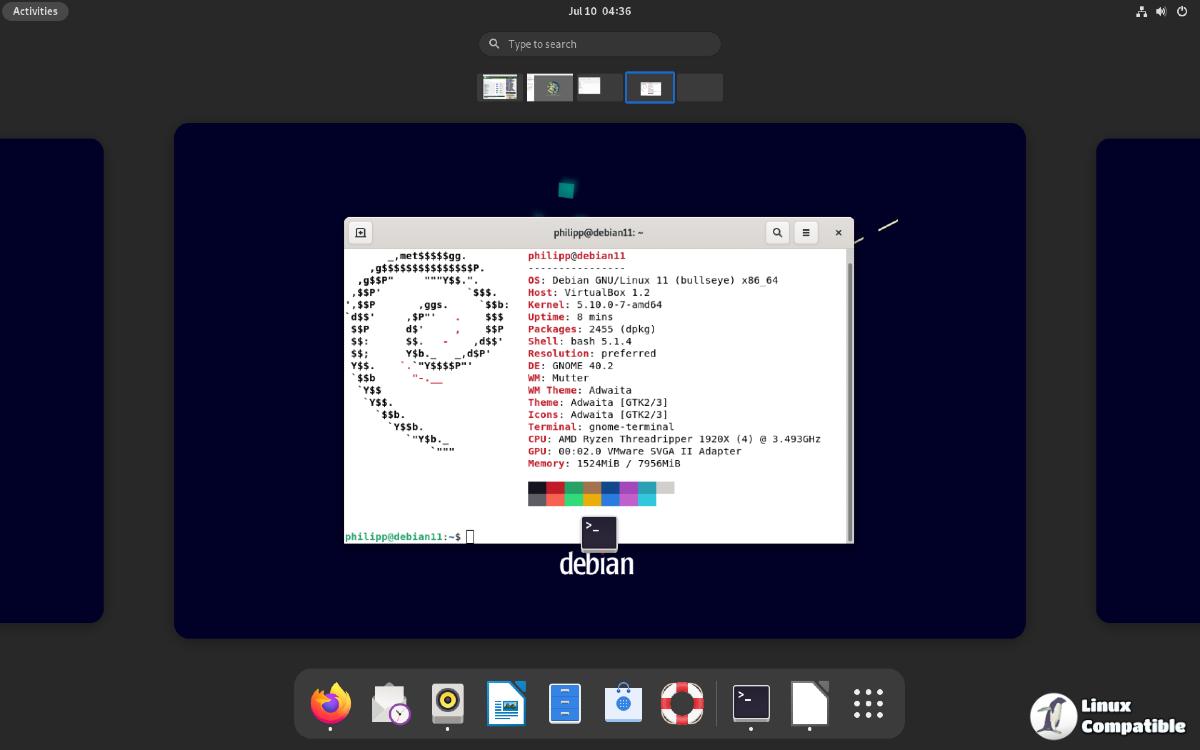
How To Install GNOME 40 On Debian 11

Gnome 43 On Debian 12 Bookworm Gnome 43 Beta Nautilus 43 Beta New

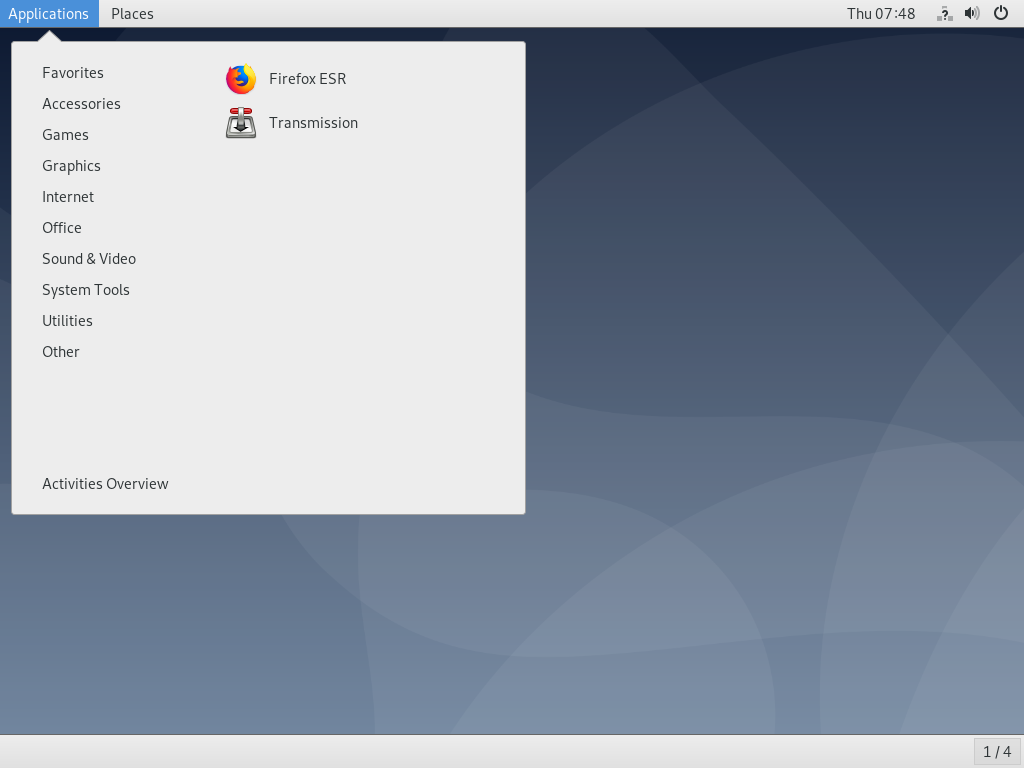
How To Install GNOME Desktop On Debian 10 Buster Installing GNOME
To use Chrome on Mac you need macOS Big Sur 11 and up On your computer download the installation file Open the file named googlechrome dmg

Puedes descargar e instalar el navegador web Chrome sin coste econ 243 mico y usarlo para navegar por la Web C 243 mo instalar Chrome Importante Antes de descargarlo puedes comp

Vous pouvez t 233 l 233 charger et installer sans frais le navigateur Web Chrome puis l utiliser pour naviguer sur le Web
Install Chrome On your Android device open the Google Play Store app Or open Google Play Store In the search bar enter Chrome Tap Install To start browsing tap Open You can find
To install follow the on screen instructions If prompted enter your Apple ID password To start
[desc-11] [desc-12]
[desc-13]