Install Git Python Mac First Steps After Python Installation LaptrinhX News Python In Visual Studio Code February 2022 Release Python Python How To Install Python On Mac In 2022 Two Ways Covered Mac Python Install Location Holoserpharma Mac Python Install Numpy Crewtide WEB Feb 4 2020 nbsp 0183 32 Install Git on Mac in a couple of simple steps using the Git installer for Mac or terminal window Set up Git and get started with some basic commands
WEB Git via Git If you already have Git installed you can get the latest development version via Git itself git clone https github git git You can also always browse the current WEB To use Git on the command line you will need to download install and configure Git on your computer You can also install GitHub CLI to use GitHub from the command line
Mac Python Install Numpy Crewtide Using Python In Git Bash Git Codecademy Forums Runtime Error Python Python Tabulate 3PySci Tutorial Installing Python On Mac Dataquest Buy Python Cheat Sheet Cover The Basic Python Syntaxes A Reference Python Download Windows Parsrejaz Python L p Tr nh Build A Python App That Generates GIFS Tutorial
Install Git Python Mac
 Install Git Python Mac
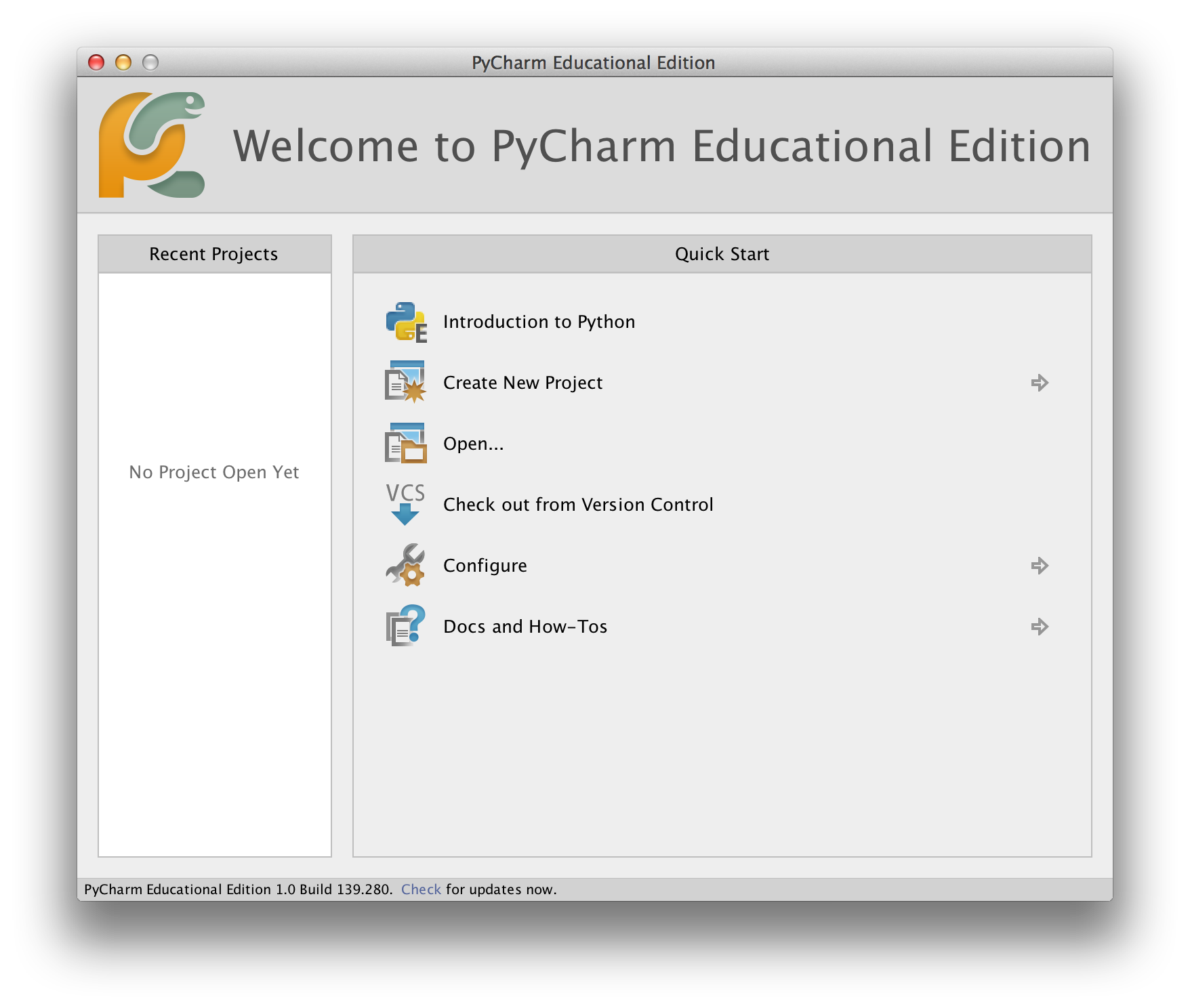
https://python.swaroopch.com/img/pycharm_open.png
WEB Aug 4 2021 nbsp 0183 32 If either Python or pip is not installed or up to date the simplest way to get an up to date Python version with pip for either Linux MacOS or Windows is to install Python 3 9 from ActiveState
Pre-crafted templates provide a time-saving service for developing a varied variety of files and files. These pre-designed formats and layouts can be made use of for various individual and expert projects, including resumes, invites, flyers, newsletters, reports, discussions, and more, streamlining the content development process.
Install Git Python Mac

File Australian Carpet Python jpg Wikipedia
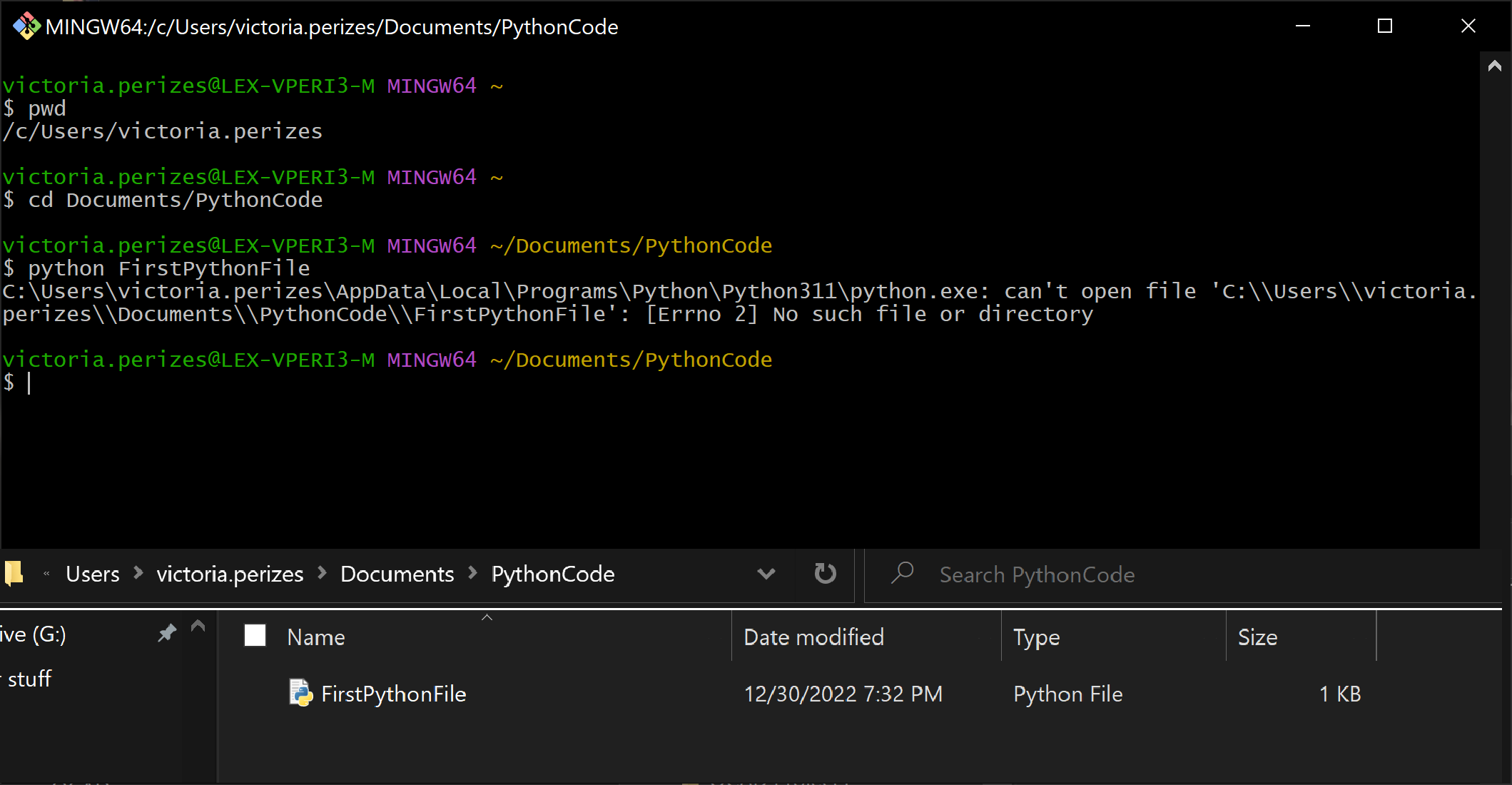
Using Python In Git Bash Git Codecademy Forums

Runtime Error Python
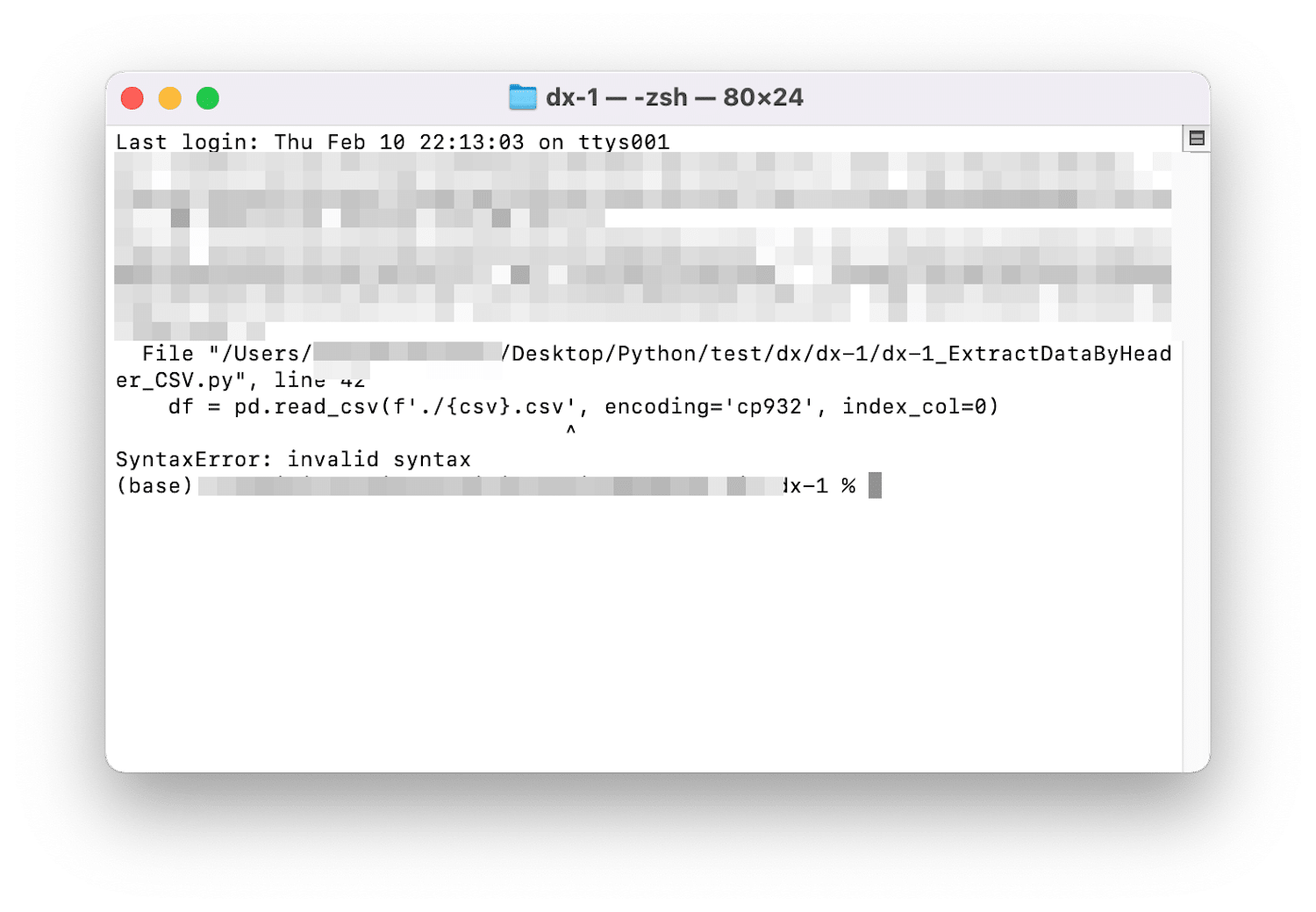
Python Tabulate 3PySci

Buy Python Cheat Sheet Cover The Basic Python Syntaxes A Reference

Python Download Windows Parsrejaz
WEB Download for macOS There are several options for installing Git on macOS Note that any non source distributions are provided by third parties and may not be up to date with the latest source release
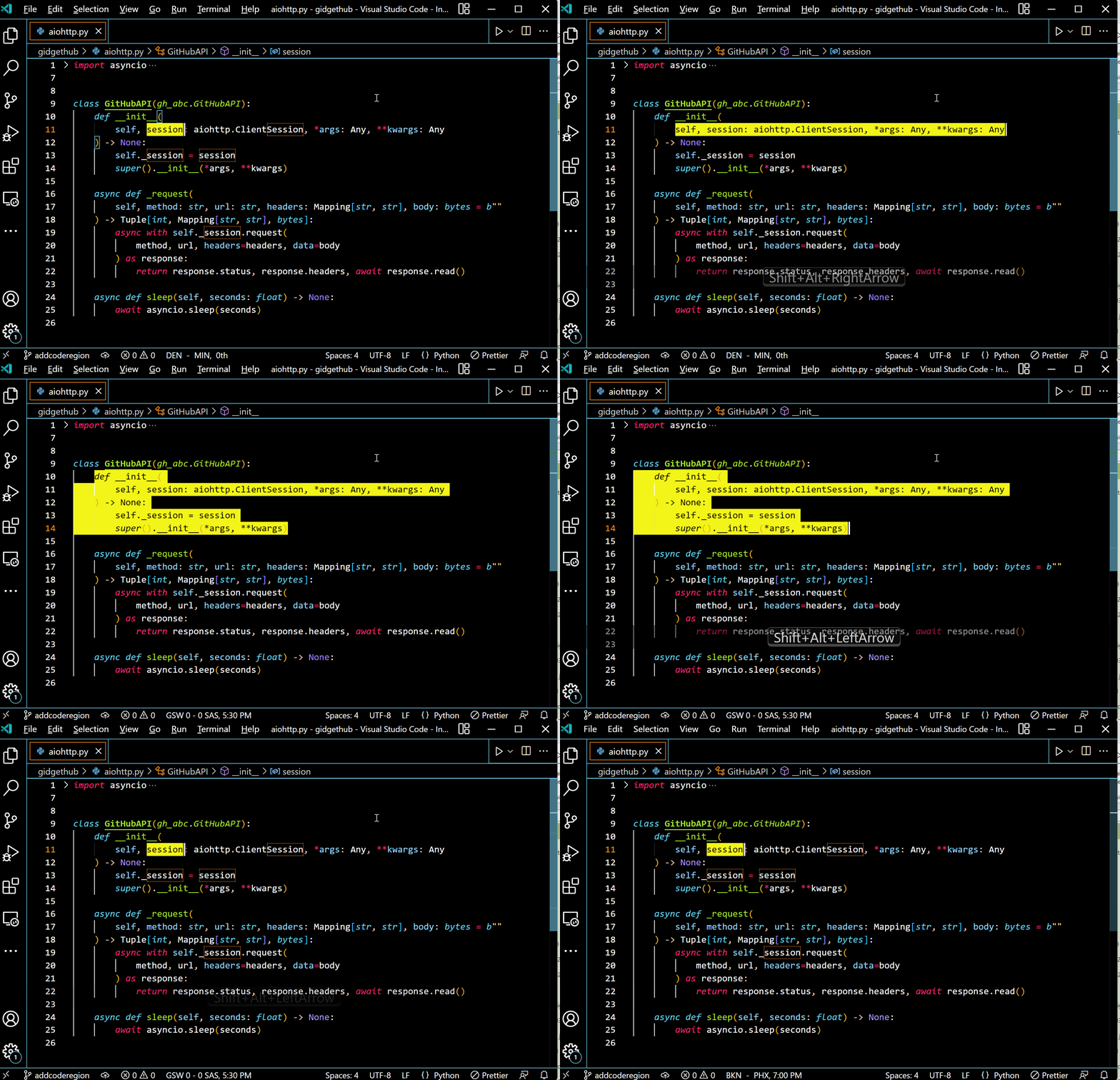
WEB Nov 25 2010 nbsp 0183 32 INSTALL GitPython and its required package dependencies can be installed in any of the following ways all of which should typically be done in a virtual environment From PyPI To obtain and install a copy from PyPI run pip install GitPython A distribution package can also be downloaded for manual installation at the PyPI page
WEB If you already have Homebrew installed you can follow the below steps to install Git Open up a terminal window and install Git using the following command brew install git Once the command output has been completed you can verify the installation by

WEB There are several ways to install Git on macOS The easiest is probably to install the Xcode Command Line Tools On Mavericks 10 9 or above you can do this simply by

WEB Aug 8 2022 nbsp 0183 32 There are so many methods available to install Git on a Mac computer but the easiest is by using Homebrew You can find other methods and how to make them work in this documentation or here
WEB May 12 2022 nbsp 0183 32 You can do it using Homebrew MacPorts or the Git installer if you prefer a simple installation process Below are the instructions to install Git using each of these methods WEB Nov 28 2019 nbsp 0183 32 The trick is that homebrew install loads a git repo of full source history To achieve this it firstly installs XCode command line development tool to get Git
WEB Apr 2 2019 nbsp 0183 32 Installing GIT on MAC Guide to install GIT on MAC Objectives Install GIT on MAC Setup python script for pip install capability Required Tools HomeBrew package installer for Mac Git Steps brew install git If have error Need update Xcode before install via homebrew if os was upgraded sudo xcode select install